
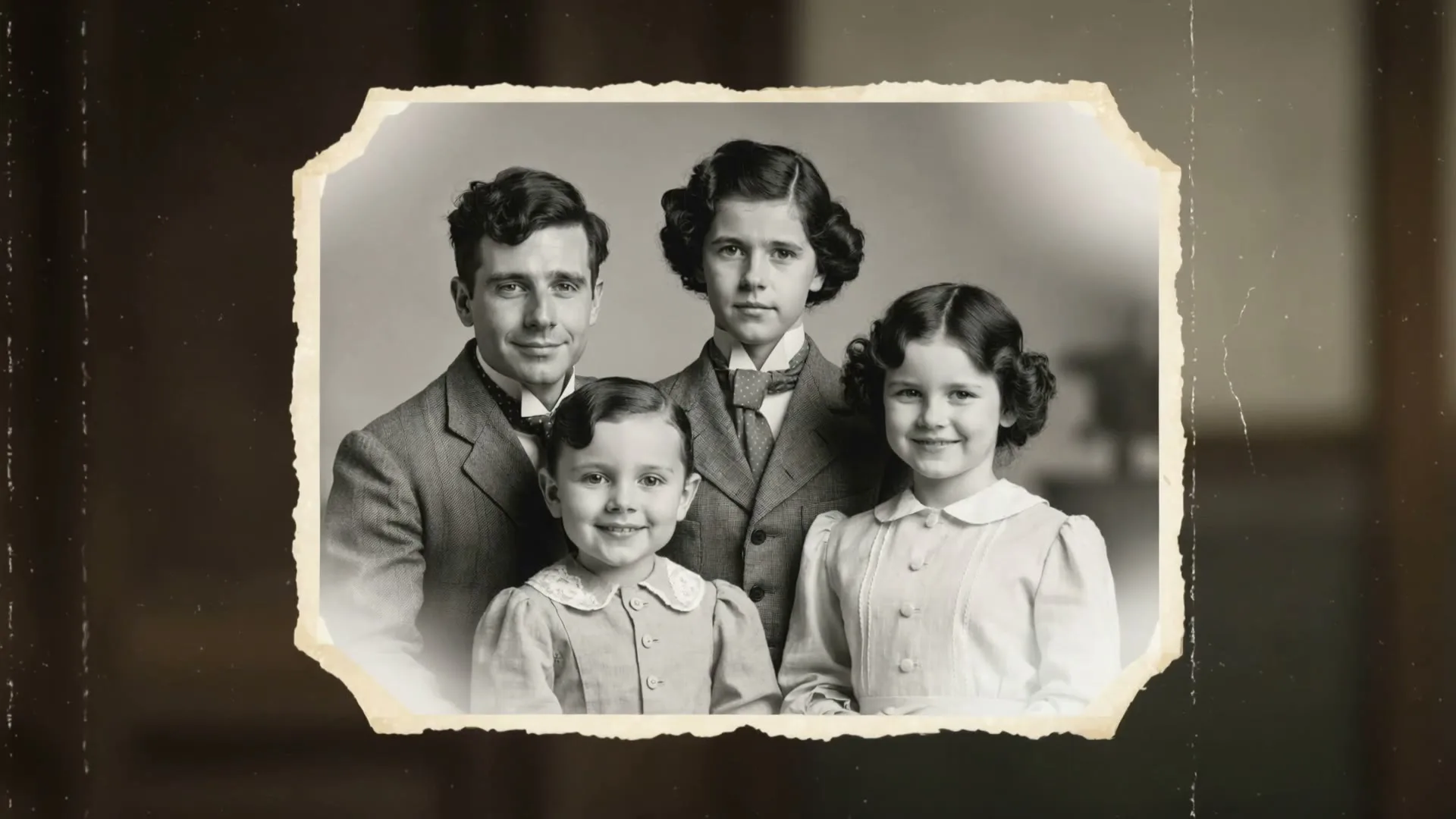
Old birthday photo brought to life
16:9 · 5s
◆ Kling 3.0 Turbo
Bring favorite birthday memories to life one photo at a time. Upload a portrait or family picture, describe subtle movement, generate, then repeat on this page for every moment you want to include.
Create now
Add the subject, motion, camera angle and style. The clearer the prompt, the better the video.
The current generator animates one photo into one silent clip per run. Repeat for multiple photos on this page; combine and add captions or music in your editor after download.
Need inspiration? Try one of these
Old birthday photo brought to life
16:9 · 5s
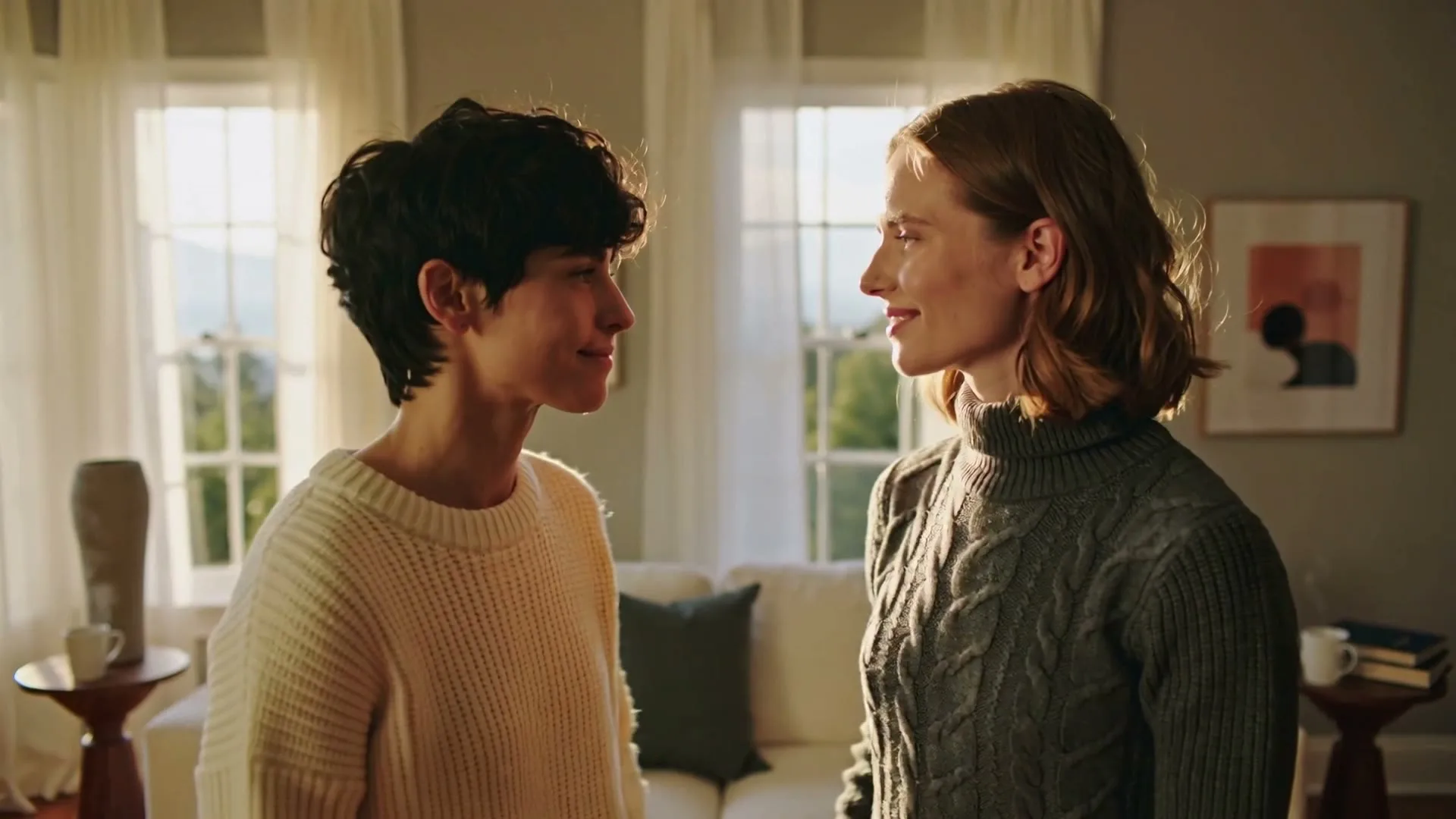
A family embrace in motion
16:9 · 5s
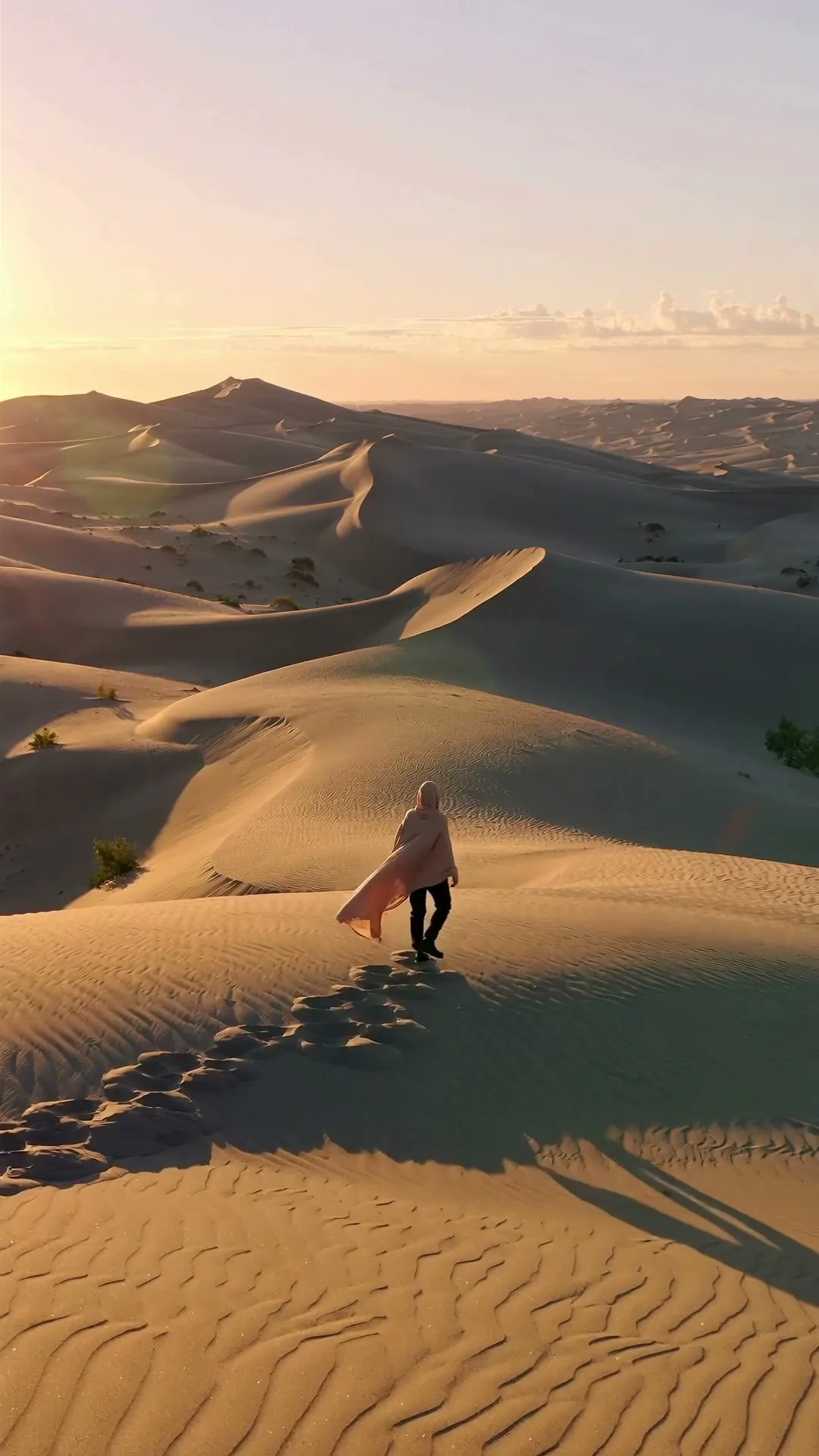
Travel memory with cinematic depth
9:16 · 5s
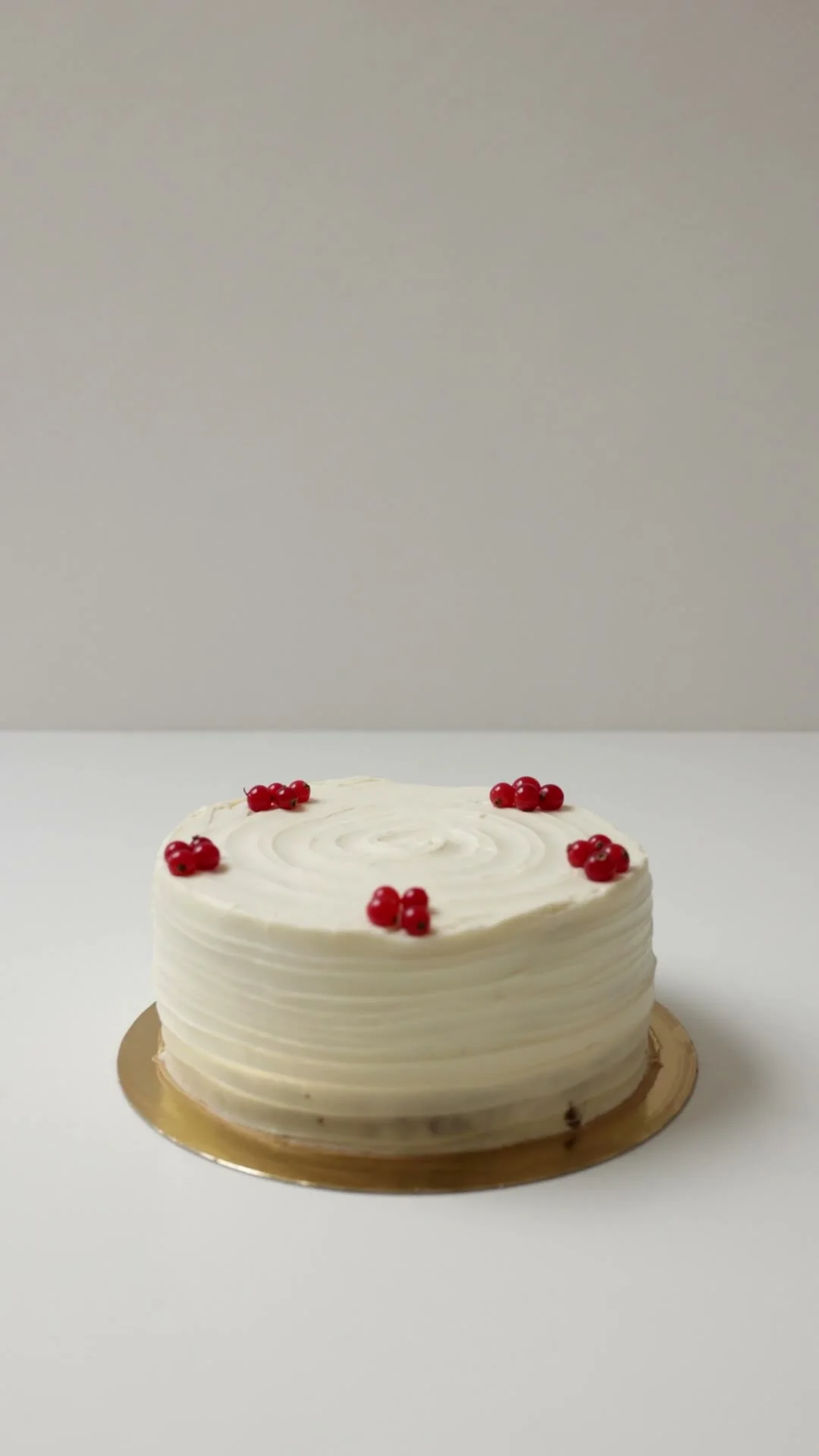
Minimal birthday confetti
9:16 · 5s
Hover or tap to preview every example
Showcase
Explore Zvidy AI outputs and commercially licensed references across social clips, product ads and cinematic stories, then adapt a direction in the generator above.
“Soft blink and small smile, vintage colors preserved, slow camera push, no change to identity”
Create in this style“The embrace tightens slightly, natural breathing and warm window light, faces unchanged”
Create in this style“Slow parallax across a travel photo, fabric moves in the breeze, golden light, identity preserved”
Create in this style“Creative direction: keep the frame clean, then reveal movement with falling confetti around the cake.”
Pexels · Cup of Couple · licensed referenceCreate in this style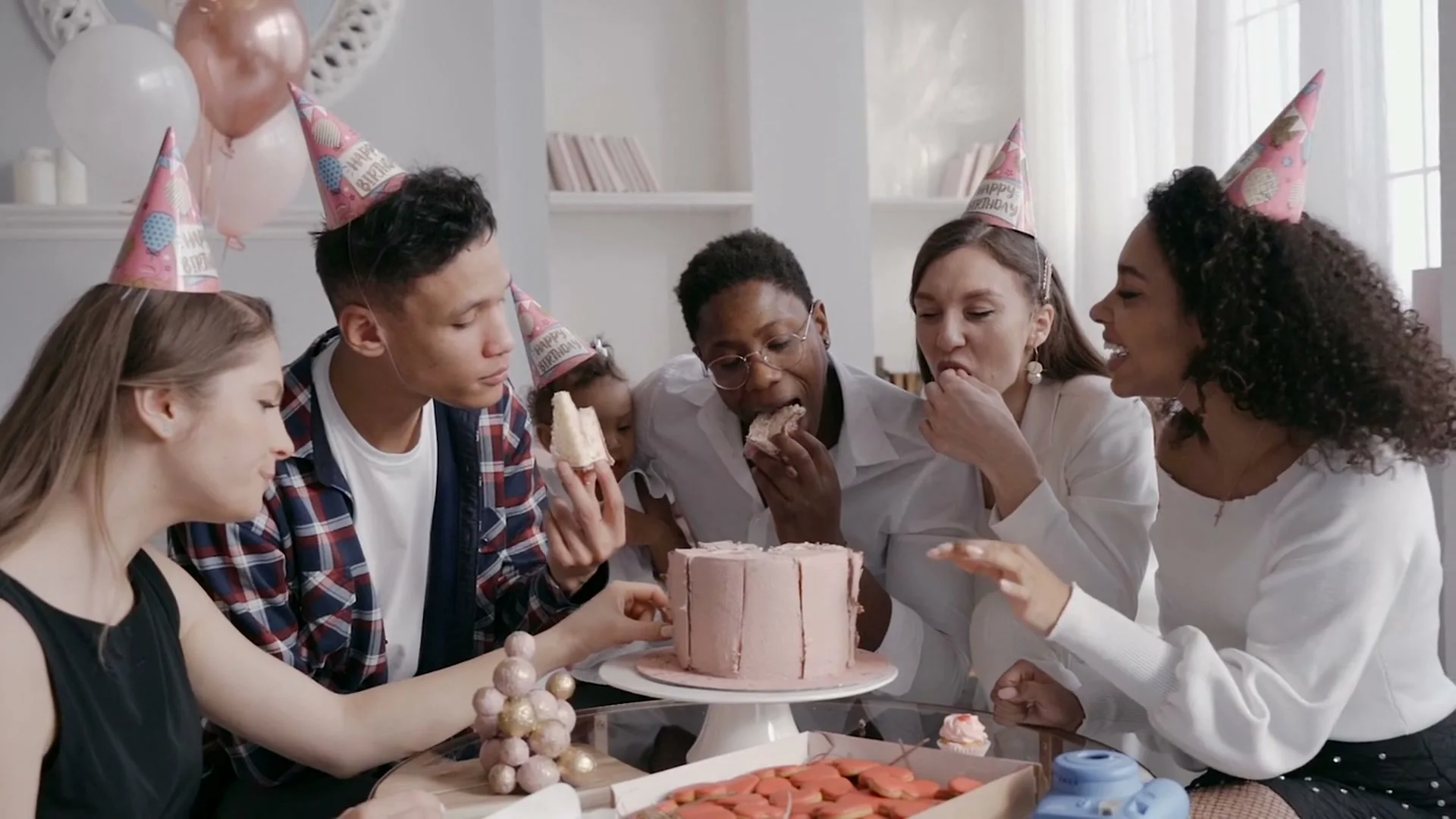
“Creative direction: keep everyone close around the cake so the frame feels candid, warm and personal.”
Pexels · Pavel Danilyuk · licensed referenceCreate in this style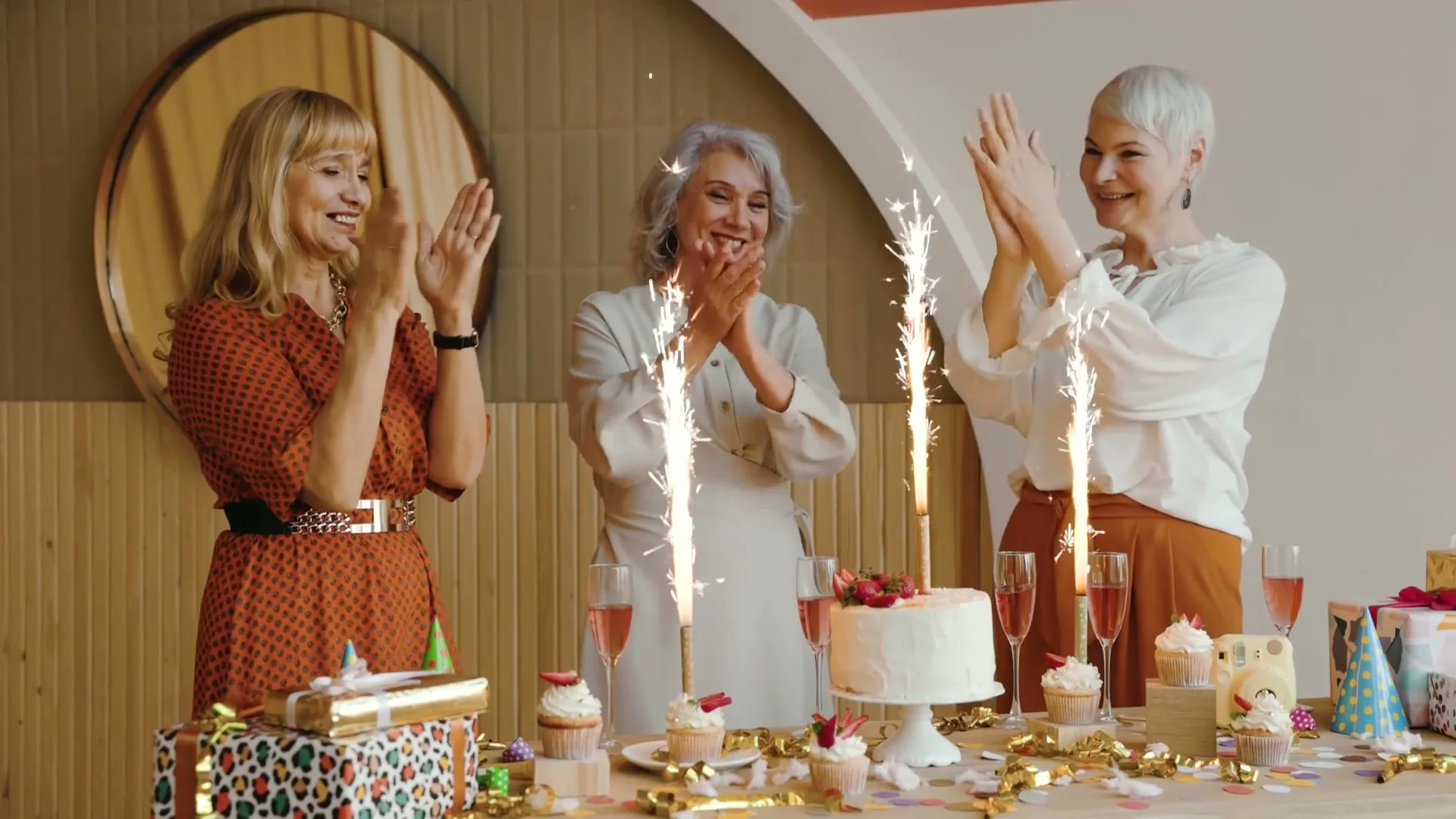
“Creative direction: lead with warm reactions, sparkling candles and one wide group moment.”
Pexels · Vlada Karpovich · licensed referenceCreate in this style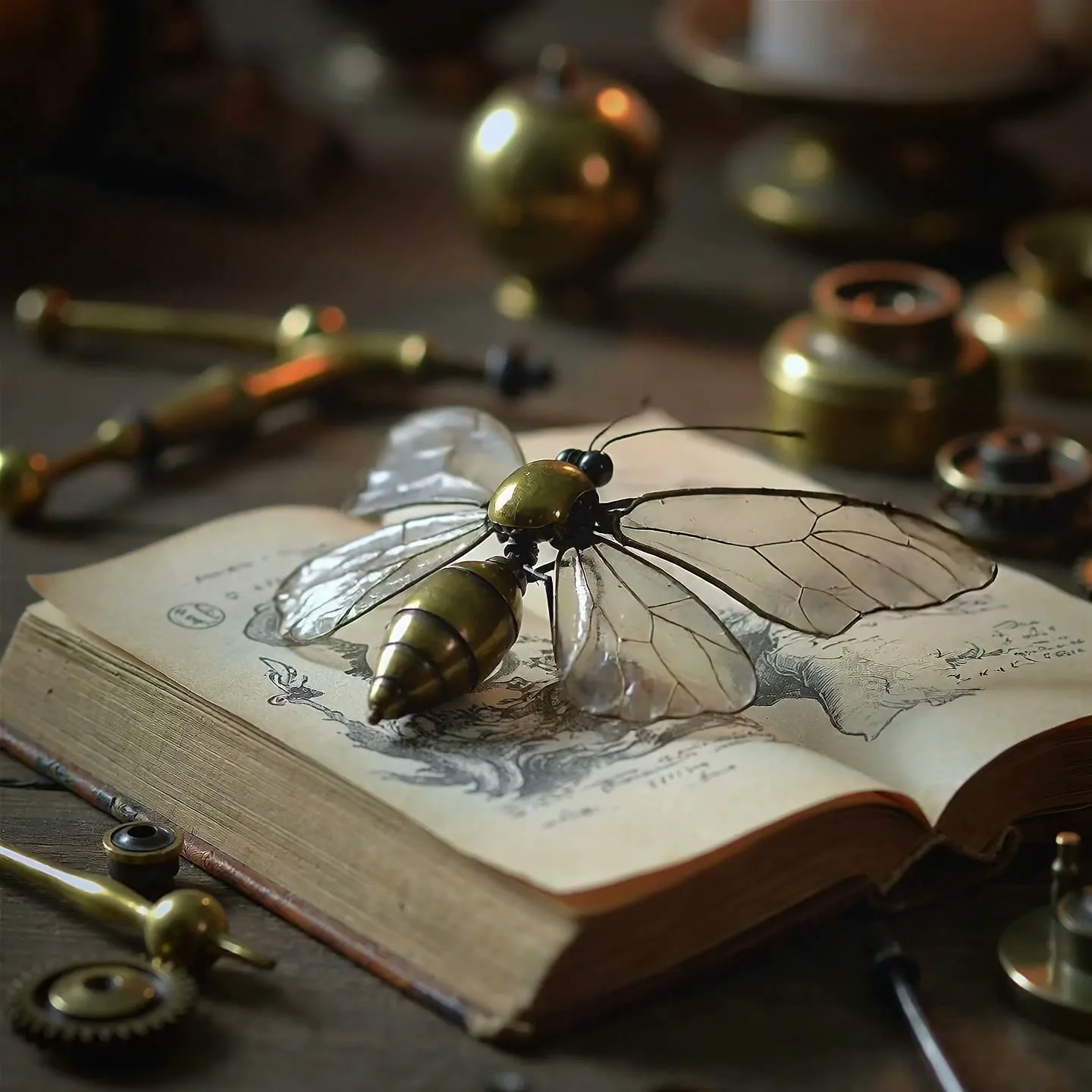
“A clockwork butterfly opens glass wings and lifts from an antique book in warm candlelight.”
Create in this style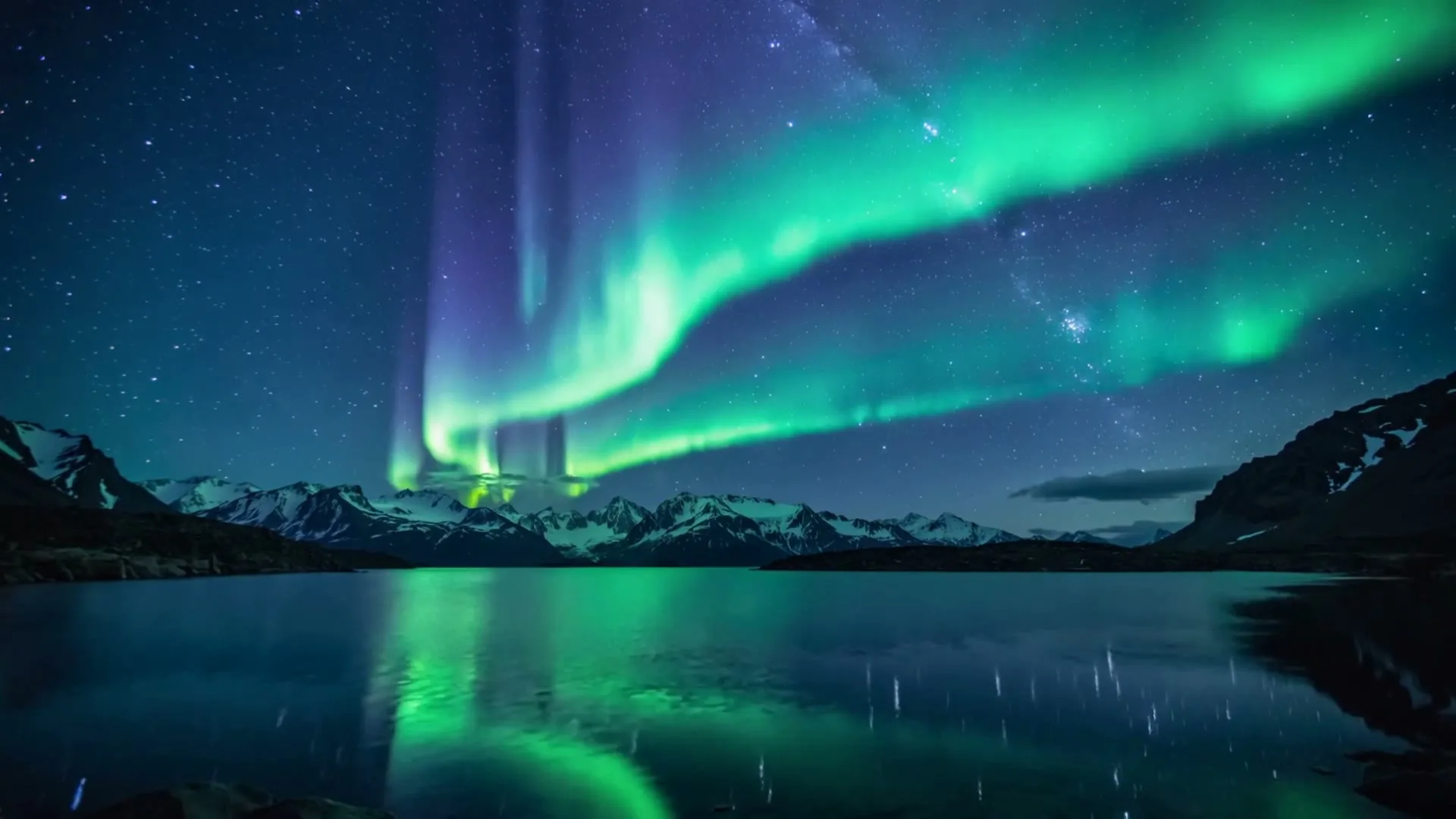
“Aurora curtains dance over snowy mountains and a mirror-still lake in a vivid timelapse.”
Create in this style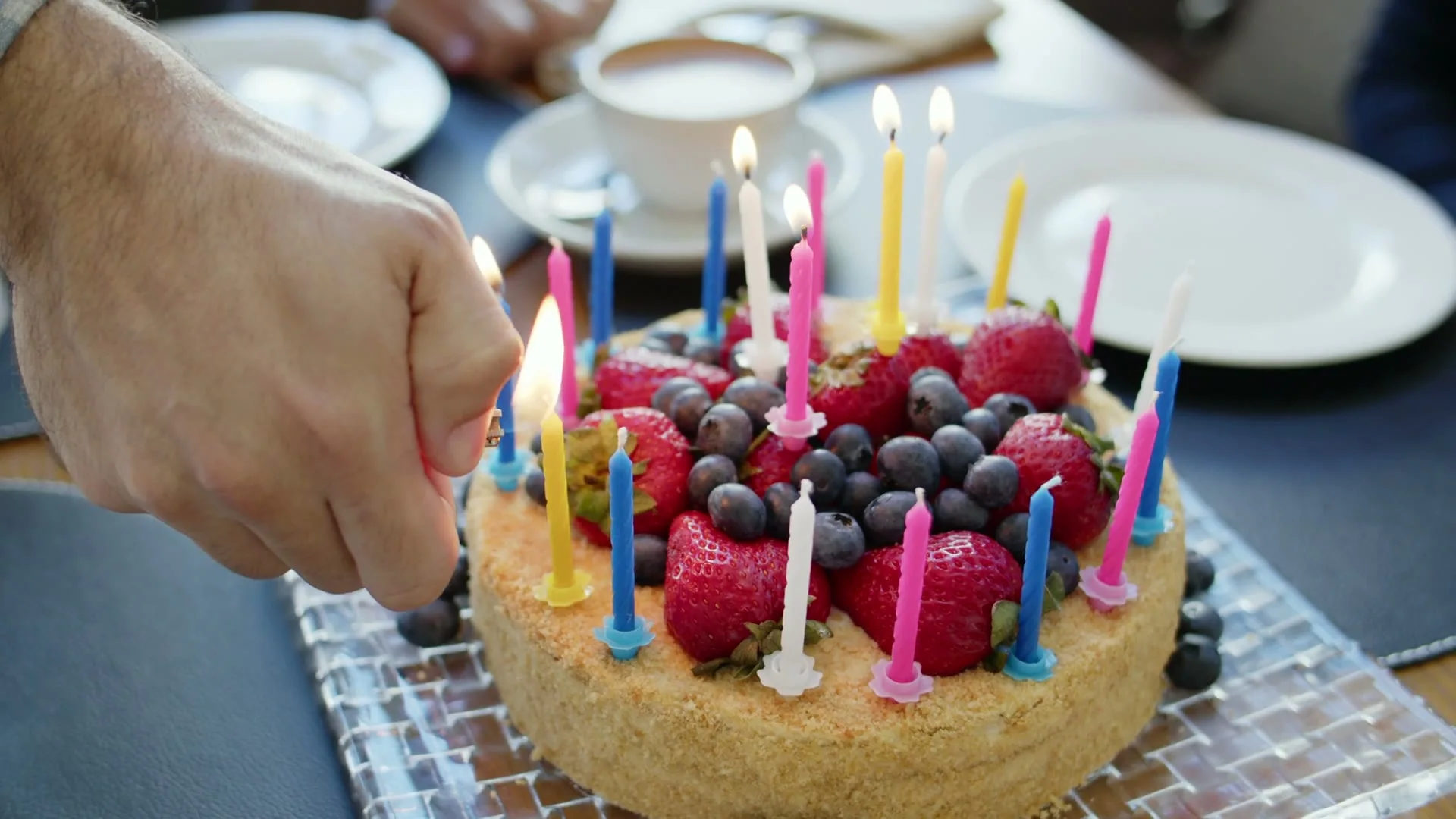
“Creative direction: use hands, candlelight and a close camera angle to make the opening feel personal.”
Pexels · Mikhail Nilov · licensed referenceCreate in this styleBuilt for this workflow
From the first idea to a publish-ready clip, every control is shaped around this exact workflow.
Capability 01
Upload the real memory first, then direct motion while the image anchors subject, colors and composition.
Capability 02
Short, restrained prompts reduce invented angles and keep familiar faces closer to the source.
Capability 03
Replace the uploaded image and generate the next memory while prior results remain in page history.
Capability 04
Review each animation before deciding which moments belong in the final birthday montage.
Use a sharp image with visible faces and minimal text overlays.
Ask for blinking, breathing, candle flicker or a slow push—not dancing or a full turn.
Animate the next photo here, then combine chosen clips with exact captions and music.
Photo-based birthday videos work best when each memory receives one restrained motion direction. A portrait can blink and smile, a group picture can gain candle flicker and slight camera drift, and an old print can gain depth without forcing people into invented poses. Upload one image per generation and keep the wording gentle: slowly, subtly, preserve identity. The page keeps recent results together, so you can animate several photographs in sequence without navigating elsewhere. The final montage, exact captions and music remain deliberate editing choices after download.
Use cases & prompt recipes
Animate one image from each life stage, then arrange them chronologically after download.
Prompt example“Gentle blink and small smile, camera slowly pushes closer, preserve age, face and original photo texture”Give old family prints depth and movement without changing how people look.
Prompt example“Vintage family photo subtly comes alive, natural breathing, tiny eye movement, warm film grain preserved”Animate separate group photos as short transitions around recorded greeting messages.
Prompt example“Everyone shares a subtle smile, decorations move lightly, camera drifts right, faces and clothing unchanged”The current generator accepts one photo per run. Replace it and repeat on this page to create several clips; it does not automatically merge them.
Gentle prompts and a clear source image usually preserve identity better. Large turns, dancing and hidden facial angles force the model to invent more detail.
No. It creates the animated memory clips. Arrange, caption and score those downloads in your preferred editor.
Not currently. Outputs are silent, which lets you add one properly licensed birthday track consistently across the final montage.
The uploader accepts common image files such as JPG, PNG and WebP up to the configured upload limit. Sharp, well-lit images work best.