
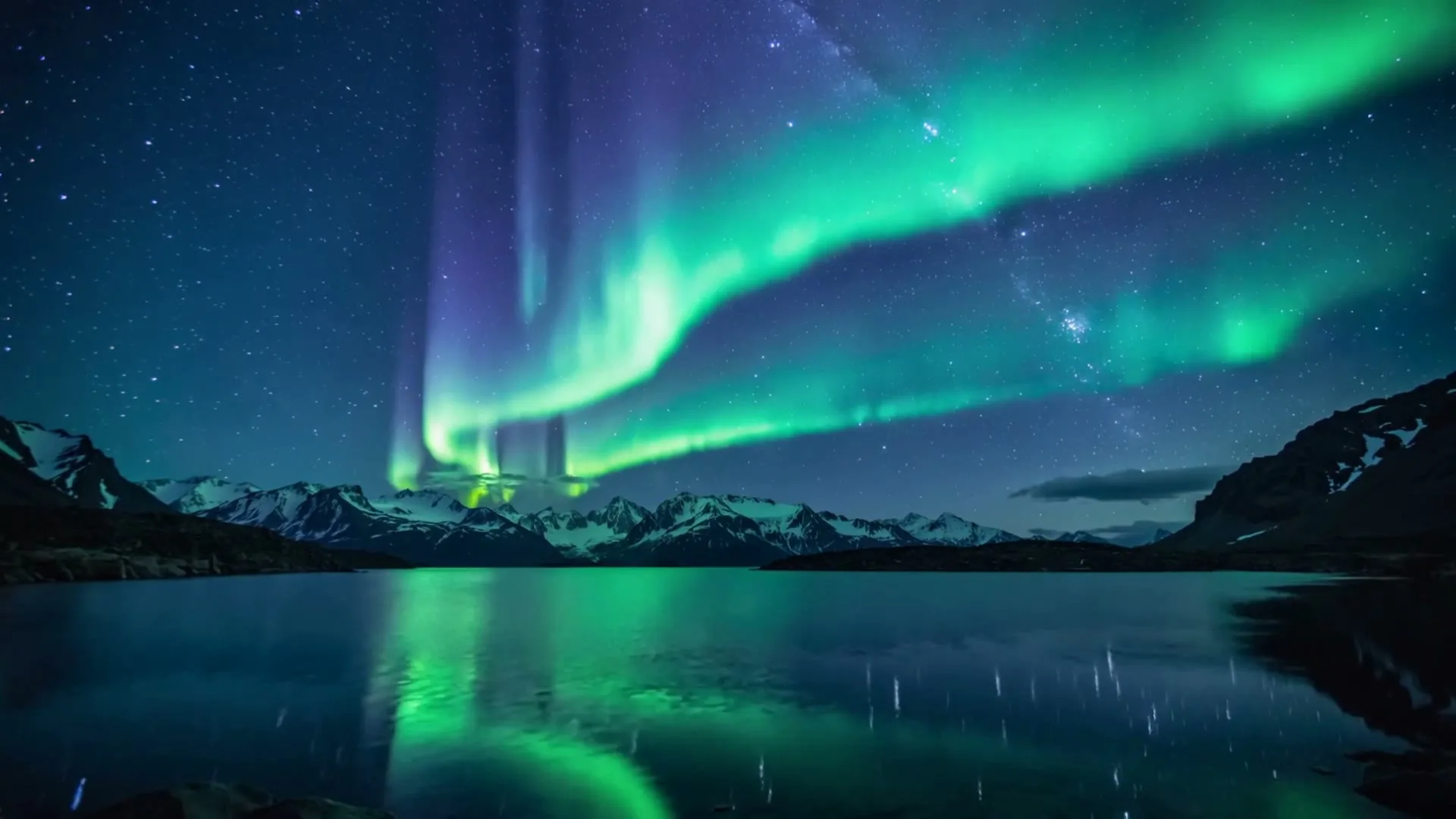
Atmospheric ballad background
16:9 · 5s
◆ Seedance 2.0 Fast
Turn the mood, imagery and rhythm of a lyric into an original moving visual. Generate the background shots here with full model and format controls, then place accurate timed lyrics and licensed audio on top.
Create now
Add the subject, motion, camera angle and style. The clearer the prompt, the better the video.
Creates silent visual background clips only. Audio upload, beat detection, automatic lyric timing and text overlays are not included; add the licensed track and verified lyric timeline after download.
Need inspiration? Try one of these
Atmospheric ballad background
16:9 · 5s
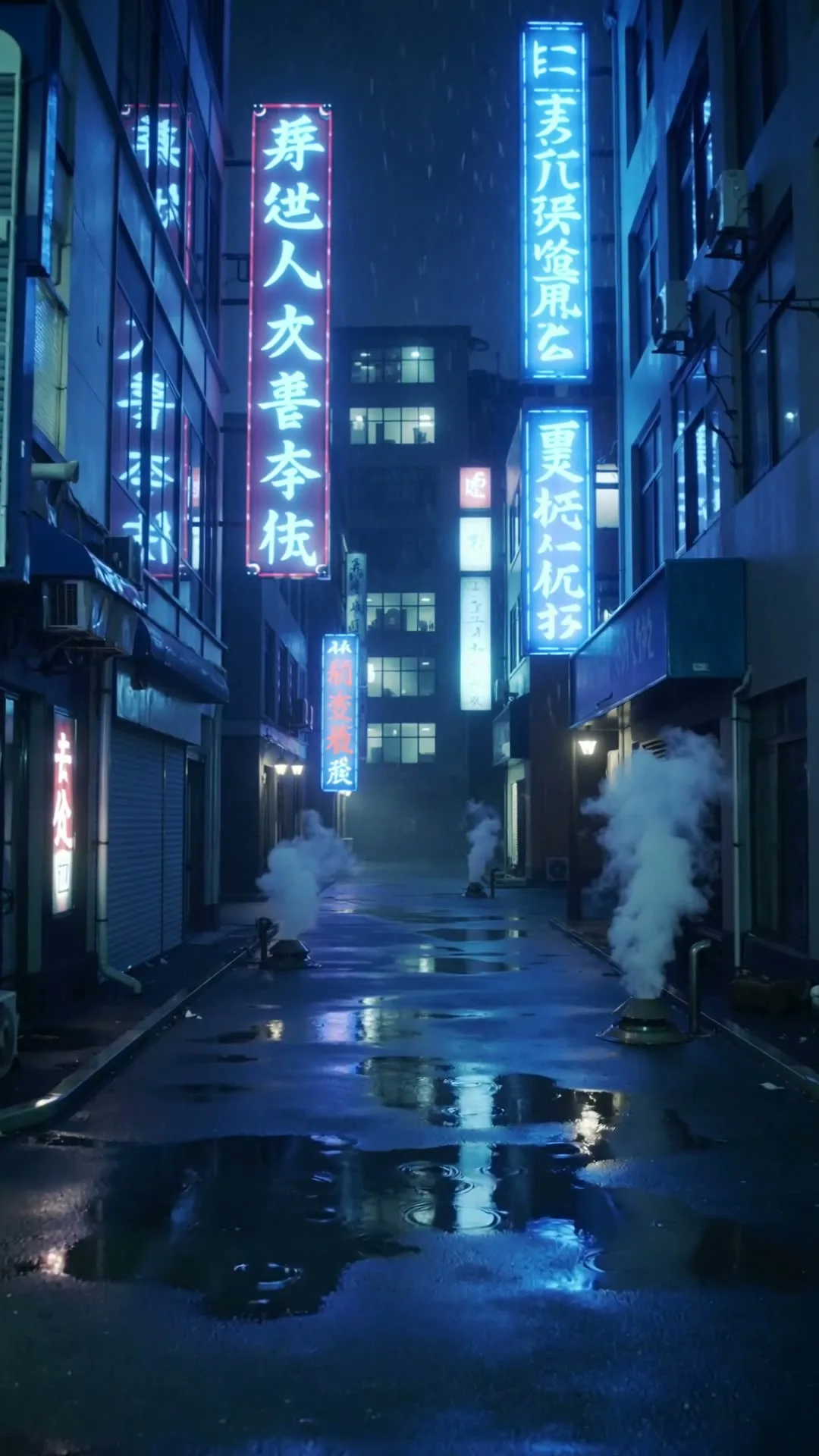
Neon electronic verse visual
9:16 · 5s
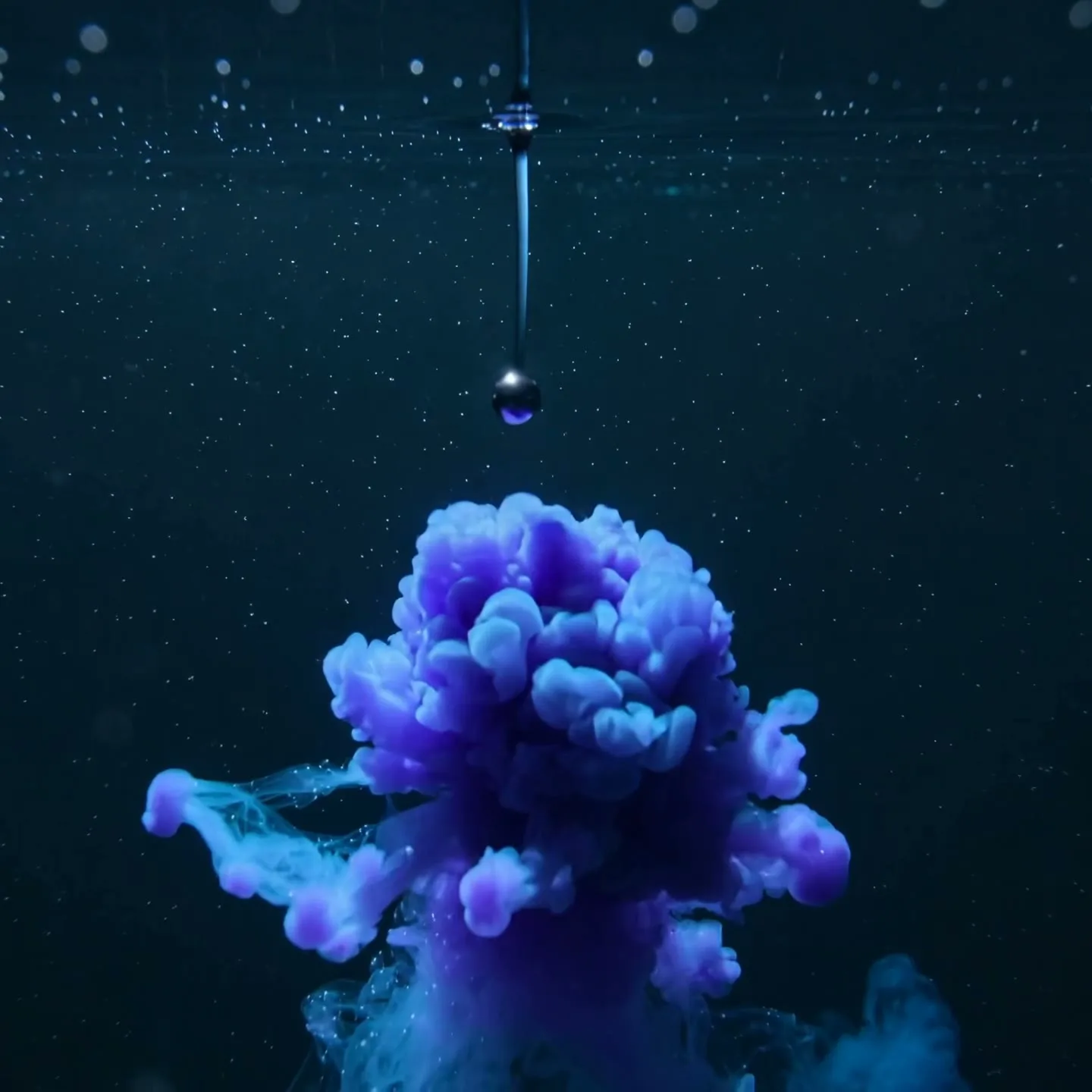
Abstract chorus transition
1:1 · 5s
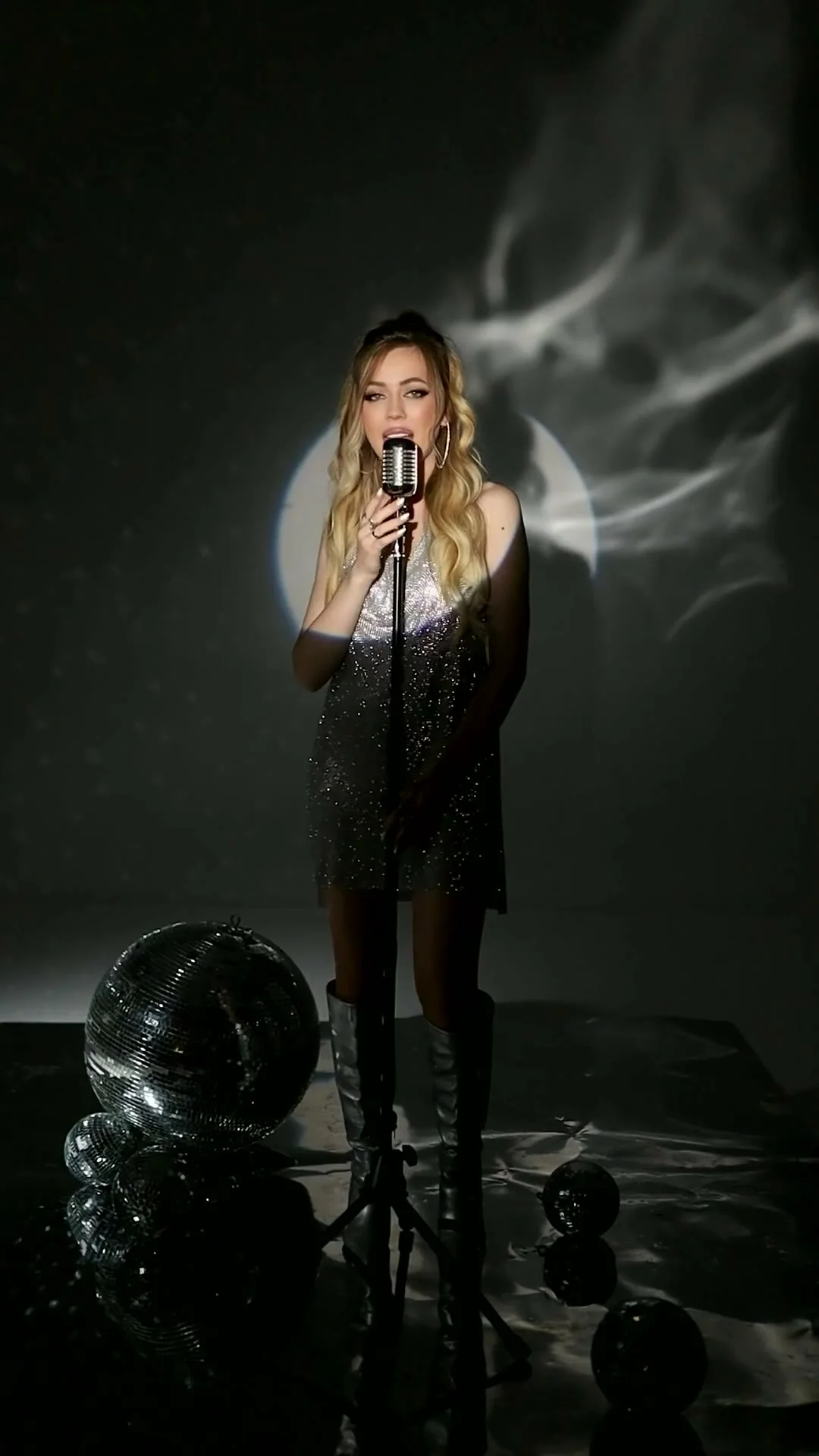
Smoky live-performance mood
9:16 · 5s
Hover or tap to preview every example
Caption design inspiration
A lyric video is more than words over a random background. The typography should move with the phrasing, while the visual world supports the genre without competing with the vocal. Zvidy can generate cinematic background clips and motion references; add the final lyrics in an editor so every word, timing cue, font license, and line break stays accurate. Current AI video outputs are silent, so sync your licensed master track during editing.
Choose the format before designing. Use 9:16 for TikTok, Reels, and Shorts; use 16:9 for a full YouTube lyric video. Keep critical words away from interface overlays, test readability on a phone, and split long lines into short rhythmic phrases. These four style directions give musicians a practical starting point.
Scene 01
Each word appears on its beat with a small bounce, scale change, or color hit. The style feels immediate and highly readable, making it suitable for pop, dance, hyperpop, upbeat hip-hop, and short chorus clips. Use a simple moving background—glowing gradients, pulsing light, or one looping subject—so the rapid typography remains the focus. Emphasize only the emotional keywords rather than animating every syllable differently.
Prompt example
9:16 energetic abstract stage, violet and electric-blue light pulses travel forward on a steady beat, smooth central tunnel, high contrast edges, clean dark center reserved for large word-by-word captions, seamless loop.
Scene 02
A line draws on as if written by hand, sometimes leaving ink texture or a luminous trail. It works well for acoustic songs, singer-songwriter releases, intimate R&B, folk, and reflective ballads. Pair it with paper grain, a slow landscape, moving window light, or a restrained close-up. Choose a readable licensed script font, then animate a mask along the actual lettering instead of asking the video model to spell lyrics.
Prompt example
16:9 quiet bedroom window at dawn, soft curtain movement, dust in warm light, shallow depth of field, subtle film grain, very slow camera push, uncluttered lower third reserved for handwriting lyric reveal.
Scene 03
Lyrics illuminate like signage, with bloom, reflection, and occasional flicker. This visual language suits synthwave, electronic music, dark pop, trap, and nocturnal R&B. Use a rainy street, futuristic room, glossy floor, or abstract smoke background. Maintain enough dark space behind the type and limit glow intensity; oversized bloom can make thin letters unreadable after social compression.
Prompt example
Cinematic neon alley after rain, cyan and magenta reflections ripple across wet pavement, slow forward glide, atmospheric haze, no people, dark clean wall area reserved for neon lyric captions, 9:16.
Scene 04
Lines appear like subtitles printed onto film frames, with gate weave, dust, date stamps, or jump-cut transitions. The look fits indie rock, lo-fi, nostalgic hip-hop, alternative pop, and archival storytelling. Use personal footage or an AI-generated travel memory as the background, but keep captions crisp enough to survive the texture. A monospaced or condensed sans-serif font usually reads better than decorative lettering.
Prompt example
16:9 nostalgic night drive seen through a car window, passing streetlights, subtle 16mm grain and gate weave, muted amber and teal palette, gentle handheld motion, clear lower caption band, no generated text.
Showcase
Explore Zvidy AI outputs and commercially licensed references across social clips, product ads and cinematic stories, then adapt a direction in the generator above.
“Slow aurora over silent mountains, spacious emotional movement, dark area reserved for lyric overlay, 16:9”
Create in this style“Neon rain and reflections move with a steady forward rhythm, space in center for timed lyrics, 9:16”
Create in this style“Ink blooms into a luminous galaxy on the chorus hit, fluid slow motion, high contrast lyric background”
Create in this style“Creative direction: reserve negative space for lyrics while the singer and moving light carry the emotion.”
Pexels · Zenia Diamond · licensed referenceCreate in this style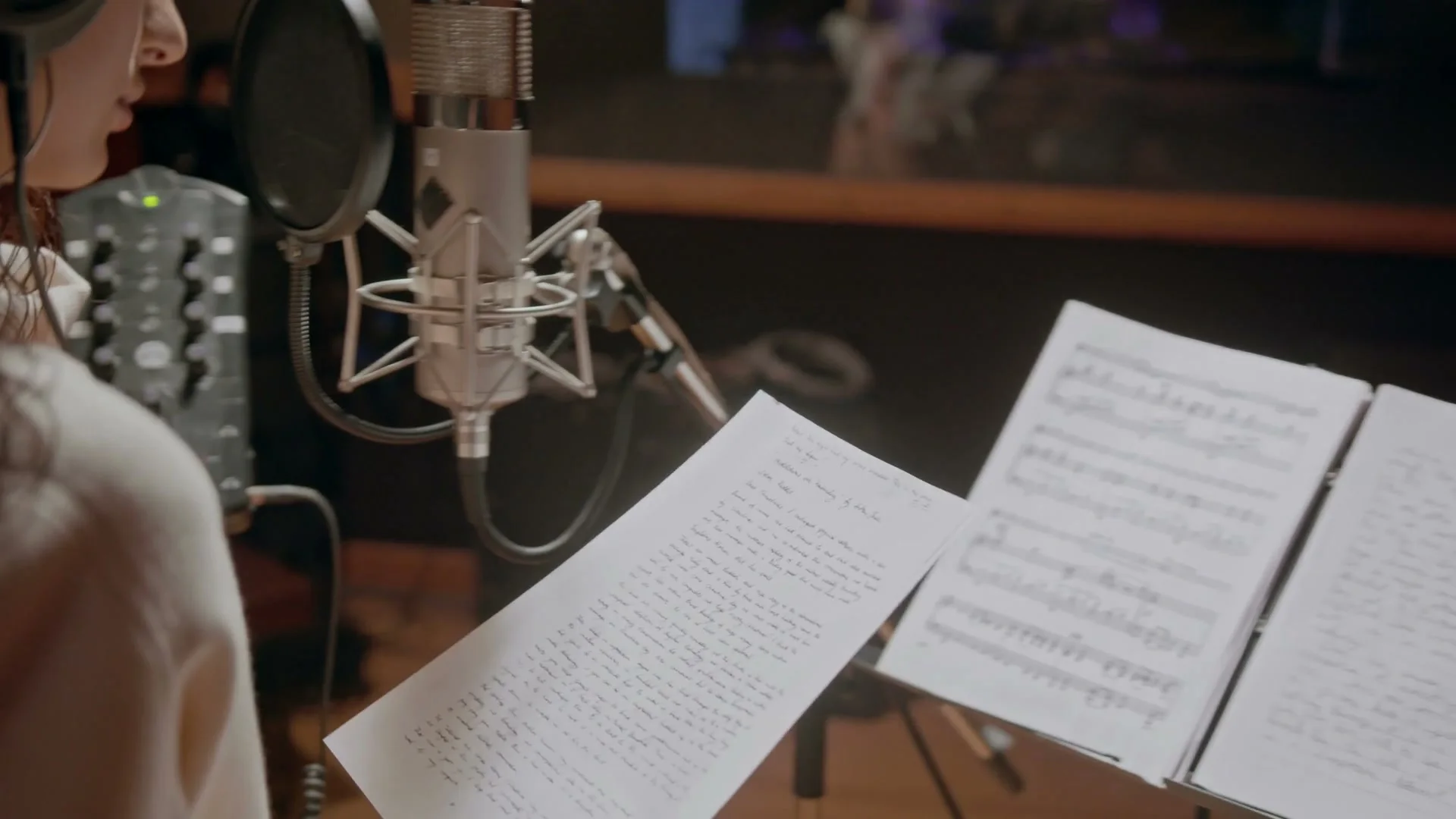
“Creative direction: use warm studio light, microphone detail and lyric sheets to create an intimate music visual.”
Pexels · cottonbro studio · licensed referenceCreate in this style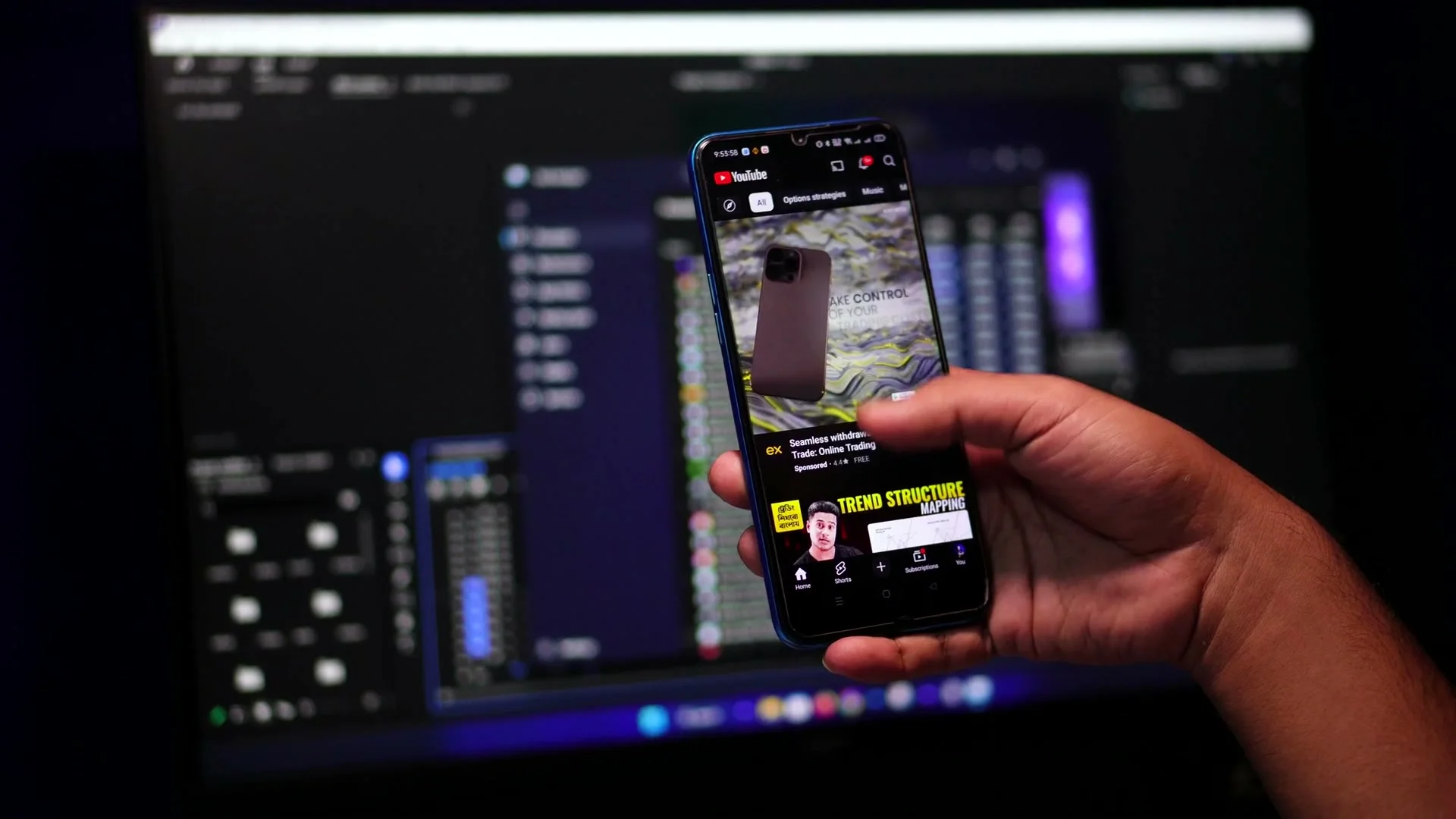
“Creative direction: pair a bright phone screen with a darker editing setup for a focused creator-tech look.”
Pexels · Hamim Rony · licensed referenceCreate in this style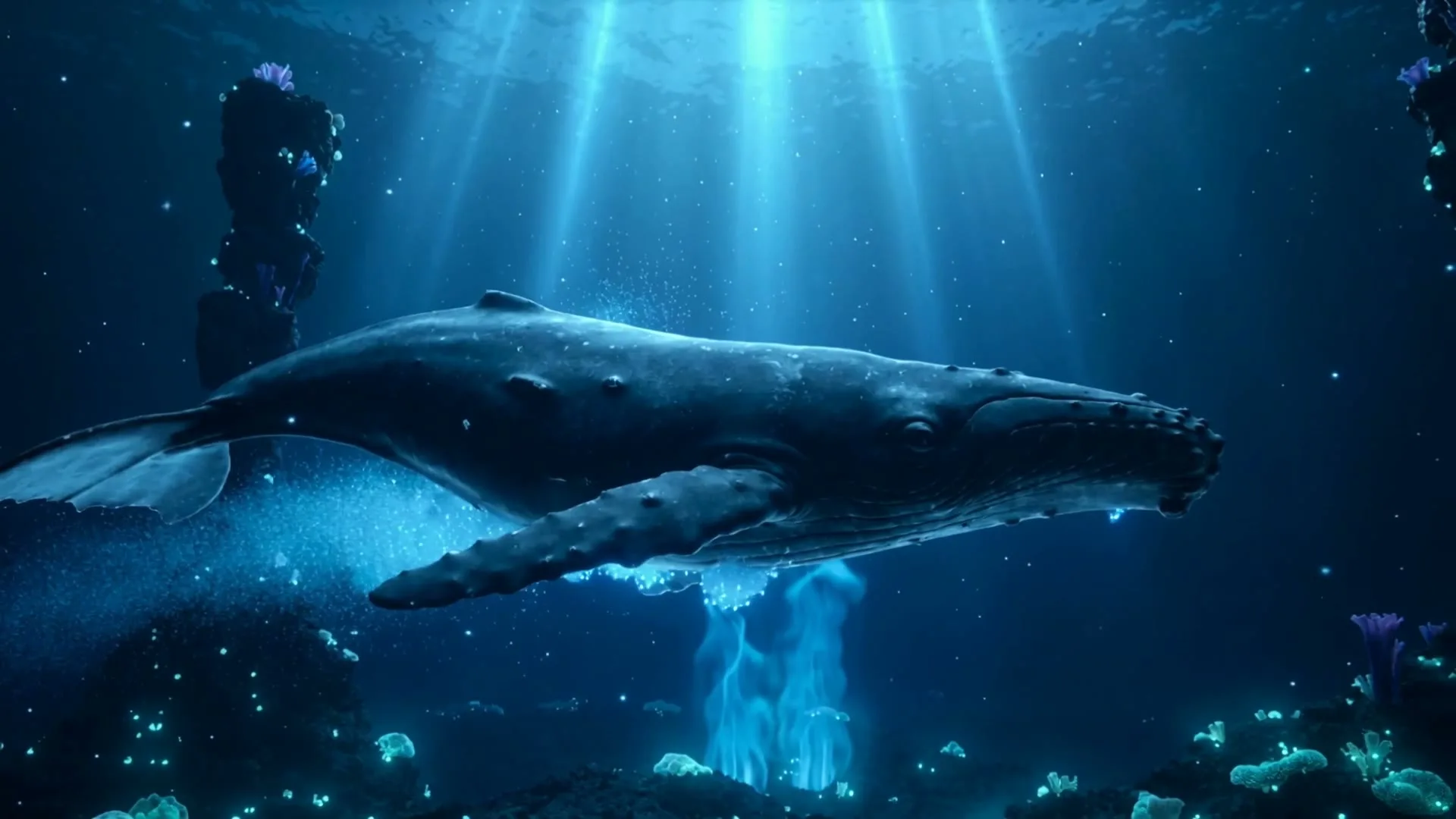
“A whale glides through a bioluminescent ocean with glowing particles and soft god rays.”
Create in this style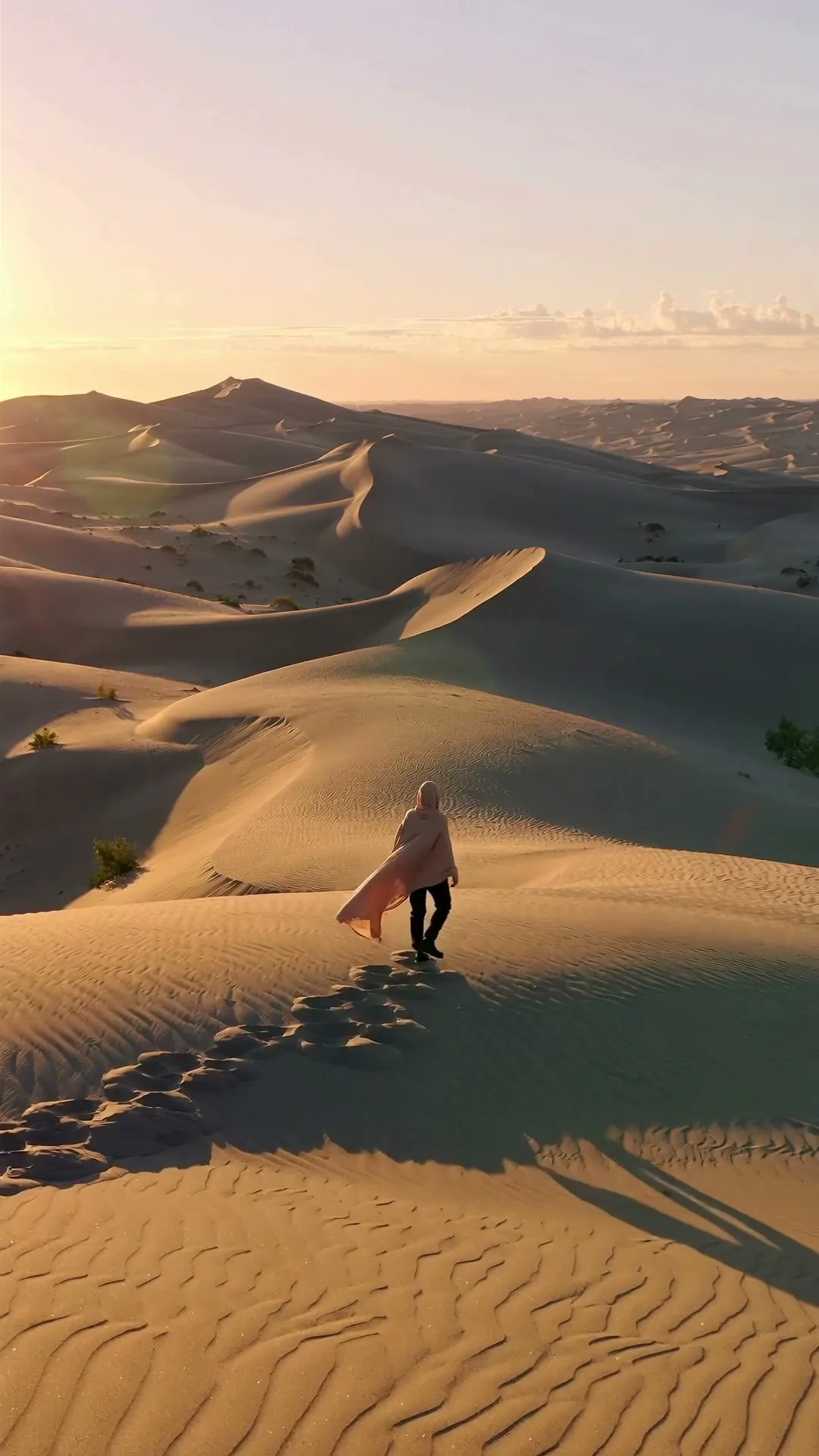
“A lone traveler crosses colossal dunes at golden hour as ribbons of sand drift in the wind.”
Create in this style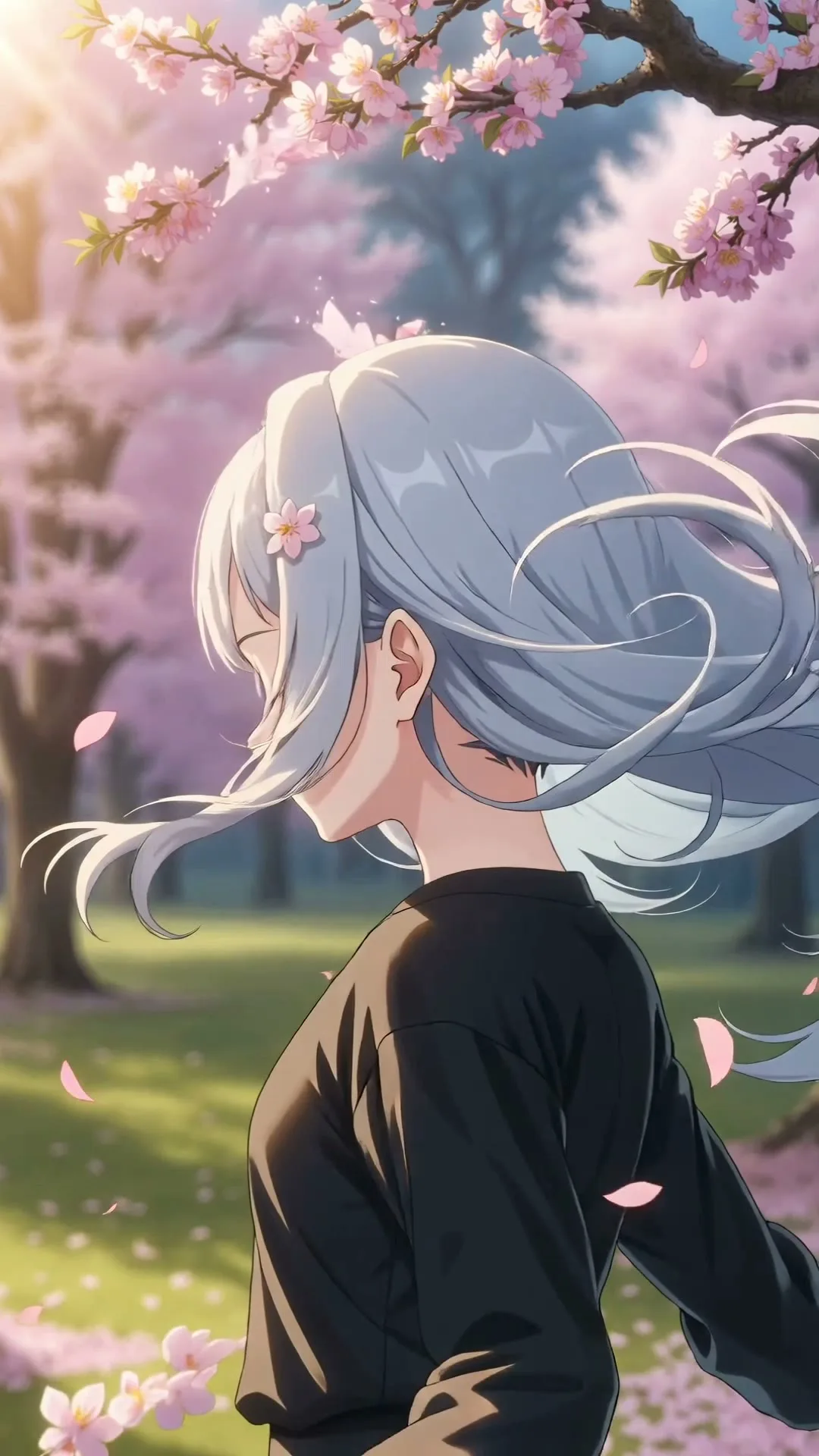
“An anime heroine turns toward camera while cherry blossom petals swirl in dynamic wind.”
Create in this styleBuilt for this workflow
From the first idea to a publish-ready clip, every control is shaped around this exact workflow.
Capability 01
Translate imagery and mood into subjects, palette, camera and motion without asking AI to typeset words.
Capability 02
Use 16:9 for full YouTube lyric videos, 9:16 for teasers and 1:1 for feed loops.
Capability 03
Create separate verse, chorus and bridge visuals while recent outputs remain together in history.
Capability 04
Prompt for calm negative space so verified lyric text remains readable after editing.
Choose the mood, two or three lyric images, a color palette and movement rhythm.
Create one silent verse, chorus or bridge clip per run and keep typography space clear.
After download, add the licensed track and time every verified lyric line in your editor.
A lyric video has two different jobs: the background establishes emotion, while the lyric layer must preserve exact words and timing. Generative video is strong at the first job and unreliable at the second. Use a verse or chorus to extract visual nouns, color and motion—rain on glass, a road at night, chrome shapes pulsing—and generate one silent background section at a time. Avoid asking the model to draw readable lyrics. After downloading, place the official audio and verified text in a timeline where every line can be timed and corrected precisely.
Use cases & prompt recipes
Create a calm widescreen visual with enough contrast and negative space for full lyrics.
Prompt example“Moonlit train crosses a quiet landscape, slow parallax, dark lower third for white lyrics, cinematic 16:9, no text”Use one strong chorus image and faster movement for a short social release teaser.
Prompt example“Chrome heart pulses inside a neon tunnel on every imagined beat, energetic forward camera, vertical 9:16, no text”Pair a gentle photo animation or floral scene with a separately timed meaningful lyric.
Prompt example“White flowers move in a warm breeze beside a sunlit window, delicate slow camera, romantic neutral background, 16:9”No. This page generates the AI visual background. Automatic audio analysis, line timing and lyric text overlays are not currently included.
Not in the current video generator. Add your licensed master audio after downloading the silent visual clips.
Use lyric imagery and mood, not the exact words as requested on-screen text. Add verified spelling later with a typography tool.
Choose 16:9 for a standard YouTube lyric video, 9:16 for Shorts, TikTok and Reels teasers, or 1:1 for feed loops.
You need permission for the sound recording, composition and any displayed lyrics unless they are your own or validly licensed. AI visuals do not replace those rights.