
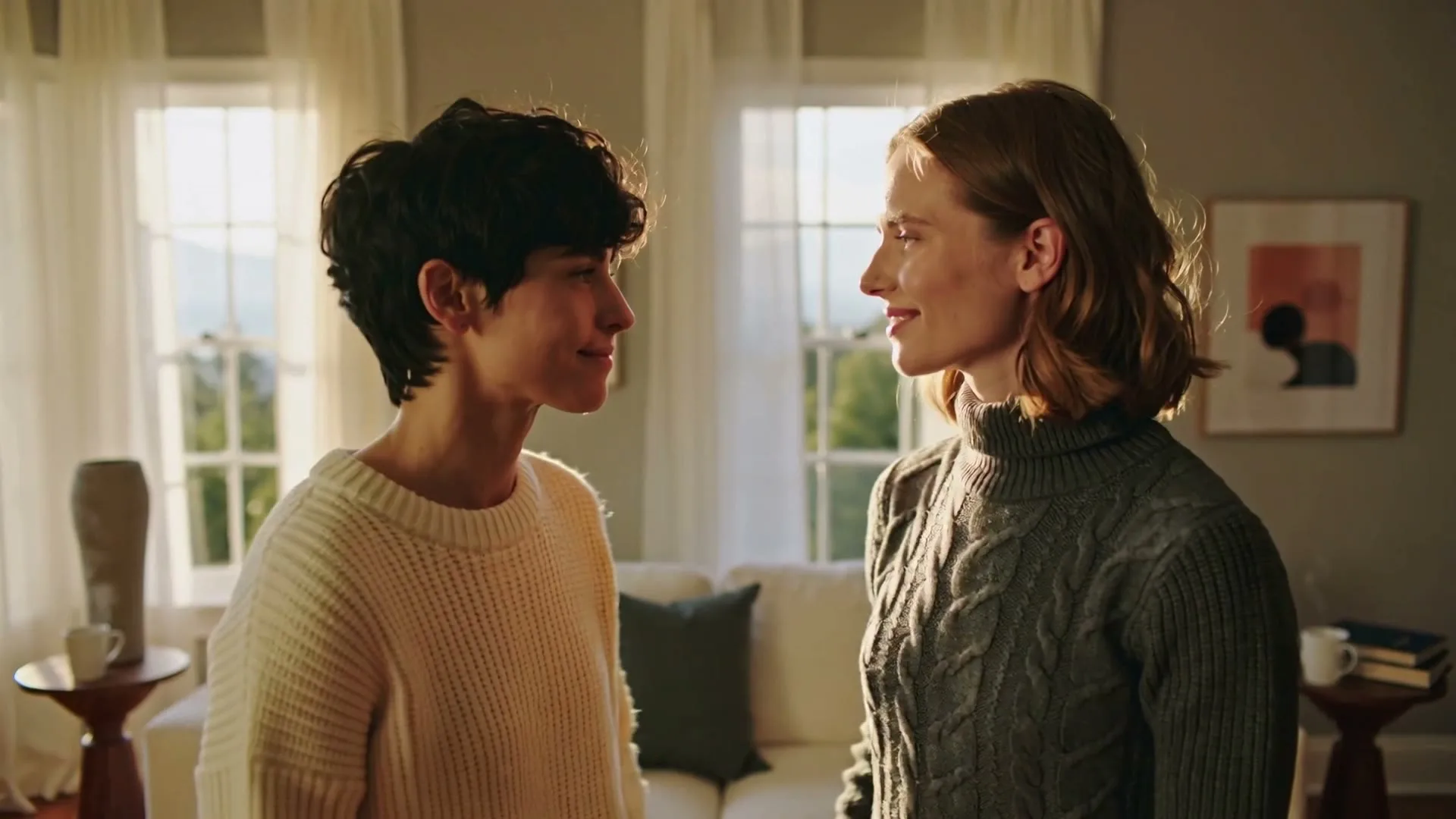
Warm emotional celebration
16:9 · 5s
◆ Seedance 2.0 Fast
Create a one-of-a-kind celebration scene for a friend, partner, child or colleague. Start from a description or switch to image animation, then generate and download the result right here.
Create now
Add the subject, motion, camera angle and style. The clearer the prompt, the better the video.
Generates a silent visual celebration clip. AI-rendered text can be unreliable, so add the exact name, age, spoken greeting and music after download.
Need inspiration? Try one of these
Warm emotional celebration
16:9 · 5s
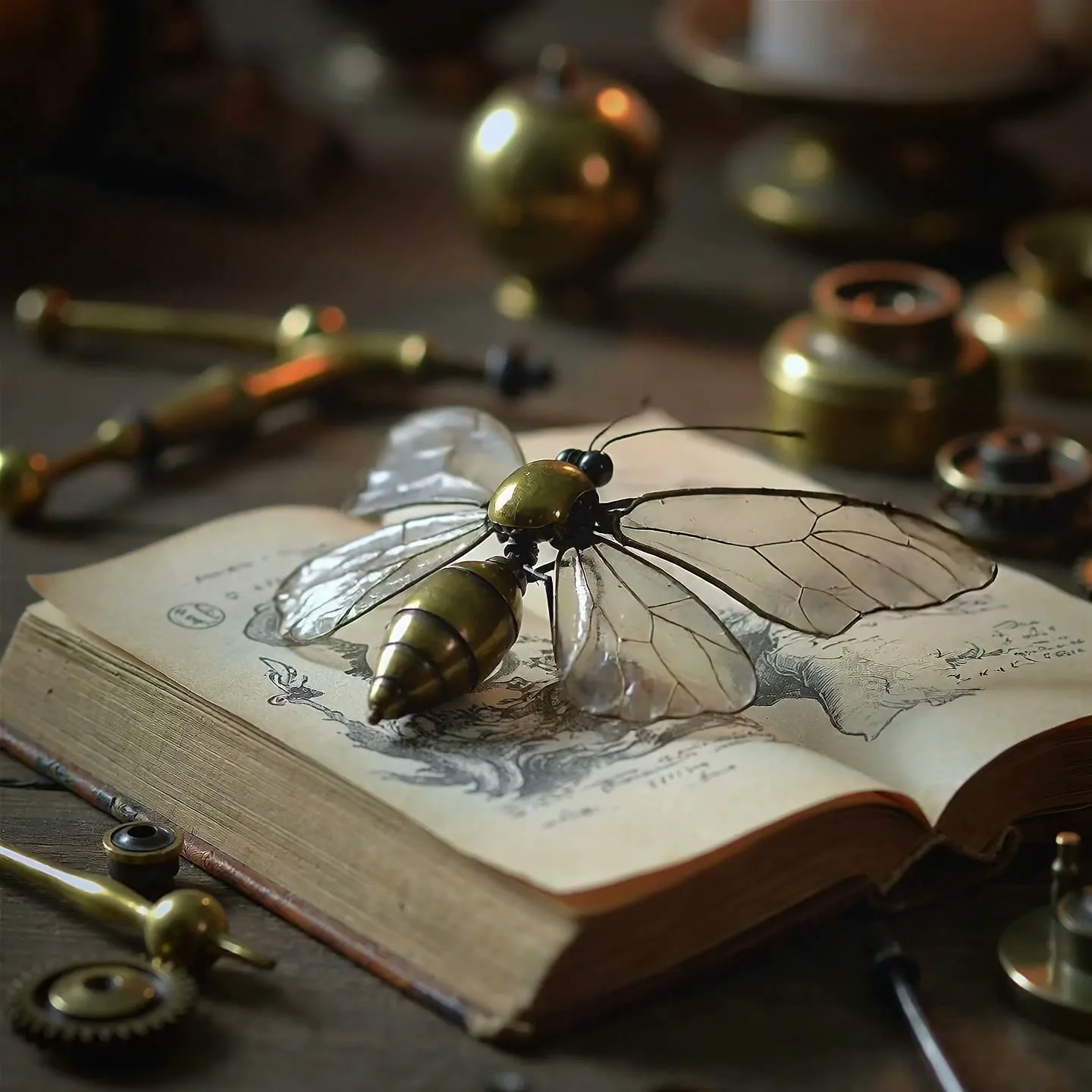
Magical milestone reveal
1:1 · 5s
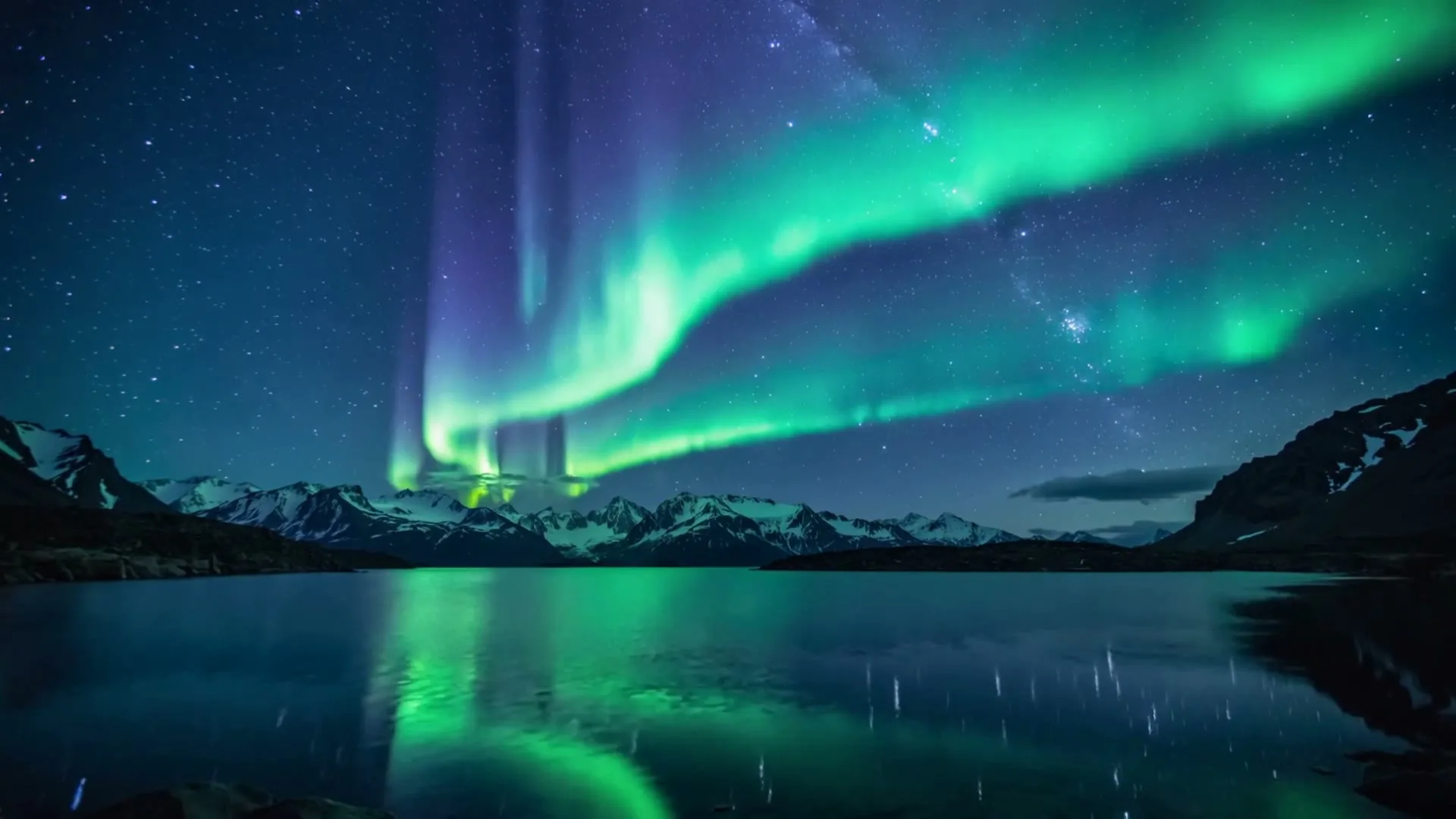
Dreamy birthday atmosphere
16:9 · 5s
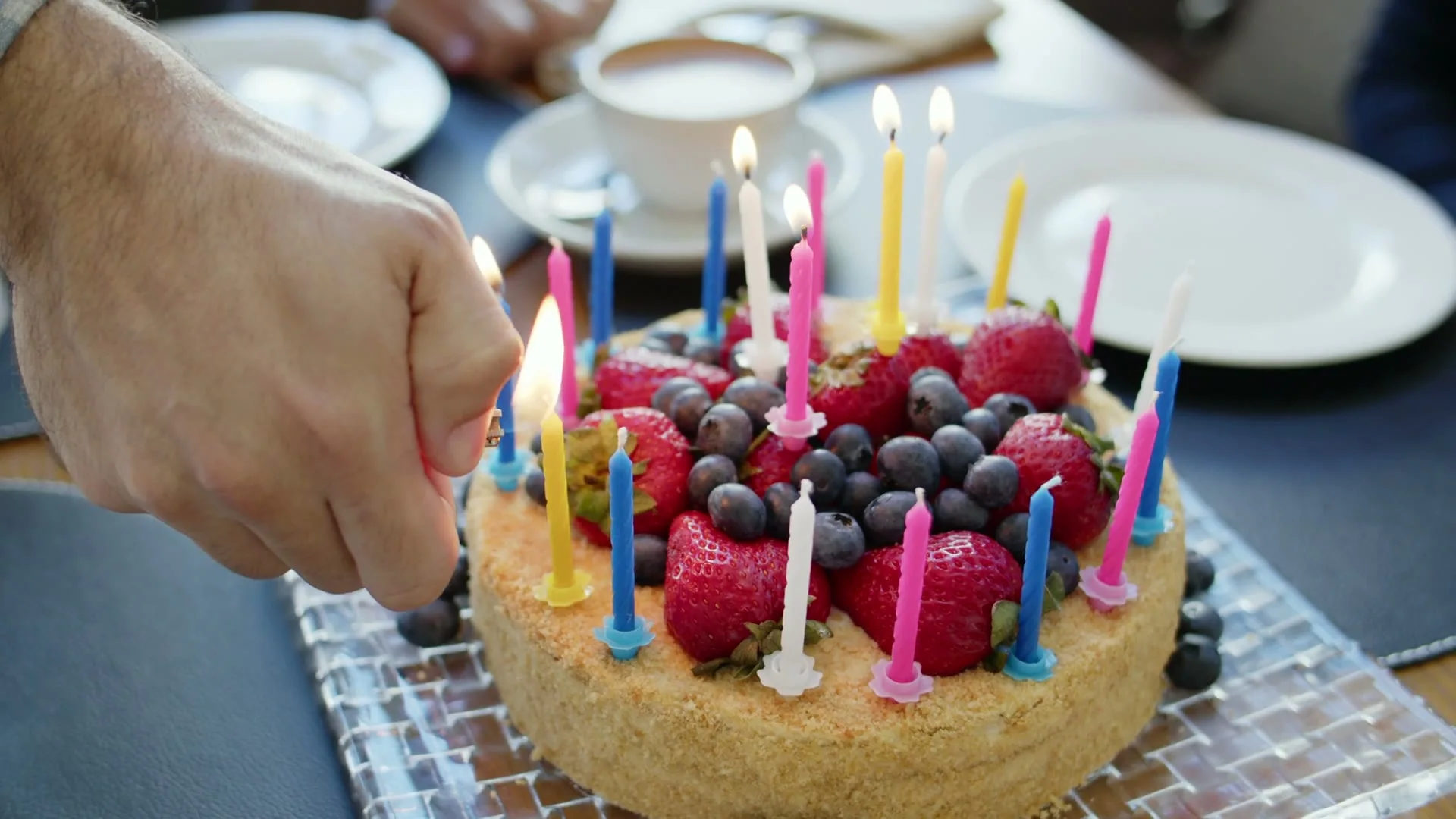
Candle-lighting close-up
16:9 · 5s
Hover or tap to preview every example
Showcase
Explore Zvidy AI outputs and commercially licensed references across social clips, product ads and cinematic stories, then adapt a direction in the generator above.
“Two loved ones share a gentle birthday embrace, warm window light, subtle confetti, slow camera push”
Create in this style“Clockwork butterflies open a gift box and release golden light, elegant birthday fantasy, macro detail”
Create in this style“Soft aurora forms a glowing crown above a quiet celebration table, dreamy cinematic light, 16:9”
Create in this style“Creative direction: use hands, candlelight and a close camera angle to make the opening feel personal.”
Pexels · Mikhail Nilov · licensed referenceCreate in this style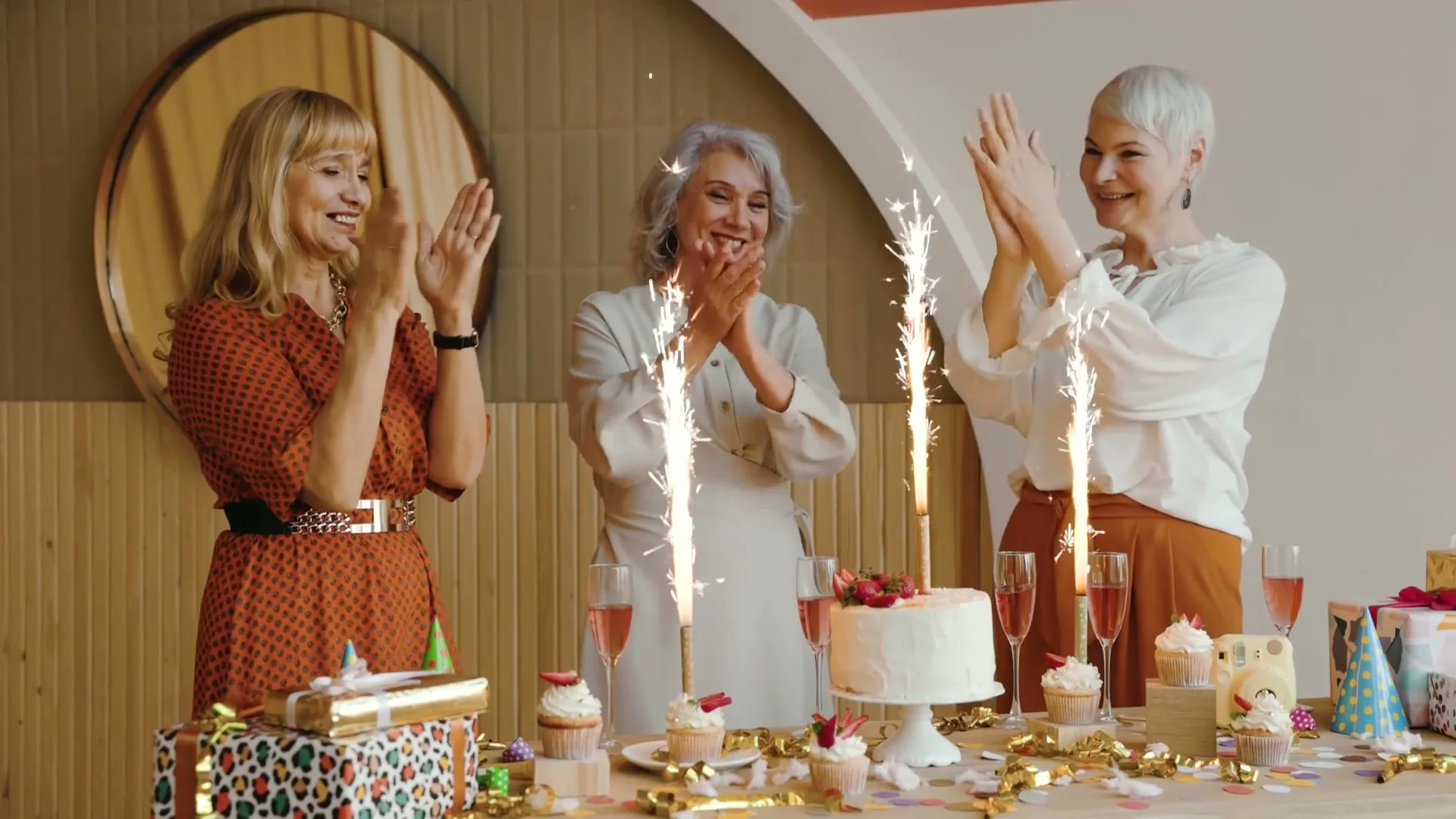
“Creative direction: lead with warm reactions, sparkling candles and one wide group moment.”
Pexels · Vlada Karpovich · licensed referenceCreate in this style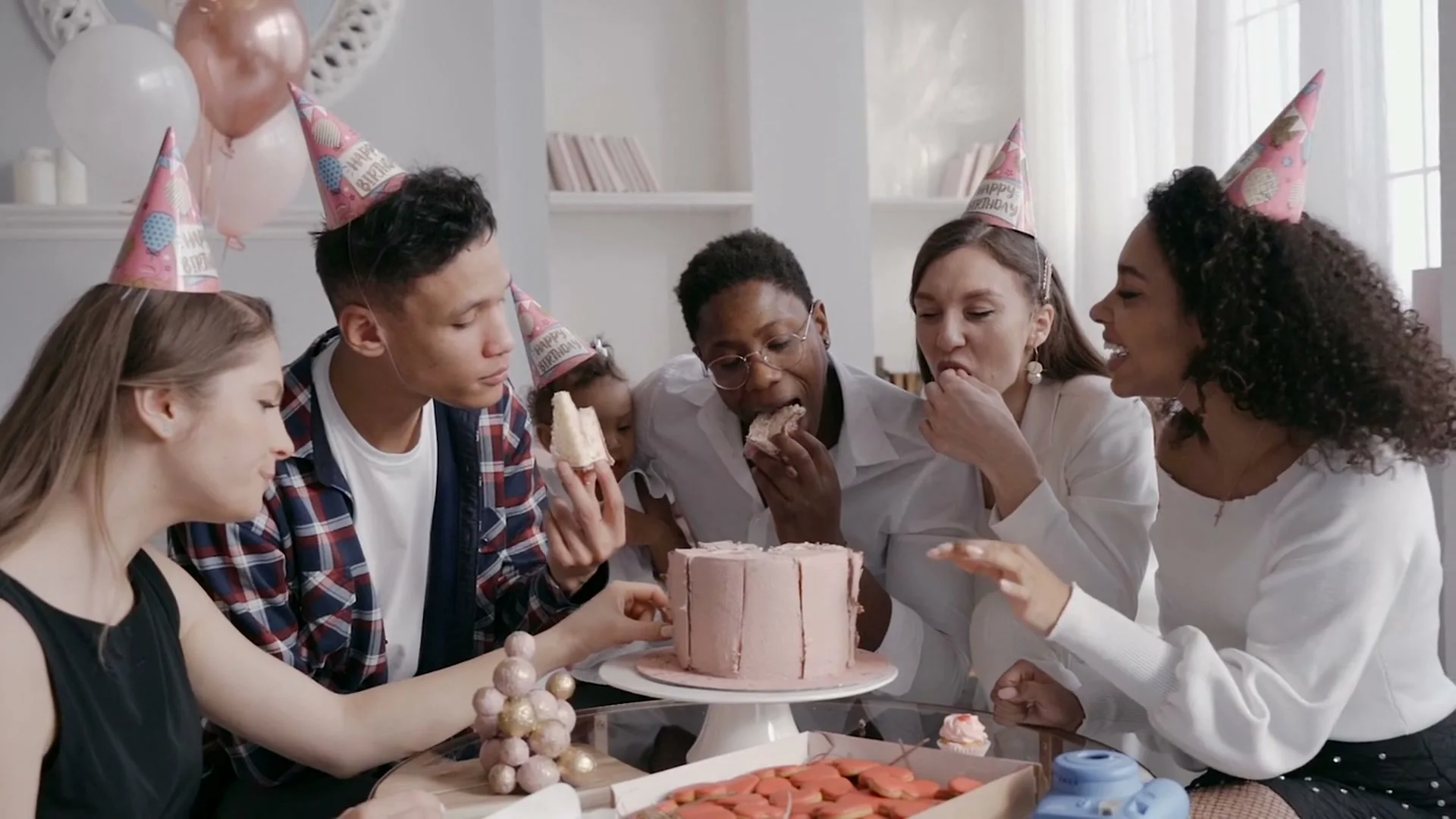
“Creative direction: keep everyone close around the cake so the frame feels candid, warm and personal.”
Pexels · Pavel Danilyuk · licensed referenceCreate in this style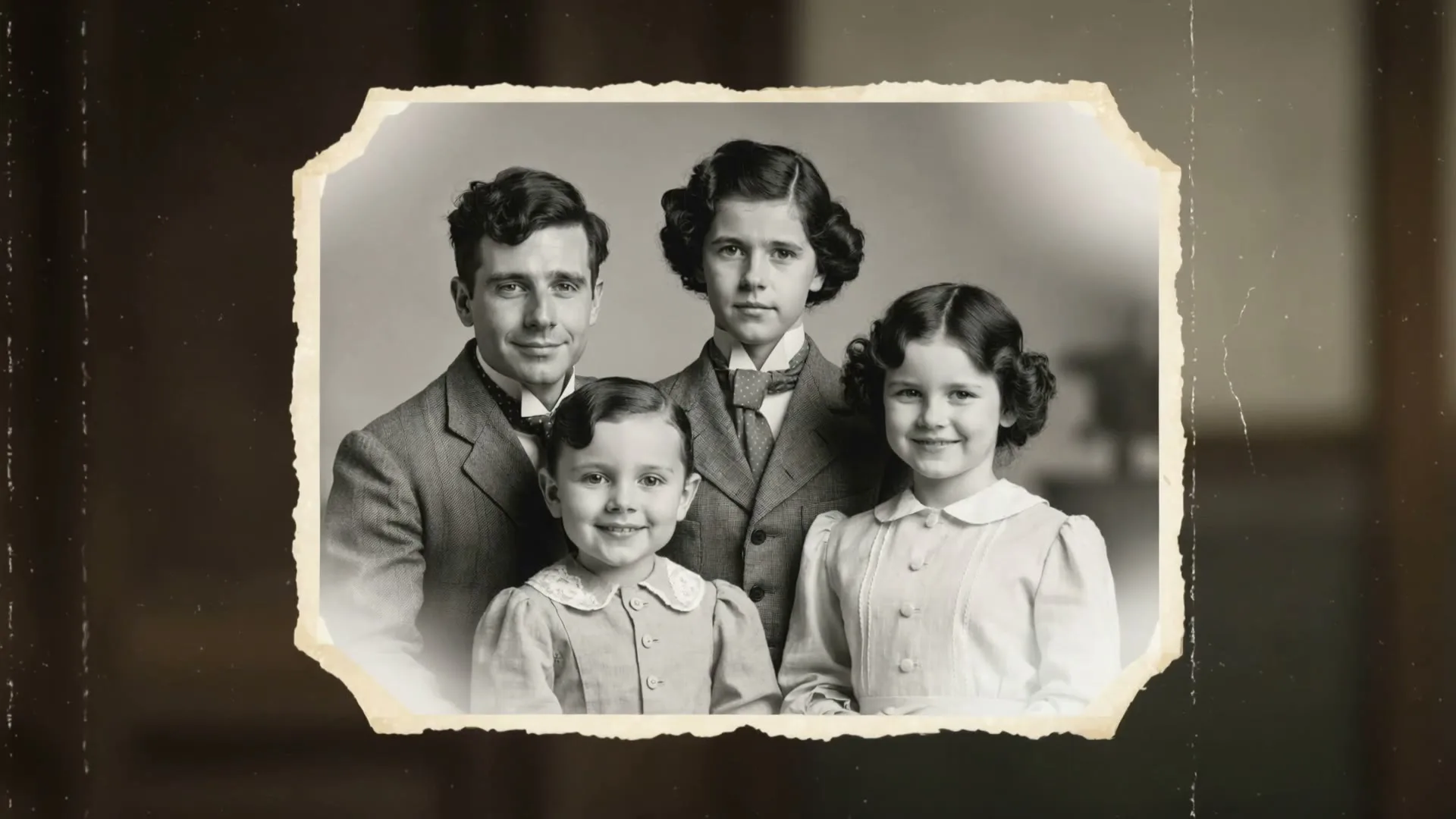
“A faded family photo comes to life with natural smiles, blinking and a gentle camera push.”
Create in this style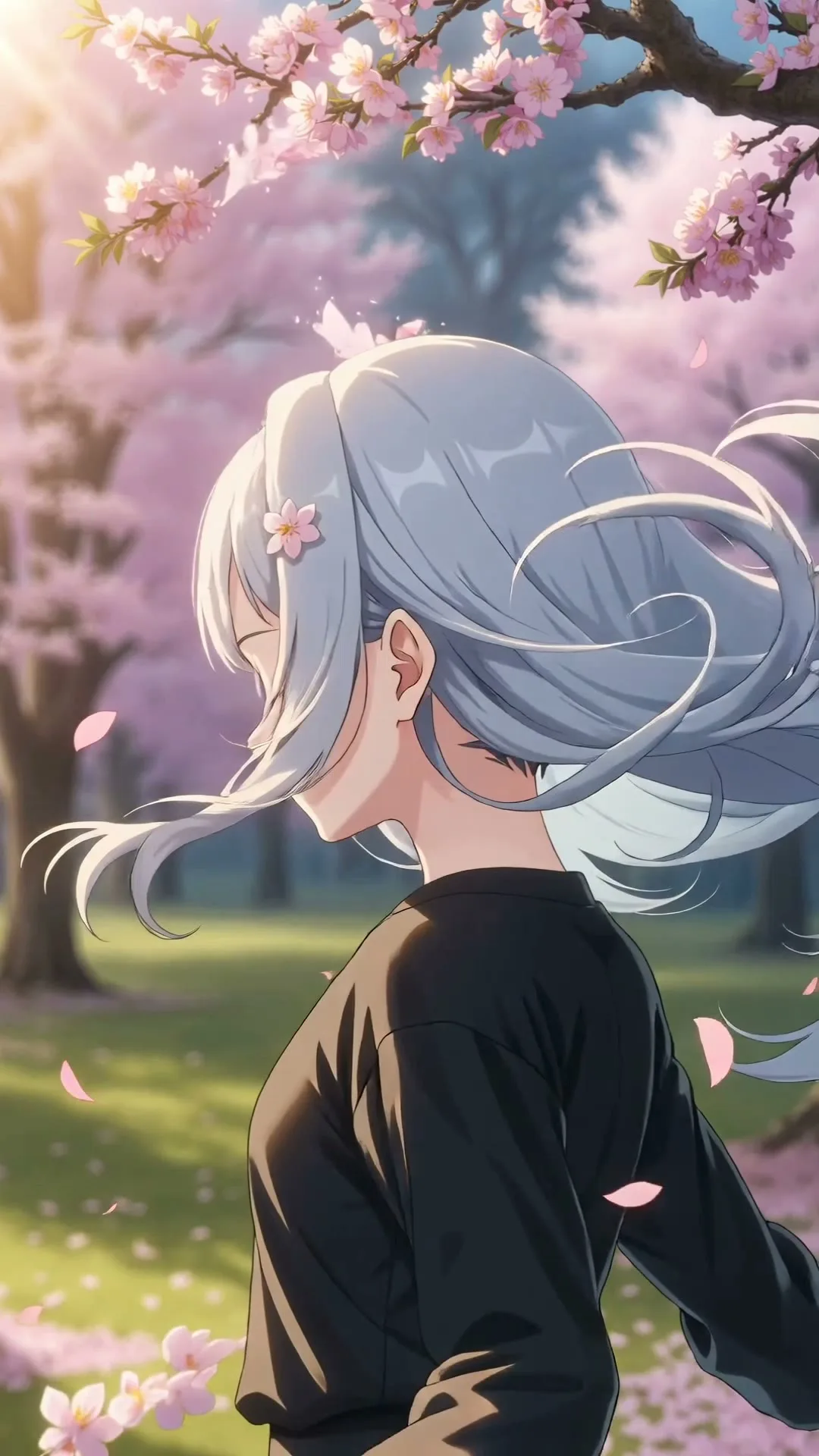
“An anime heroine turns toward camera while cherry blossom petals swirl in dynamic wind.”
Create in this style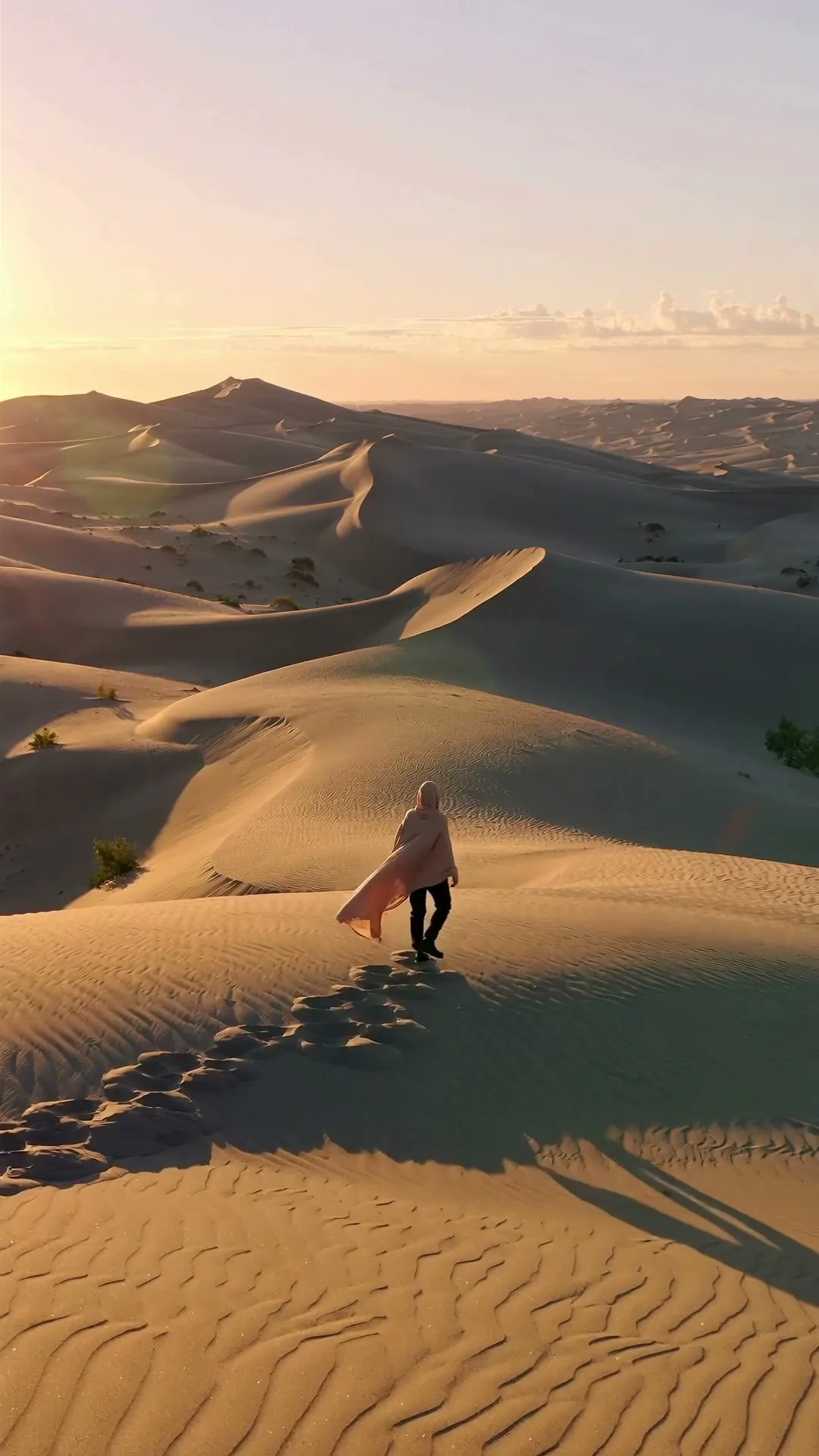
“A lone traveler crosses colossal dunes at golden hour as ribbons of sand drift in the wind.”
Create in this styleBuilt for this workflow
From the first idea to a publish-ready clip, every control is shaped around this exact workflow.
Capability 01
Use ready creative directions for children, partners, colleagues and milestone birthdays.
Capability 02
Invent a celebration from text or animate one uploaded portrait with restrained movement.
Capability 03
Choose vertical for messages, square for feeds or widescreen for a presentation and party display.
Capability 04
Signed-in users can review recent renders, reuse the prompt and download successful clips.
Choose elegant, playful, nostalgic or cinematic and keep the palette consistent.
Candles light, a box opens or confetti falls—one clear action creates a cleaner clip.
Add the recipient’s name, age, voice and licensed song after the visual render.
The strongest AI birthday clip gives the celebration a visual identity before any title card is added. Choose one theme—elegant gold, playful paper craft, retro disco or dreamy flowers—and describe one simple event such as candles lighting or a gift opening. If identity matters, switch to image-to-video and animate one portrait gently. Because generative models are not dependable at exact spelling, keep names and ages out of the generated scene and add them as a clean overlay after download. This preserves both visual quality and message accuracy.
Use cases & prompt recipes
Use premium materials, slower motion and a restrained palette for an adult milestone.
Prompt example“Elegant black and gold celebration, candles ignite in sequence, champagne bubbles rise, slow cinematic orbit, no text”Favor friendly shapes, soft motion and bright but coherent colors.
Prompt example“Paper-cut jungle animals roll in a birthday cake, colorful confetti, gentle playful animation, vertical”Create a visual opener for a recorded voice message or group-call montage.
Prompt example“A glowing gift travels across a miniature world map and arrives at a cozy window, warm emotional reveal, 16:9”Generative video can distort letters, so do not rely on it for exact text. Generate the visual here, then add the name and age as an editor overlay.
Yes. Switch to image-to-video and animate one photo per generation. Use gentle motion to preserve the face.
No. Current renders are silent. Add your own voice recording and properly licensed music after download.
Start with five seconds for one clean celebratory action. Use ten or fifteen seconds only when the selected model and scene need a slower reveal.
Only upload images you have permission to use, avoid sensitive documents and review the privacy policy before using family or child photos.