
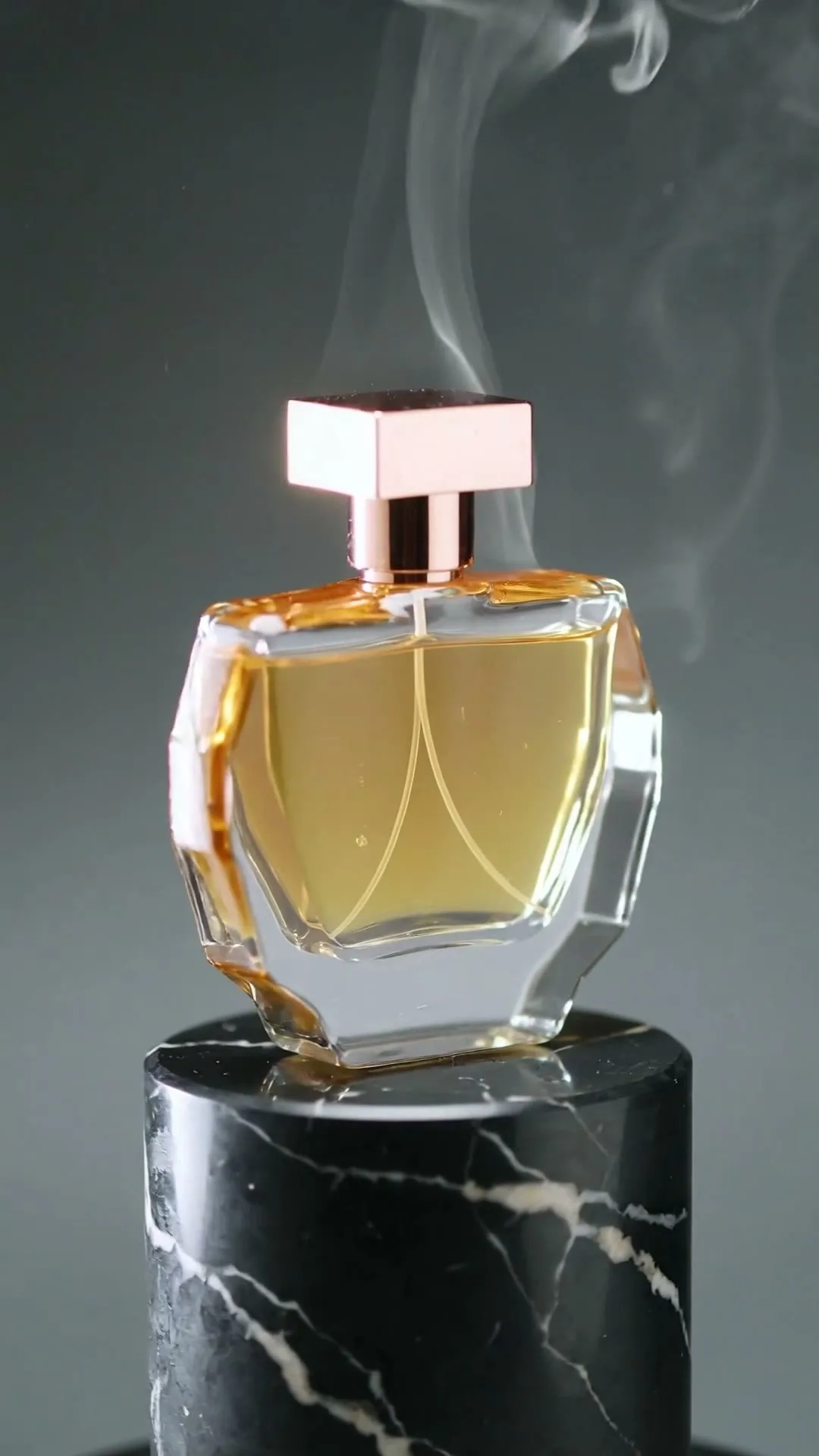
Luxury hero rotation
9:16 · 5s
◆ Kling 3.0 Turbo
Upload a clean product image, direct the camera and create a polished advertising shot without a studio shoot. Every control—from model and duration to preview and download—stays on this page.
Create now
Add the subject, motion, camera angle and style. The clearer the prompt, the better the video.
Generates one silent product shot from one image per run. Review packaging and label details carefully; add exact price, logo text, voice and music after download.
Need inspiration? Try one of these
Luxury hero rotation
9:16 · 5s
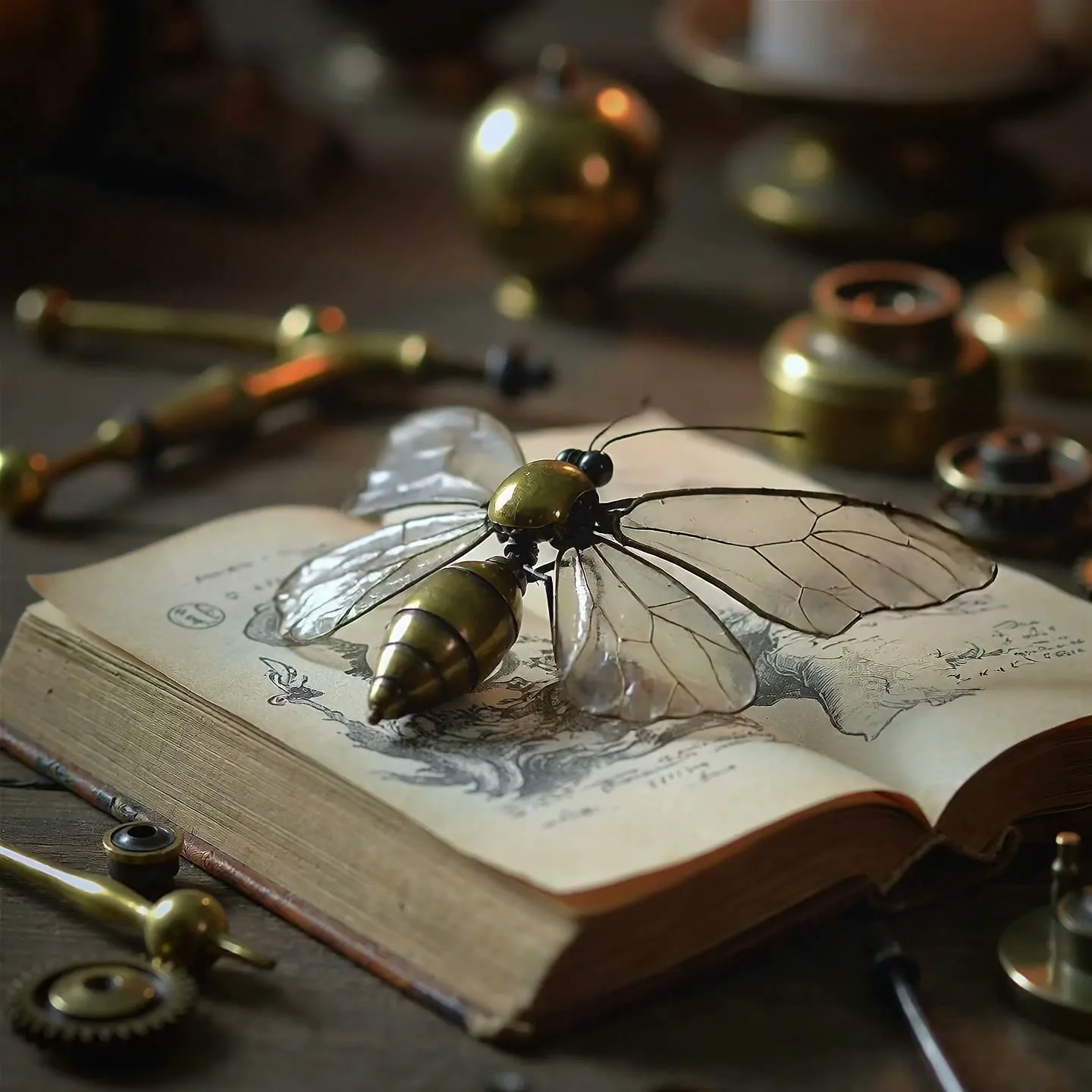
Precision material detail
1:1 · 5s
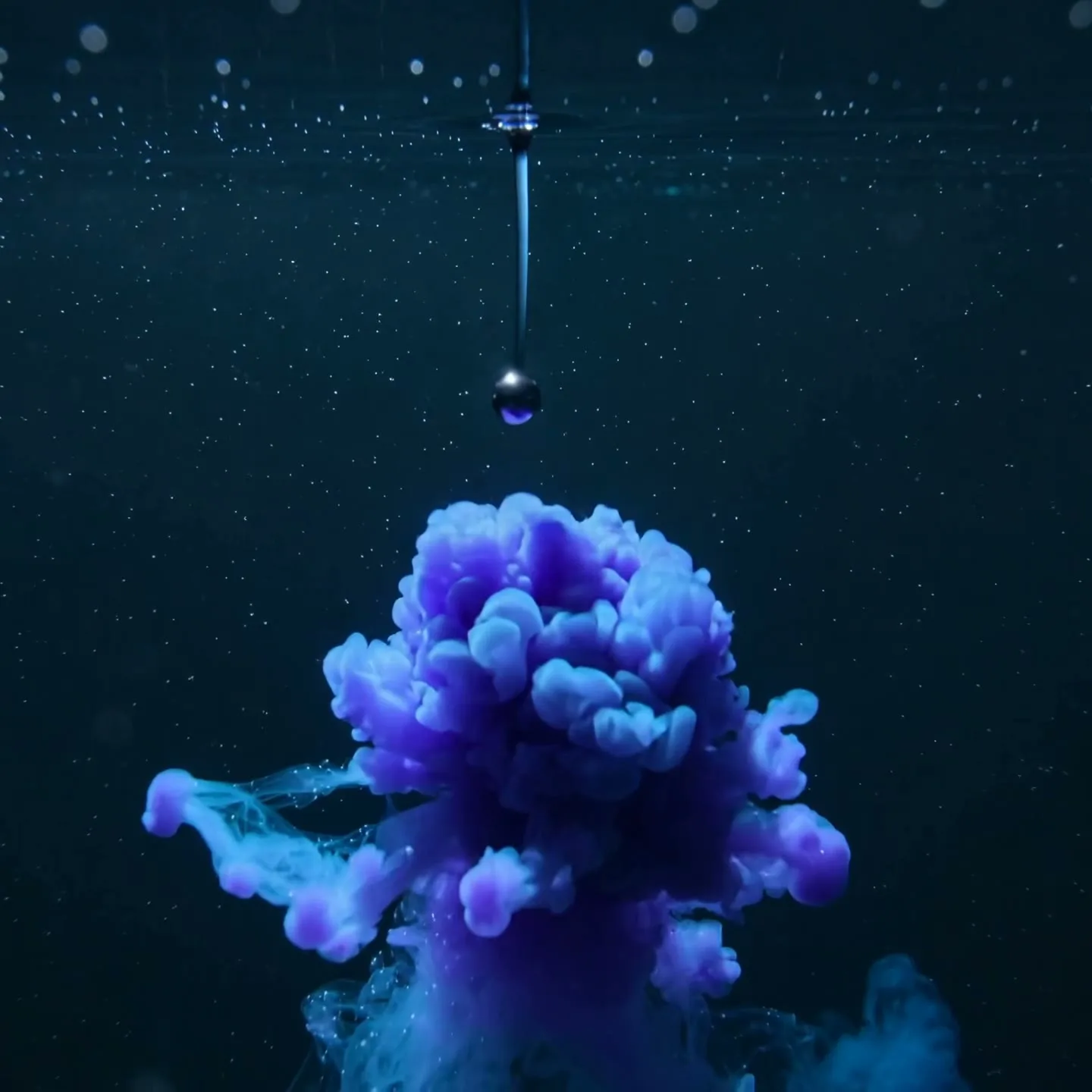
Abstract ingredient reveal
1:1 · 5s
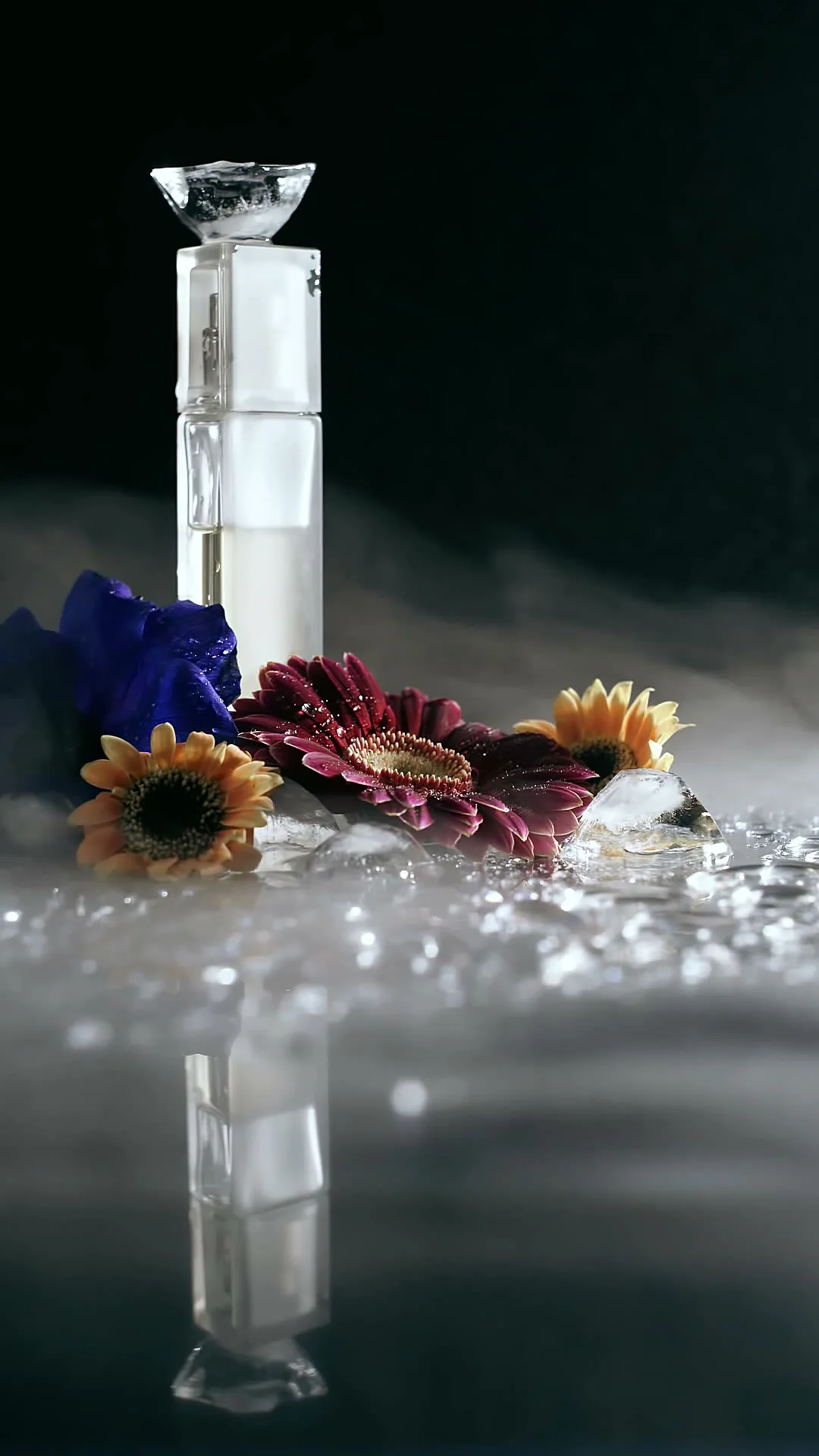
Floral perfume product film
9:16 · 5s
Hover or tap to preview every example
Industry prompt catalog
A strong AI product video begins with a source image that already tells the truth about the item: correct packaging, readable branding, accurate color, and a clean silhouette. The prompt should direct motion, camera, light, and atmosphere rather than redesigning the product. Different industries sell through different visual cues, so a single “make this cinematic” prompt is rarely specific enough.
Use the examples below as art direction. Start with a restrained five-second version, check label and shape consistency, then increase movement only if the product remains stable. AI-generated scenes should not imply features, ingredients, fit, or performance that the real item does not have.
Scene 01
Skincare, fragrance, and makeup benefit from macro texture, controlled liquid, soft mist, and moving highlights. Keep the bottle or compact centered while the environment creates a premium reveal. For a serum, let droplets and light suggest hydration without making medical claims. For fragrance, use fabric, smoke, or reflective glass to communicate mood while preserving the exact bottle geometry.
Prompt example
Luxury skincare reveal; serum bottle remains perfectly stable as a slow-motion water crown rises behind it; tiny droplets, macro lens, soft violet rim light, black stone surface; preserve label, cap, proportions, and brand colors.
Scene 02
Phones, headphones, watches, and accessories need crisp edges, material detail, and understandable ports or controls. Ask for a smooth orbit on a simple background and reserve negative space for specification callouts that you will add later. Do not ask the model to render small text; overlay prices, measurements, and feature names in your editor for accuracy.
Prompt example
Premium wireless headphones rotate through a controlled 360-degree product spin, precise matte texture and metallic hinge highlights, dark navy studio, slow camera orbit, clean empty space on the right for specification callouts, no added text.
Scene 03
A flat-lay garment can inspire motion concepts, but identity and fit require careful review because the model must invent a body and unseen construction. Safer clips focus on fabric lifting, sleeves unfolding, or the camera moving across stitching. If you use an on-model source photo, request a small turn, step, or breeze instead of a complex runway sequence.
Prompt example
Editorial fashion clip from the supplied on-model image; one slow half-turn, natural fabric drape and sleeve movement, soft wind, camera stays at waist height, neutral studio, preserve garment color, seams, print, and silhouette.
Scene 04
Food is sold through temperature, texture, and freshness. Add rising steam to a prepared dish, a controlled sizzle around ingredients, condensation on a cold can, or a slow macro slide over a plated surface. Keep motion physically plausible and avoid changing portion size, packaging, or ingredients. A short sensory shot works well as the opening of a menu ad or delivery listing.
Prompt example
Macro food commercial; camera slides past a hot grilled sandwich as gentle steam rises and cheese stretches slightly, warm side light, shallow depth of field, realistic texture, preserve ingredients and portion size, clean appetizing finish.
Showcase
Explore Zvidy AI outputs and commercially licensed references across social clips, product ads and cinematic stories, then adapt a direction in the generator above.
“Perfume bottle rotates slowly above reflective stone, accurate silhouette, controlled rim light, macro advertising camera”
Create in this style“Macro camera reveals fine metal mechanisms, controlled depth of field, premium product lighting”
Create in this style“A clean ingredient droplet expands into a luminous texture behind the product, elegant controlled motion”
Create in this style“Creative direction: combine a centered product silhouette, drifting mist and reflective surfaces.”
Pexels · Mikhail Nilov · licensed referenceCreate in this style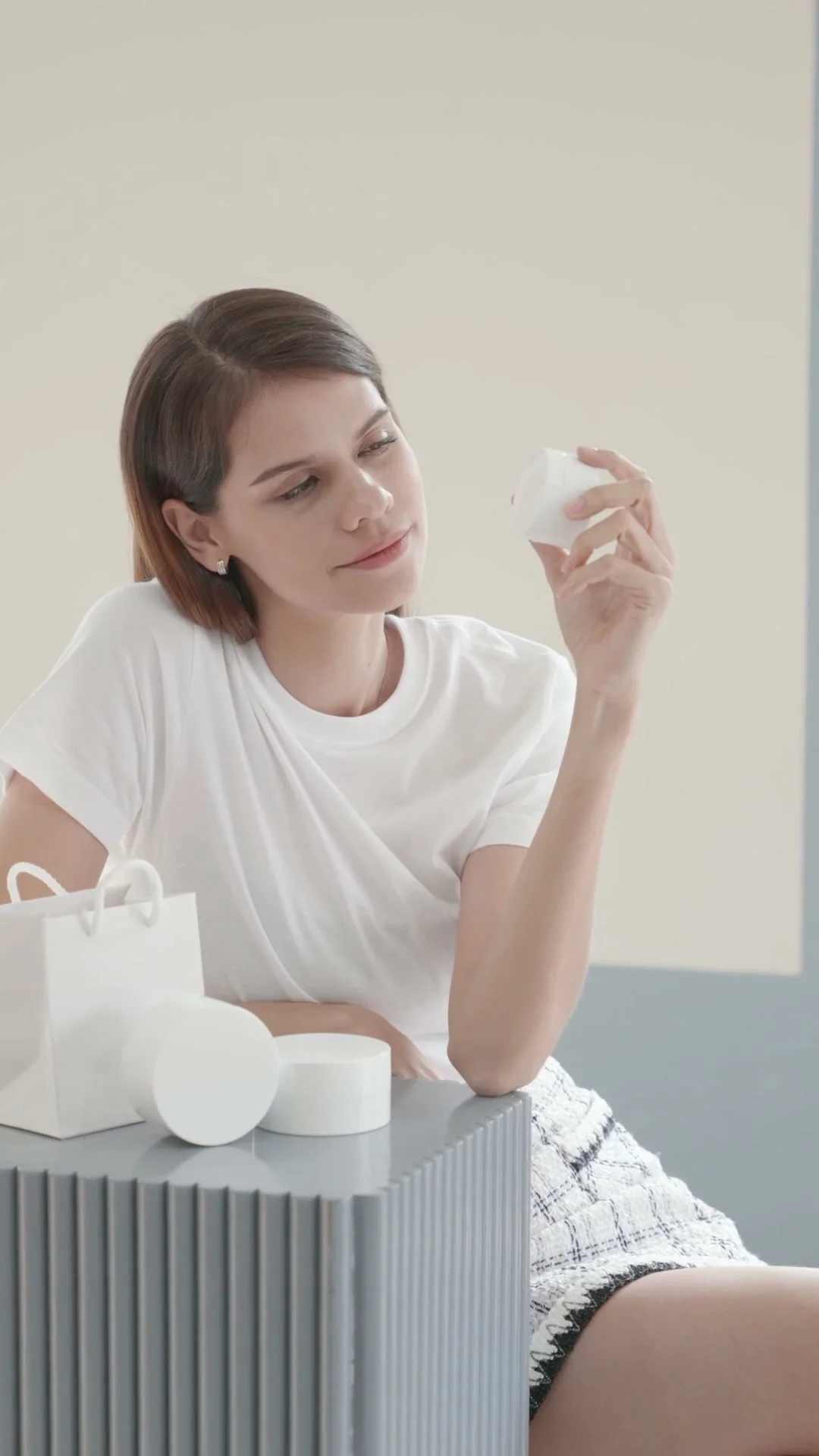
“Creative direction: use a neutral set, simple packaging and one deliberate product gesture for a premium UGC frame.”
Pexels · Angela Roma · licensed referenceCreate in this style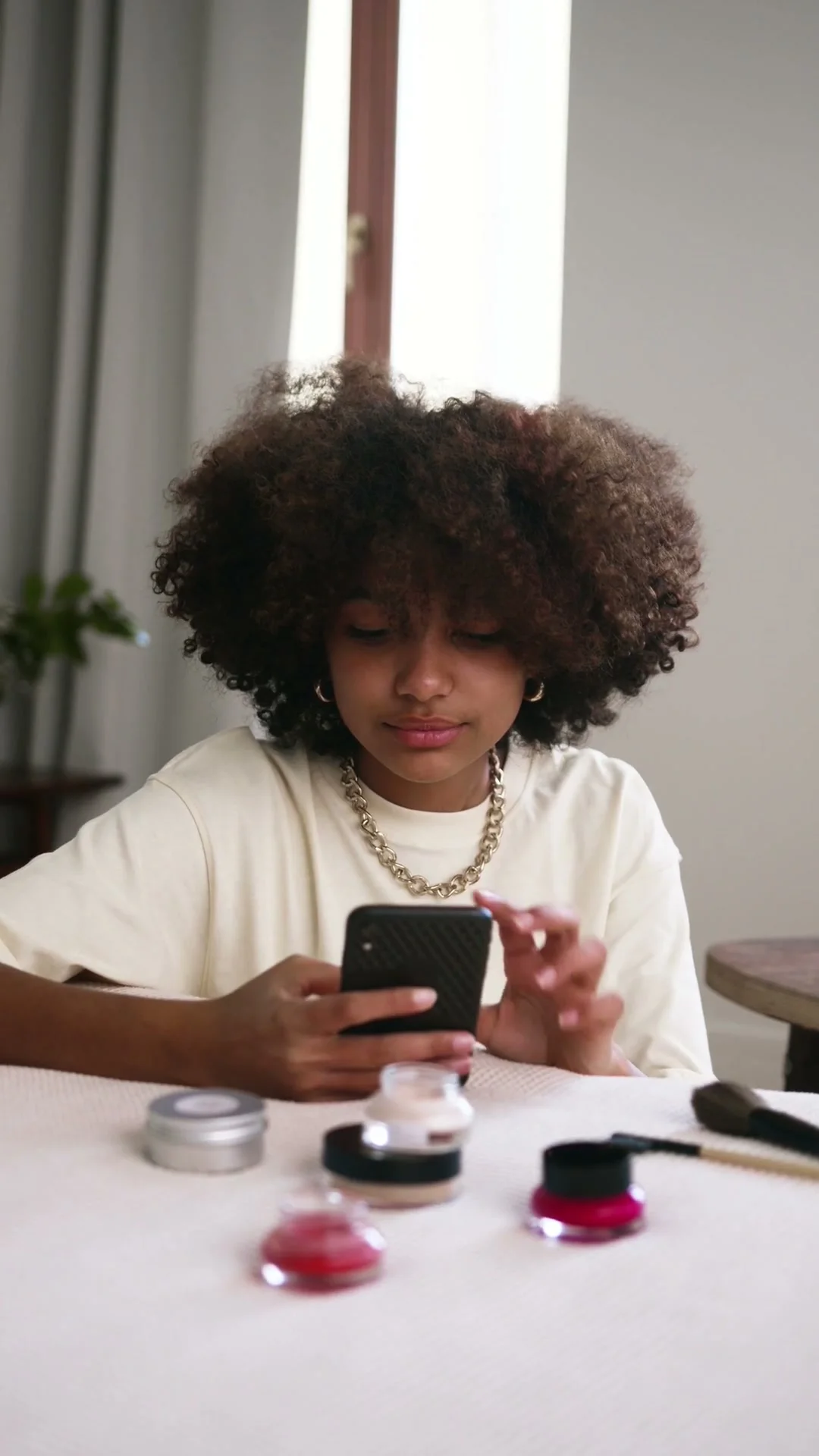
“Creative direction: frame the creator and product together, then use natural hand movement as the visual hook.”
Pexels · Ron Lach · licensed referenceCreate in this style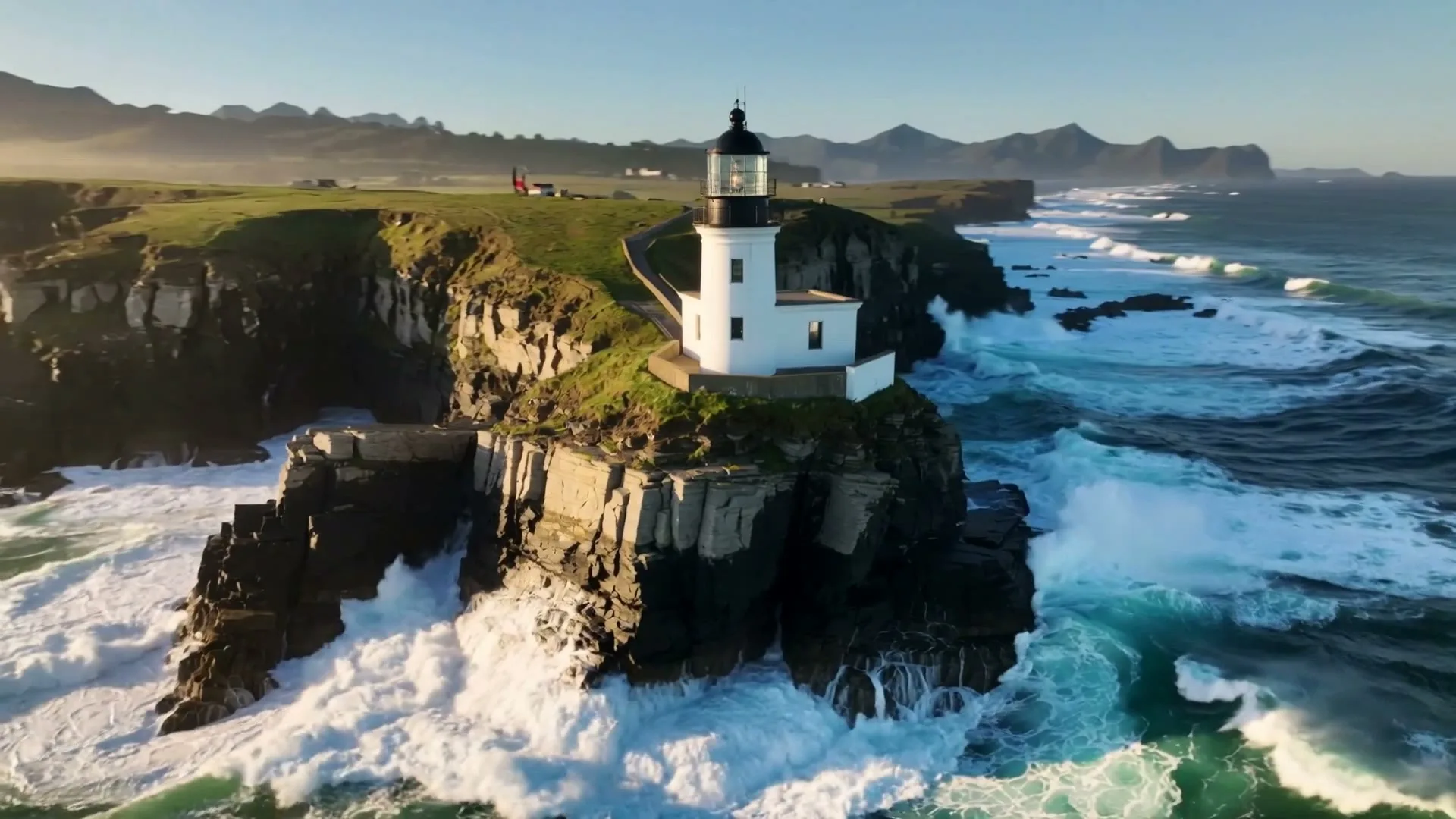
“A sweeping drone orbit reveals a lighthouse on a cliff while waves crash below.”
Create in this style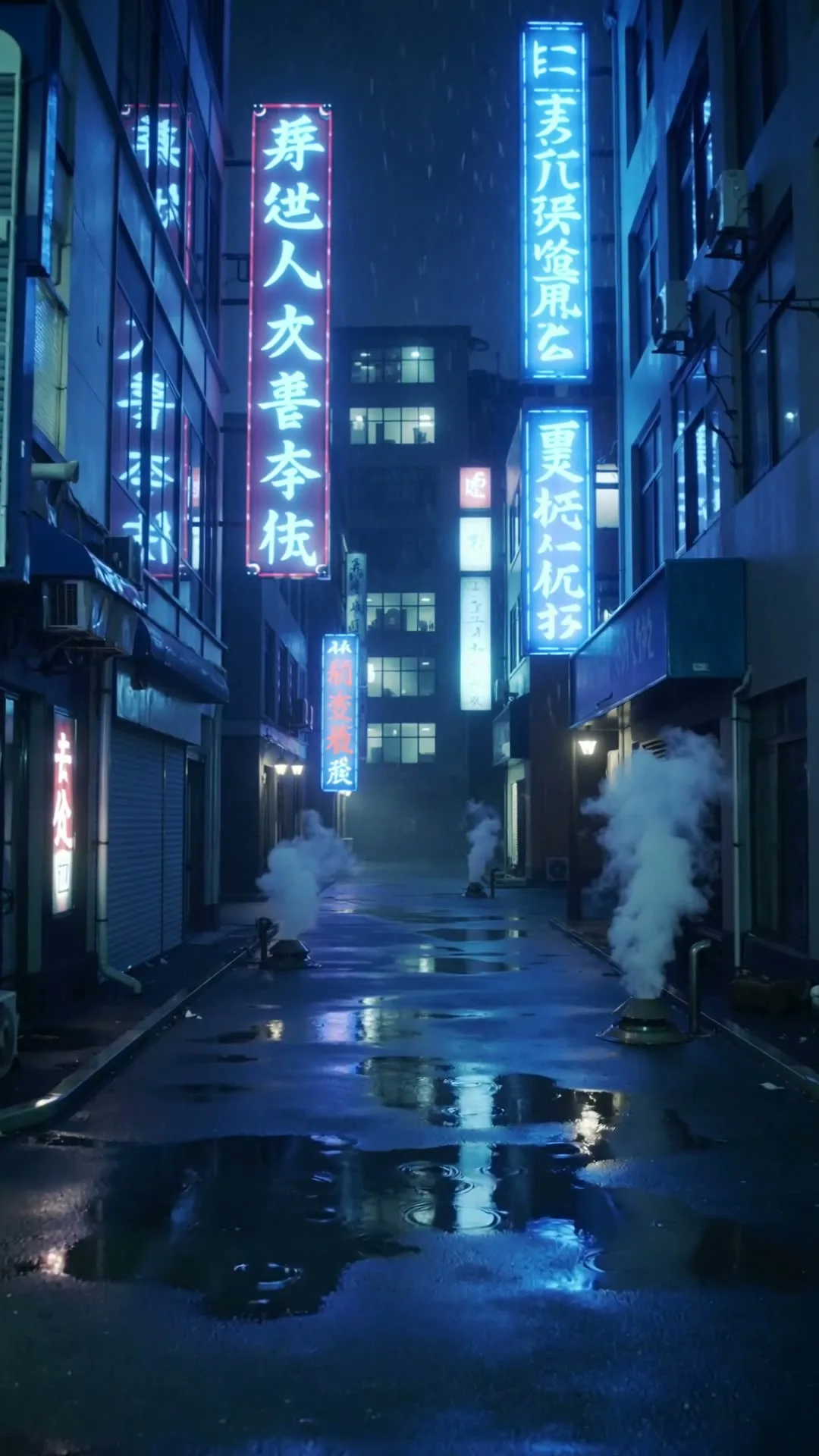
“A slow push through a cyberpunk Tokyo alley in heavy rain with neon reflections.”
Create in this style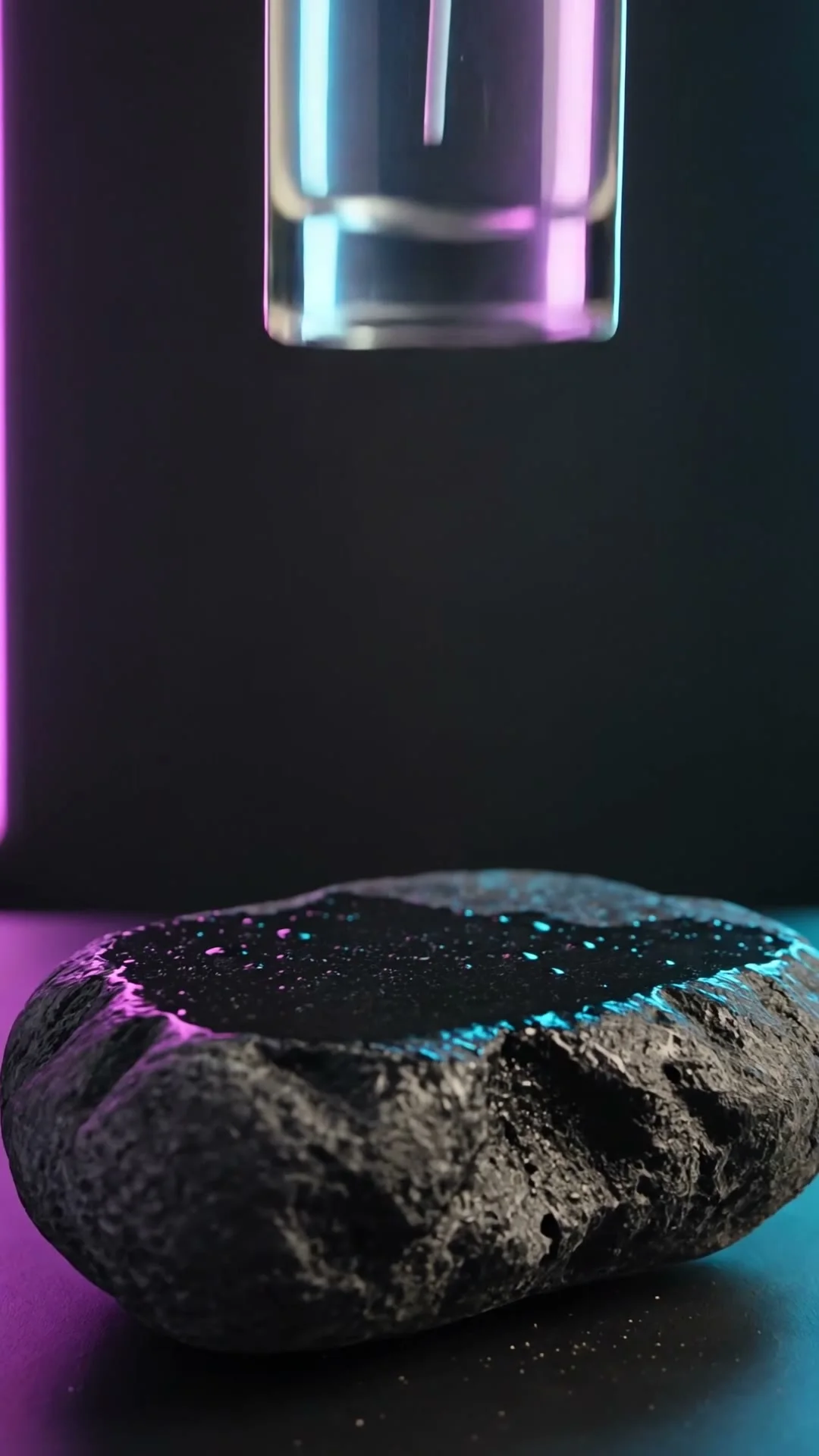
“A serum bottle lands on wet obsidian as macro droplets burst under violet and cyan rim light.”
Create in this styleBuilt for this workflow
From the first idea to a publish-ready clip, every control is shaped around this exact workflow.
Capability 01
Image-to-video starts from your real product photo so shape, colors and composition stay anchored.
Capability 02
Prompt an orbit, push-in, macro rack focus or gentle hover without building a physical set.
Capability 03
Create vertical social shots, square feed visuals and widescreen product-page footage.
Capability 04
Generate several visual treatments before investing in a full campaign edit or physical production.
Use a sharp, well-lit single product with enough empty space for motion.
Describe one camera move, surface and lighting setup; ask to preserve label and silhouette.
Check every frame for product accuracy before using the clip in advertising.
A product video generator works best as a shot creator, not a replacement for accurate product data. Your uploaded image anchors the package shape, color and label; the prompt should direct only the camera, environment and controlled motion. Clean backgrounds and front or three-quarter product angles reduce distortion. Generate a five-second hero orbit, a material macro and a social reveal as separate options, then choose the one that protects the product identity. Prices, claims and legal copy should always be added later as verified text rather than generated inside the footage.
Use cases & prompt recipes
Use slow highlights and material close-ups for texture-led beauty creative.
Prompt example“Macro push across the glass edge, serum droplet catches soft light, label stays perfectly still, premium beauty ad”Pair precise geometry with a restrained orbit and controlled reflections.
Prompt example“Headphones rotate 90 degrees above matte graphite, thin cyan rim light, accurate proportions, clean tech commercial”Start with a quick arrival or reveal, then settle into a clean hero frame.
Prompt example“Package snaps into frame through colored powder, one smooth turn, ends centered and stable, vertical 9:16”Image anchoring helps, but generative video can still distort small text and logos. Review the result carefully and use a post-production overlay when exact wording matters.
A sharp single-product image on a plain or controlled background, photographed front-on or at a three-quarter angle.
It creates individual product shots. A complete ad still needs verified claims, pricing, logo treatment, voice, music and final editing.
Commercial use is available under Zvidy’s terms. You must own or license the product image, marks, music and any third-party material.
Kling 3.0 Turbo balances flexible duration and image animation. Use a higher-fidelity image model when label and reflection stability justify the extra credits.