◆ Seedance 2.0 Fast

AI TikTok Video Maker

Turn a hook, product idea or visual story into a scroll-stopping vertical clip. The complete generator stays on this page: prompt or image input, model, duration, format, generation history and download.

9:16 vertical preset for TikTok
Text-to-video and single-image animation
3–15 second clips with selectable models
Preview and download without leaving this page
Seedance 2.0 Fast5s / 10s / 15s9:16 · 16:9 · 1:1720p / 1080p25+ credits

Create now

Generate your version without leaving this page

Prompt · model · ratio · duration
Text to video

Describe the video you want to create

Add the subject, motion, camera angle and style. The clearer the prompt, the better the video.

01Prompt
02Model
03Generate
Prompt
0/1000
Tip: cinematic, close-up, slow motion, 4K
Priority available-25 credits

Generates one 3–15 second video clip at a time. Outputs are silent; add TikTok music, captions and publishing details after download.

Need inspiration? Try one of these

Playful vertical character hook

9:16 · 5s

Cinematic night-story opener

9:16 · 5s

Premium product reveal

9:16 · 5s

Scroll-stopping skincare hook

9:16 · 5s

Hover or tap to preview every example

Showcase

More video inspiration — hover to play

Explore Zvidy AI outputs and commercially licensed references across social clips, product ads and cinematic stories, then adapt a direction in the generator above.

9curated videos AI + licensed
5s · Kling 2.6

Playful vertical character hook

9:16

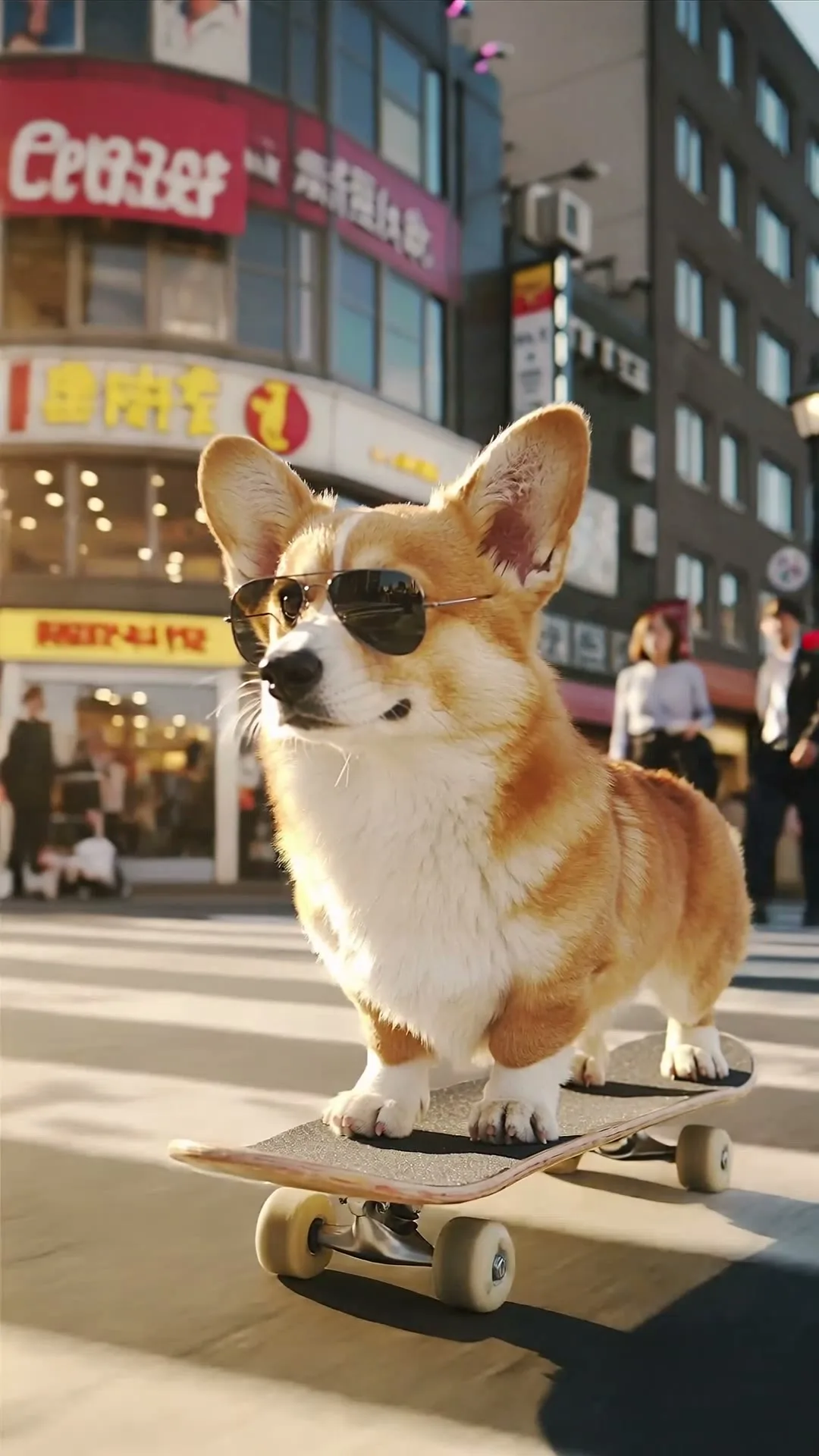
Corgi in sunglasses skateboarding through Shibuya, immediate motion, low tracking camera, neon reflections

Create in this style
5s · Kling 2.6

Cinematic night-story opener

9:16

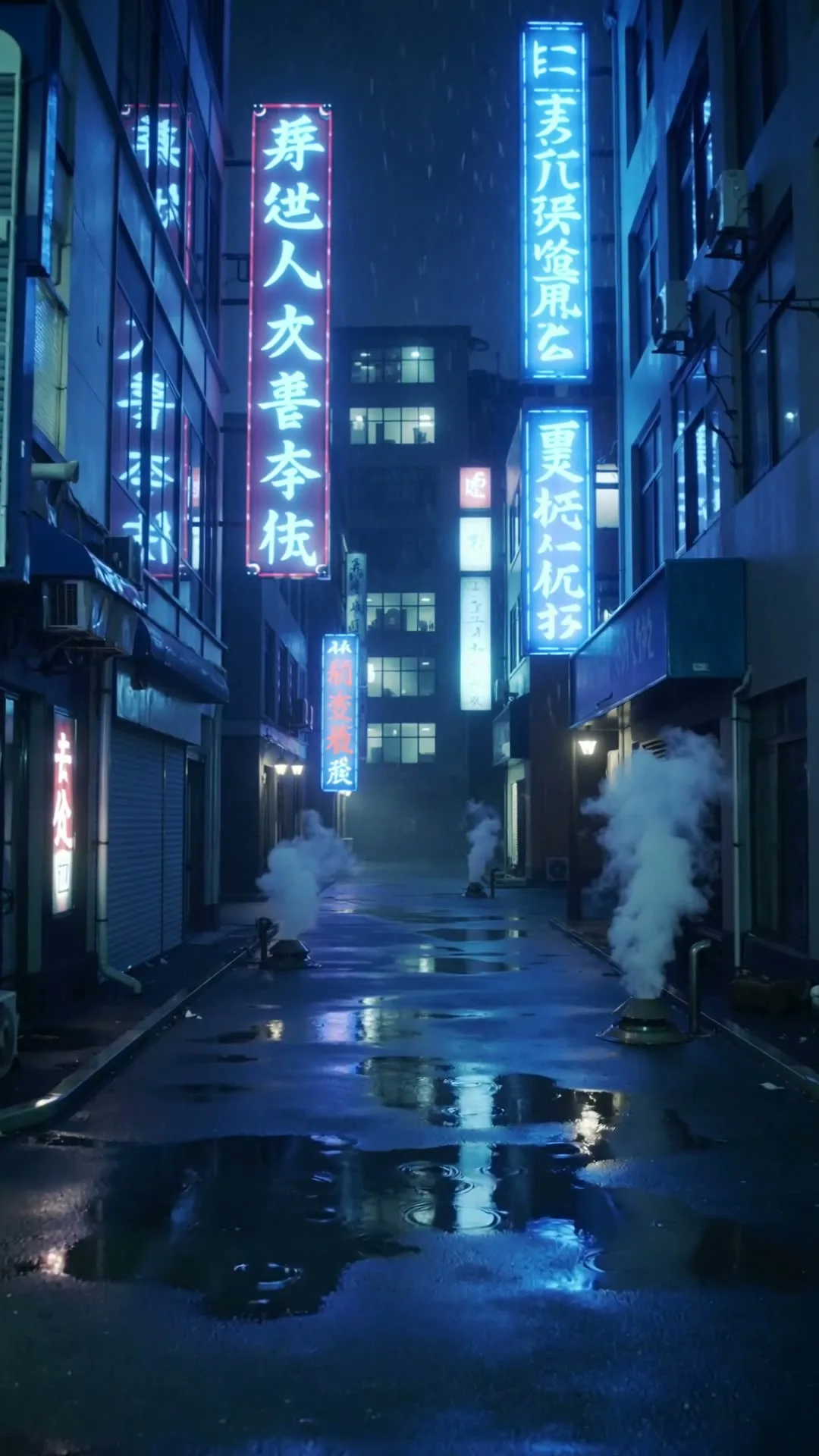
Neon Tokyo rain, subject walks toward camera, strong first-frame contrast, vertical cinematic shot

Create in this style
5s · Kling

Premium product reveal

9:16

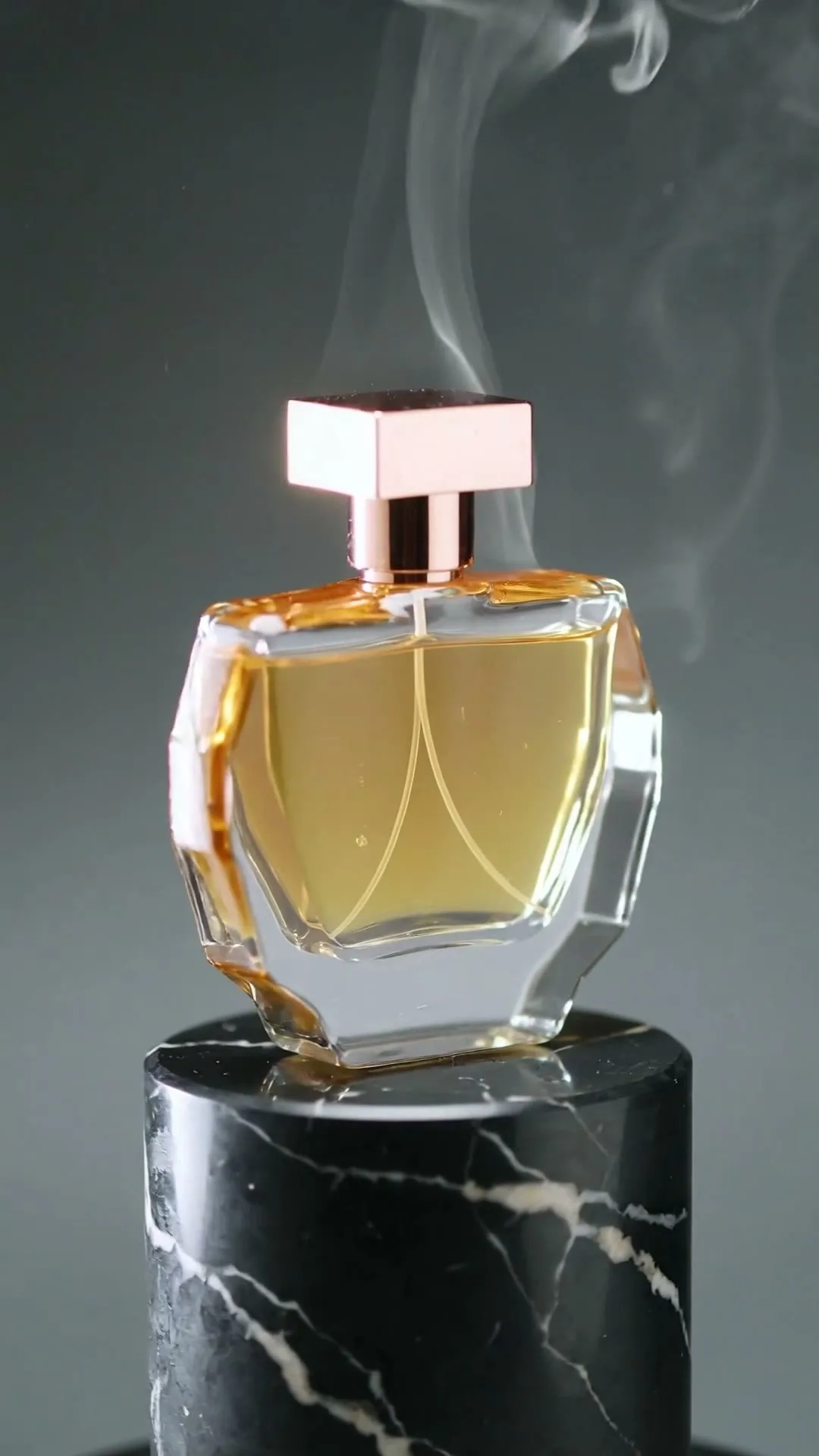
Luxury perfume rises through mist, rotating highlight, macro lens, vertical social advertisement

Create in this style
5s · Kling 3.0 Pro

Scroll-stopping skincare hook

9:16

A serum bottle lands on wet obsidian as macro droplets burst under violet and cyan rim light.

Create in this style
5s · Kling

Neon city opening shot

9:16

A creator walks through a rain-soaked neon street, cinematic tracking shot, vivid reflections.

Create in this style
5s · Kling

Anime character motion

9:16

An anime heroine turns toward camera while cherry blossom petals swirl in dynamic wind.

Create in this style
5s · Kling

Abstract visual rhythm

1:1

Ink blooms underwater into a violet and cyan galaxy nebula in ultra slow motion.

Create in this style

Built for this workflow

What this AI TikTok Video Maker can do

From the first idea to a publish-ready clip, every control is shaped around this exact workflow.

Capability 01

Vertical by default

The 9:16 preset matches the TikTok canvas, while 16:9 and 1:1 remain available when the selected model supports them.

Capability 02

Prompt or product photo

Switch between text-to-video and image-to-video in the same console to invent a scene or animate a real visual.

Capability 03

Fast hook iteration

Reuse any result prompt, change one creative variable and compare multiple short variations in your page history.

Capability 04

Platform-ready HD clip

Preview with native controls and download the successful render for captions, music and final editing.

How it works

1

Write one visual hook

Name the subject, first action, camera move and mood. Keep one clip focused on one beat.

2

Choose 9:16 and length

Five seconds is ideal for hook testing; use a longer option when the action needs room.

3

Generate, compare, download

Results appear on this page. Reuse the strongest prompt and export the winning clip.

A useful TikTok creative starts with one clear beat: a visual surprise, a product reveal, a character action or a satisfying loop. Zvidy focuses on generating that core shot instead of pretending to replace TikTok’s music, caption and publishing tools. Start in 9:16, keep the first motion immediate, describe only one main subject, and generate several five-second variations. The result cards stay below the same console, so you can compare hooks, reuse a promising prompt and download the strongest clip without moving to another workspace.

Use cases & prompt recipes

Start with a proven creative brief

FAQ

Does it create the TikTok directly?

It creates and downloads the AI video clip on this page. Direct TikTok publishing is not included; add platform music, captions and disclosures in TikTok or your editor after download.

Can I make TikTok videos from a photo?

Yes. Switch to image-to-video, upload one public-accessible image, describe the motion and generate without leaving the page.

What aspect ratio should I use?

Use 9:16 for a full-screen TikTok. The page starts there automatically on supported models.

Are music and captions generated?

No. Current outputs are silent visual clips. Add licensed music, voice and accurate captions after downloading.

Will an AI clip automatically go viral?

No tool can guarantee reach. Use this maker to test distinct visual hooks quickly, then judge retention and engagement with real audience data.