
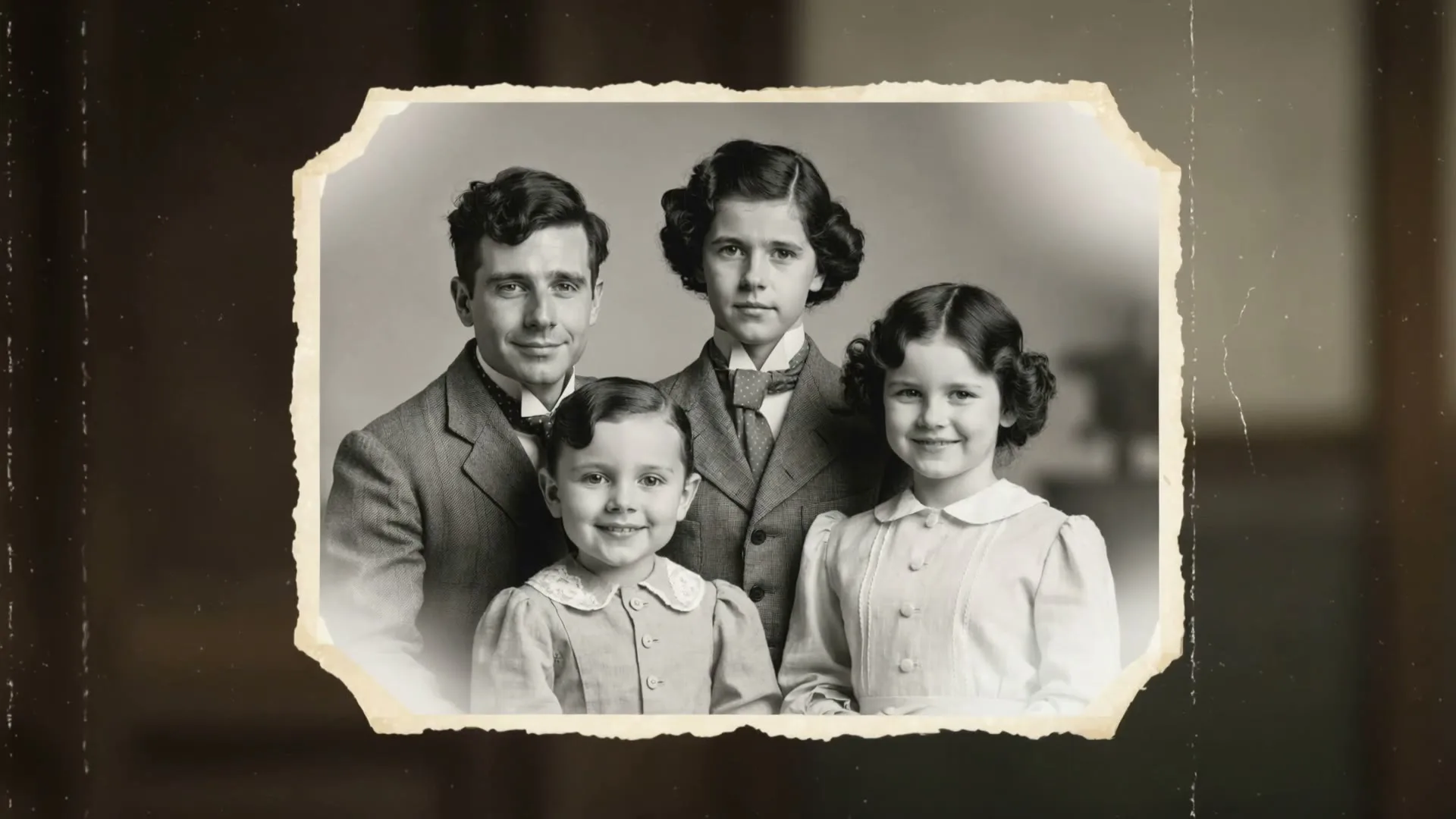
Family photo awakened
9:16 · 5s
AI video tool · generate on this page
Photos hold the moment; video brings it back. Upload a photo, describe a gentle motion, and watch a still second of your life become a living one.
Create now
Add the subject, motion, camera angle and style. The clearer the prompt, the better the video.
Family photo awakened
9:16 · 5s
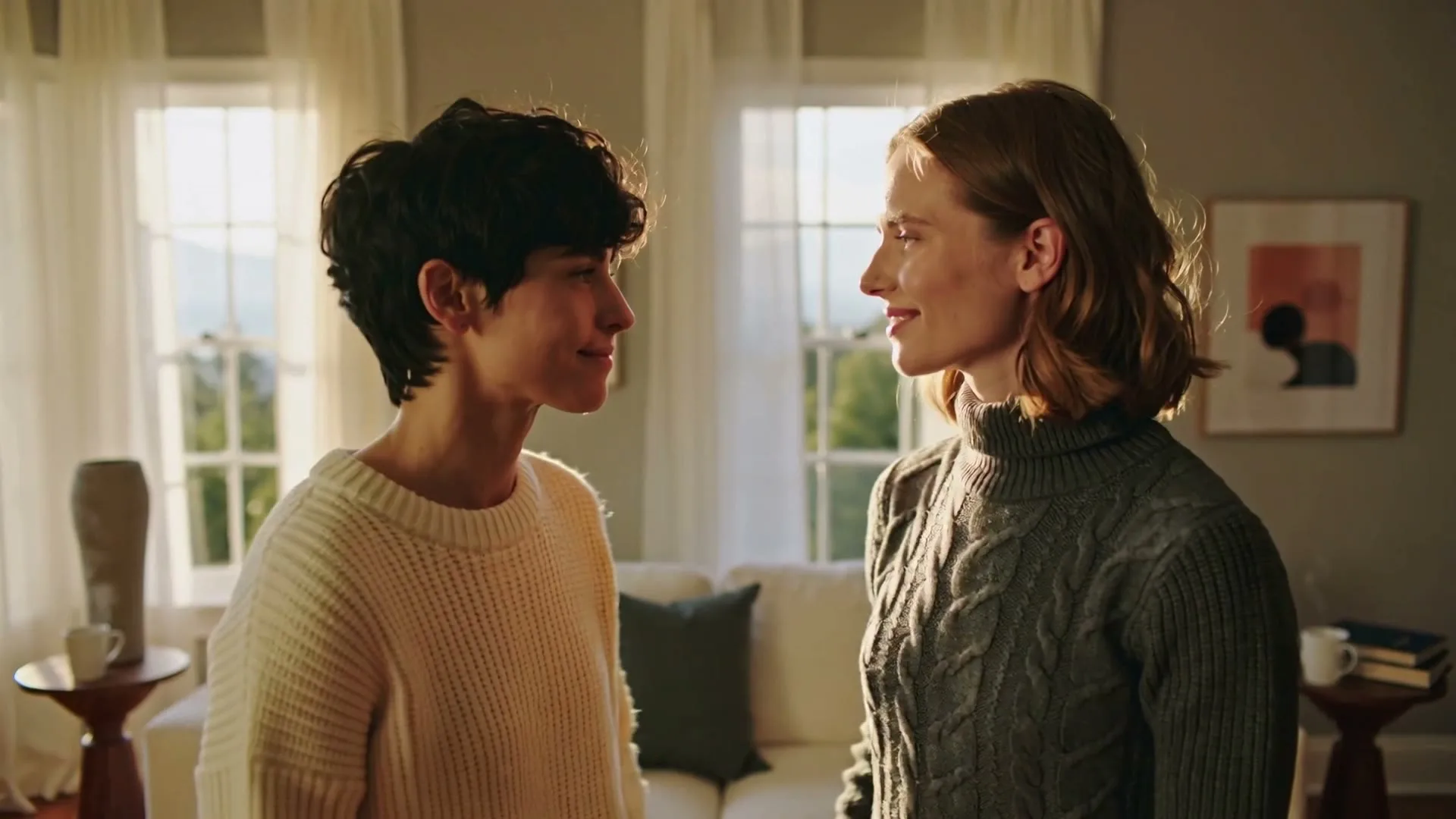
An embrace in motion
9:16 · 5s
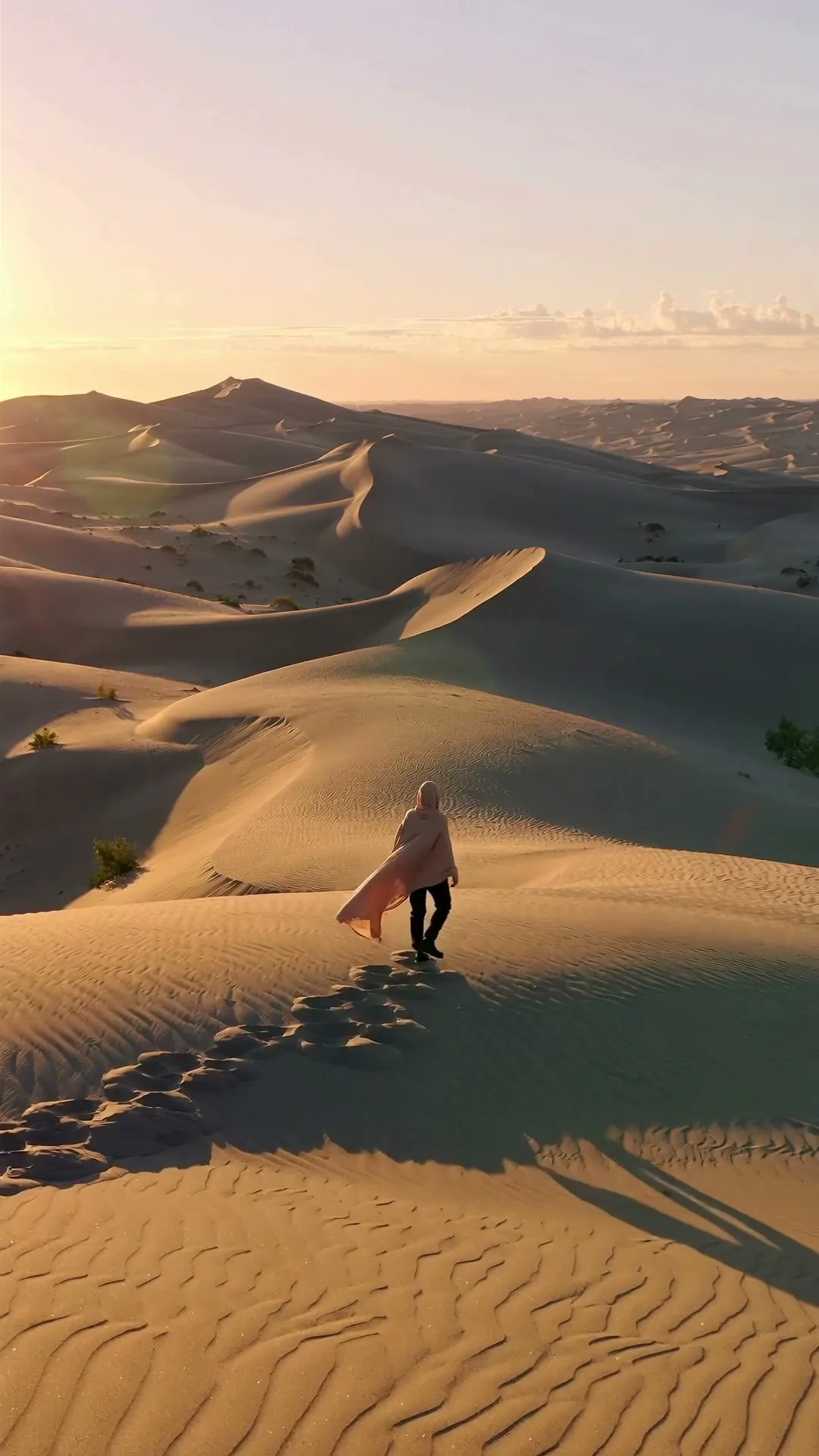
Travel-shot cinematics
9:16 · 5s
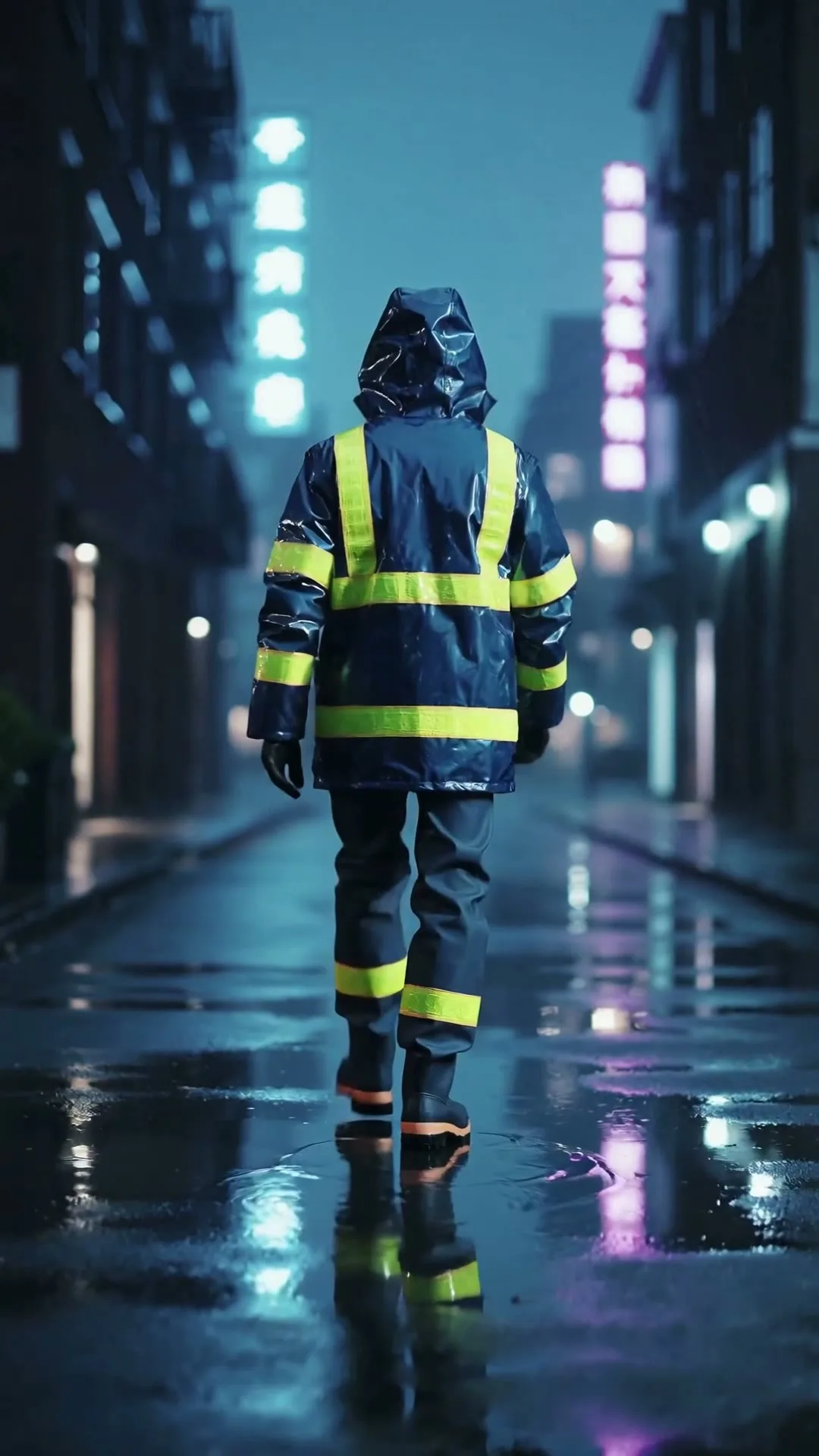
Neon city opening shot
9:16 · 5s
Hover or tap to preview every example
Showcase
Explore Zvidy AI outputs and commercially licensed references across social clips, product ads and cinematic stories, then adapt a direction in the generator above.
“A creator walks through a rain-soaked neon street, cinematic tracking shot, vivid reflections.”
Create in this style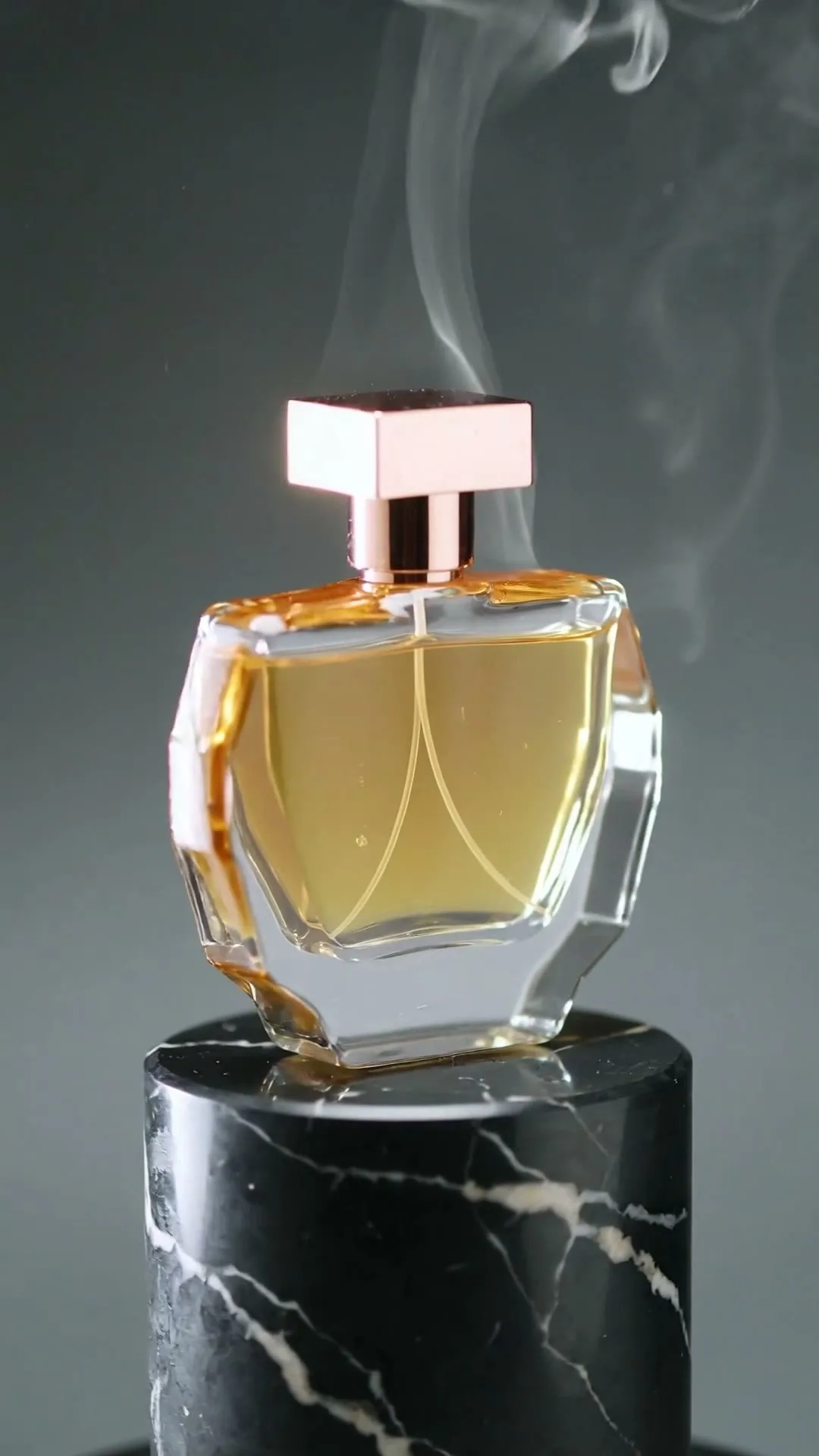
“A luxury bottle floats above black marble, slow rotation, dramatic rim light and fine mist.”
Create in this style
“An anime heroine turns toward camera while cherry blossom petals swirl in dynamic wind.”
Create in this style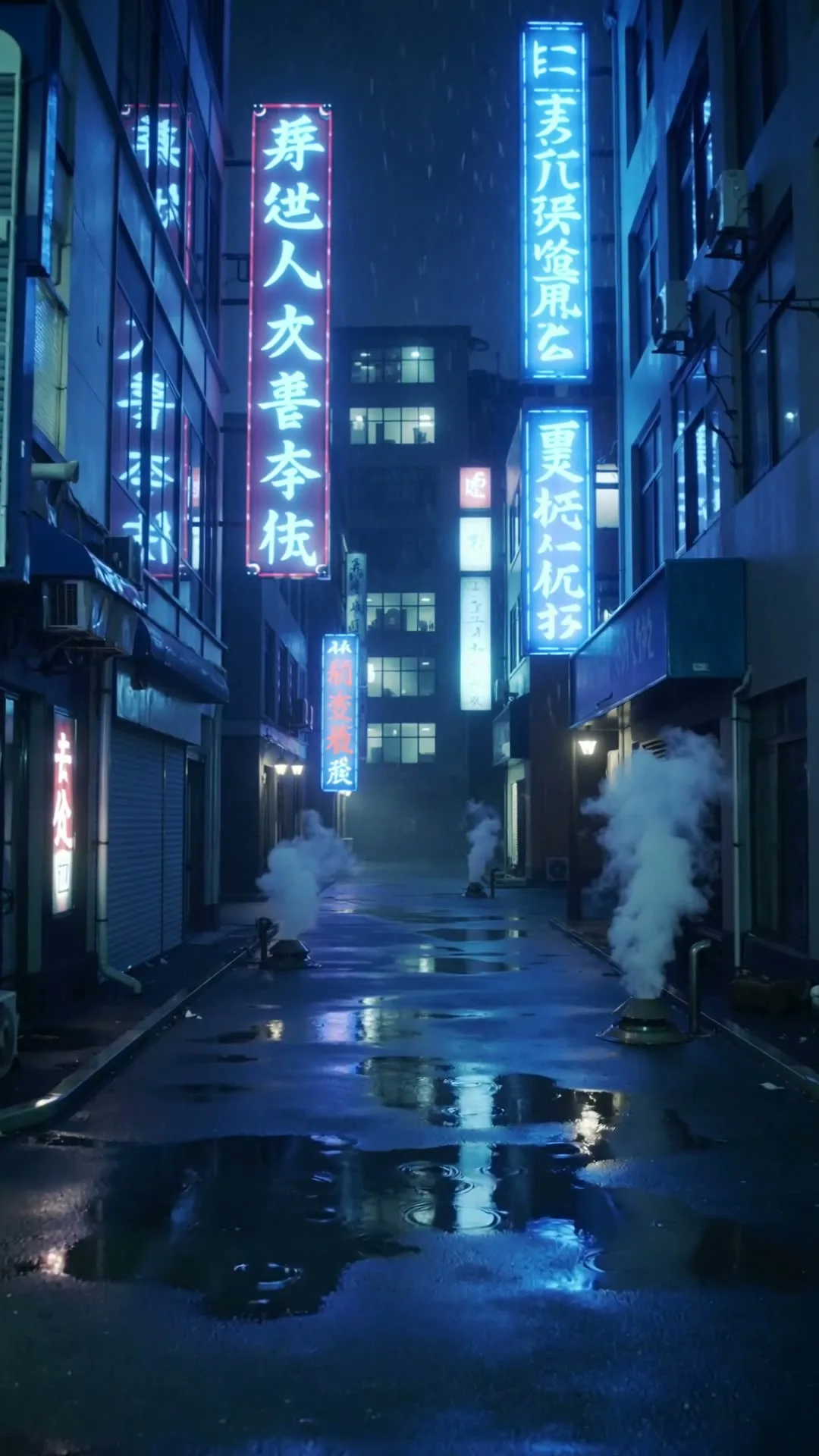
“A slow push through a cyberpunk Tokyo alley in heavy rain with neon reflections.”
Create in this style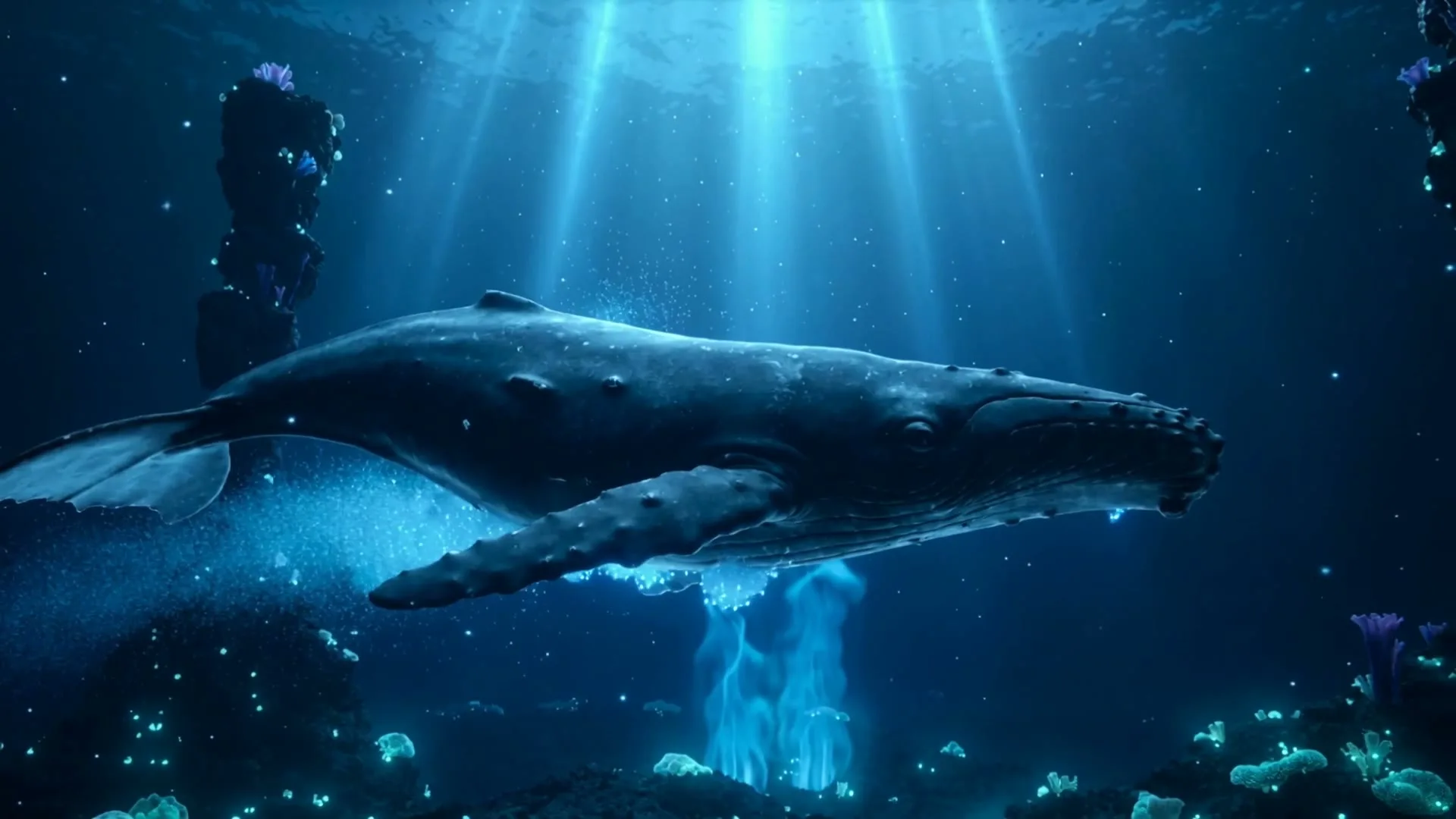
“A whale glides through a bioluminescent ocean with glowing particles and soft god rays.”
Create in this style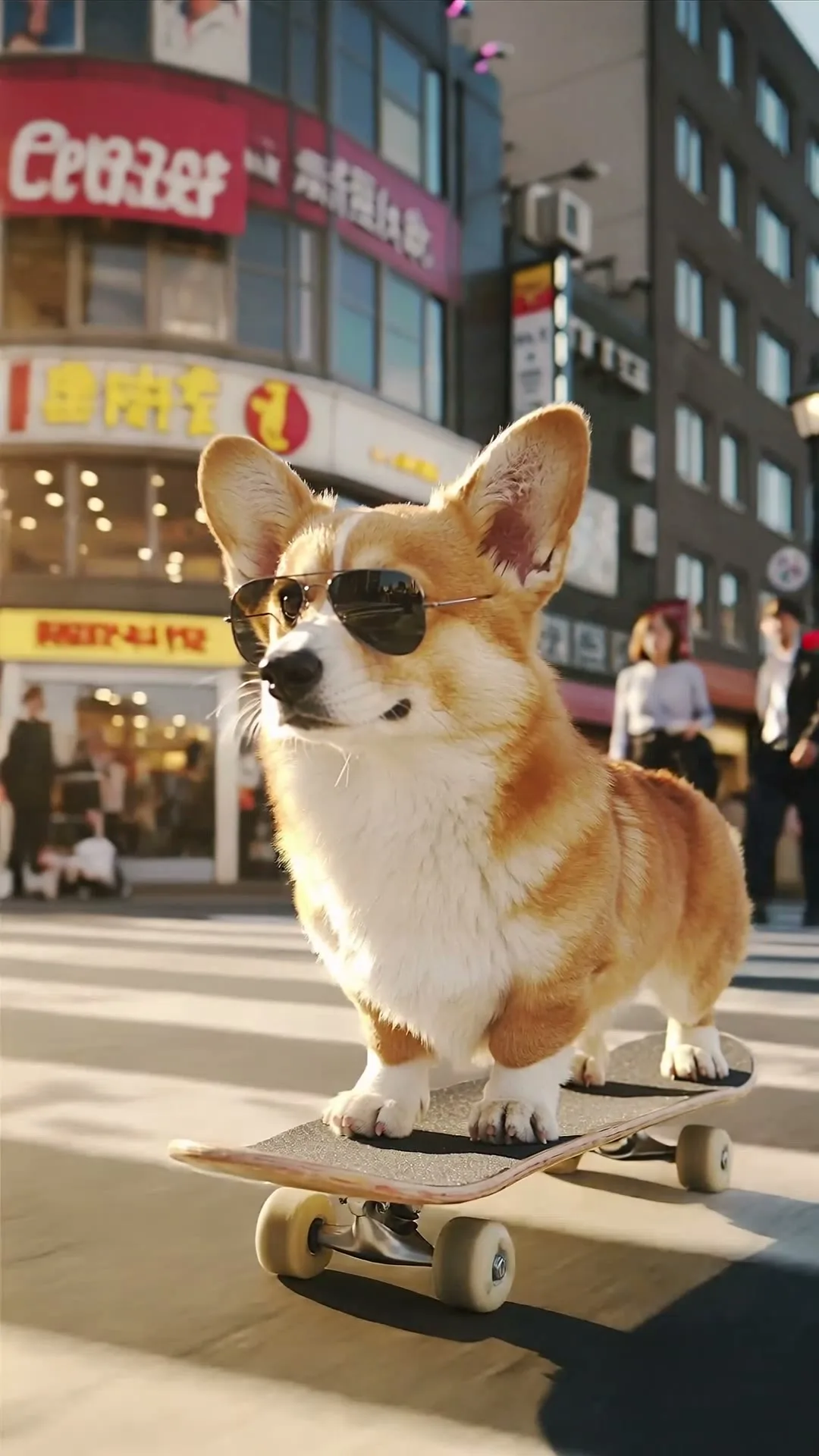
“A corgi in sunglasses skateboards through a busy crossing, low-angle tracking shot.”
Create in this styleScans of old prints work too — sharp and well-lit is best.
"They begin to smile softly; the camera pushes in very slowly."
Download in HD; share it with the people in it.
A photo to video generator animates the picture itself — this is not a slideshow maker with pan-and-zoom effects, but a model that understands the scene and imagines authentic motion within it: eyes blink, a smile forms, leaves stir, the camera drifts closer. The most-loved uses among our users are personal: decades-old family photographs gently brought to life, wedding portraits given a breath of movement, travel shots turned into cinematic memory clips. The same engine powers practical work too — profile videos from headshots, animated listing photos, social posts that stop the scroll where the original photo didn't. Start with 5-second clips, keep motion words soft (gently, slowly, subtly), and the result stays true to the person and place you photographed.
Slideshow apps move a camera over a static image (the 'Ken Burns' effect). A photo to video generator creates new frames: the people and objects in your photo actually move — blinking, smiling, shifting — while staying recognizably themselves.
Kept subtle, no — gentle prompts preserve identity well. Avoid large motions (dancing, turning around) which force the model to invent unseen angles. Adding 'faces remain exactly as in the original photo' to your prompt helps further.
The studio shows the exact model cost before you generate. Gift credits are limited to value tests; premium photo animation requires membership. Failed generations refund automatically.