

Neon city opening shot
9:16 · 5s
◆ Kling 3.0 Turbo
Kling has the best motion physics in AI video. Zvidy puts Kling 3.0 Turbo and Kling 2.1 image-to-video in your browser — no app, no separate subscription, pay per clip in credits.
Create now
Add the subject, motion, camera angle and style. The clearer the prompt, the better the video.
Neon city opening shot
9:16 · 5s
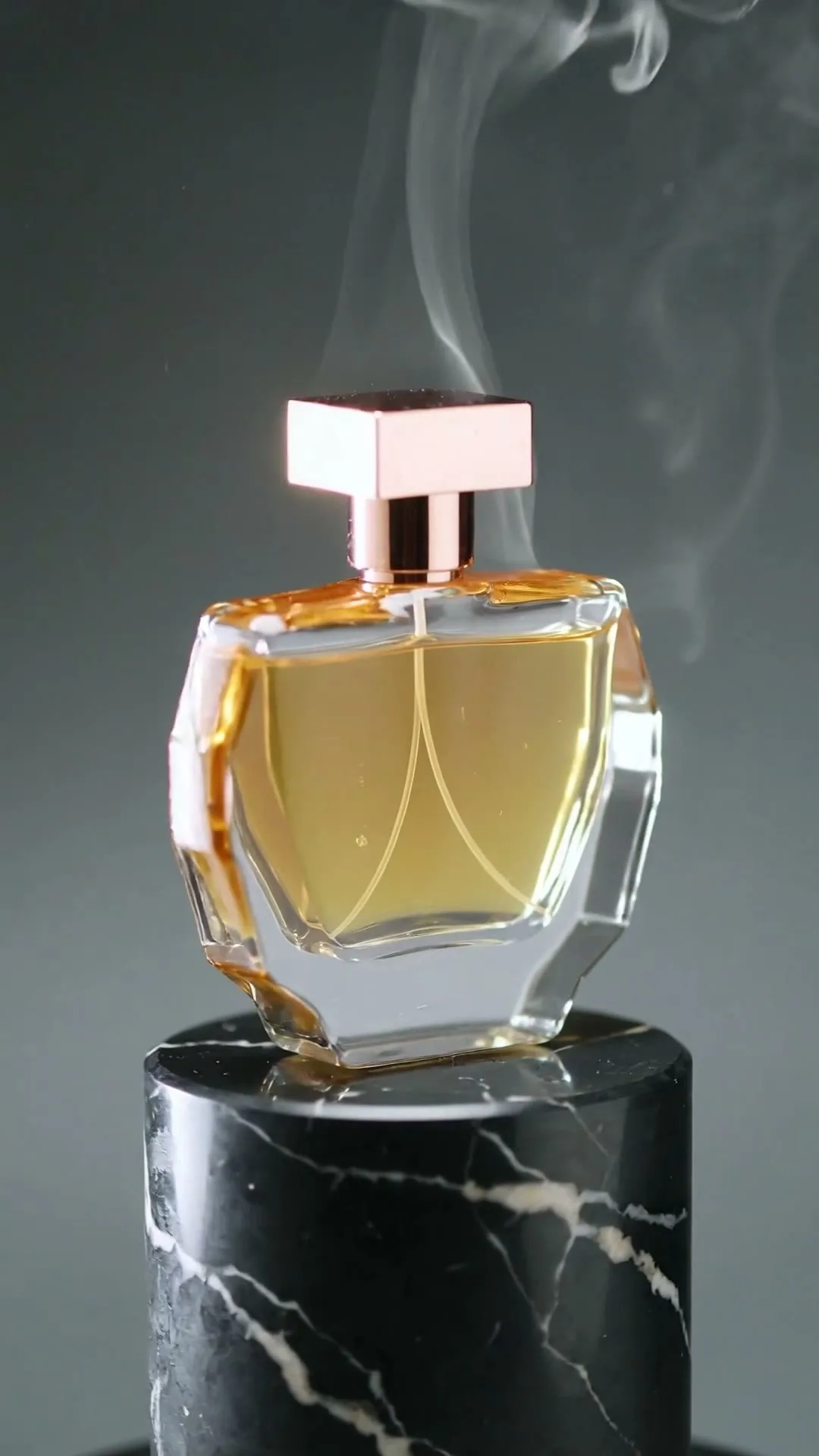
Luxury product reveal
9:16 · 5s

Anime character motion
9:16 · 5s

Cinematic travel story
9:16 · 5s
Hover or tap to preview every example
Showcase
Explore Zvidy AI outputs and commercially licensed references across social clips, product ads and cinematic stories, then adapt a direction in the generator above.
“A creator walks through a rain-soaked neon street, cinematic tracking shot, vivid reflections.”
Create in this style“A luxury bottle floats above black marble, slow rotation, dramatic rim light and fine mist.”
Create in this style“An anime heroine turns toward camera while cherry blossom petals swirl in dynamic wind.”
Create in this style“A lone traveler crosses colossal dunes at golden hour as ribbons of sand drift in the wind.”
Create in this style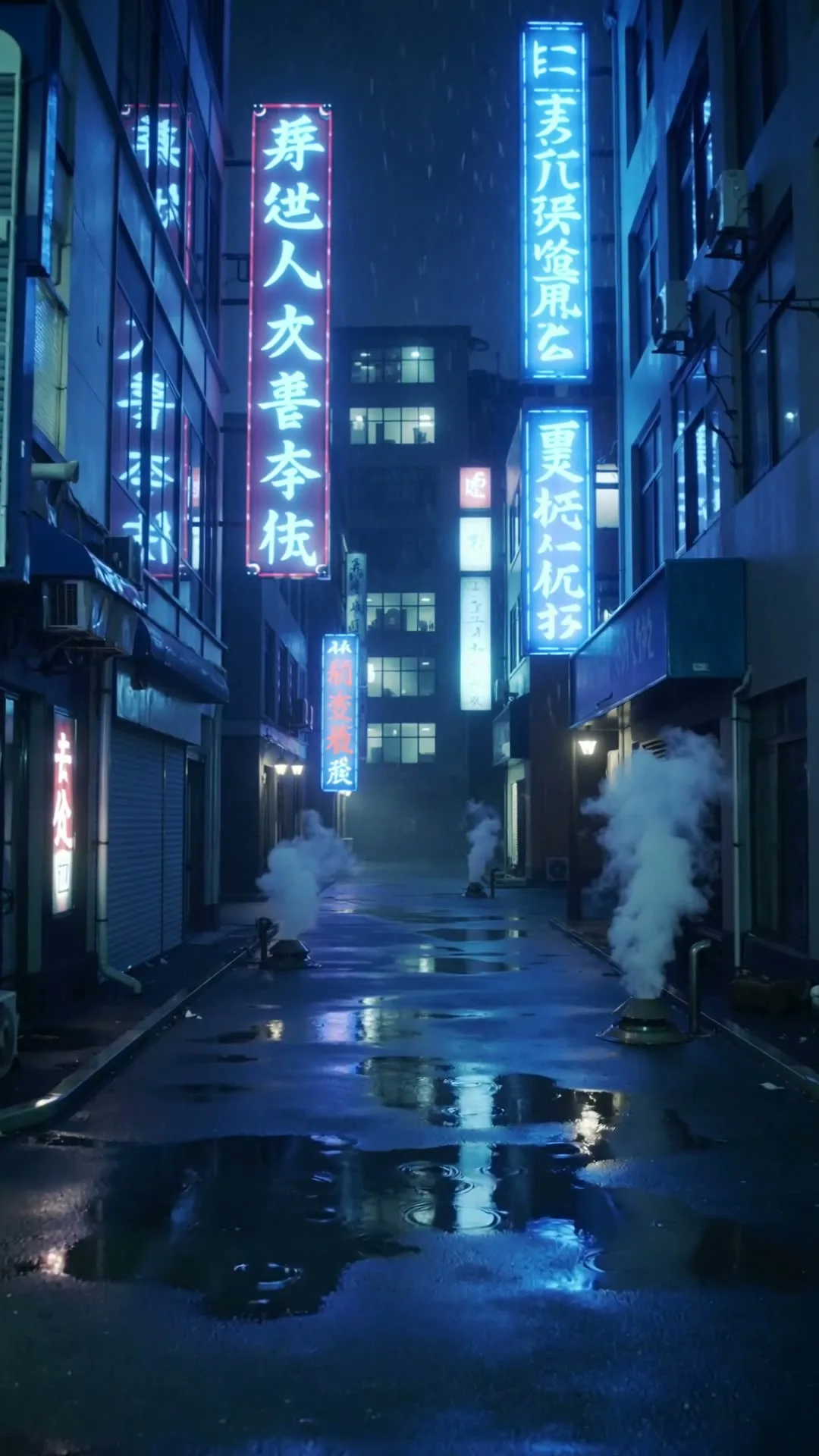
“A slow push through a cyberpunk Tokyo alley in heavy rain with neon reflections.”
Create in this style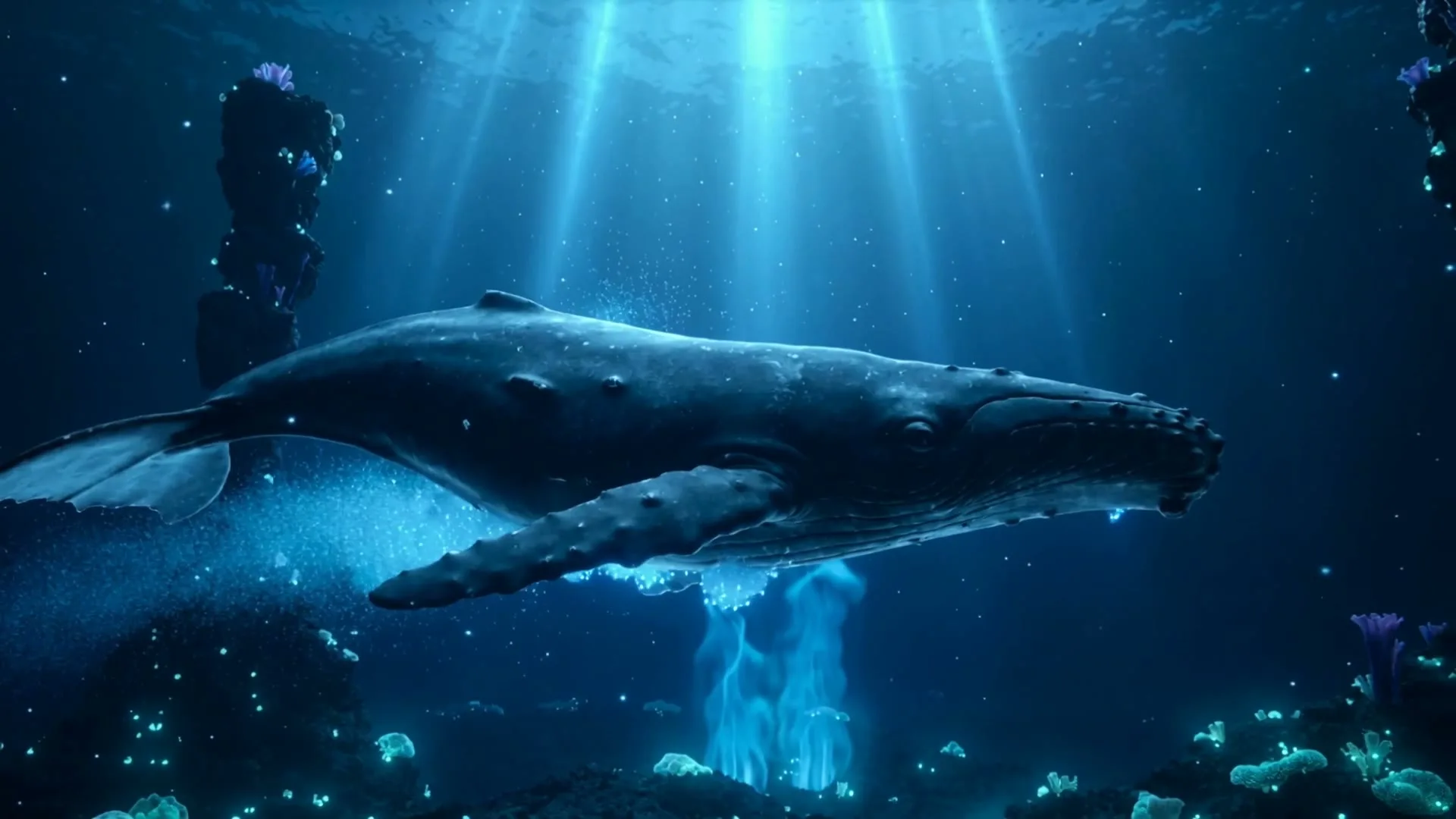
“A whale glides through a bioluminescent ocean with glowing particles and soft god rays.”
Create in this style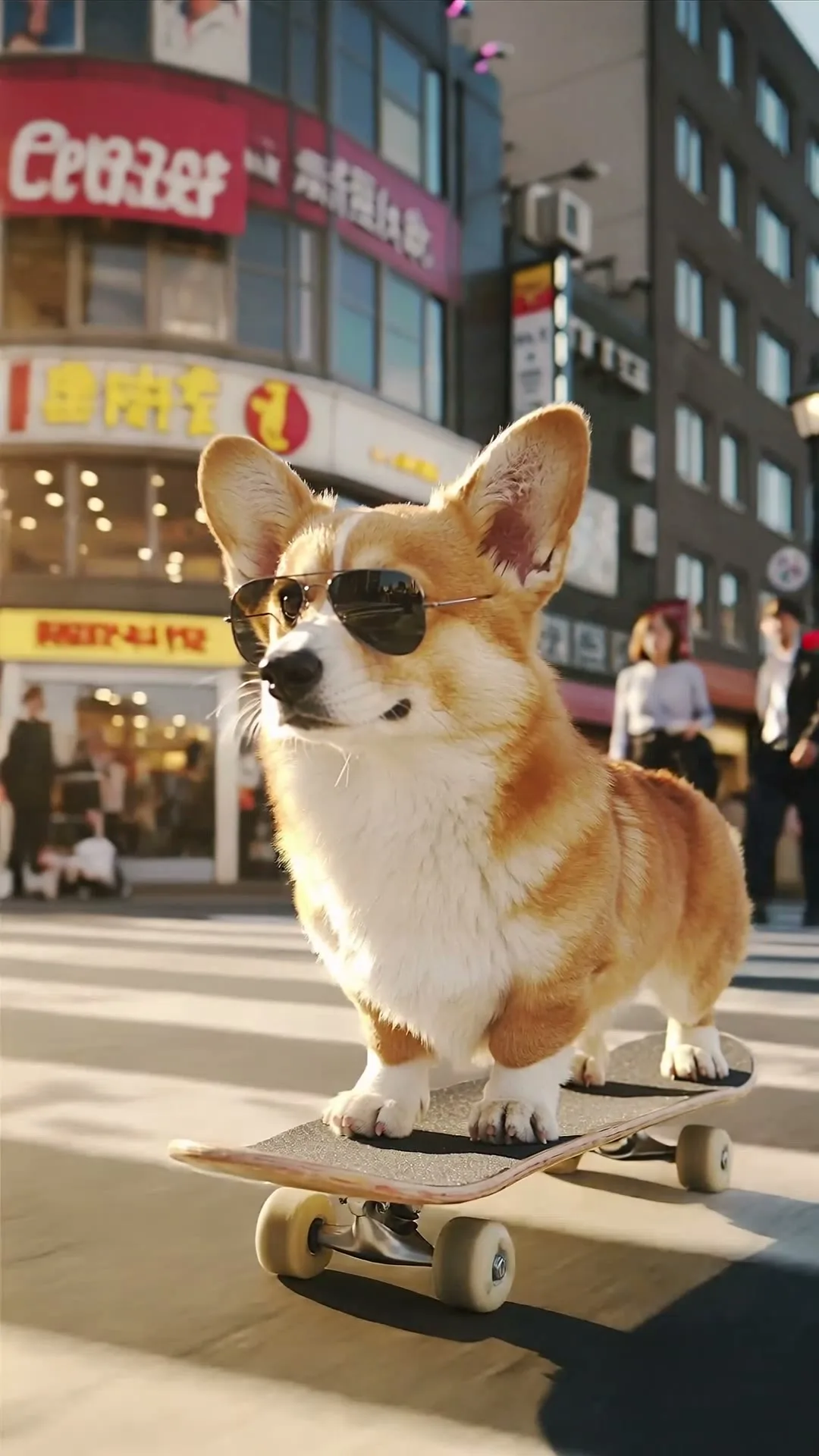
“A corgi in sunglasses skateboards through a busy crossing, low-angle tracking shot.”
Create in this style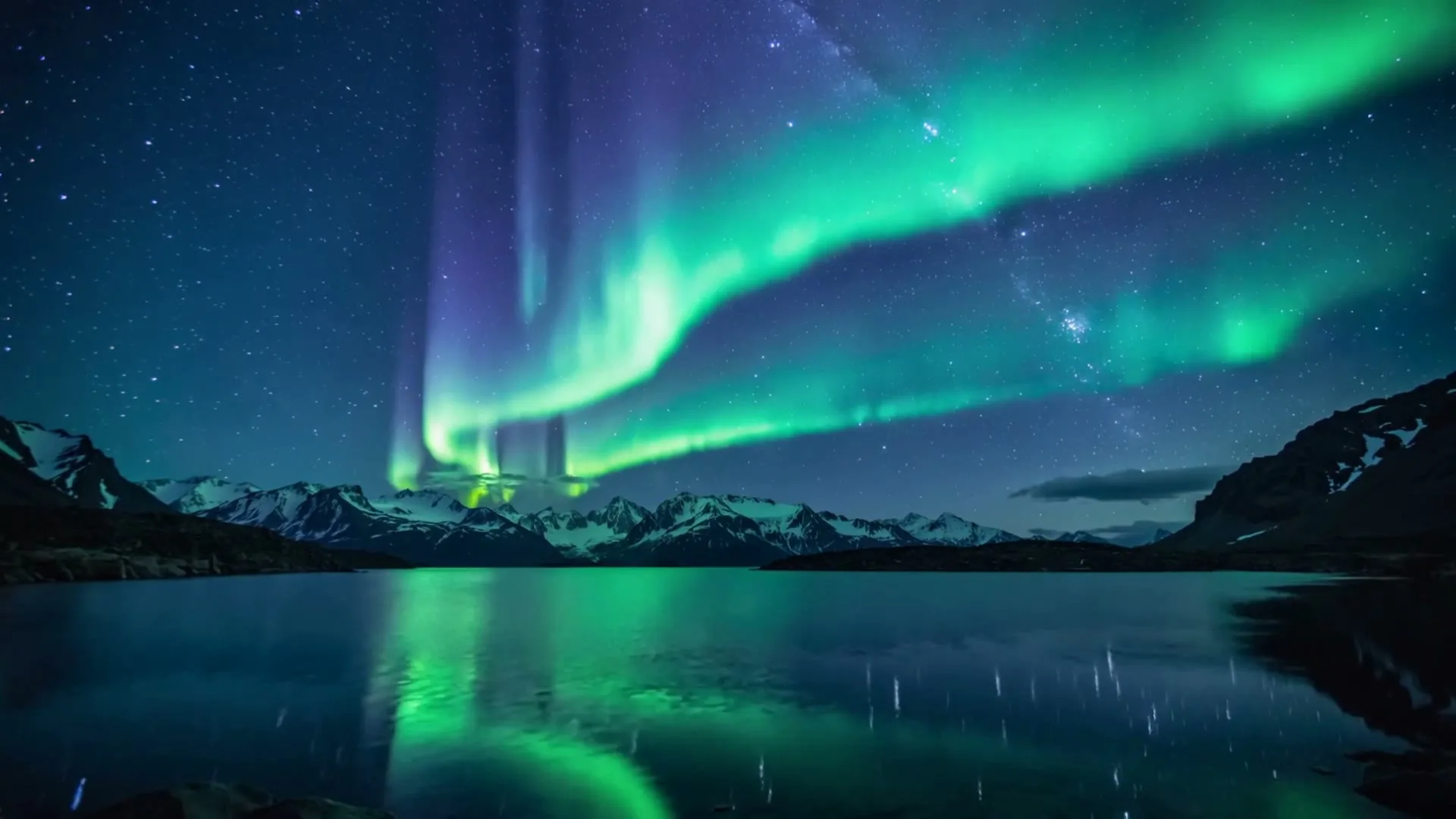
“Aurora curtains dance over snowy mountains and a mirror-still lake in a vivid timelapse.”
Create in this style
“A clockwork butterfly opens glass wings and lifts from an antique book in warm candlelight.”
Create in this styleKling keeps your subject, style and colors anchored to it.
"The bottle rotates slowly under studio light" — describe camera and movement, not the object.
3 to 15 seconds, 720p or 1080p on Kling 3.0 Turbo.
No. Zvidy accesses Kling through its official API platform — you use it in the browser and pay per generation in credits instead of a separate monthly plan.
Kling 3.0 Turbo for flexible length and resolution control; Kling 2.1 Pro when label fidelity and reflections matter most, like product ads. Premium Kling generations require membership.
You can try the studio free with welcome credits on value models. Premium Kling models require membership so the generation cost stays sustainable.