
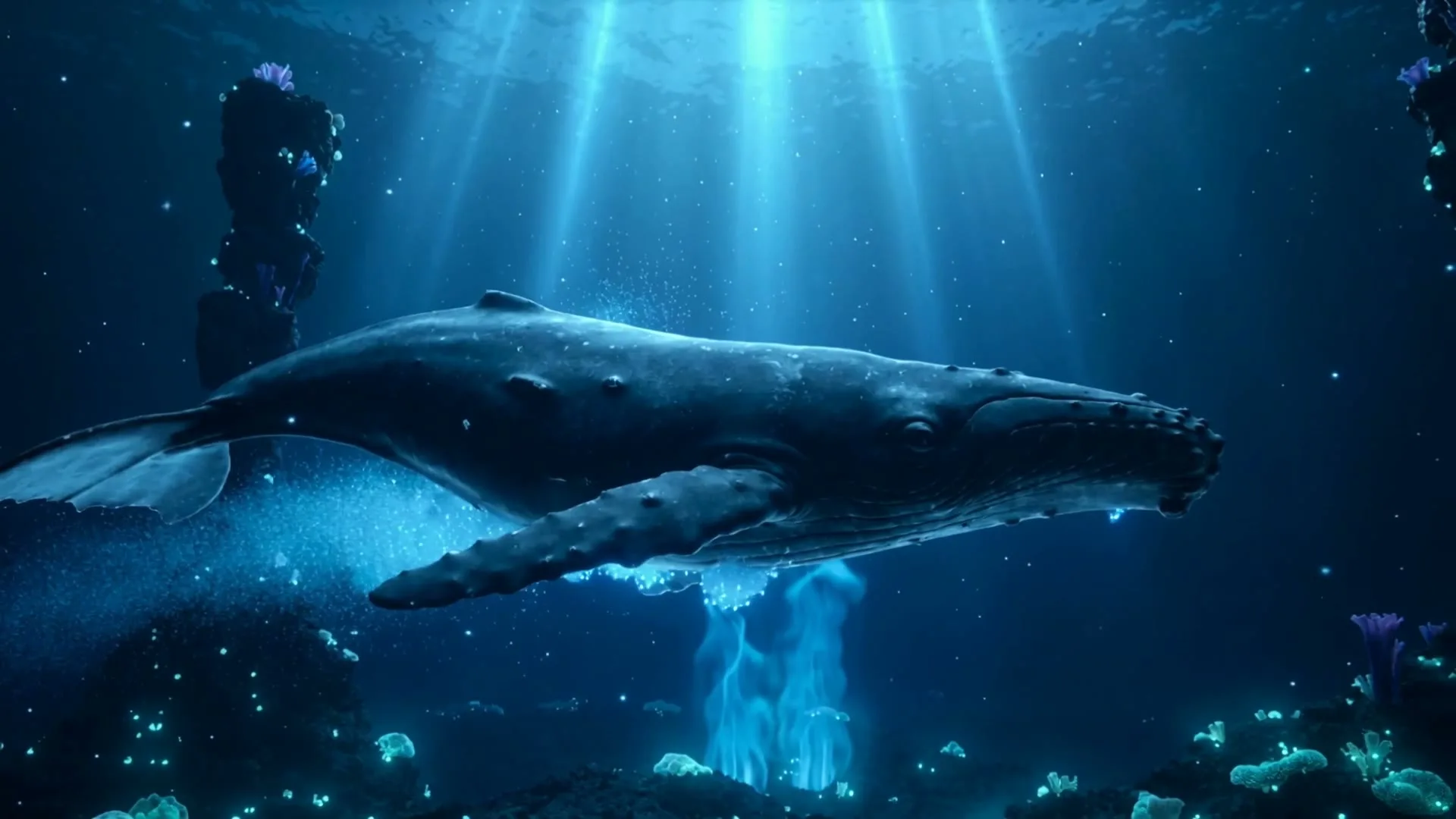
Wide cinematic establishing shot
16:9 · 5s
◆ Seedance 2.0 Fast
Build the visual shots your YouTube edit needs: a channel opener, a Shorts hook, an establishing shot or explanatory B-roll. Generate each HD clip here with full model and format controls.
Create now
Add the subject, motion, camera angle and style. The clearer the prompt, the better the video.
Creates one silent 3–15 second shot at a time. Use the downloaded clips inside your YouTube timeline for narration, captions, music and long-form assembly.
Need inspiration? Try one of these
Wide cinematic establishing shot
16:9 · 5s
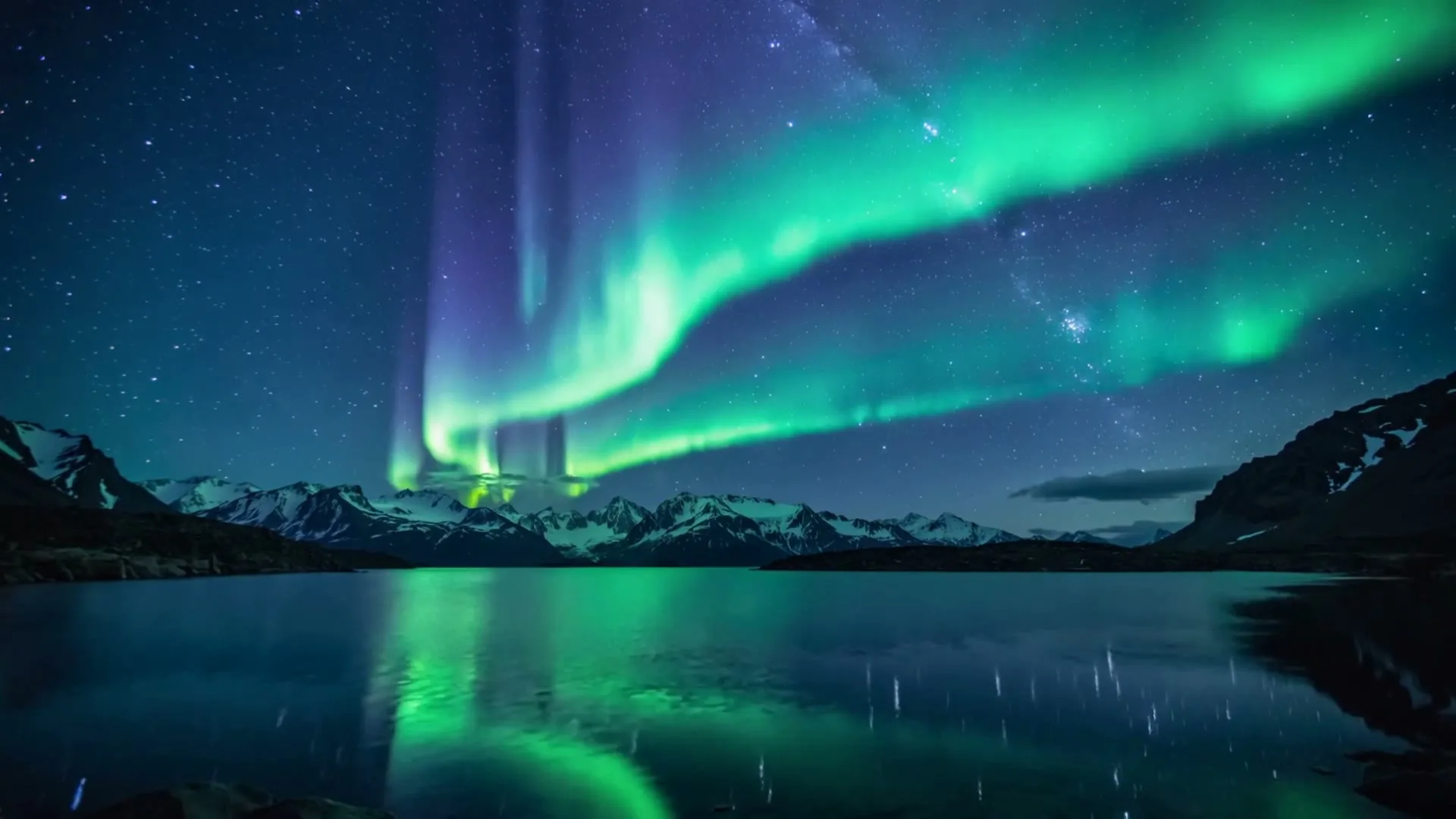
Atmospheric chapter transition
16:9 · 5s
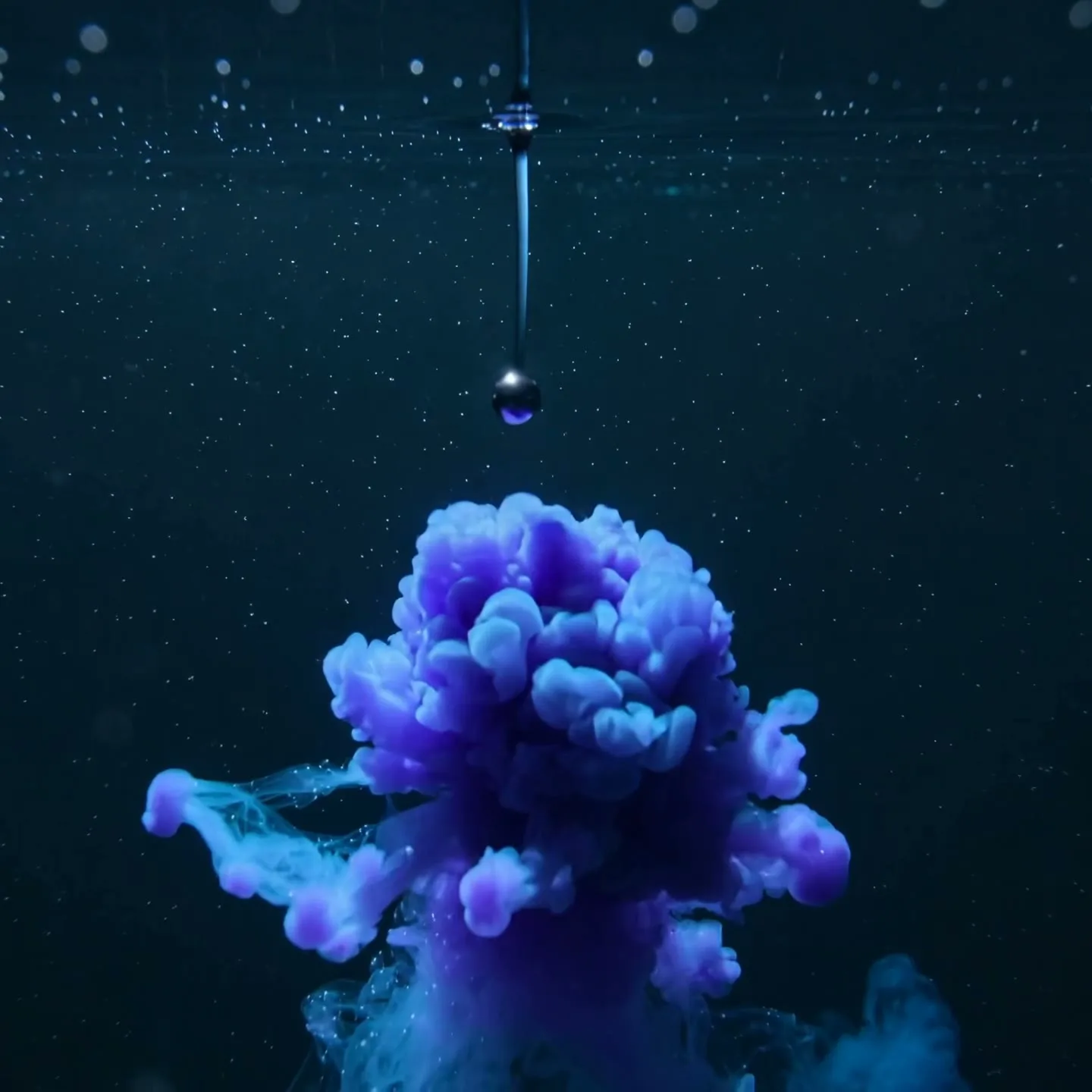
Abstract concept visualization
1:1 · 5s
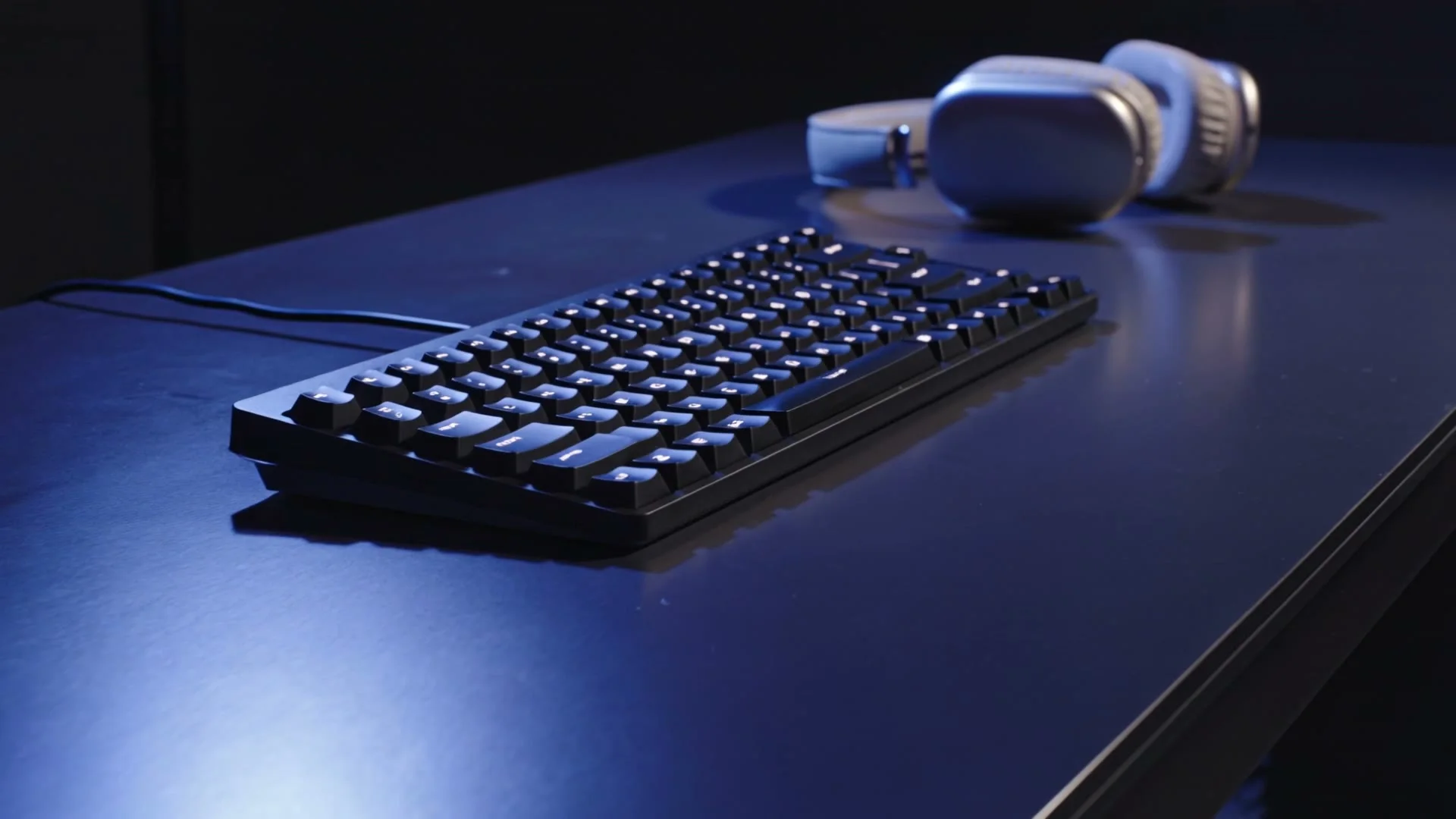
Cinematic tech channel opener
16:9 · 5s
Hover or tap to preview every example
One channel, multiple formats
YouTube creators rarely need one kind of video. A long-form essay may need atmospheric B-roll, a tutorial needs visual transitions, a product review benefits from controlled detail shots, and Shorts require a fast vertical hook. AI video works best as a repeatable shot-making layer inside that broader workflow—not as a replacement for research, narration, editing, or accurate demonstrations.
Start from the destination format. For a standard YouTube upload, choose 16:9 and write prompts that leave time and space for narration. For Shorts, choose 9:16, enlarge the main subject, and put the action in the first phrase of the prompt. Generate clean, silent clips, then add licensed audio, voiceover, captions, and factual context in your editor.
Scene 01
Narrative B-roll should support the sentence being spoken without competing with it. Use slow camera movement, one subject, and a stable composition with negative space for titles. A history channel might animate a map-like illustration; a technology channel might create a cinematic server-room transition; a travel essay could extend a destination photo with drifting weather and a measured camera glide. Build a small library of five-second clips and place them only where the narration needs visual relief.
Prompt example
16:9 cinematic B-roll for a documentary; a quiet coastal research station before sunrise, slow lateral dolly, wind moving antenna cables, cool blue atmosphere, realistic scale, stable composition, open space on the left for a title.
Scene 02
A Short must explain itself on a phone immediately. Lead with the motion—zoom, reveal, drop, transformation—then specify the subject. Keep the background simple and center important details inside the safe area so interface buttons do not cover them. One AI clip can become the opening hook; two or three matched clips can form a compact visual sequence under a fifteen-second voiceover.
Prompt example
9:16 YouTube Short; instant macro push into a transparent mechanical watch, gears begin turning in the first 0.5 seconds, rapid orbit, cyan highlights, black background, crisp center framing, high-energy product reveal.
Scene 03
Modern intros should promise the payoff rather than delay the video. Animate the thumbnail concept for two or three seconds: the central object moves, the environment changes, or the camera reveals the question the video will answer. Cut directly into narration while attention is high. Keep logos and text for your editor, where spelling and timing remain under your control.
Prompt example
16:9 cold-open hook; a sealed black box vibrates on a studio table, a narrow blue light escapes, camera rushes forward as the lid opens, dramatic but clean, cut-ready ending, no text or logos.
Scene 04
Write 16:9 prompts like a patient camera direction: establish location, subject, atmosphere, and one deliberate move. Write 9:16 prompts like a feed hook: immediate action, close framing, fast contrast, and a readable ending. Reframe intentionally rather than cropping a finished wide clip, because the model can compose motion for the final canvas from the start.
Showcase
Explore Zvidy AI outputs and commercially licensed references across social clips, product ads and cinematic stories, then adapt a direction in the generator above.
“Bioluminescent whale glides through deep ocean, slow wide camera, documentary B-roll, 16:9”
Create in this style“Aurora over snowy mountains, gentle timelapse, room on left for chapter title, 16:9”
Create in this style“Black ink expands into a luminous galaxy, macro transformation, clean educational visual”
Create in this style“A sleek creator desk illuminates in sequence during a smooth low-angle dolly move.”
Create in this style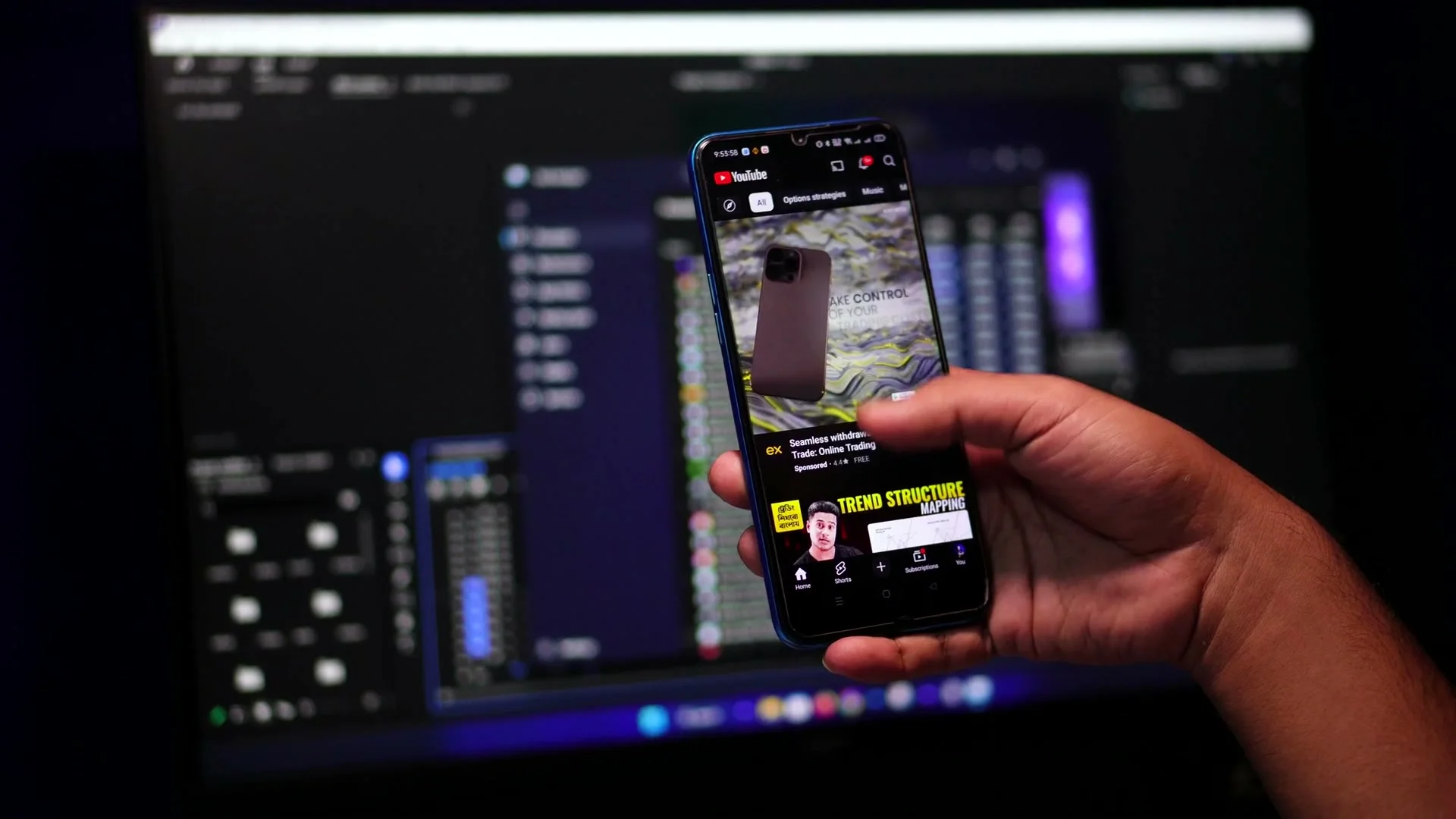
“Creative direction: pair a bright phone screen with a darker editing setup for a focused creator-tech look.”
Pexels · Hamim Rony · licensed referenceCreate in this style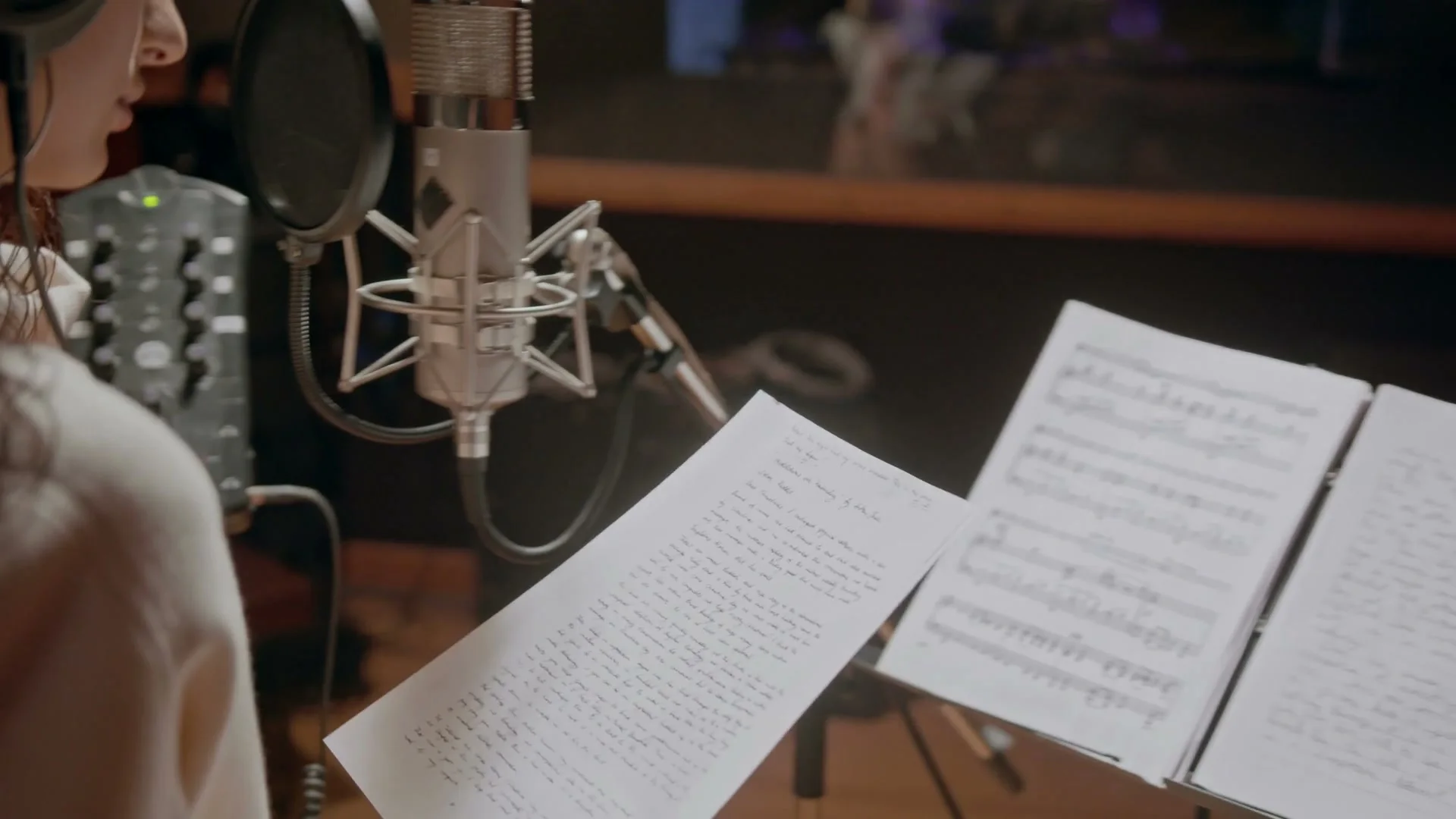
“Creative direction: use warm studio light, microphone detail and lyric sheets to create an intimate music visual.”
Pexels · cottonbro studio · licensed referenceCreate in this style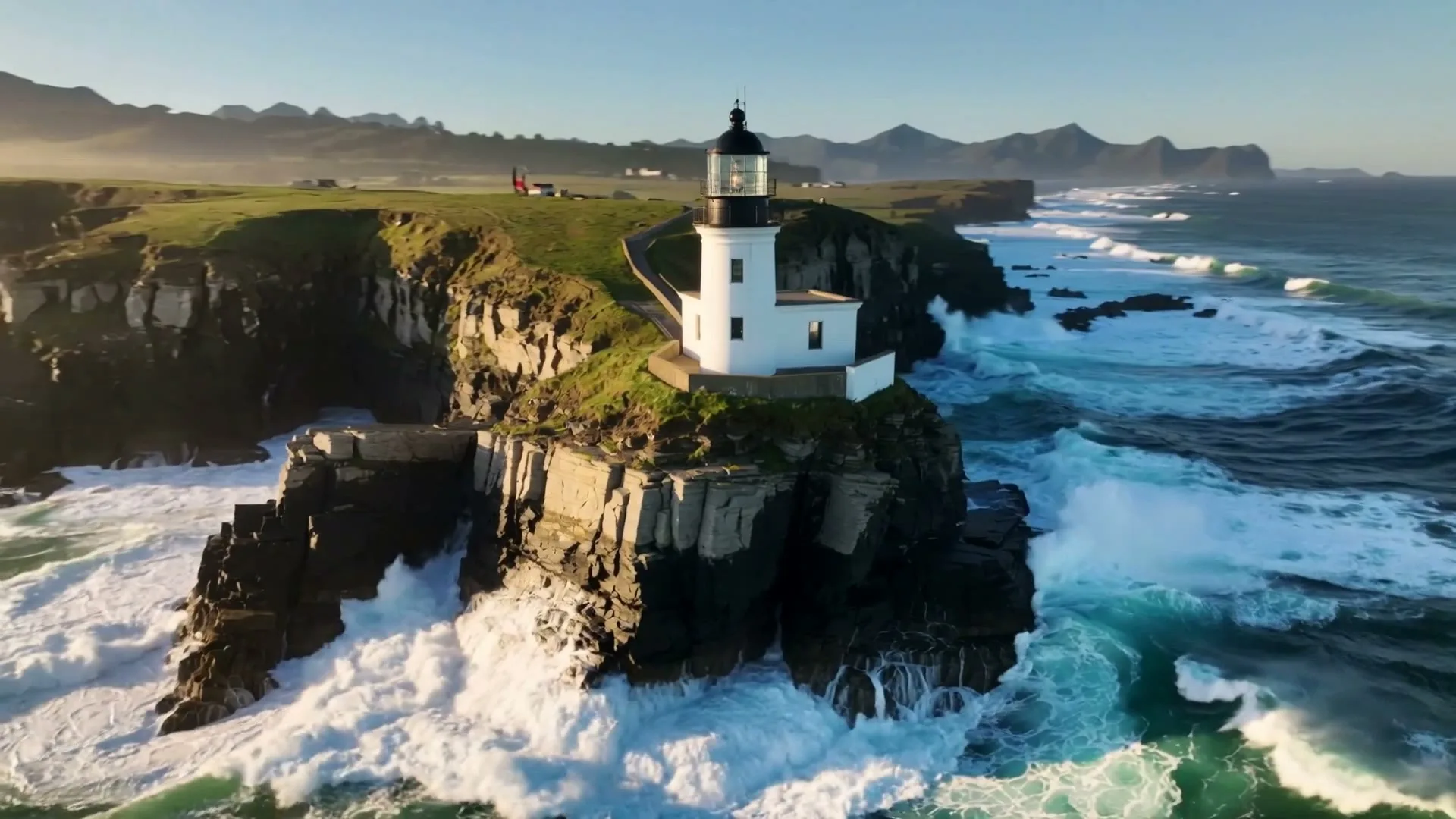
“A sweeping drone orbit reveals a lighthouse on a cliff while waves crash below.”
Create in this style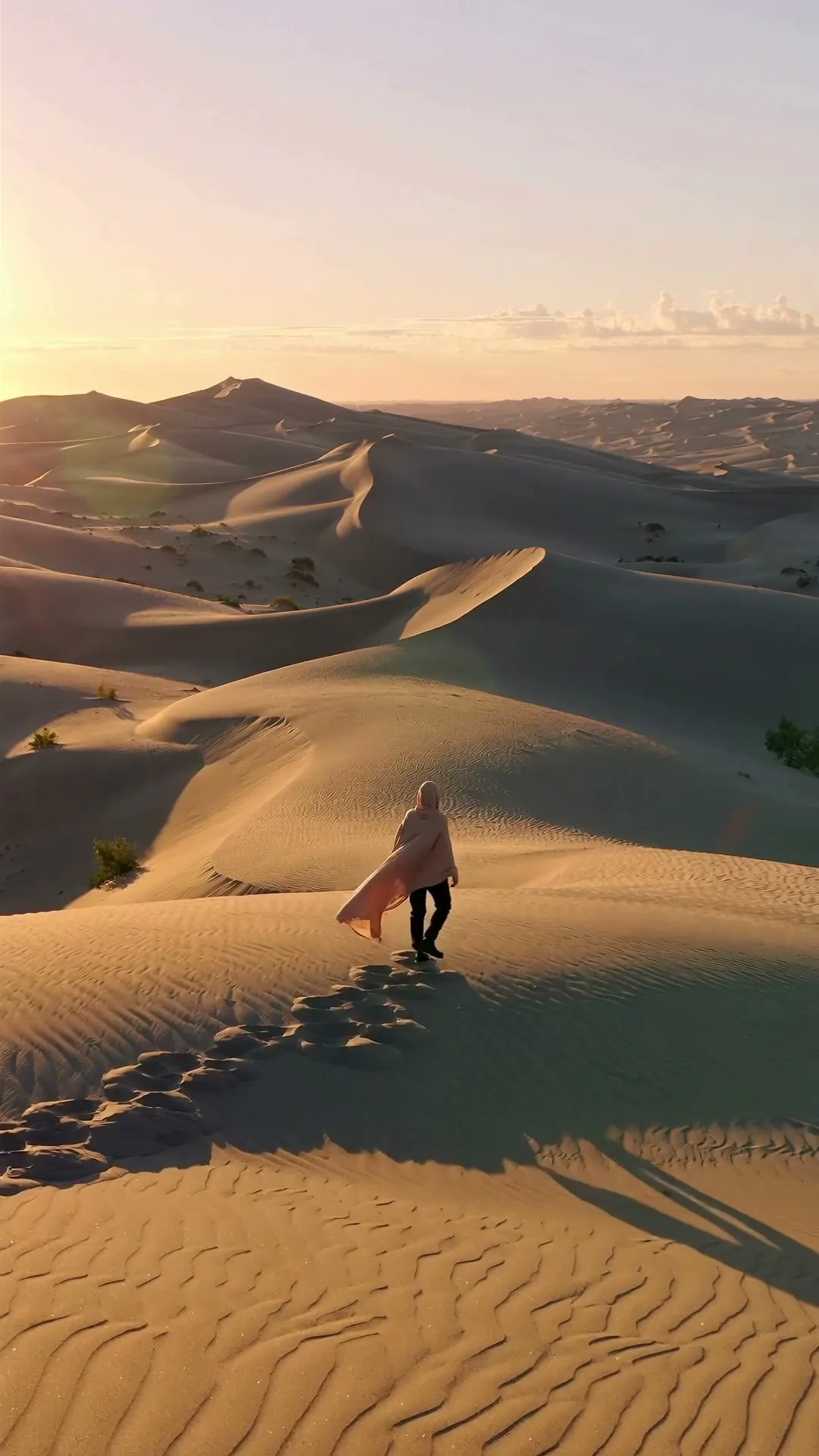
“A lone traveler crosses colossal dunes at golden hour as ribbons of sand drift in the wind.”
Create in this style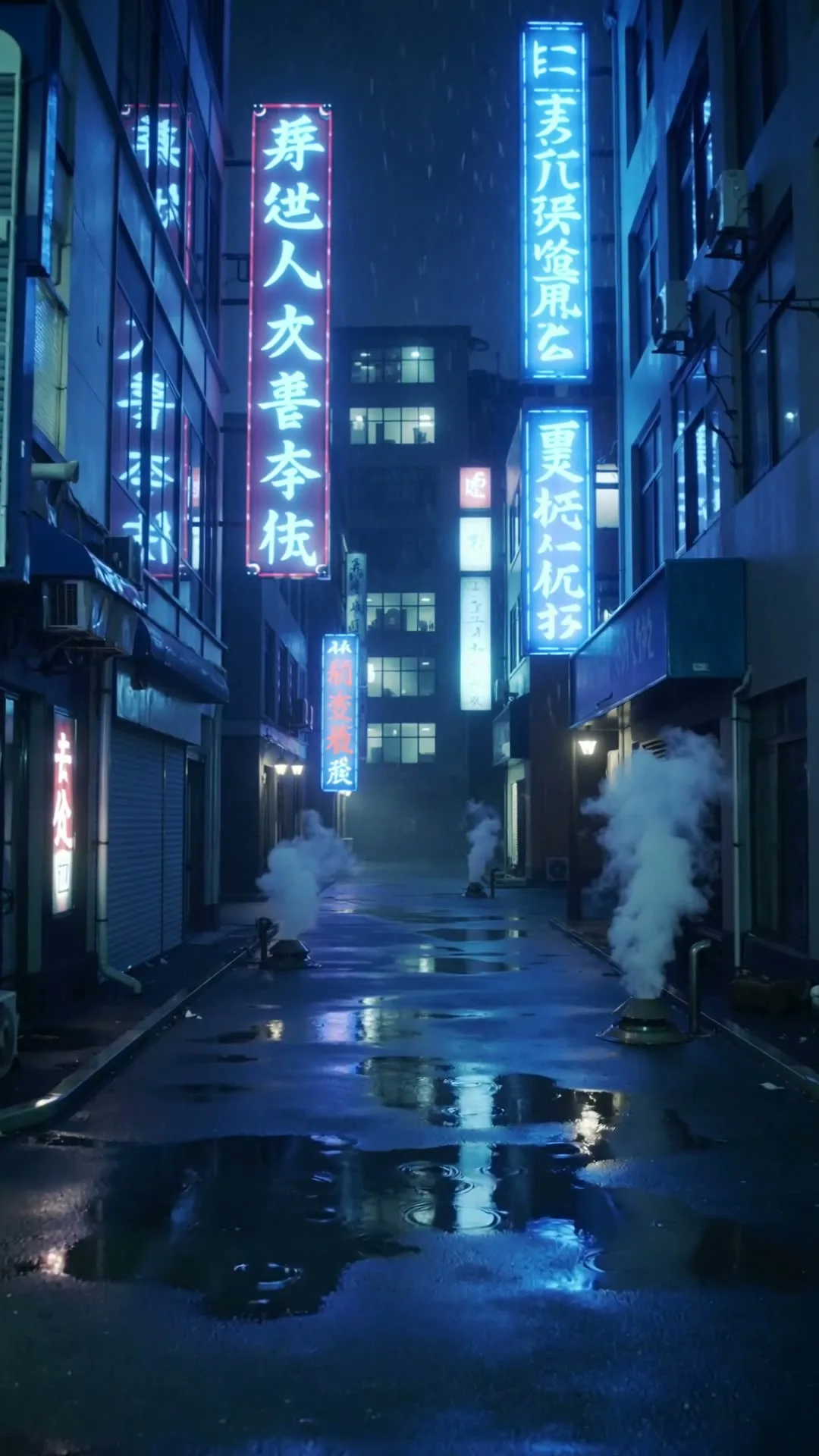
“A slow push through a cyberpunk Tokyo alley in heavy rain with neon reflections.”
Create in this styleBuilt for this workflow
From the first idea to a publish-ready clip, every control is shaped around this exact workflow.
Capability 01
Start at 16:9 for regular uploads and switch to 9:16 for Shorts without changing tools.
Capability 02
Create a specific opener, cutaway, transition or concept shot instead of an uncontrolled full edit.
Capability 03
Animate a thumbnail concept, product still or illustration while preserving its visual identity.
Capability 04
Review clips, replay successful outputs and reuse a prompt for the next shot variation.
Decide whether you need an opener, Shorts hook, B-roll insert or transition.
Describe one action and camera move; choose 16:9 or 9:16 and a suitable duration.
Preview here, then add narration, captions and licensed audio in your editor.
Long-form YouTube videos are assembled from many purposeful shots. This page generates those shots rather than claiming a single prompt can replace your script, narration and edit. Write one scene at a time, keep camera direction explicit, and reserve negative space when an editor will add a title. Use 16:9 for standard videos and switch to 9:16 for Shorts. Generate establishing shots, concept visualizations and product cutaways on the same page, then place the downloaded clips wherever they support your story.
Use cases & prompt recipes
Visualize an invisible process while narration explains the detail.
Prompt example“Packets travel through a secure cloud network, clean isometric depth, slow camera orbit, blue studio light, 16:9”Create a branded visual environment with safe space for your title animation.
Prompt example“Camera glides into a violet creator studio, central desk, empty upper third for logo, polished 16:9 opener”Switch to 9:16 and put the reveal in the first seconds.
Prompt example“A paper sketch instantly unfolds into a real sports car, snap transition, dramatic light, vertical 9:16”It generates individual 3–15 second AI shots. A long video still needs your script, narration, captions, music and timeline assembly.
Yes. Choose 9:16 and keep the action focused. The same page also supports 16:9 when the selected model offers it.
No. Generated clips are currently silent. Add narration, licensed audio and verified captions in your editing timeline.
Generated outputs can be used commercially under Zvidy’s terms, but you remain responsible for source-image, music, likeness and platform-policy rights.
Seedance Fast is a practical starting point for controllable 16:9 shots; Kling is useful when cinematic motion matters more than iteration cost.