
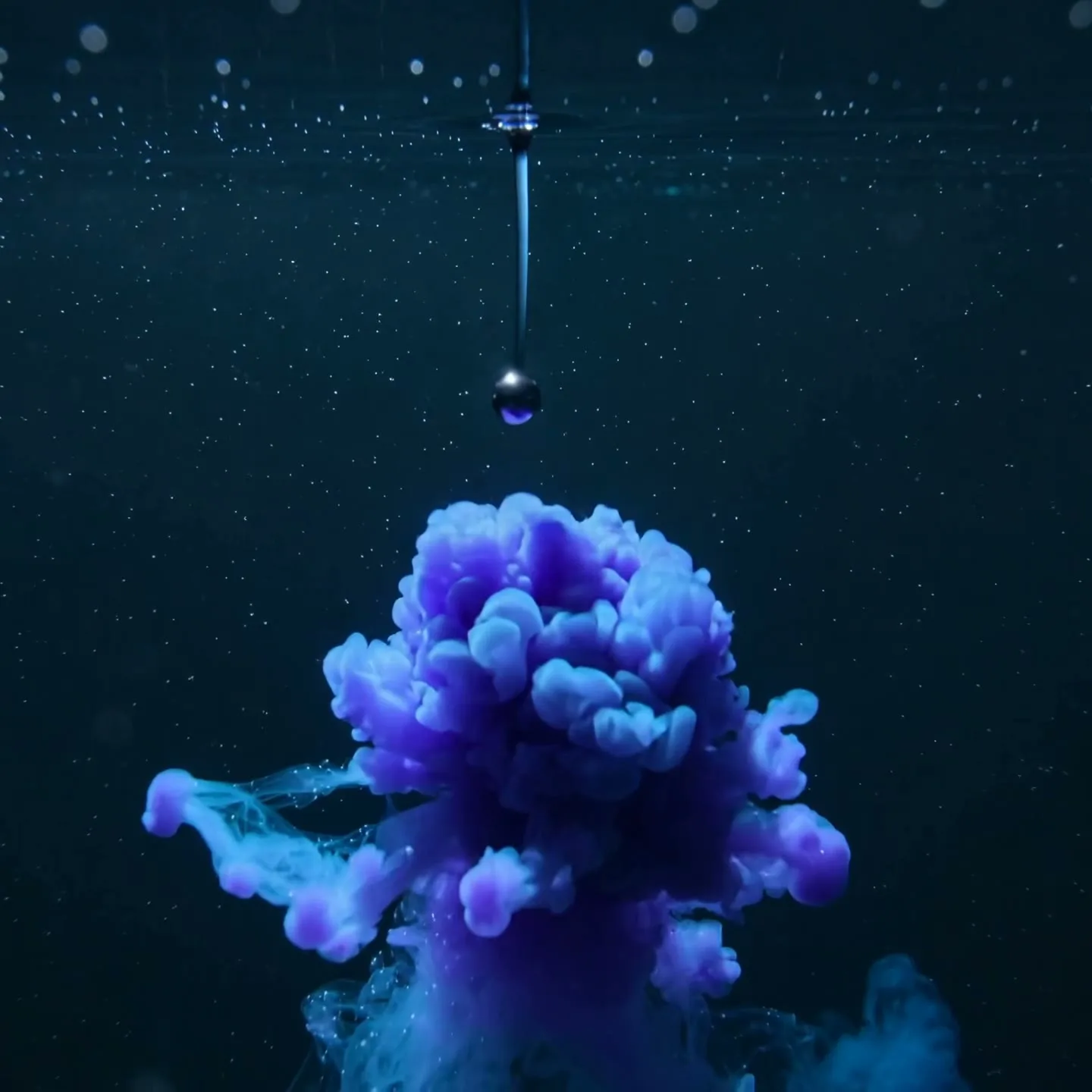
Transformation concept scene
16:9 · 5s
◆ Seedance 2.0 Fast
Turn an abstract idea, product benefit or process step into a clear visual shot. Plan one message per scene, generate it here, and build a library of explainer footage without leaving the page.
Create now
Add the subject, motion, camera angle and style. The clearer the prompt, the better the video.
Creates one silent 3–15 second explainer visual at a time. Script breakdown, voiceover, captions, scene ordering and final assembly remain in your editing workflow.
Need inspiration? Try one of these
Transformation concept scene
16:9 · 5s
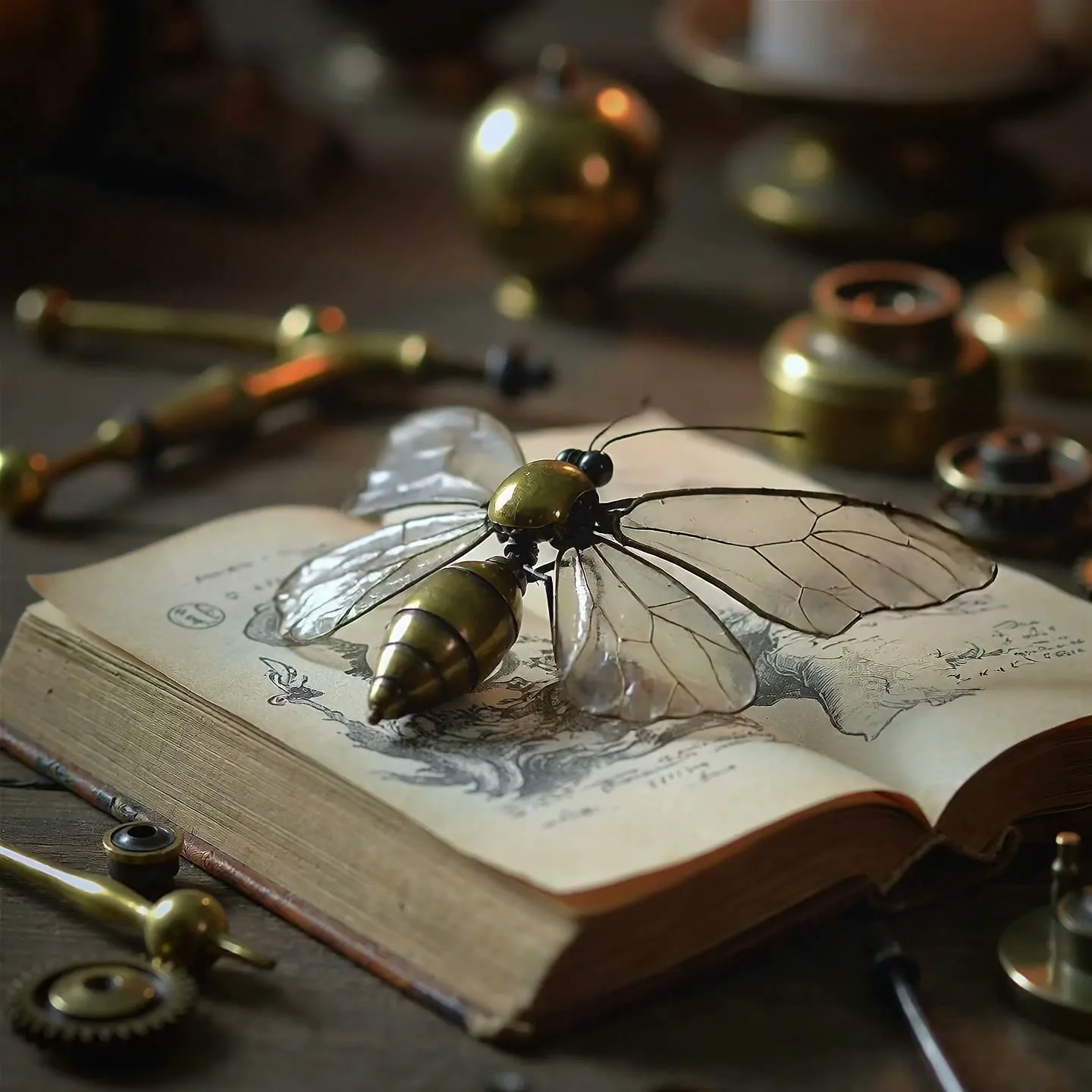
Mechanism and detail visual
1:1 · 5s
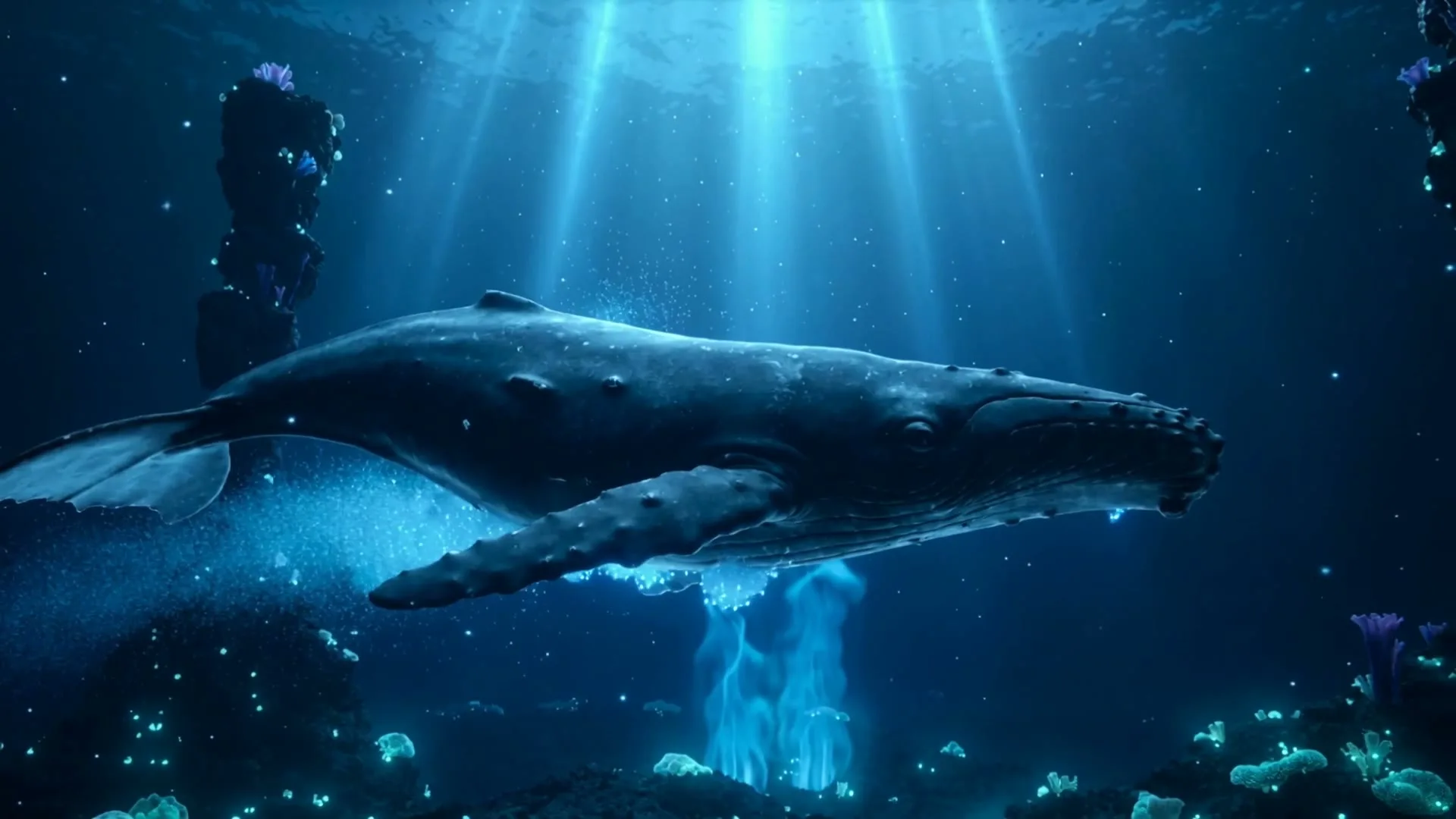
Scale and environment analogy
16:9 · 5s
Clean screen explainer setup
16:9 · 5s
Hover or tap to preview every example
A repeatable SaaS story structure
Effective SaaS explainers follow Problem → Solution → Call to Action. The problem names costly friction, the solution shows a concrete workflow, and the CTA names one next step. AI video can create connective shots, while actual interface recordings, verified claims, voiceover, and captions remain under your control.
Write the narration first, divide it into visual beats, and generate one clip per beat. Short shots are easier to direct and replace than one sixty-second generation. This example turns a project-management product into a six-scene explainer.
Scene 01
Voiceover: “Projects slow down when updates live across chats, spreadsheets, and forgotten tabs.” Show visual overload without displaying fake customer data. The goal is recognition: too many places, unclear ownership, and missed context.
Prompt example
16:9 office desk at night, overlapping notification windows and paper notes build rapidly around one overwhelmed team lead, controlled camera push-in, cool tense light, clean generic interfaces, no readable brand names.
Scene 02
Voiceover: “By the time a blocker is visible, the deadline has already moved.” Use a calendar, stalled task, or waiting team as a visual metaphor. Keep the pace slower at the end so the problem lands.
Prompt example
A project timeline glows red as one blocked task freezes the connected milestones, subtle clock shadow sweeps across the wall, cinematic 16:9 motion graphic, minimal labels, clear cause-and-effect.
Scene 03
Voiceover: “Meet Orbit, one place for plans, owners, files, and decisions.” Transition from clutter to calm. Follow this generated reveal with a real screen recording of the product so the promise is grounded in the actual interface.
Prompt example
Scattered cards and notes flow into one clean luminous workspace, colors shift from tense red to confident violet and cyan, smooth overhead camera, premium SaaS reveal, open center for a logo added later.
Scene 04
Voiceover: “Turn every request into an owned task with a due date and the context attached.” Use authentic UI capture for clicks and fields; AI can supply a brief bridge showing information moving into an organized system.
Prompt example
A message card transforms into a structured task card, owner avatar and calendar icon snap into place, smooth close-up motion, crisp dark SaaS aesthetic, no readable text, 16:9.
Scene 05
Voiceover: “Everyone sees progress, blockers, and the next decision before status meetings begin.” Show calm coordination rather than impossible performance statistics. If you display numbers, they must come from verified product or customer data.
Prompt example
Distributed team members work confidently as a shared project map updates in sync, one risk glows amber and resolves, bright morning light, steady lateral camera, optimistic realistic office tone.
Scene 06
Voiceover: “Bring your next project into Orbit. Start a workspace today.” End with a simple brand frame and one button label added in the editor. Avoid stacking several asks such as book, subscribe, share, and buy.
Prompt example
Minimal violet-to-cyan horizon glow forms a clean platform beneath a single project card, slow confident pull-back, premium dark background, generous empty center for final logo and CTA, no generated text.
Showcase
Explore Zvidy AI outputs and commercially licensed references across social clips, product ads and cinematic stories, then adapt a direction in the generator above.
“A single ink drop expands into an organized galaxy network, clear transformation, clean negative space, 16:9”
Create in this style“Clockwork mechanism assembles step by step and begins moving, macro educational camera, clear lighting”
Create in this style“A large subject moves through illuminated layers showing scale and depth, documentary explainer style, 16:9”
Create in this style“Creative direction: place the product UI on a clean display and keep the surrounding desk distraction-free.”
Pexels · cottonbro studio · licensed referenceCreate in this style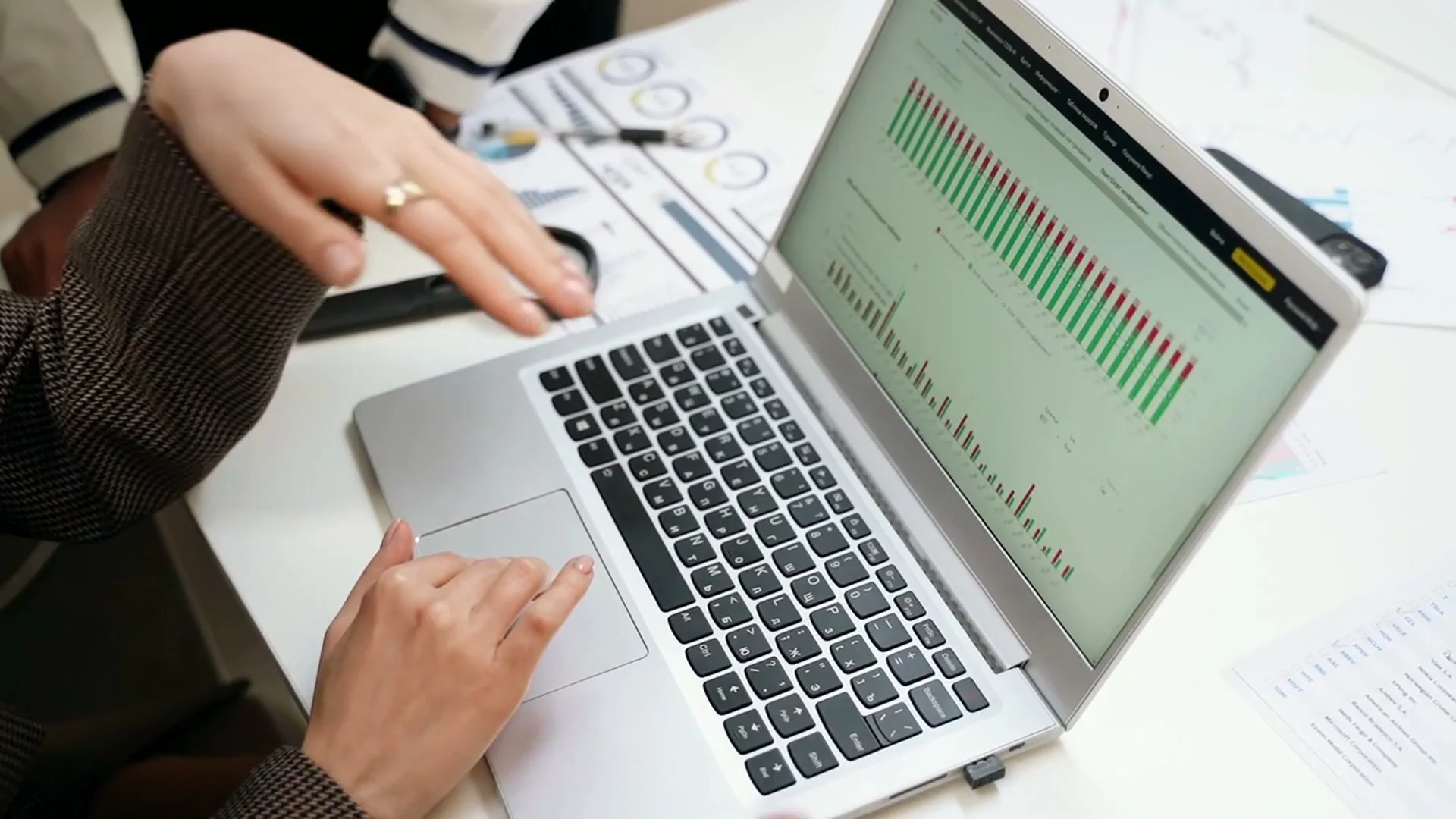
“Creative direction: anchor the explanation on one readable dashboard and use gestures to guide attention.”
Pexels · Yan Krukau · licensed referenceCreate in this style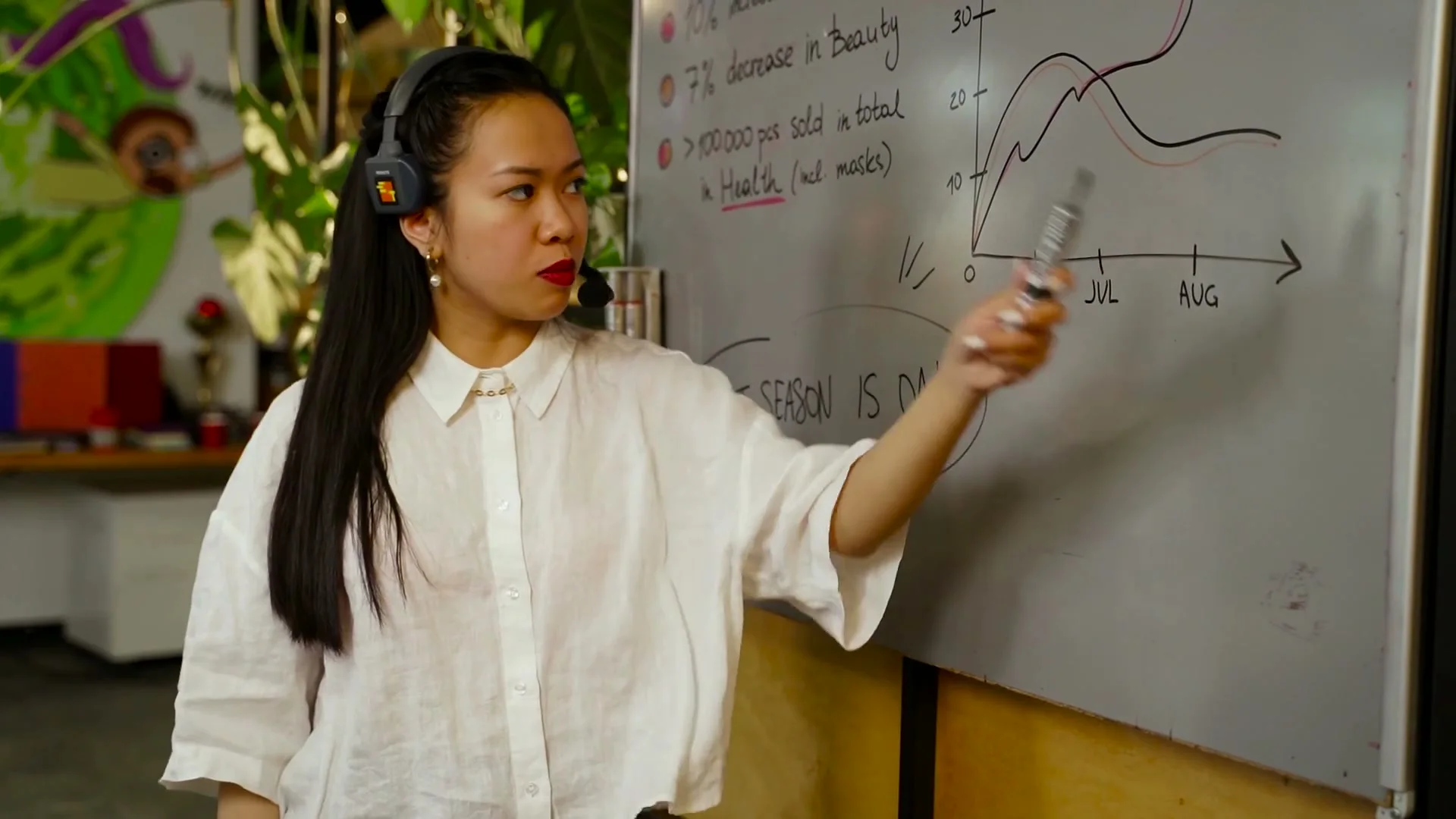
“Creative direction: alternate between the presenter and one clear diagram to keep the explanation easy to follow.”
Pexels · AI25.Studio Studio · licensed referenceCreate in this style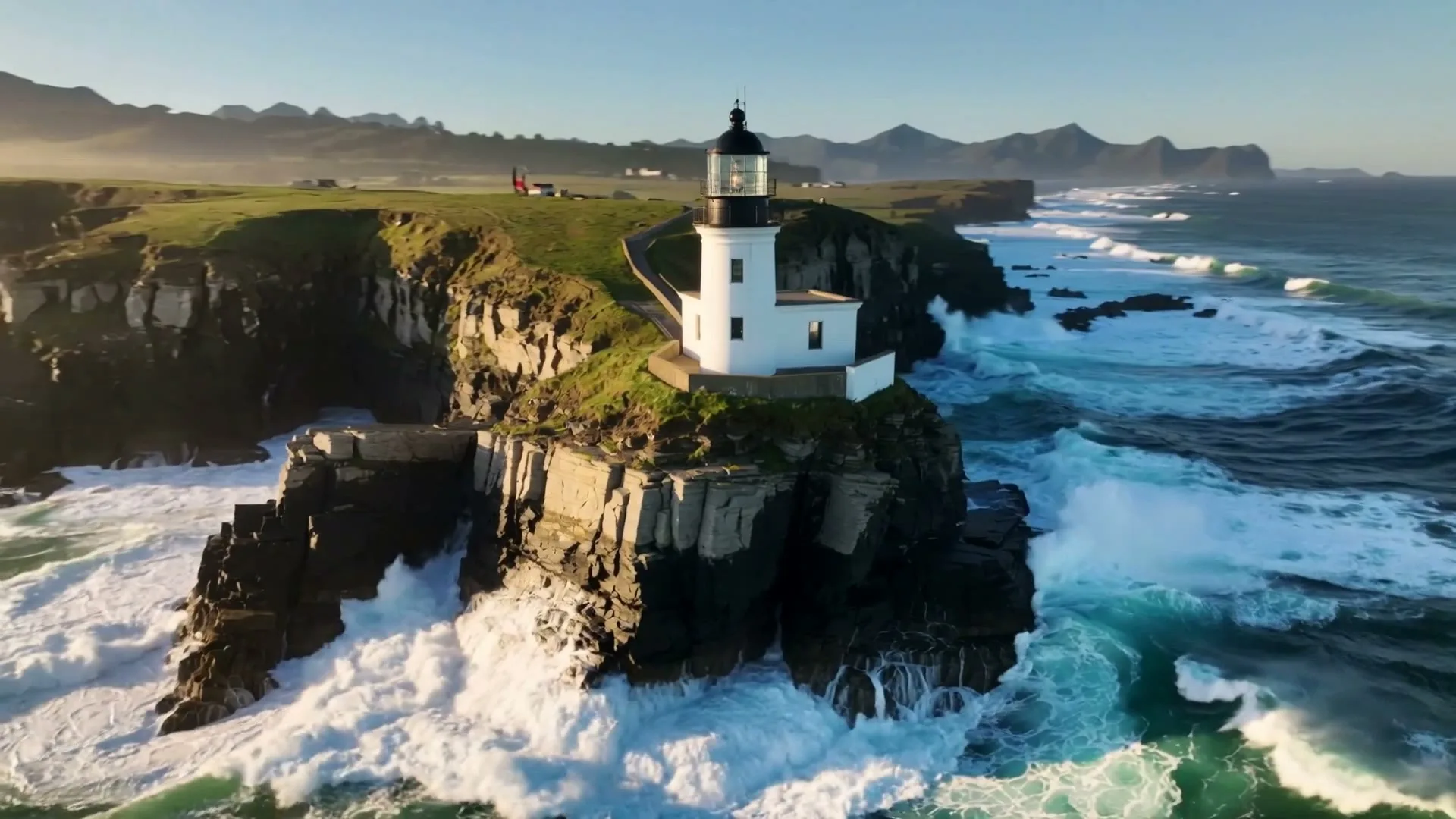
“A sweeping drone orbit reveals a lighthouse on a cliff while waves crash below.”
Create in this style
“A luxury bottle floats above black marble, slow rotation, dramatic rim light and fine mist.”
Create in this style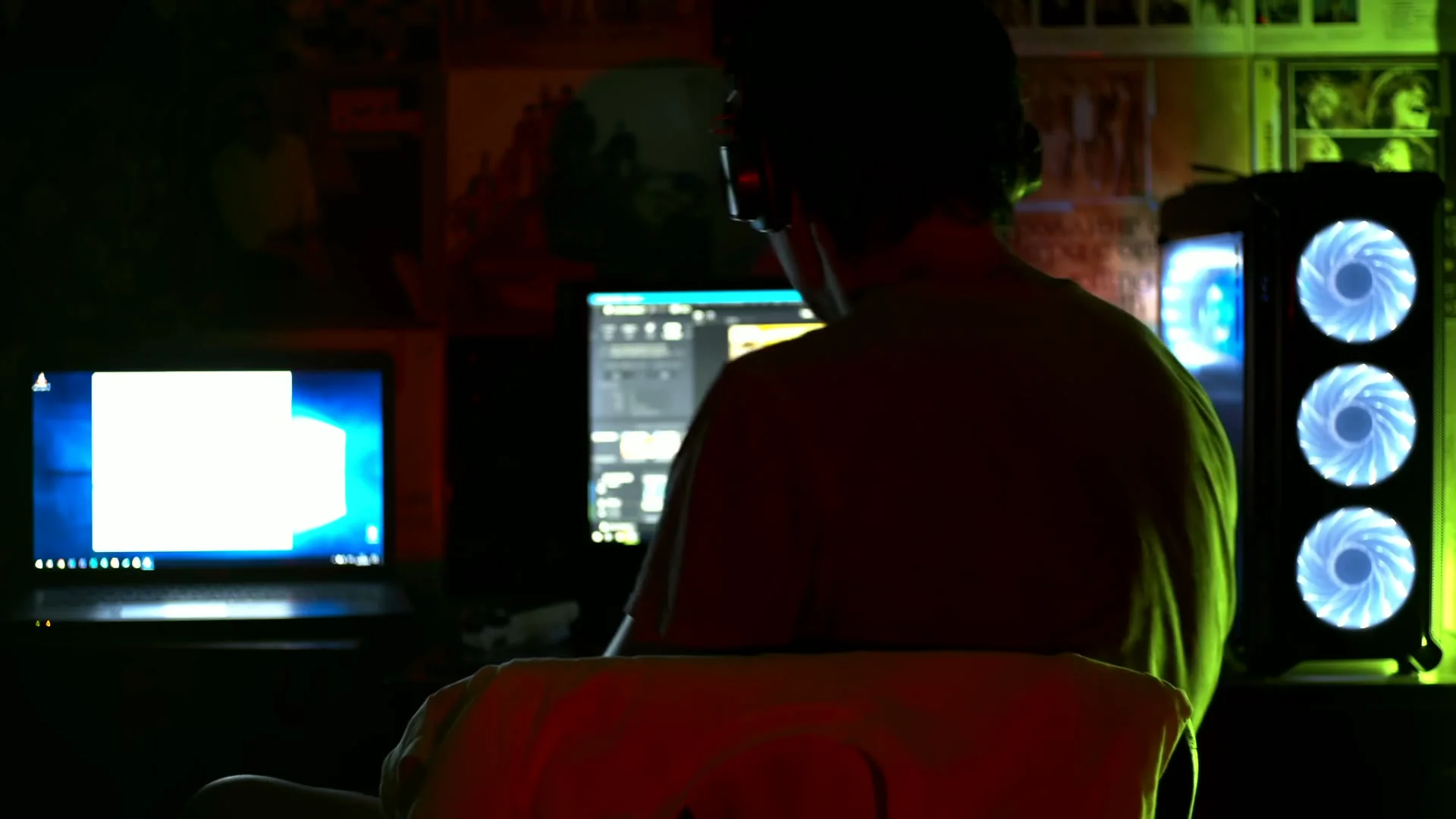
“Creative direction: show the person, editing environment and illuminated screens in one concise establishing shot.”
Pexels · Bulat Latypov · licensed referenceCreate in this styleBuilt for this workflow
From the first idea to a publish-ready clip, every control is shaped around this exact workflow.
Capability 01
Focused prompts keep each clip easy to pair with a specific sentence of narration.
Capability 02
Translate systems, benefits and invisible processes into concrete motion viewers can follow.
Capability 03
Default 16:9 framing fits product demos, courses, YouTube explainers and internal presentations.
Capability 04
Generate alternatives, inspect them together and reuse the prompt that communicates most clearly.
Turn the script into short beats: problem, process, benefit and result.
Describe one metaphor, one action and a simple camera move in 16:9.
Place the chosen scene under verified voiceover, captions and labels in your editor.
An explainer becomes easier to understand when each sentence has one matching visual job. Break the narrative into beats such as problem, mechanism, benefit and result; then generate one shot for each beat. Visual metaphors are often clearer than literal interface simulations: scattered objects becoming organized, a shield filtering particles, or a bridge connecting two systems. This page creates those silent visual scenes with controllable format and duration. It deliberately leaves narration, precise labels and sequence timing to the editor, where language and claims can be verified.
Use cases & prompt recipes
Show scattered work becoming one organized workflow before demonstrating the real interface.
Prompt example“Disconnected task cards glide into one clear workflow board, smooth organization, clean violet-blue 3D style, 16:9”Use scale, layers and motion to make an invisible scientific process visible.
Prompt example“Water molecules move through three clean temperature stages, labels added later, precise educational lighting, 16:9”Create a neutral process visual for training, change communication or presentations.
Prompt example“A request passes through review, approval and delivery gates as glowing objects, clear left-to-right motion, 16:9”Not automatically. It generates one visual scene per run. You decide the script beats and assemble scenes with narration and captions afterward.
No. Current video renders are silent. Record or generate voice separately and verify every factual claim before publishing.
Add them after download. Generative footage is not reliable for precise interface text, numbers or regulated claims.
Available durations depend on the model and range from about 3 to 15 seconds. Shorter scenes are usually easier to explain and edit.
You can switch to image-to-video and animate one reference image, but small text may distort. Keep the original screenshot available for any exact UI demonstration.