
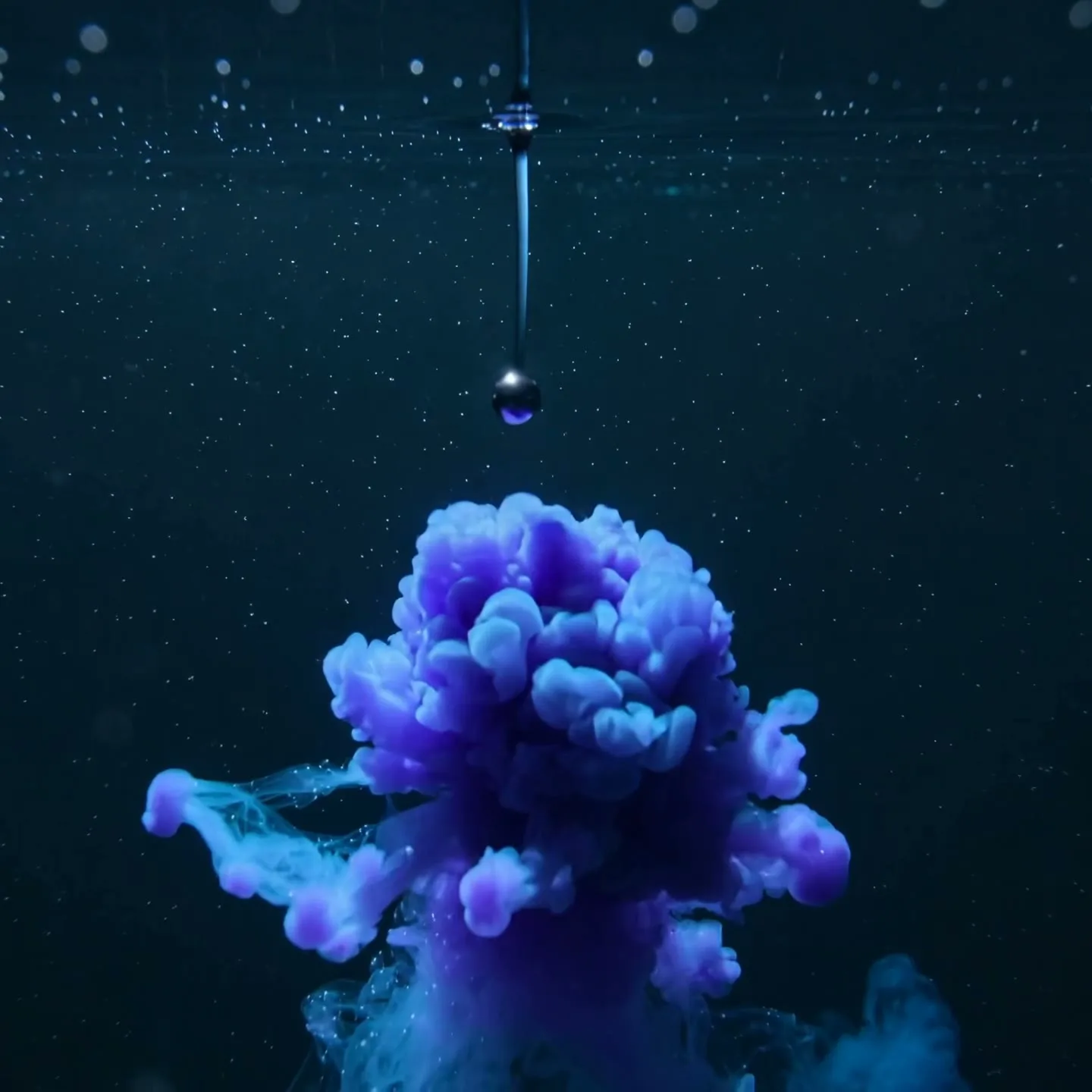
Simple before-to-after metaphor
16:9 · 5s
◆ Hailuo 02
Create a short proof-of-concept explainer scene before committing to a full production. No editor subscription is required: choose a value model, see the credit cost first, generate and download here.
Create now
Add the subject, motion, camera angle and style. The clearer the prompt, the better the video.
Creating an account and using the editor requires no subscription. Each generation uses the displayed credits; free welcome credits are available only when the site owner has enabled them. Outputs are silent single scenes.
Need inspiration? Try one of these
Simple before-to-after metaphor
16:9 · 5s

How-it-works detail
1:1 · 5s
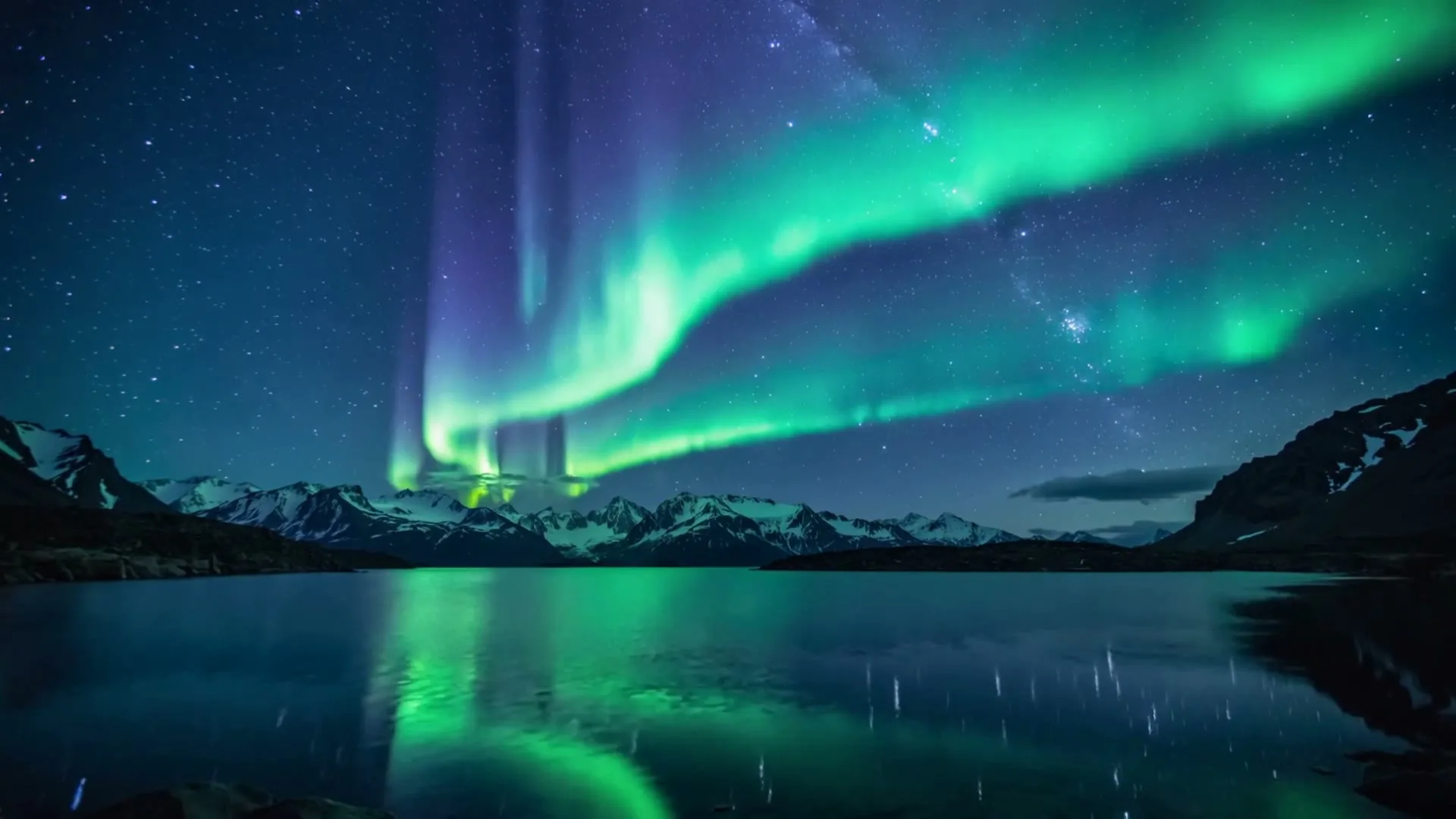
Calm educational background
16:9 · 5s
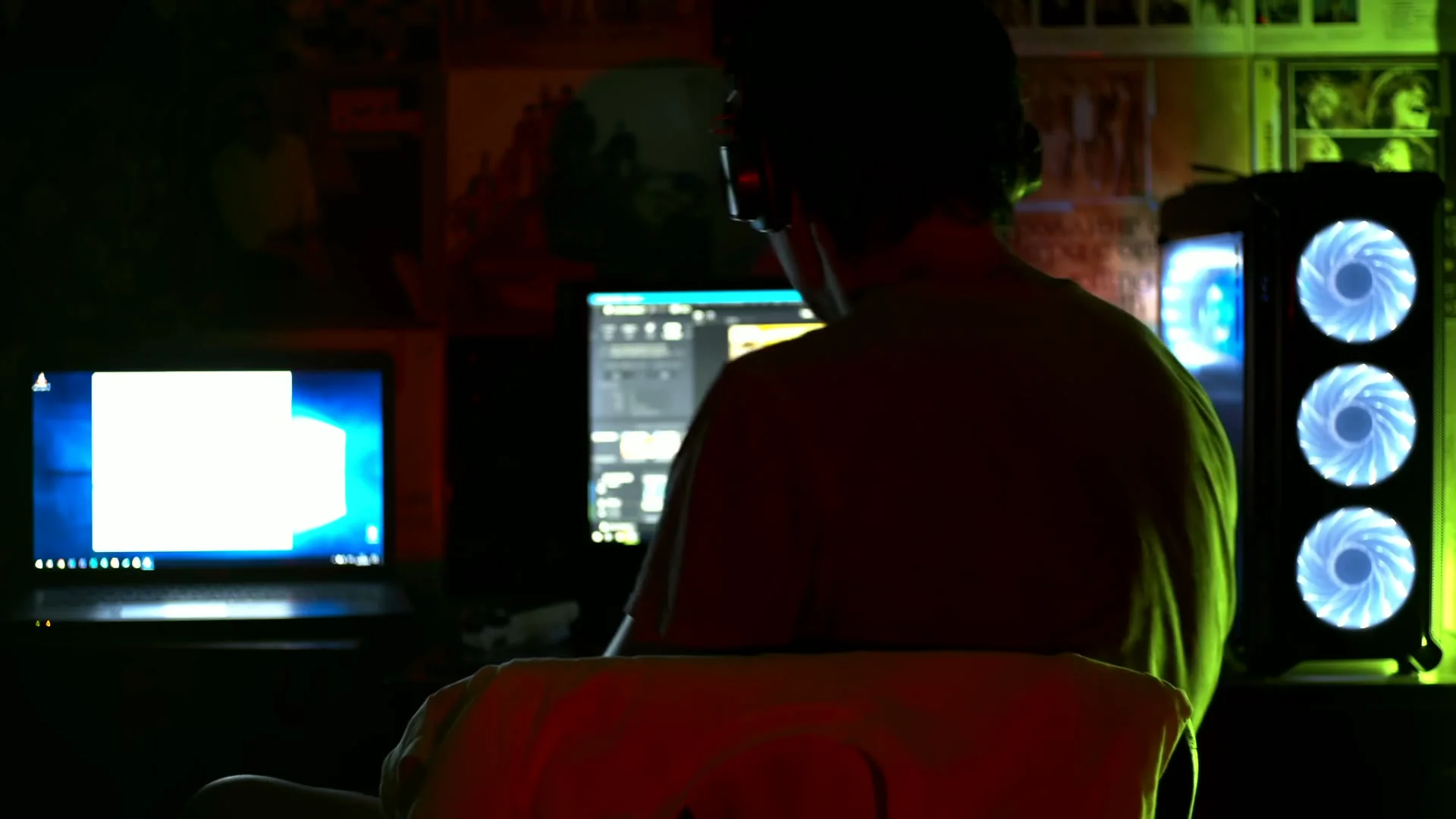
Creator workflow atmosphere
16:9 · 5s
Hover or tap to preview every example
Showcase
Explore Zvidy AI outputs and commercially licensed references across social clips, product ads and cinematic stories, then adapt a direction in the generator above.
“Messy ink particles organize into one clear luminous system, simple transformation, clean background”
Create in this style“Three simple parts connect and begin working together, macro explanatory view, no labels”
Create in this style“Gentle light bands reveal layered information, calm presentation background, wide frame”
Create in this style“Creative direction: show the person, editing environment and illuminated screens in one concise establishing shot.”
Pexels · Bulat Latypov · licensed referenceCreate in this style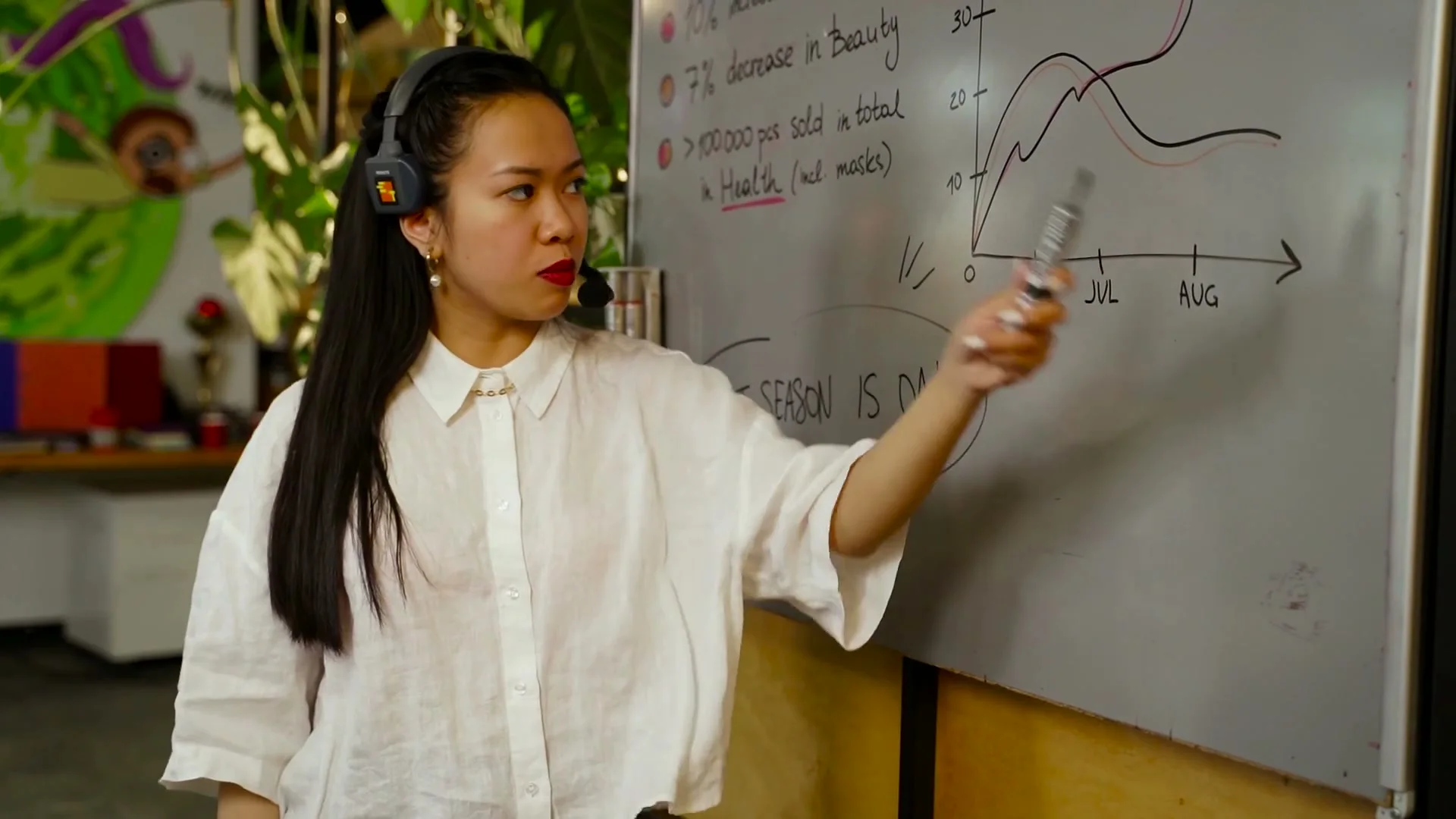
“Creative direction: alternate between the presenter and one clear diagram to keep the explanation easy to follow.”
Pexels · AI25.Studio Studio · licensed referenceCreate in this style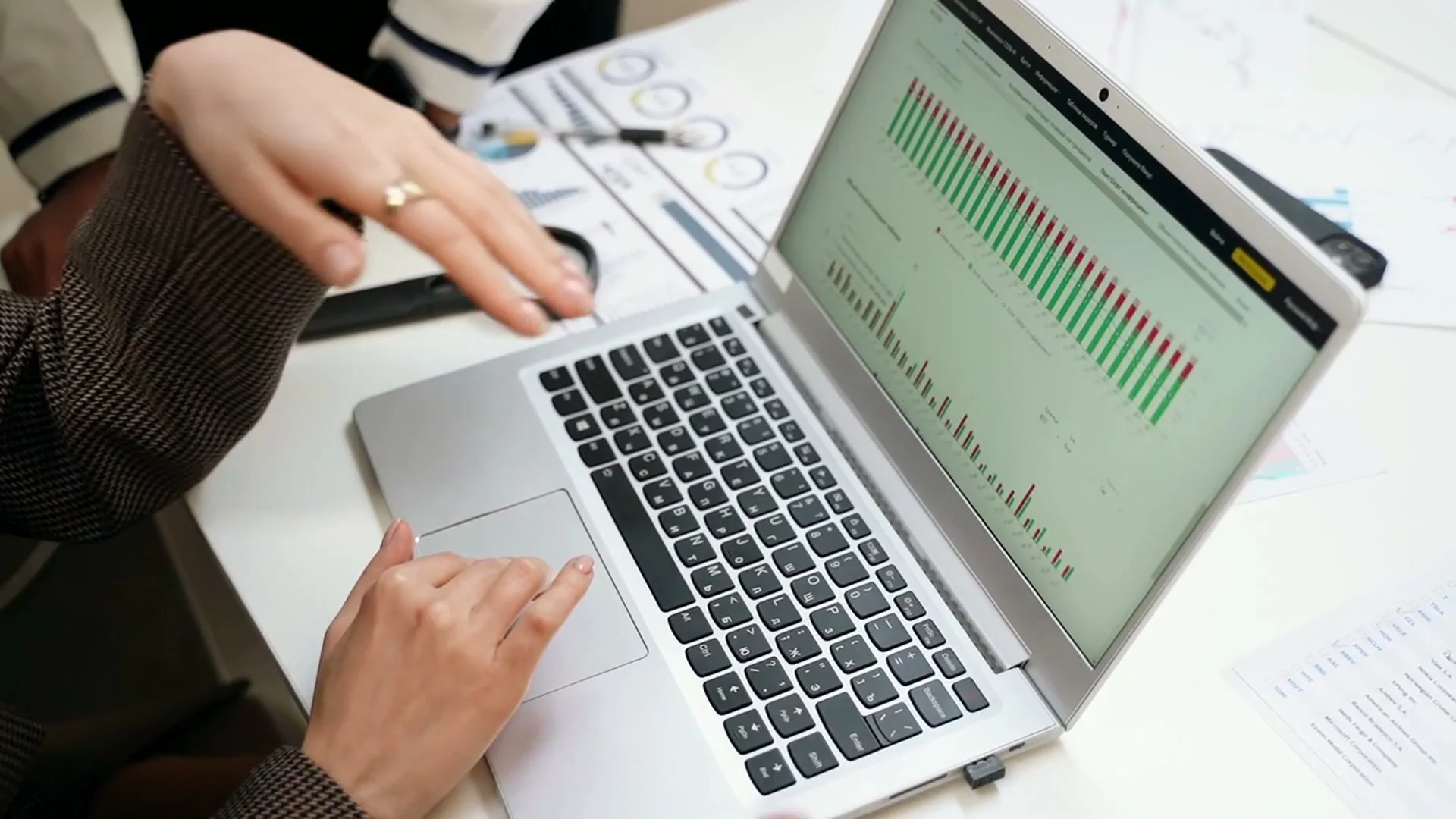
“Creative direction: anchor the explanation on one readable dashboard and use gestures to guide attention.”
Pexels · Yan Krukau · licensed referenceCreate in this style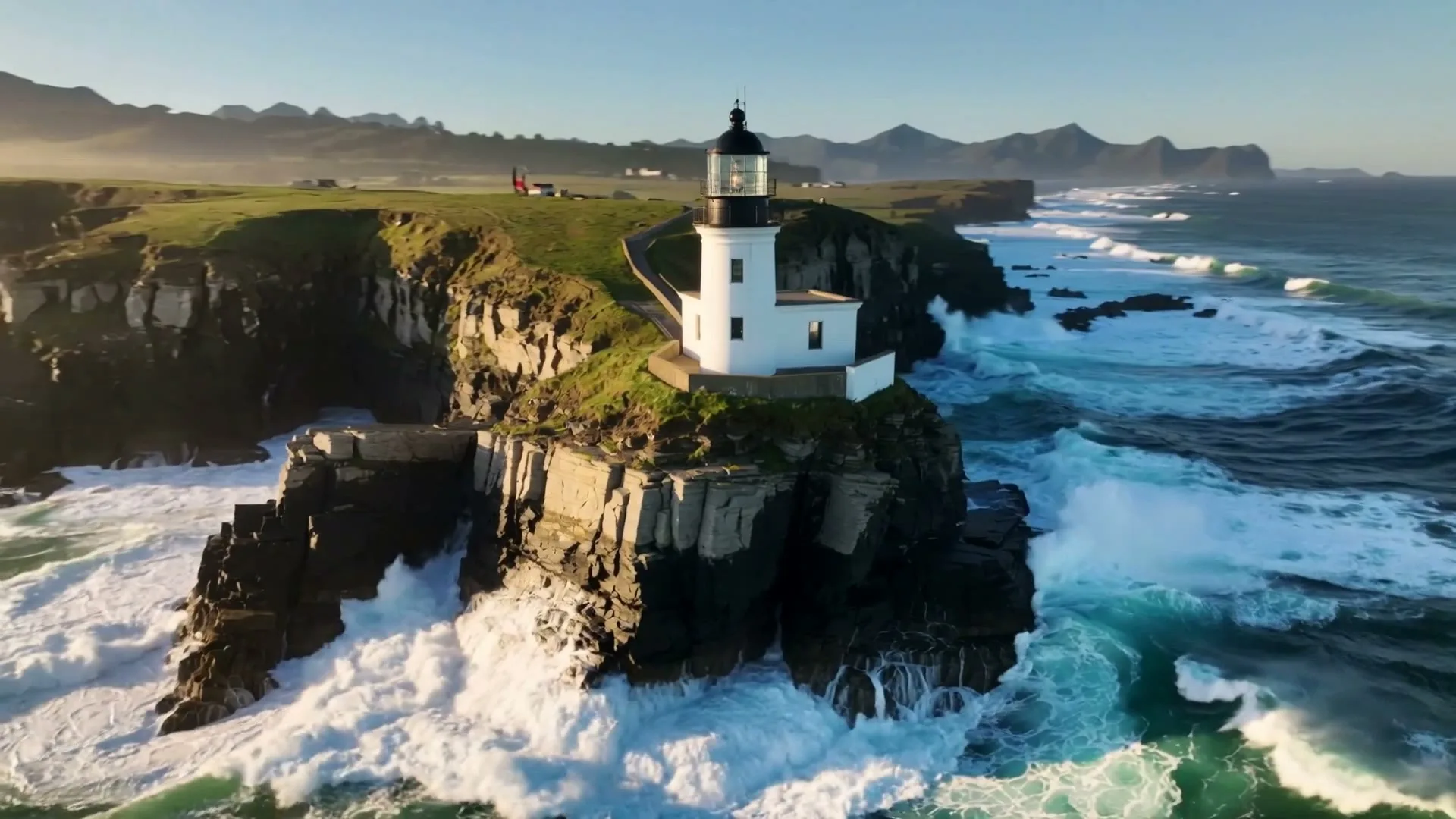
“A sweeping drone orbit reveals a lighthouse on a cliff while waves crash below.”
Create in this style
“A luxury bottle floats above black marble, slow rotation, dramatic rim light and fine mist.”
Create in this style
“Creative direction: place the product UI on a clean display and keep the surrounding desk distraction-free.”
Pexels · cottonbro studio · licensed referenceCreate in this styleBuilt for this workflow
From the first idea to a publish-ready clip, every control is shaped around this exact workflow.
Capability 01
The selected model, duration and credit cost remain visible before every generation.
Capability 02
Wan starts at a lower credit cost for testing a visual idea before using premium models.
Capability 03
Successful outputs use the same playback and download workflow regardless of the credit source.
Capability 04
If the provider reports a failed render, the consumed credit record is revoked automatically.
Use a single problem, mechanism or benefit for the first test scene.
Confirm the model, duration and displayed credits before generating.
Download the result only if the visual metaphor is clear enough to support narration.
“Free” should describe the real access model, not hide an unlimited promise. This page can be opened and used without buying an editor subscription, and the exact generation cost is shown before you click. When welcome credits are enabled for new accounts, they can cover one six-second value-model test; otherwise you can add credits only when you choose to render. That first scene is enough to test a metaphor, art direction and model quality before planning more scenes.
Use cases & prompt recipes
Test one five-second transformation that communicates the product benefit.
Prompt example“A maze simplifies into one straight glowing path, clean product explainer metaphor, wide composition”Create a short background visual to support a teacher’s spoken explanation.
Prompt example“Earth slowly rotates while sunlight reveals day and night, simple accurate educational visual, no text”Use one before-and-after visual as a social teaser for a newly released feature.
Prompt example“A cluttered inbox transforms into three organized priority cards, quick clean reveal, 9:16”No. There is no editor subscription requirement, but each AI render uses the displayed credits. Welcome credits only apply when enabled for new accounts.
No card is needed to open the page or create an account. A configured credit balance is required when you submit a render.
The generation pipeline requests watermark-free output where supported. Always inspect the actual result before publishing.
When a failed status is recorded, the consumed credits are revoked and returned automatically.
One silent AI visual clip. Voiceover, captions, exact labels and multi-scene assembly are not included in the current maker.