

Cinematic night walk — Kling 2.6
9:16 · 5s
AI video tool · generate on this page
Runway pioneered AI video and remains a superb professional suite. But if you mainly need short, platform-ready clips without a monthly commitment, a multi-model credit workspace is often the better fit.
Create now
Add the subject, motion, camera angle and style. The clearer the prompt, the better the video.
Cinematic night walk — Kling 2.6
9:16 · 5s
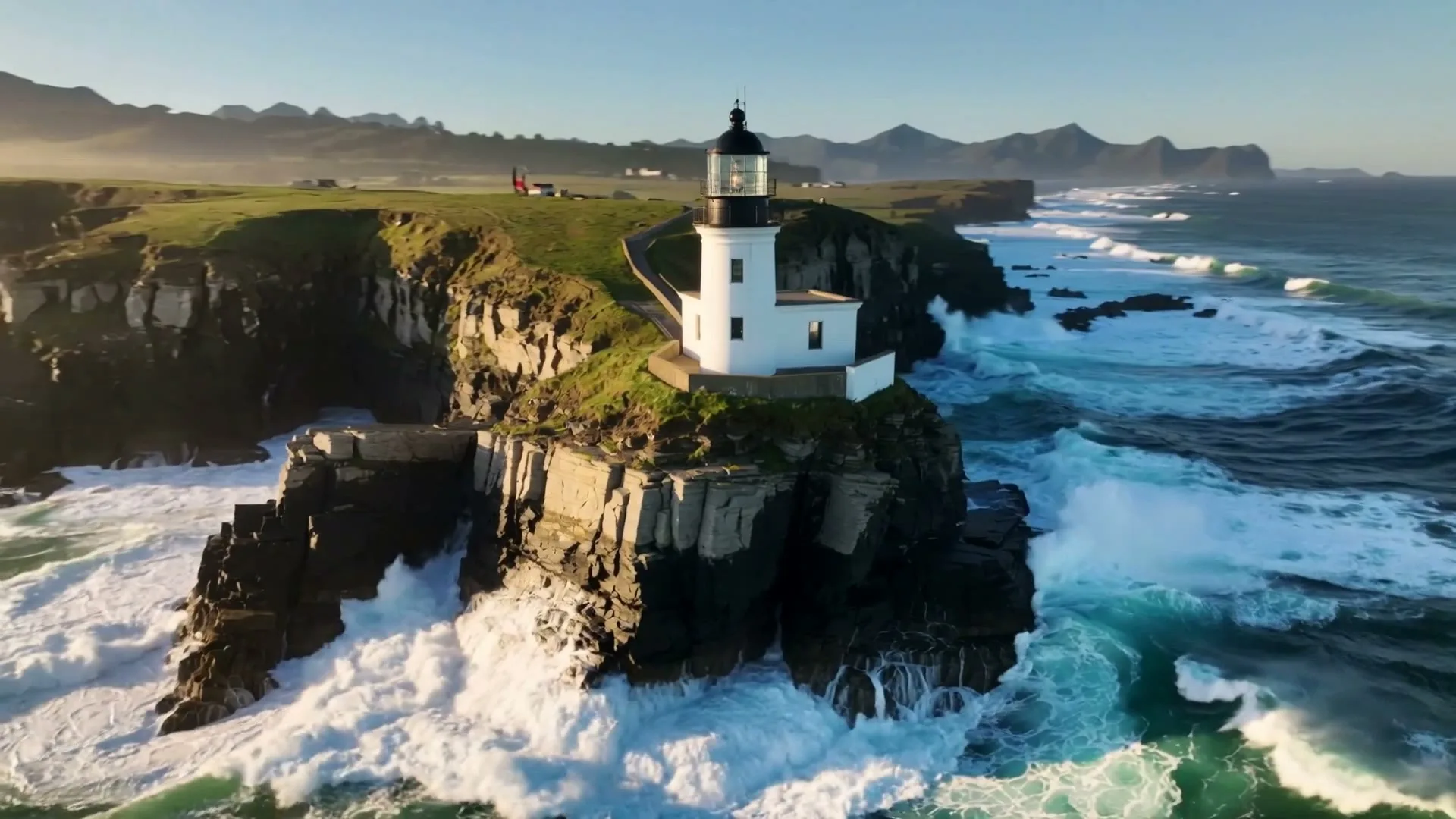
Drone orbit shot — Kling 2.6
9:16 · 5s

Ink nebula macro — Kling 2.6
9:16 · 5s

Luxury product reveal
9:16 · 5s
Hover or tap to preview every example
Showcase
Explore Zvidy AI outputs and commercially licensed references across social clips, product ads and cinematic stories, then adapt a direction in the generator above.
“A luxury bottle floats above black marble, slow rotation, dramatic rim light and fine mist.”
Create in this style
“An anime heroine turns toward camera while cherry blossom petals swirl in dynamic wind.”
Create in this style
“A lone traveler crosses colossal dunes at golden hour as ribbons of sand drift in the wind.”
Create in this style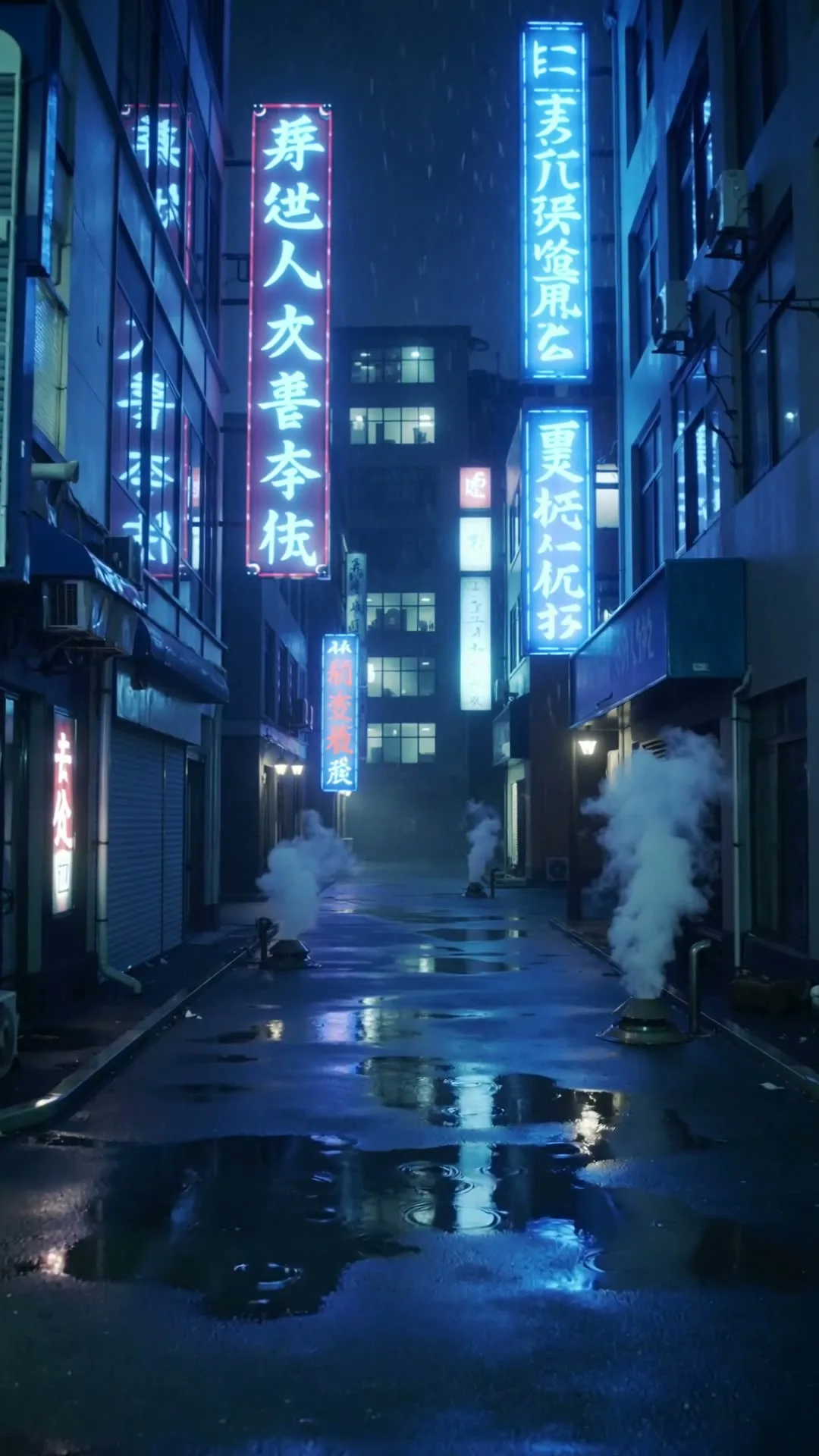
“A slow push through a cyberpunk Tokyo alley in heavy rain with neon reflections.”
Create in this style
“A whale glides through a bioluminescent ocean with glowing particles and soft god rays.”
Create in this style
“A corgi in sunglasses skateboards through a busy crossing, low-angle tracking shot.”
Create in this styleOne prompt box, three settings, generate.
Draft on Hailuo, finish on Kling — one balance.
Watermark-free HD in 9:16, 16:9 or 1:1.
The real difference is philosophy. Runway builds its own models (the Gen series) plus a deep editing toolchain — motion brush, director mode, frame interpolation — aimed at filmmakers and studios, priced as a monthly subscription with credit allowances. Zvidy aggregates the strongest third-party models instead: Kling 2.6 for cinematic shots, Kling 3.0 Turbo for flexible durations, Hailuo 02 for fast drafts, Wan 2.6 for volume — under one pay-as-you-go credit balance with no monthly fee, free welcome credits, and automatic refunds on failed renders. If your work is iterating inside one advanced toolchain, Runway earns its subscription. If your work is producing many short clips for TikTok, Reels, ads and product pages at the best quality-per-dollar, model choice beats tool depth.
Different tools for different jobs. Runway offers deeper editing control and its own model line under a subscription. Zvidy offers stronger model variety per dollar for short-form output, with no monthly commitment. Many creators use both: Runway for edit-heavy projects, Zvidy for clip volume.
No — Runway's Gen models are exclusive to Runway. Zvidy runs Kling, Hailuo and Wan, which independently benchmark at the top of current video models, especially for motion realism.
Nothing upfront: the welcome grant covers one Hailuo 02 value-model generation with no card. A $5.9 credit pack is available when you need more, and every model shows its exact cost before generation. Prompts written for Runway transfer with minor tweaks.