

Bioluminescent whale — Kling 2.6
9:16 · 5s
AI video tool · generate on this page
Grok's video generation lives inside the Grok and X apps, tied to an X Premium subscription. If you want AI video in the browser with a choice of top models and per-clip pricing, that's exactly what Zvidy does.
Create now
Add the subject, motion, camera angle and style. The clearer the prompt, the better the video.
Bioluminescent whale — Kling 2.6
9:16 · 5s

Aurora timelapse — Kling 2.6
9:16 · 5s

Neon city walk — Kling 2.6
9:16 · 5s

Luxury product reveal
9:16 · 5s
Hover or tap to preview every example
Showcase
Explore Zvidy AI outputs and commercially licensed references across social clips, product ads and cinematic stories, then adapt a direction in the generator above.
“A luxury bottle floats above black marble, slow rotation, dramatic rim light and fine mist.”
Create in this style
“An anime heroine turns toward camera while cherry blossom petals swirl in dynamic wind.”
Create in this style
“A lone traveler crosses colossal dunes at golden hour as ribbons of sand drift in the wind.”
Create in this style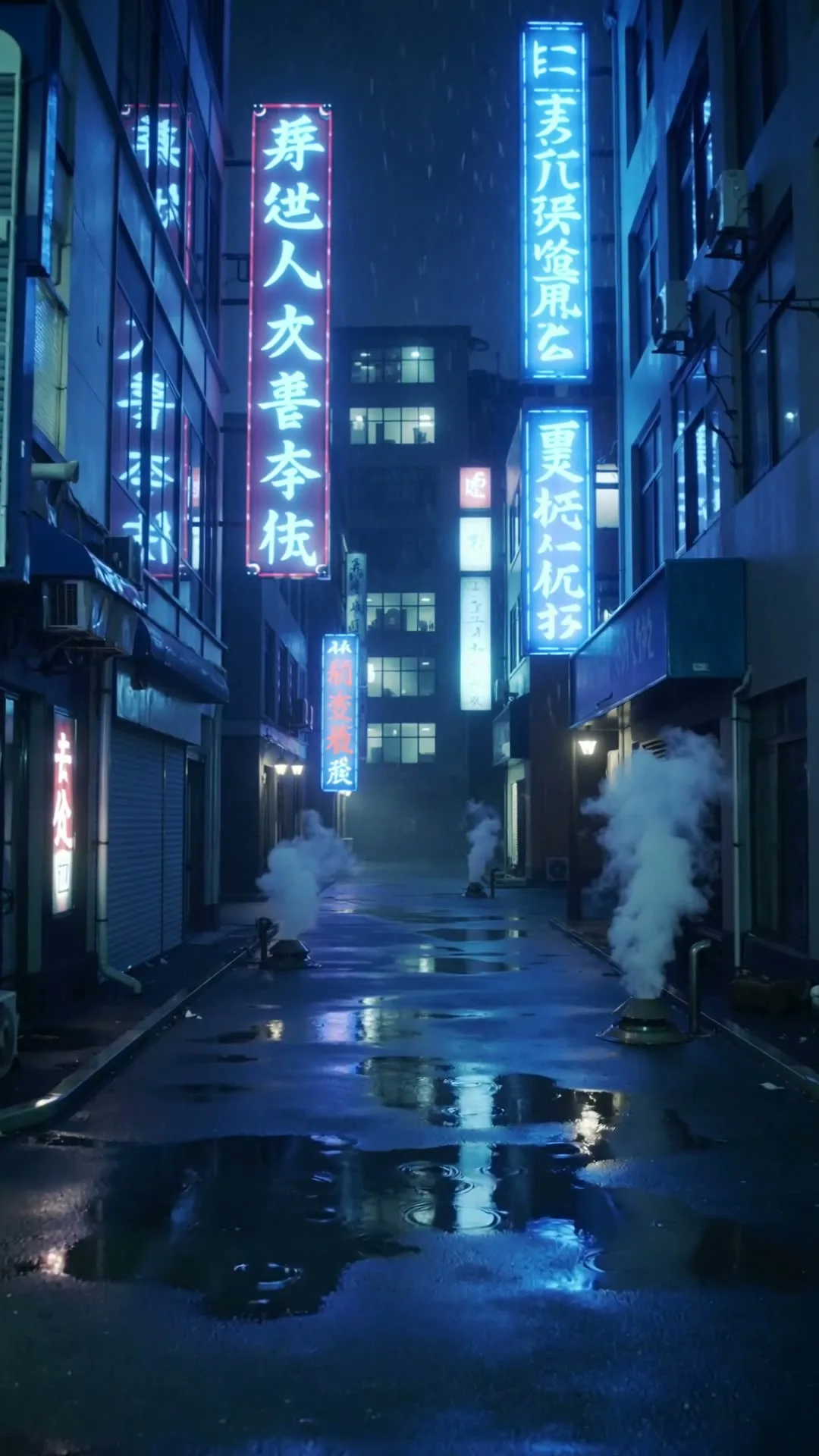
“A slow push through a cyberpunk Tokyo alley in heavy rain with neon reflections.”
Create in this style
“A corgi in sunglasses skateboards through a busy crossing, low-angle tracking shot.”
Create in this style
“A clockwork butterfly opens glass wings and lifts from an antique book in warm candlelight.”
Create in this styleBrowser-based — no app install, no X Premium.
Kling for cinema, Hailuo for speed, Wan for volume.
About 60 seconds to a platform-ready HD clip.
xAI's Grok added image and short-video generation as a feature inside its chat apps: fun for quick experiments, but you work with one model, inside one app, under one subscription — with limited control over duration, aspect ratio or output quality. A dedicated AI video workspace takes the opposite approach. On Zvidy you choose between Kling 2.6 (the most cinematic model available), Kling 3.0 Turbo, Hailuo 02 and Wan 2.6 per generation; you set duration, ratio and resolution explicitly; you pay per clip in credits instead of a monthly platform fee; and every export is watermark-free HD with commercial rights. For creators producing content rather than chat experiments, that control is the difference between a toy and a tool.
Yes — xAI added generation features (Grok Imagine) inside the Grok and X apps for Premium subscribers, producing short clips. It's designed as an in-chat feature rather than a production workspace: model choice, duration control and export options are limited compared to dedicated tools.
For AI video, yes: Zvidy is a browser workspace that runs Kling, Hailuo and Wan with per-clip credit pricing, free welcome credits, and full control over duration, ratio and resolution — no subscription tied to a social platform.
Yes — new accounts receive 20 welcome credits with no credit card, enough for one full-quality, watermark-free Hailuo 02 generation.