
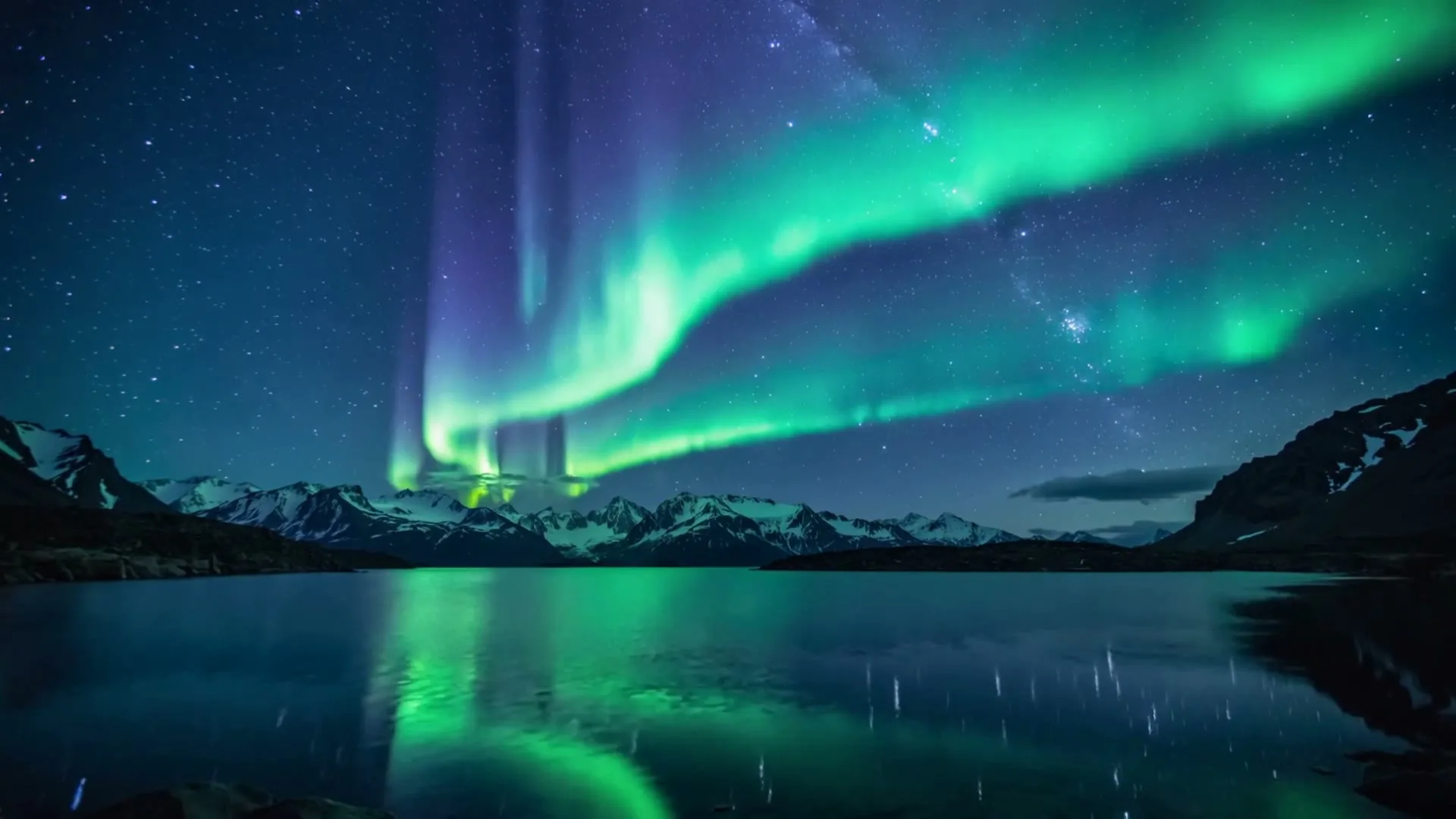
Aurora over mountains — Kling 2.6
9:16 · 5s
AI video tool · generate on this page
Short answer: Bing has an AI *image* creator, but no public text-to-video generator. If you landed here wanting to turn text or images into video, here's the tool that actually does it.
Create now
Add the subject, motion, camera angle and style. The clearer the prompt, the better the video.
Aurora over mountains — Kling 2.6
9:16 · 5s
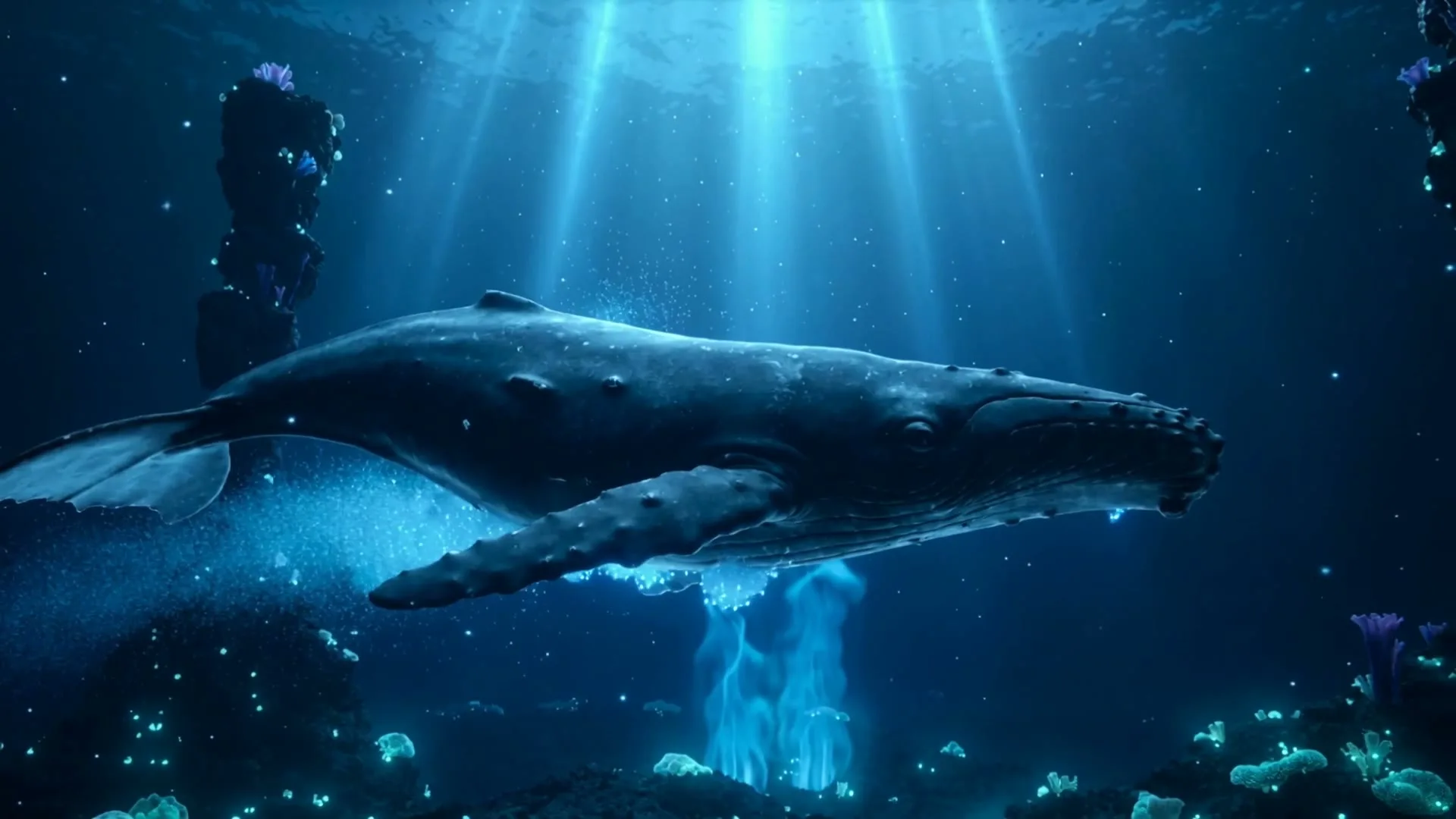
Deep-sea whale — Kling 2.6
9:16 · 5s
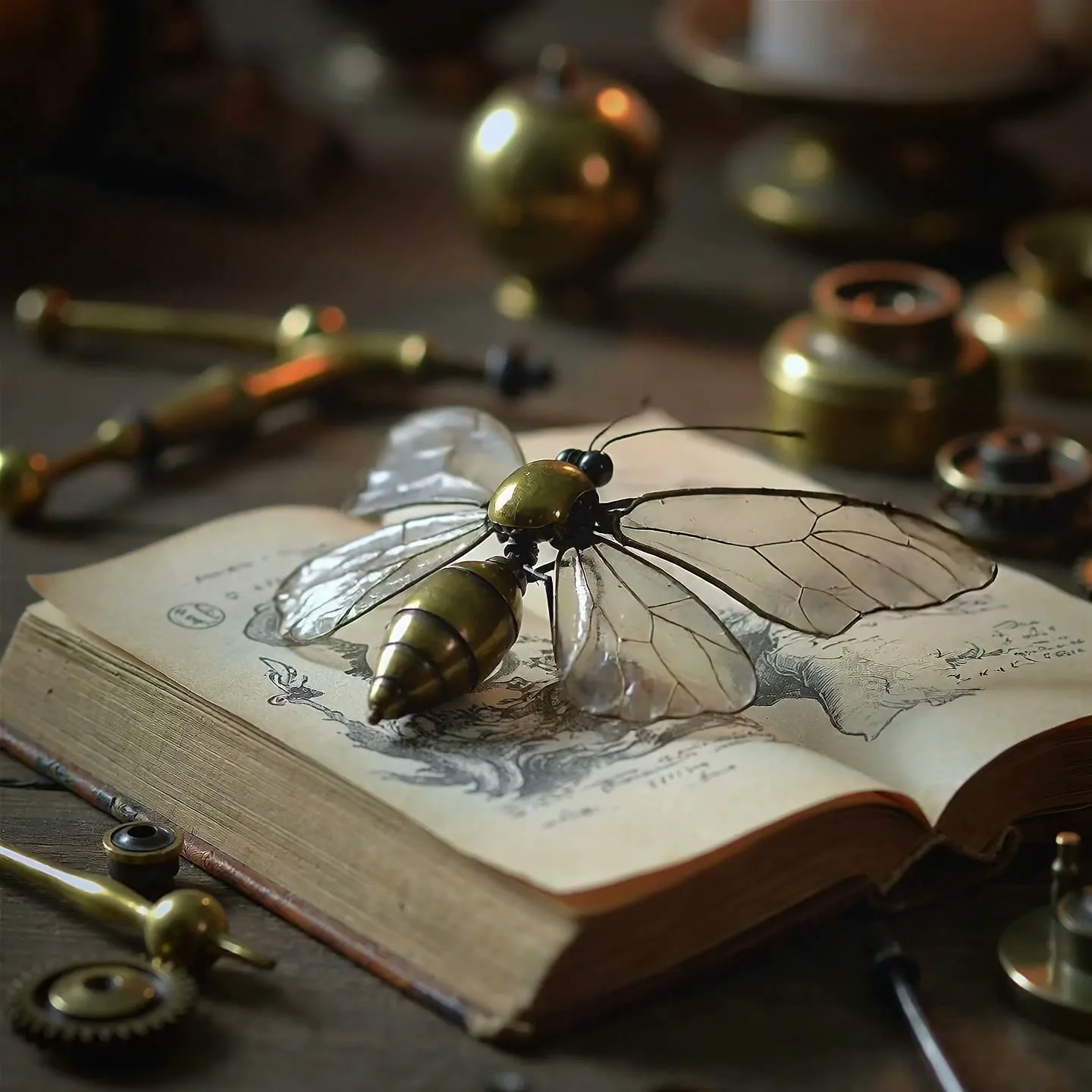
Clockwork butterfly — Kling 2.6
9:16 · 5s
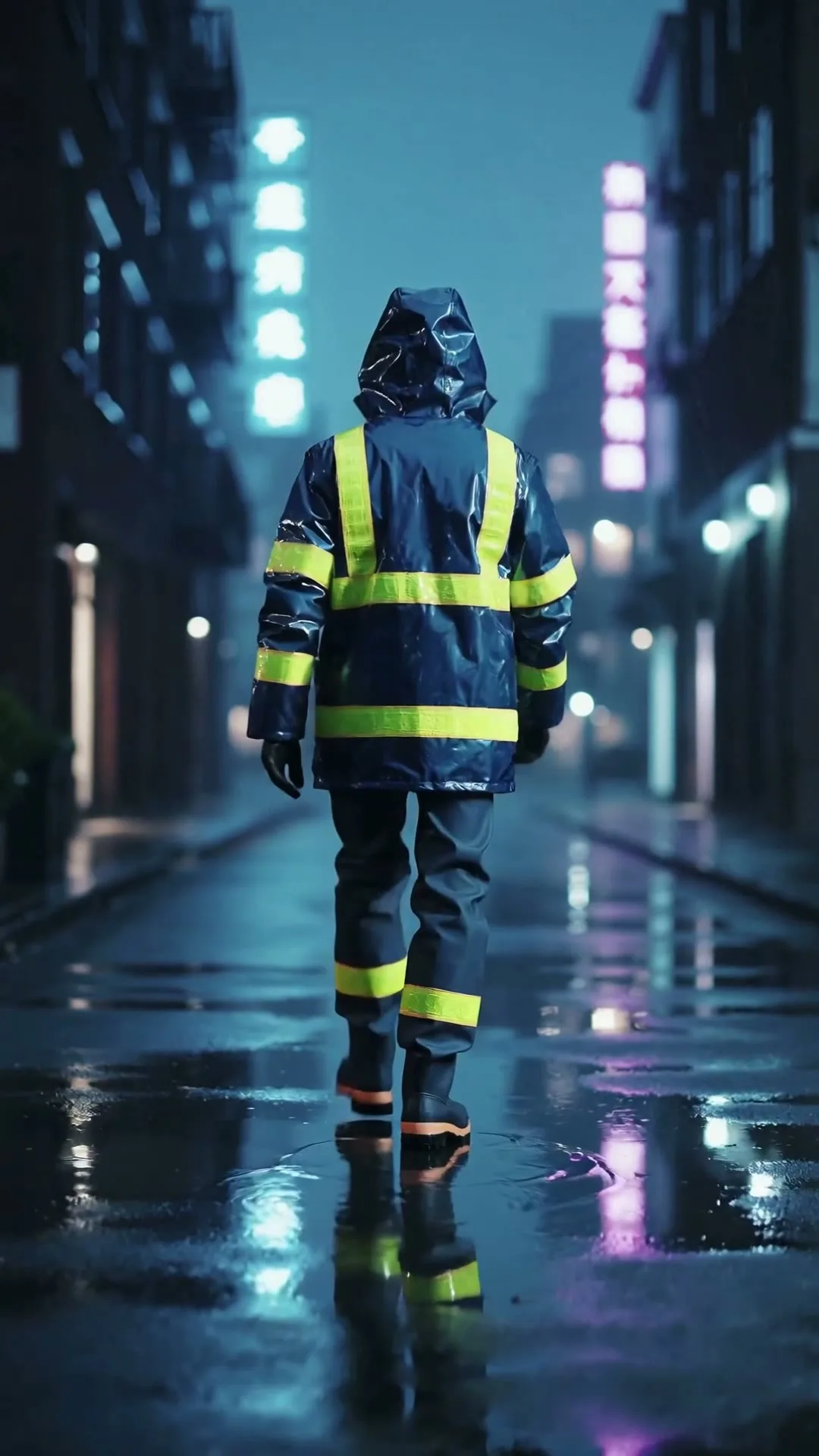
Neon city opening shot
9:16 · 5s
Hover or tap to preview every example
Showcase
Explore Zvidy AI outputs and commercially licensed references across social clips, product ads and cinematic stories, then adapt a direction in the generator above.
“A creator walks through a rain-soaked neon street, cinematic tracking shot, vivid reflections.”
Create in this style
“A luxury bottle floats above black marble, slow rotation, dramatic rim light and fine mist.”
Create in this style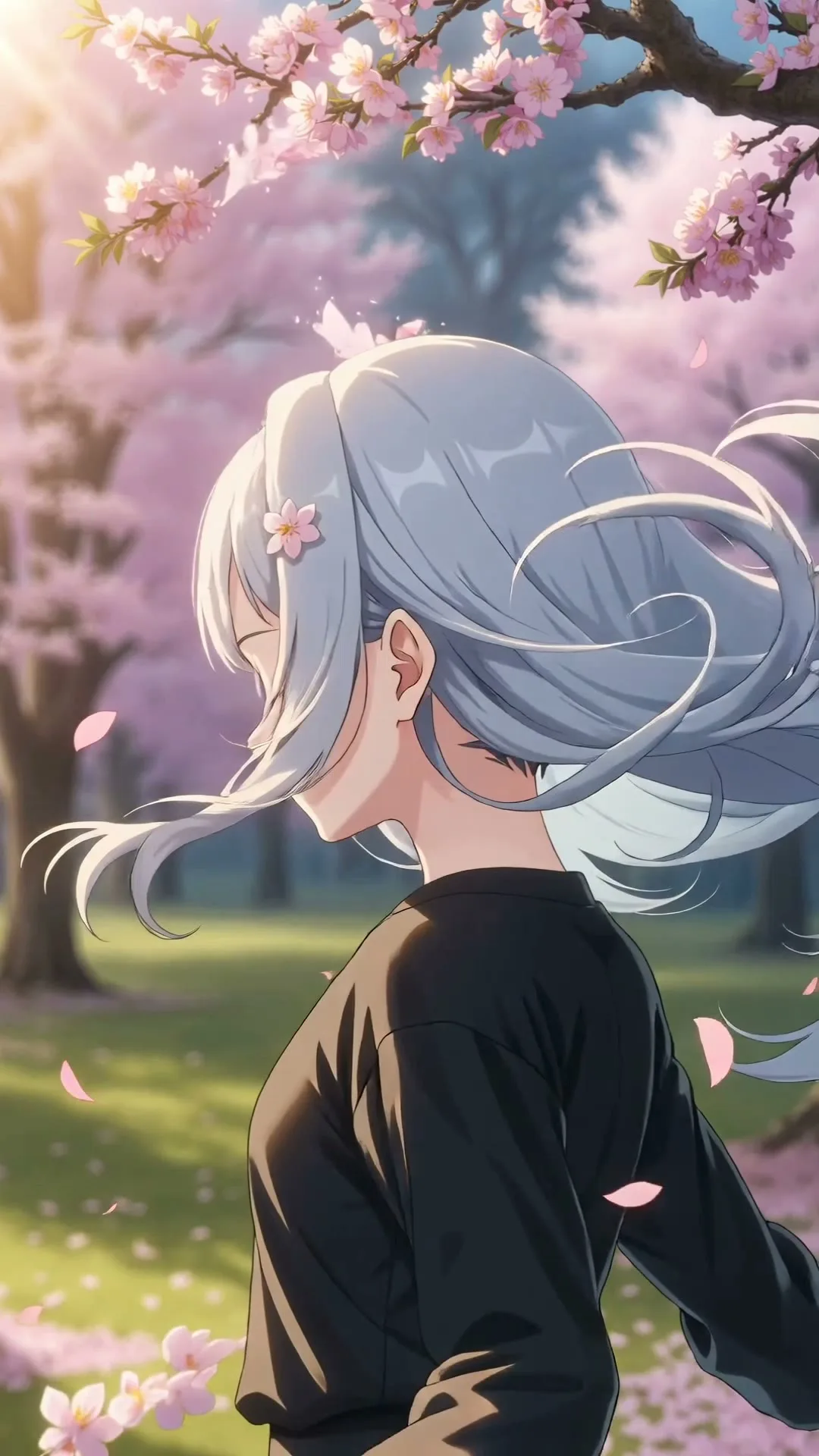
“An anime heroine turns toward camera while cherry blossom petals swirl in dynamic wind.”
Create in this style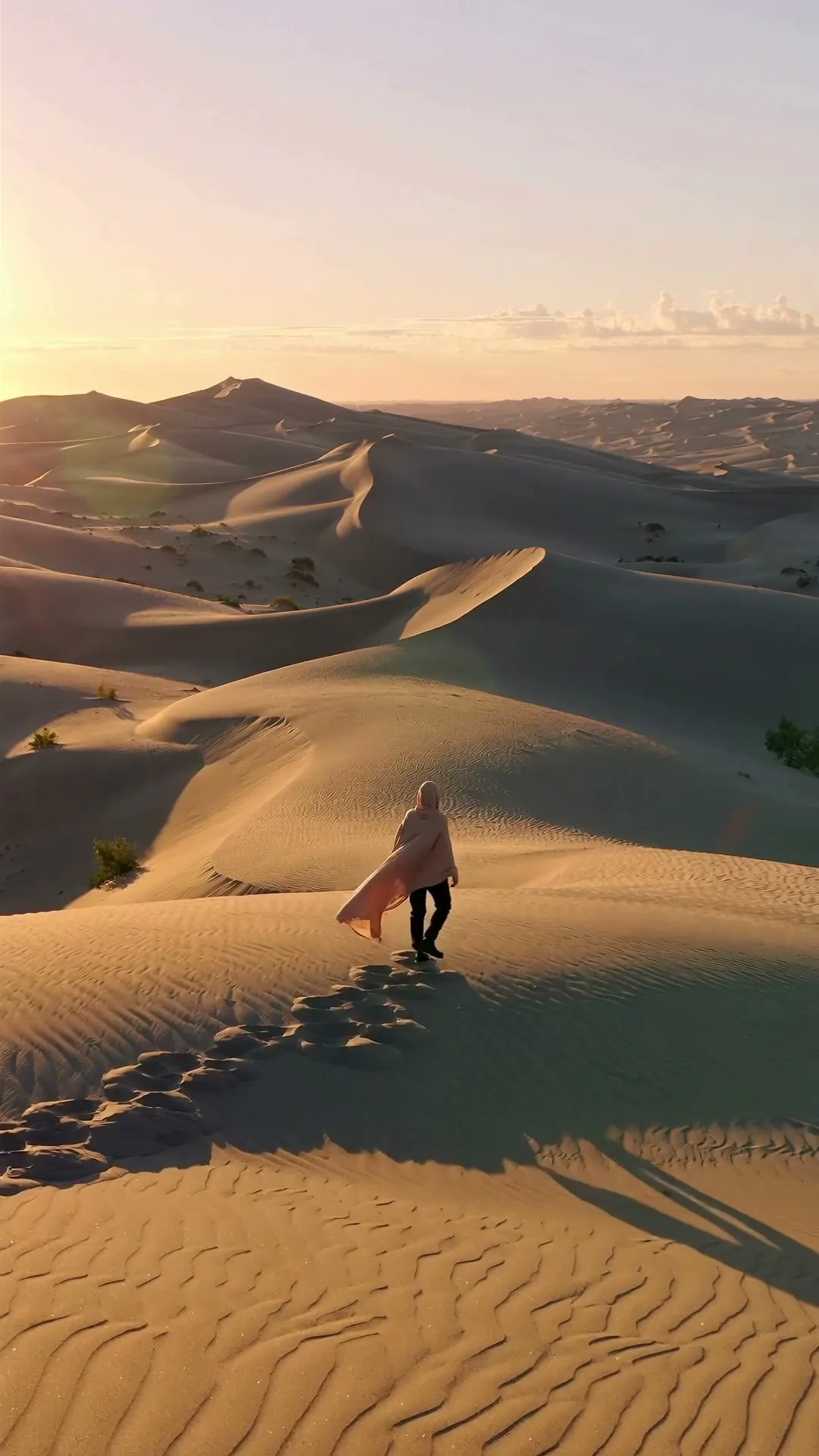
“A lone traveler crosses colossal dunes at golden hour as ribbons of sand drift in the wind.”
Create in this style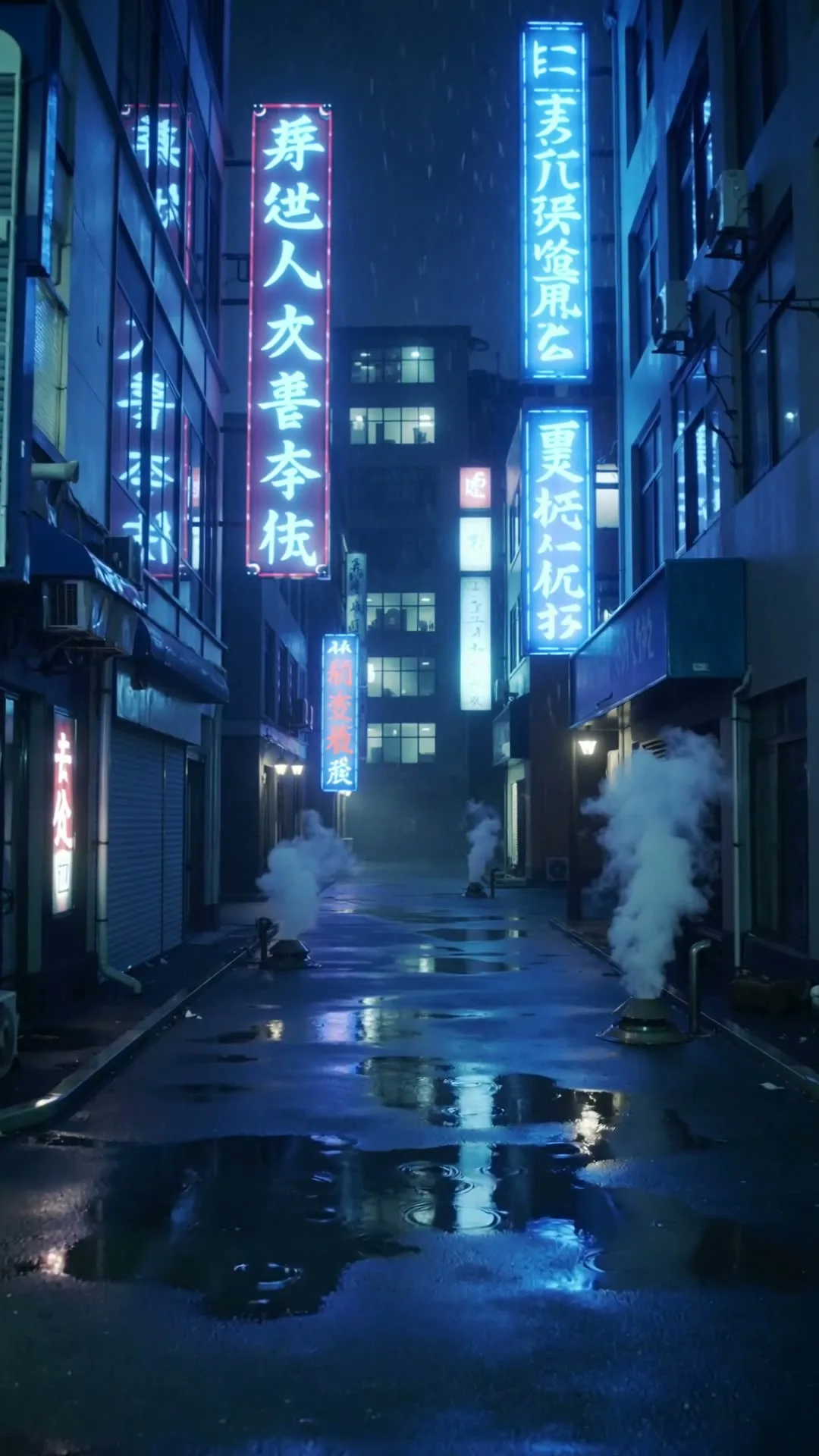
“A slow push through a cyberpunk Tokyo alley in heavy rain with neon reflections.”
Create in this style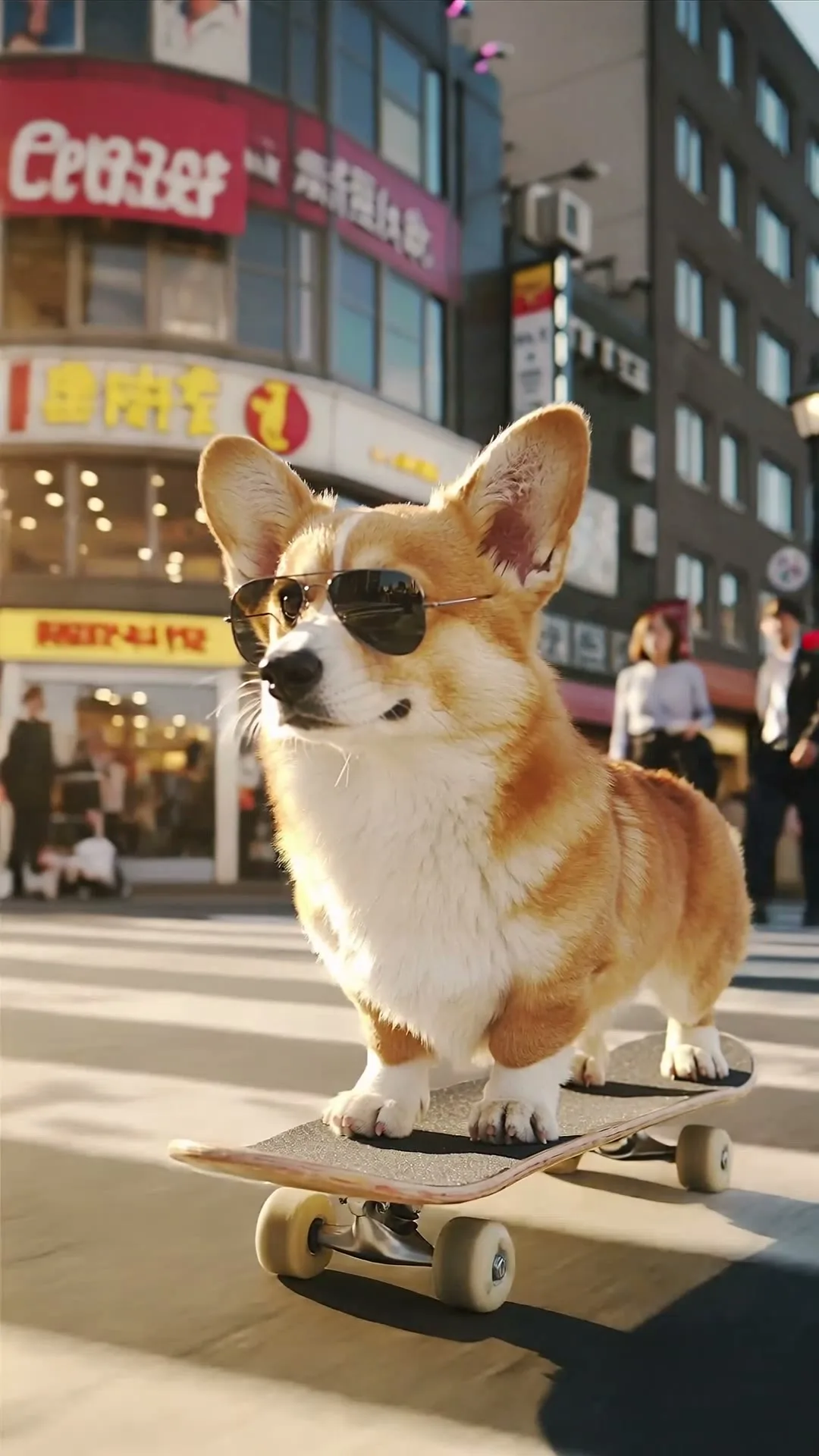
“A corgi in sunglasses skateboards through a busy crossing, low-angle tracking shot.”
Create in this styleA text prompt, or an image you want animated.
9:16, 16:9 or 1:1; 3 to 15 seconds.
About 60 seconds per generation.
Microsoft's AI creative stack includes Bing Image Creator (powered by DALL·E/derived models) for still images, and Clipchamp for traditional video editing — but as of mid-2026 there is no 'Bing video generator' that turns a prompt into AI-generated footage. Meanwhile, dedicated video models have matured fast: Kling 2.6 produces cinematic clips with believable physics, Hailuo 02 renders drafts in well under a minute, and Wan 2.6 makes 15-second clips at pocket-change prices. Zvidy puts all of them in a single browser workspace with free welcome credits, so the search that brought you here can end with an actual generated video a few minutes from now.
No public one. Bing's generative tool (Image Creator) produces still images only, and Microsoft's Clipchamp is a video editor, not a generator. AI video generation currently lives in dedicated models like Kling, Hailuo, Wan, Veo and Sora-class systems.
Yes — that's a great workflow. Generate a still in any image tool, then upload it to Zvidy's image-to-video mode and describe the motion. The clip keeps your image's subject and style while adding camera movement and life.
Yes: welcome credits on signup, no card, full quality, no watermark. Paid packs start at $5.9 only when you need more.