
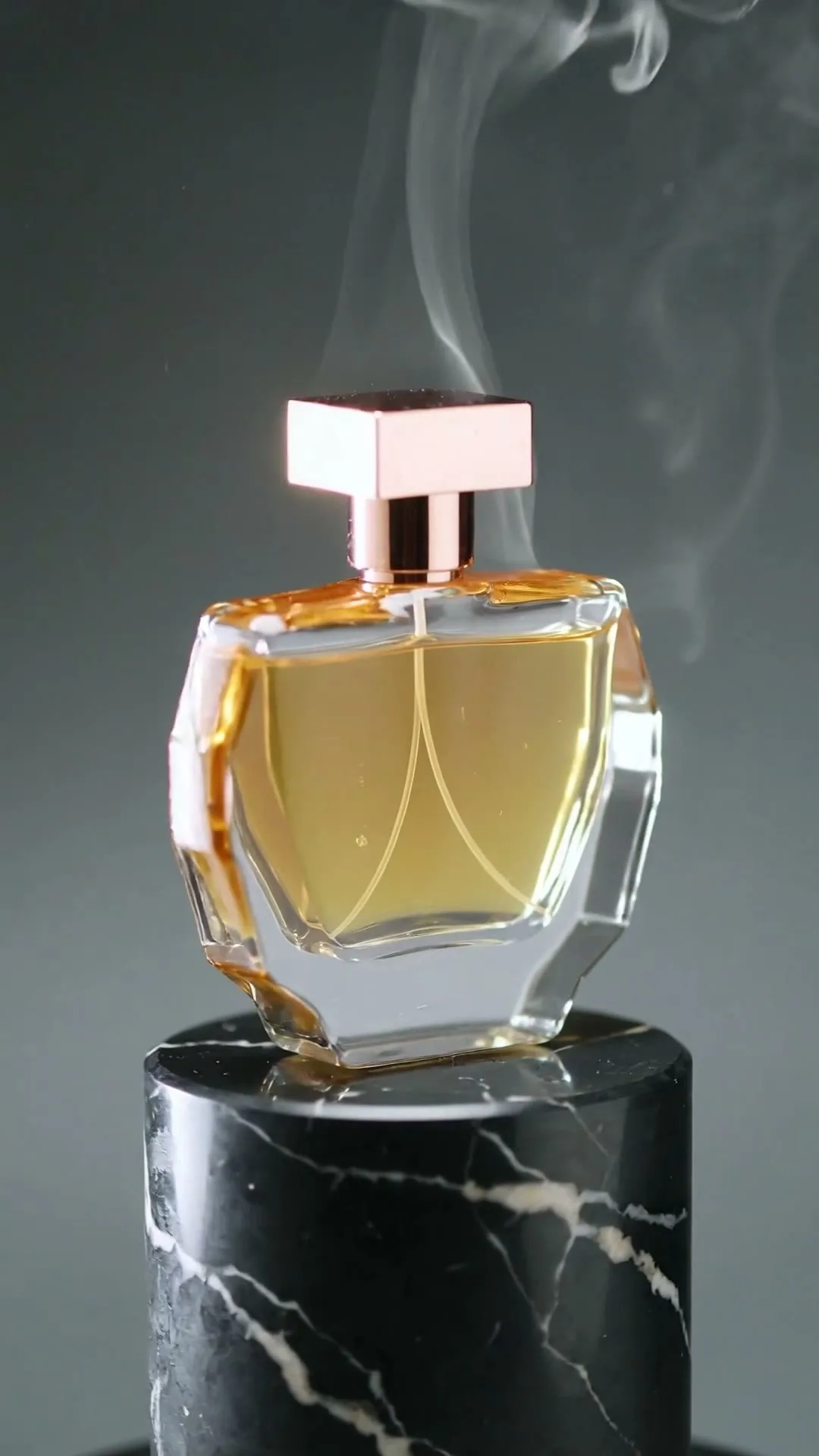
奢华主视觉旋转
9:16 · 5s
◆ Kling 3.0 Turbo
上传干净商品图,指挥运镜,无需棚拍即可生成精致广告镜头。从模型、时长到预览下载,全部留在本页。
立即创作
写清主体、动作、镜头角度和画面风格。描述越清楚,生成效果越稳定。
每次从一张图片生成一个静音商品镜头。请仔细检查包装和标签细节;下载后再添加准确价格、Logo 文字、配音和音乐。
没灵感?试试这些
奢华主视觉旋转
9:16 · 5s
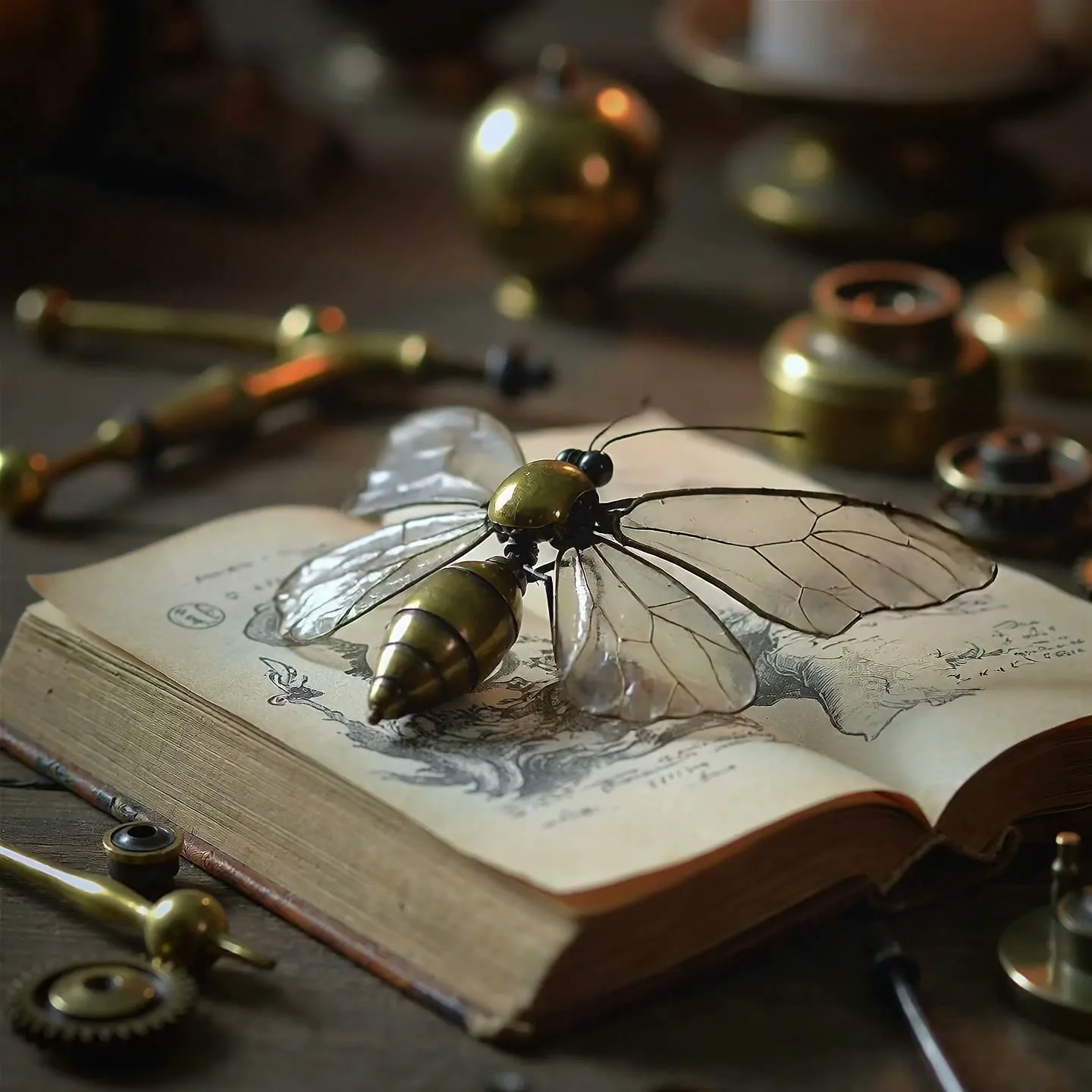
精密材质细节
1:1 · 5s
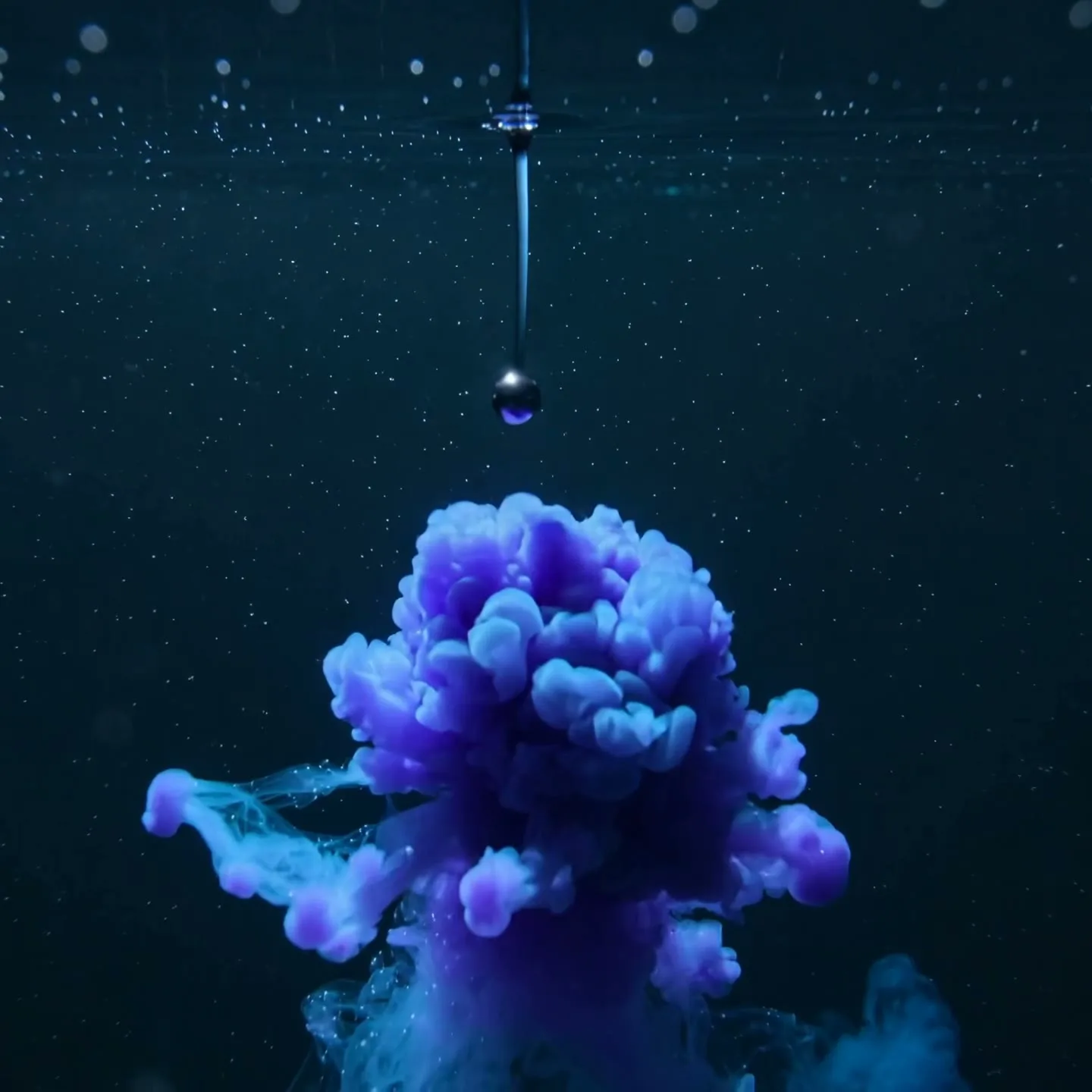
抽象成分揭晓
1:1 · 5s
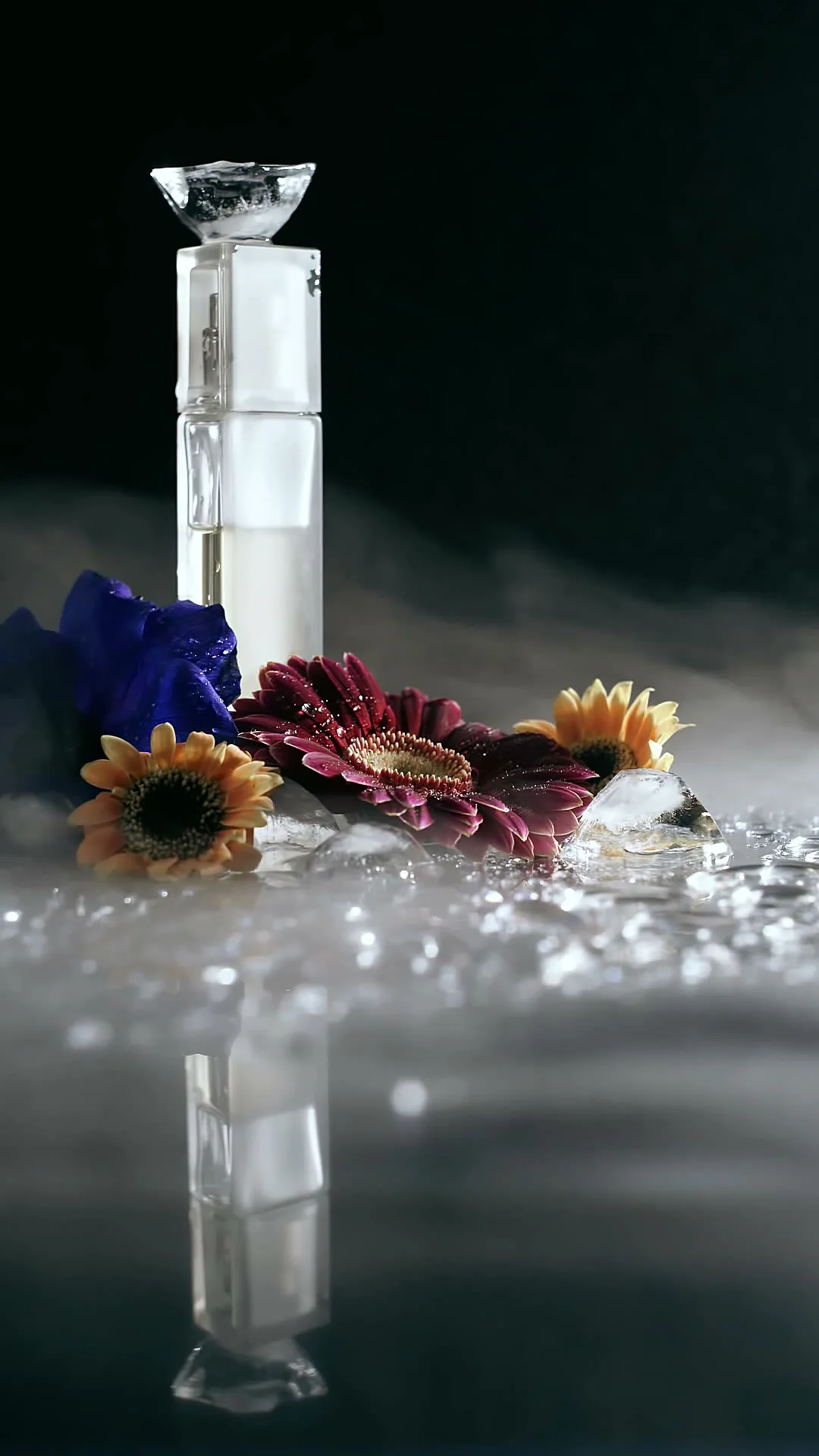
花艺香水商品短片
9:16 · 5s
悬停或轻触即可播放案例
Industry prompt catalog
A strong AI product video begins with a source image that already tells the truth about the item: correct packaging, readable branding, accurate color, and a clean silhouette. The prompt should direct motion, camera, light, and atmosphere rather than redesigning the product. Different industries sell through different visual cues, so a single “make this cinematic” prompt is rarely specific enough.
Use the examples below as art direction. Start with a restrained five-second version, check label and shape consistency, then increase movement only if the product remains stable. AI-generated scenes should not imply features, ingredients, fit, or performance that the real item does not have.
Scene 01
Skincare, fragrance, and makeup benefit from macro texture, controlled liquid, soft mist, and moving highlights. Keep the bottle or compact centered while the environment creates a premium reveal. For a serum, let droplets and light suggest hydration without making medical claims. For fragrance, use fabric, smoke, or reflective glass to communicate mood while preserving the exact bottle geometry.
Prompt example
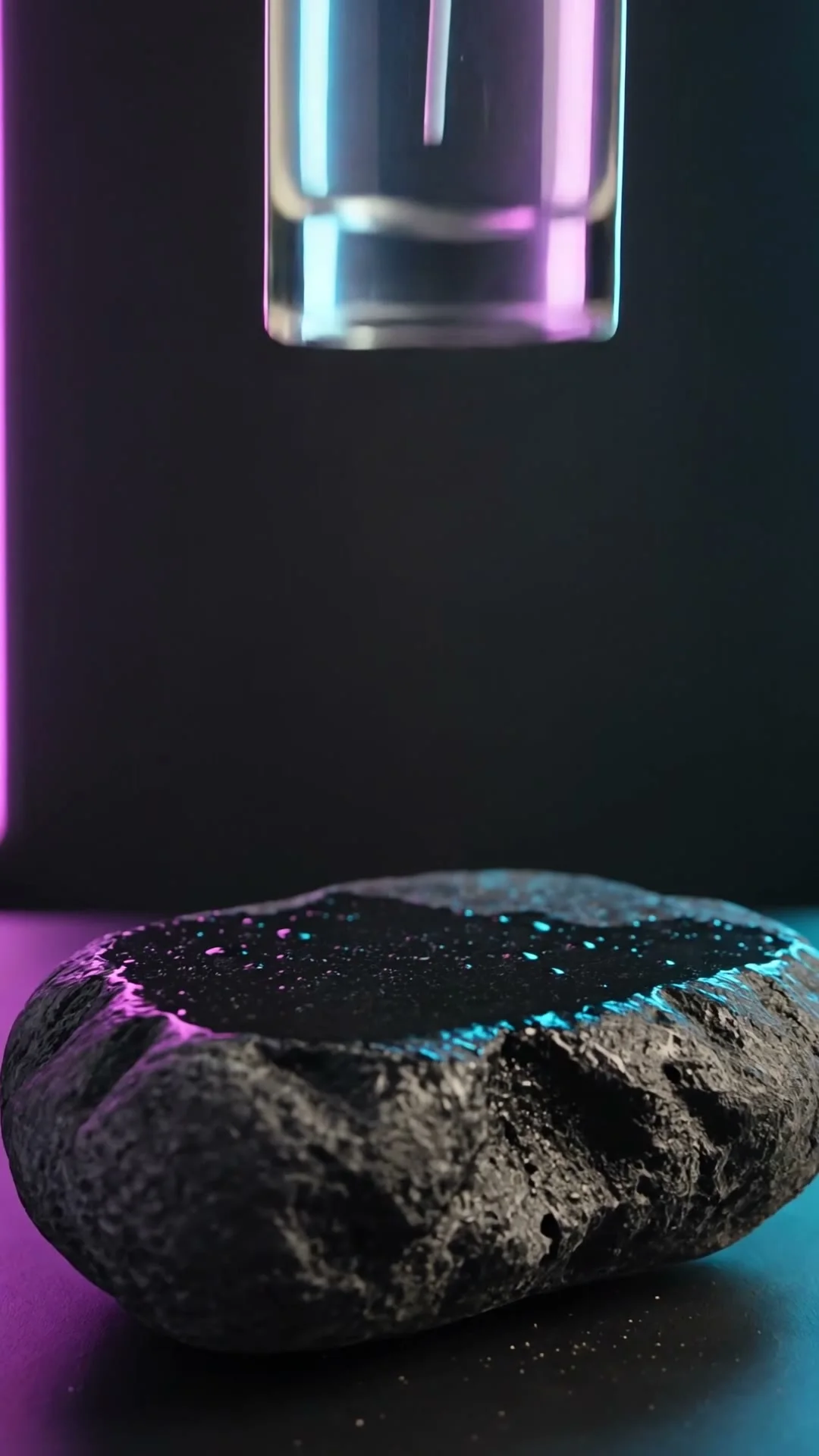
Luxury skincare reveal; serum bottle remains perfectly stable as a slow-motion water crown rises behind it; tiny droplets, macro lens, soft violet rim light, black stone surface; preserve label, cap, proportions, and brand colors.
Scene 02
Phones, headphones, watches, and accessories need crisp edges, material detail, and understandable ports or controls. Ask for a smooth orbit on a simple background and reserve negative space for specification callouts that you will add later. Do not ask the model to render small text; overlay prices, measurements, and feature names in your editor for accuracy.
Prompt example
Premium wireless headphones rotate through a controlled 360-degree product spin, precise matte texture and metallic hinge highlights, dark navy studio, slow camera orbit, clean empty space on the right for specification callouts, no added text.
Scene 03
A flat-lay garment can inspire motion concepts, but identity and fit require careful review because the model must invent a body and unseen construction. Safer clips focus on fabric lifting, sleeves unfolding, or the camera moving across stitching. If you use an on-model source photo, request a small turn, step, or breeze instead of a complex runway sequence.
Prompt example
Editorial fashion clip from the supplied on-model image; one slow half-turn, natural fabric drape and sleeve movement, soft wind, camera stays at waist height, neutral studio, preserve garment color, seams, print, and silhouette.
Scene 04
Food is sold through temperature, texture, and freshness. Add rising steam to a prepared dish, a controlled sizzle around ingredients, condensation on a cold can, or a slow macro slide over a plated surface. Keep motion physically plausible and avoid changing portion size, packaging, or ingredients. A short sensory shot works well as the opening of a menu ad or delivery listing.
Prompt example
Macro food commercial; camera slides past a hot grilled sandwich as gentle steam rises and cheese stretches slightly, warm side light, shallow depth of field, realistic texture, preserve ingredients and portion size, clean appetizing finish.
真实案例
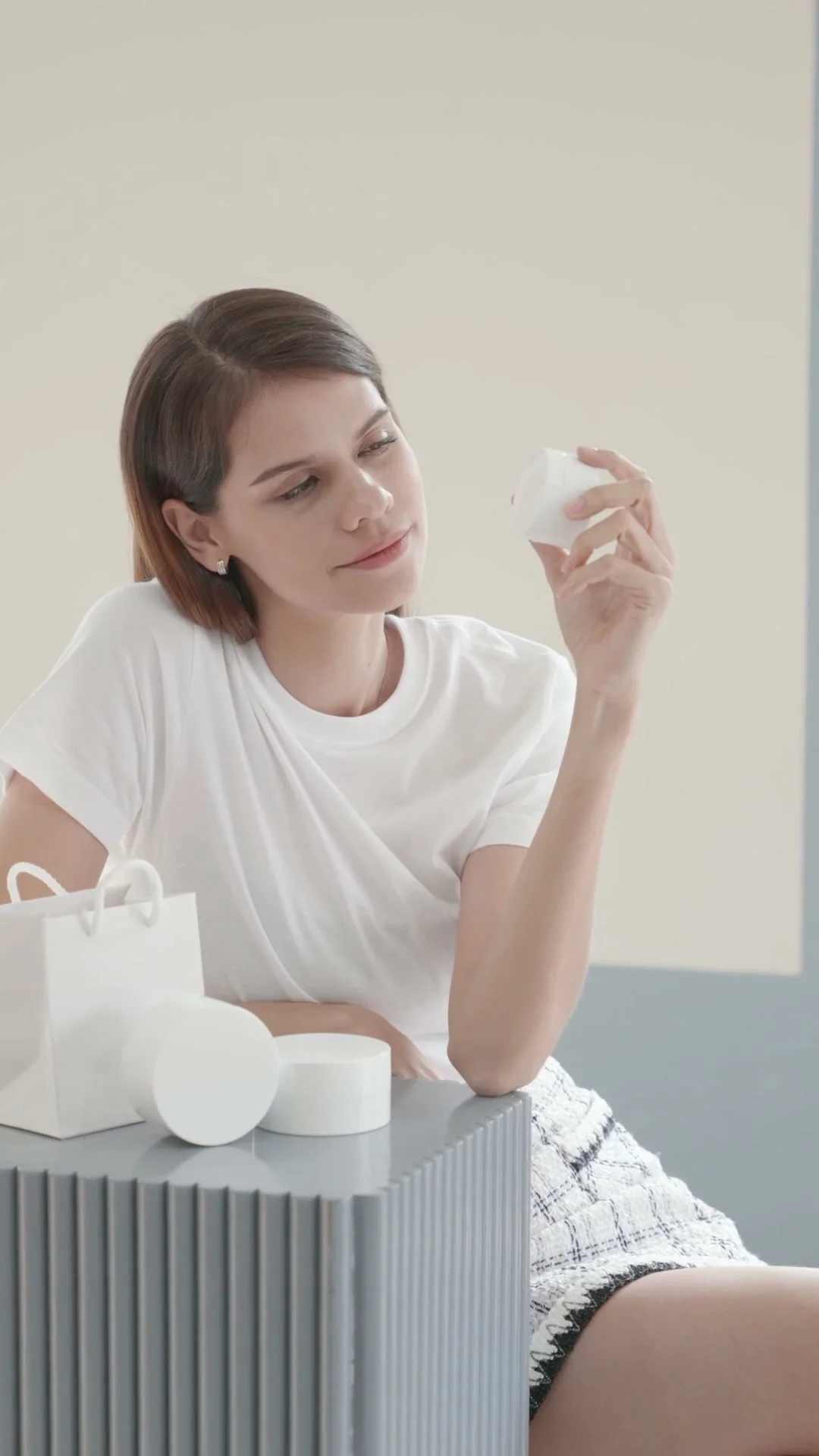
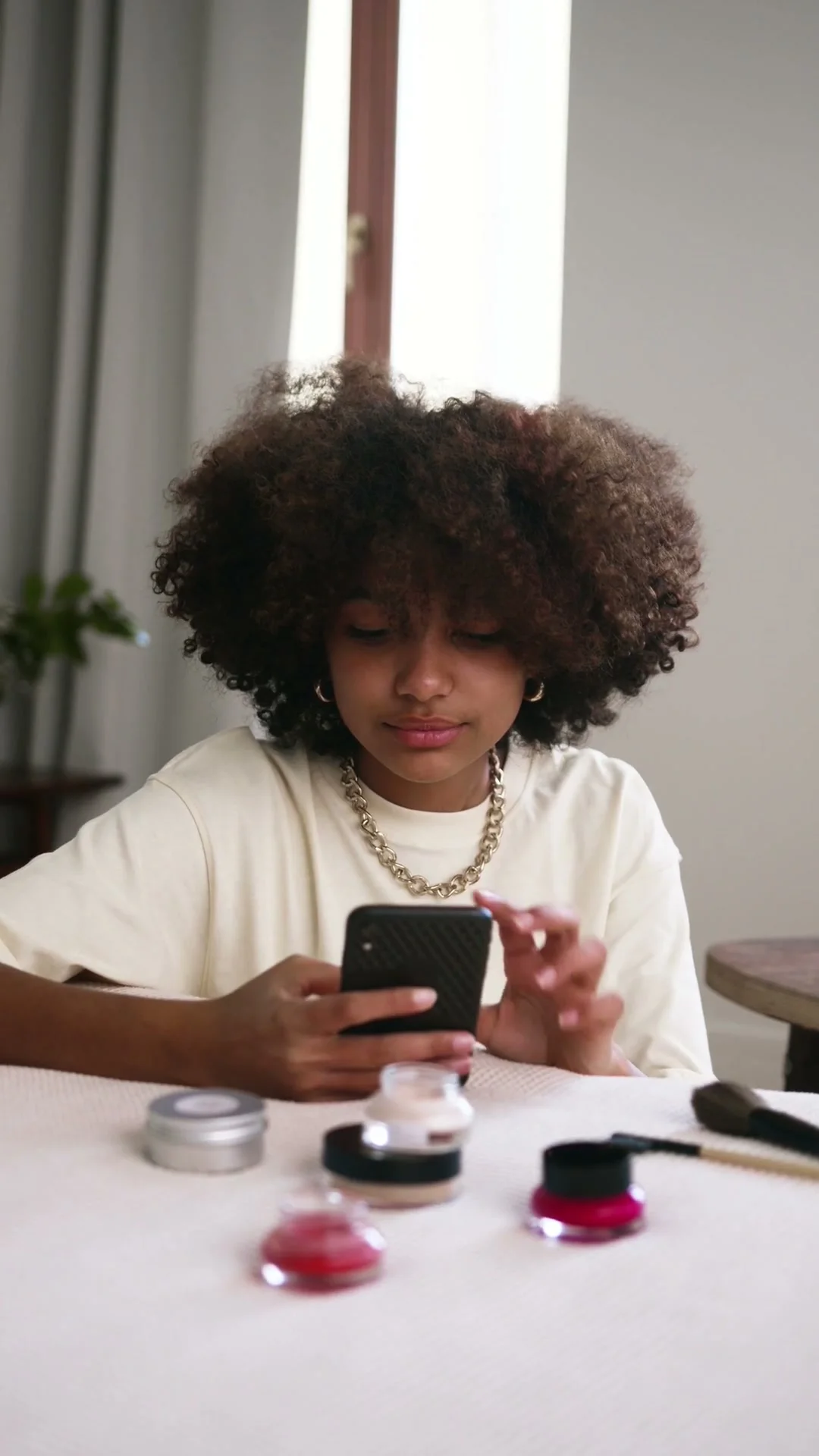
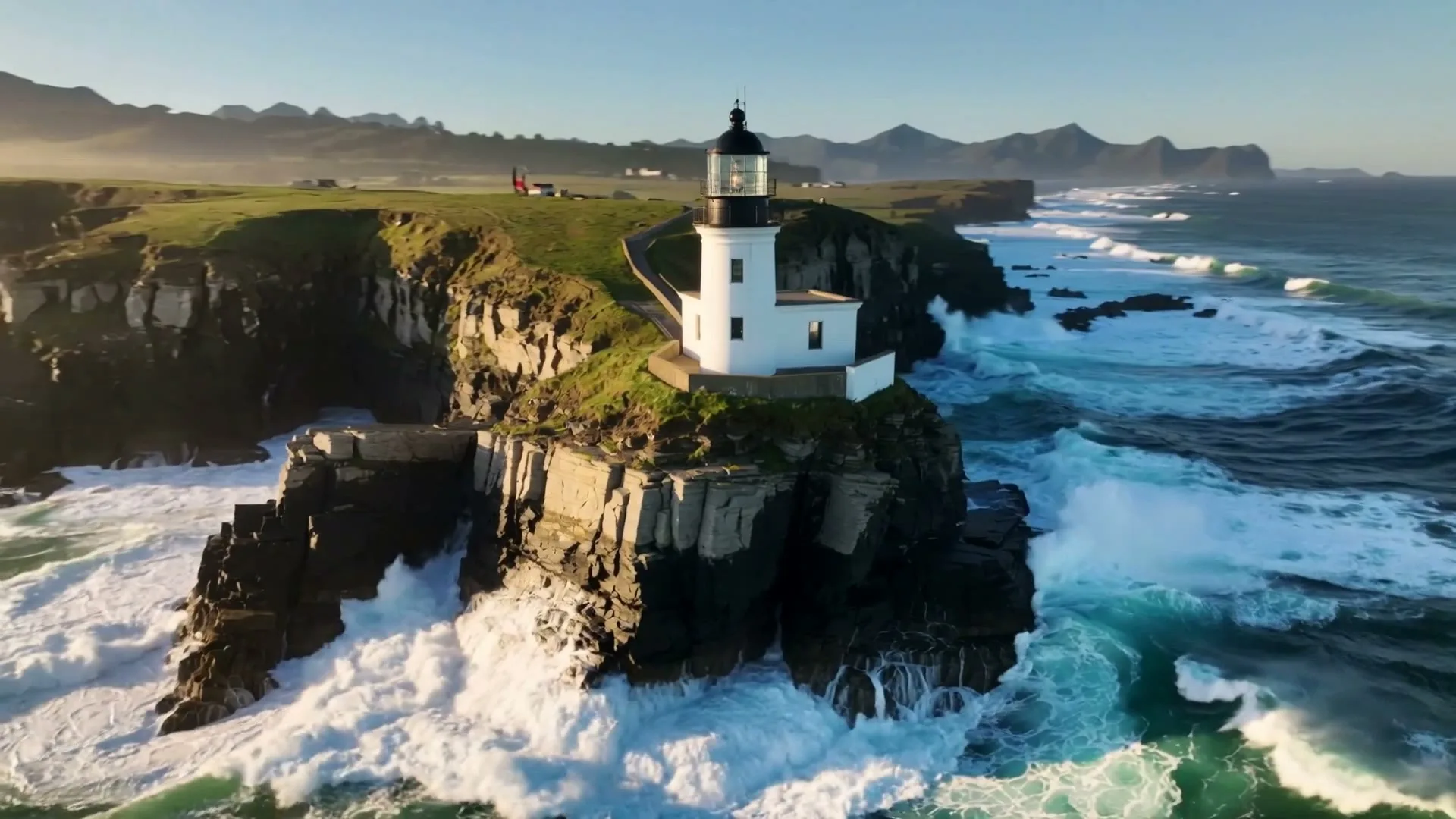
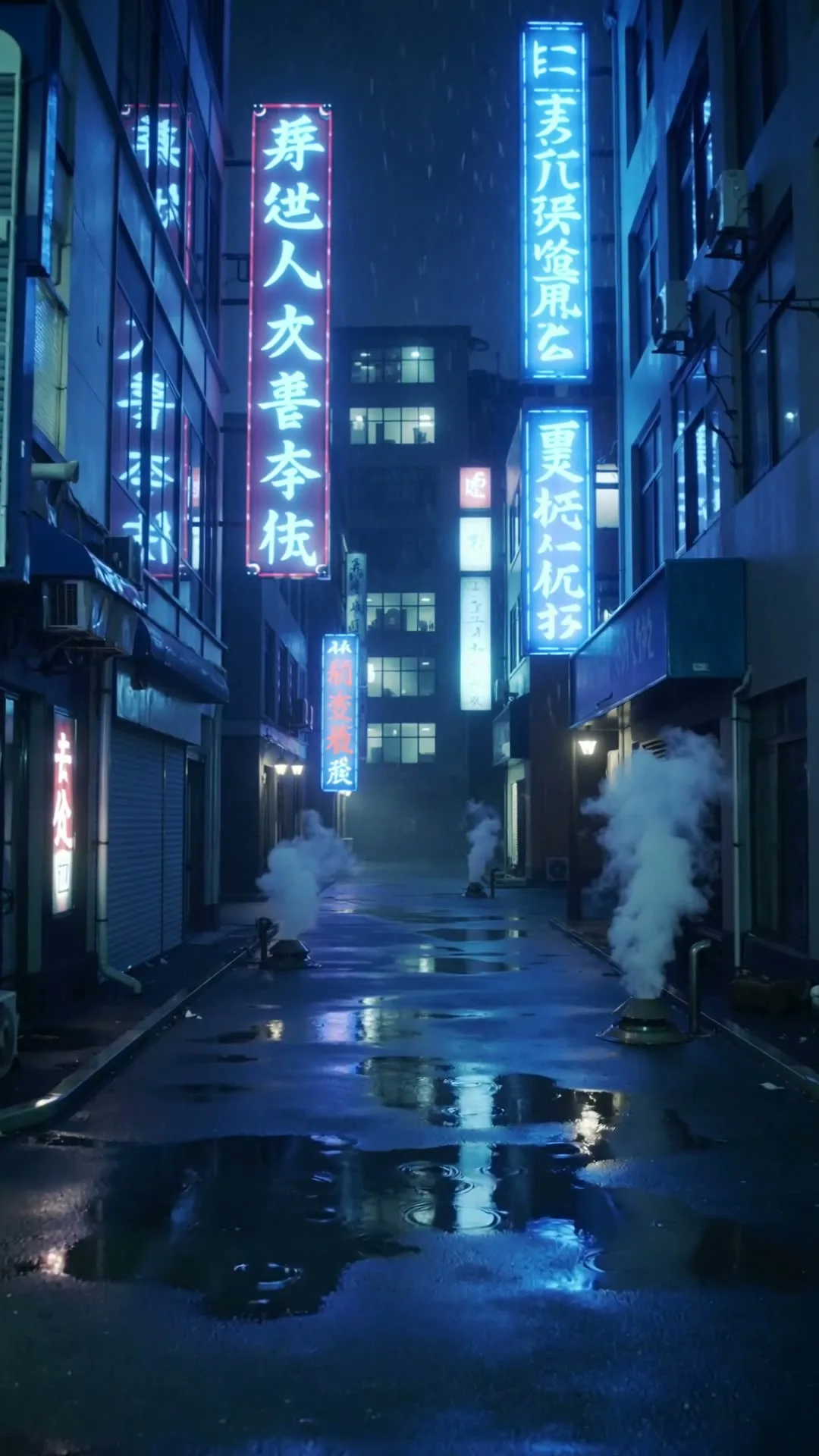
精选 Zvidy AI 输出与可商用授权参考片,覆盖社媒竖屏、商品广告和情绪叙事;先看运动、构图与光线,再把方向带入上方生成器。
功能介绍
从创意输入到可发布成片,每一步都围绕当前创作场景设计。
能力 01
图生视频从真实商品图出发,锚定形状、颜色和构图。
能力 02
无需搭建实体布景,即可描述环绕、推镜、微距移焦或轻柔悬浮。
能力 03
生成竖屏社交镜头、方形动态和宽屏商品页素材。
能力 04
在投入完整广告剪辑或实体拍摄前,先生成多个视觉方案测试。
选择清晰、光照好、主体单一且留有运动空间的图片。
描述一次运镜、一种台面和一套光线,并要求保持标签与轮廓。
用于广告前逐帧检查商品准确性,再下载采用。
商品视频生成器最适合作为镜头创作工具,而不是替代准确商品数据。上传图锚定包装形状、颜色和标签;提示词只负责运镜、环境和受控运动。纯净背景以及正面或四分之三角度有助于减少变形。可分别生成 5 秒主角环绕、材质微距和社交揭晓,再选择最能保护商品身份的版本。价格、卖点和法律文案应在后期以校验过的文字添加,而不是让模型直接生成。
案例与模板
原图锚定有帮助,但生成视频仍可能扭曲小字和 Logo。请仔细检查;精确文字很重要时应后期叠加。
清晰单品、纯色或受控背景、正面或四分之三角度的照片效果最佳。
它生成单个商品镜头。完整广告仍需准确卖点、价格、Logo 处理、配音、音乐和最终剪辑。
可按 Zvidy 条款商用;你必须拥有或获得商品图、商标、音乐和第三方素材的授权。
Kling 3.0 Turbo 兼顾灵活时长和图片动画;当标签与反射稳定性值得更多积分时,可选更高保真的图生模型。