
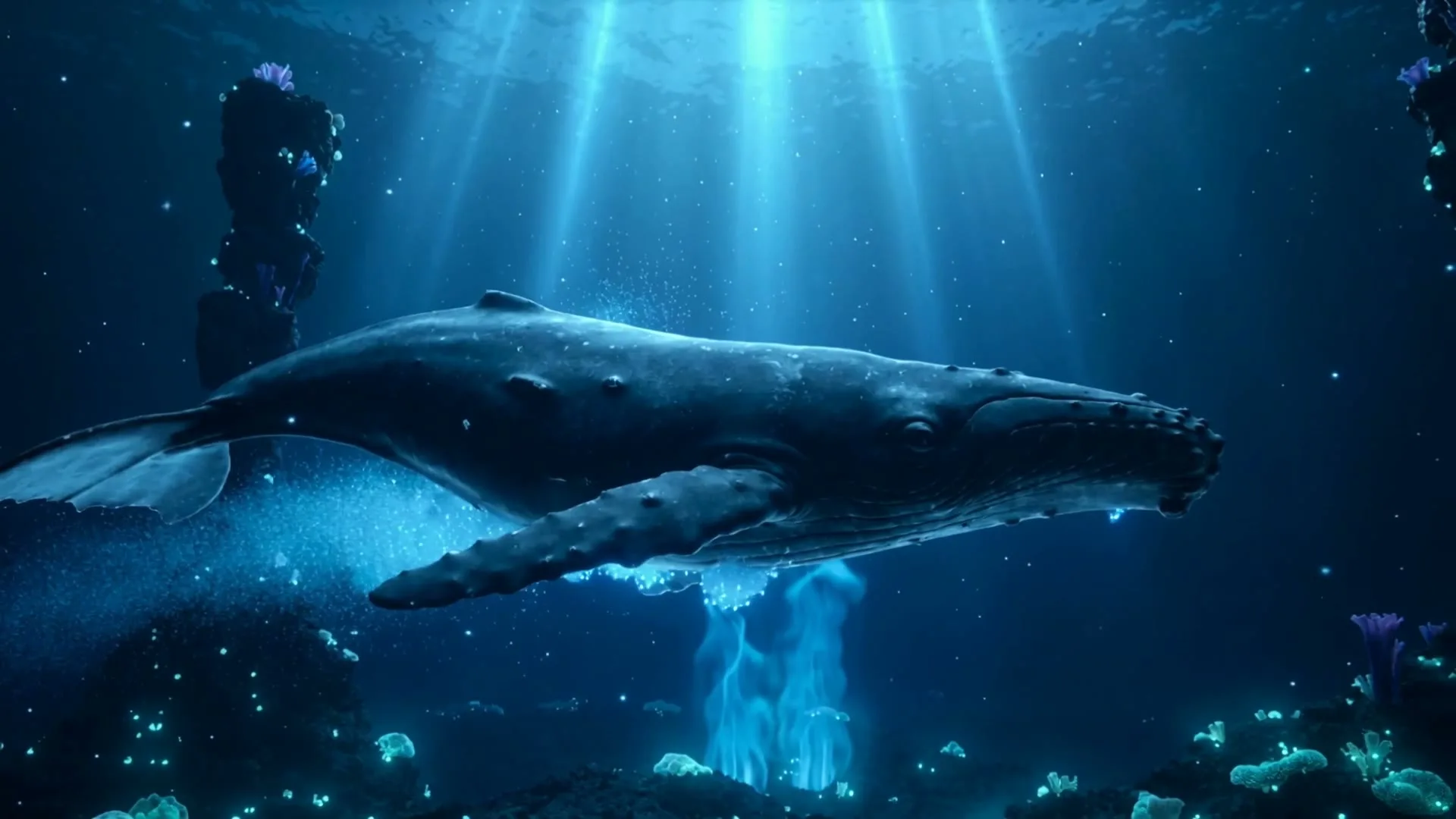
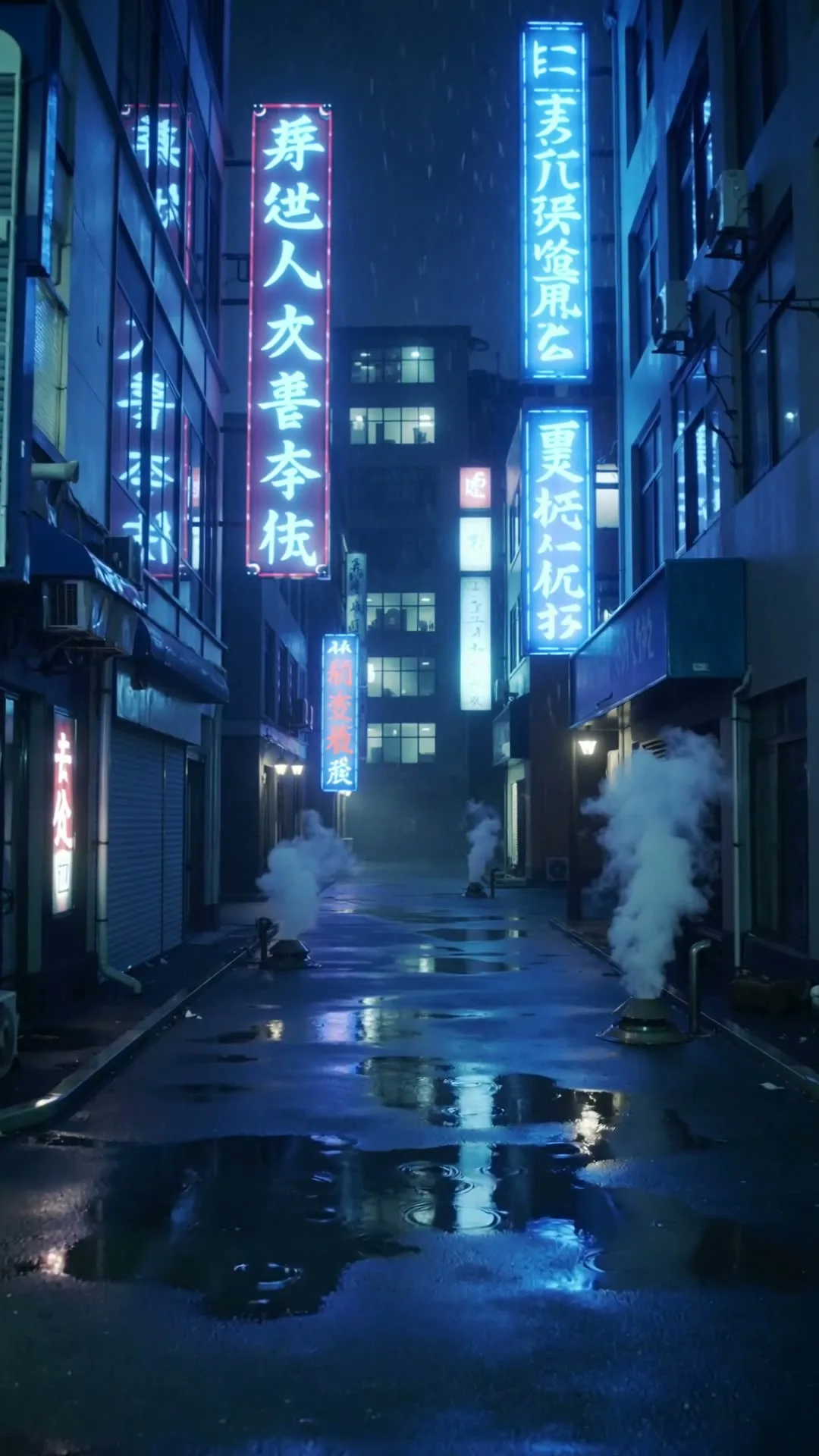
宽屏电影感建立镜头
16:9 · 5s
◆ Seedance 2.0 Fast
生成 YouTube 剪辑真正需要的视觉镜头:频道片头、Shorts Hook、建立镜头或讲解 B-roll。模型和格式控制都在本页完成。
立即创作
写清主体、动作、镜头角度和画面风格。描述越清楚,生成效果越稳定。
每次生成一个 3–15 秒静音镜头。请把下载的片段放入 YouTube 剪辑时间线,再完成旁白、字幕、音乐和长视频组装。
没灵感?试试这些
宽屏电影感建立镜头
16:9 · 5s
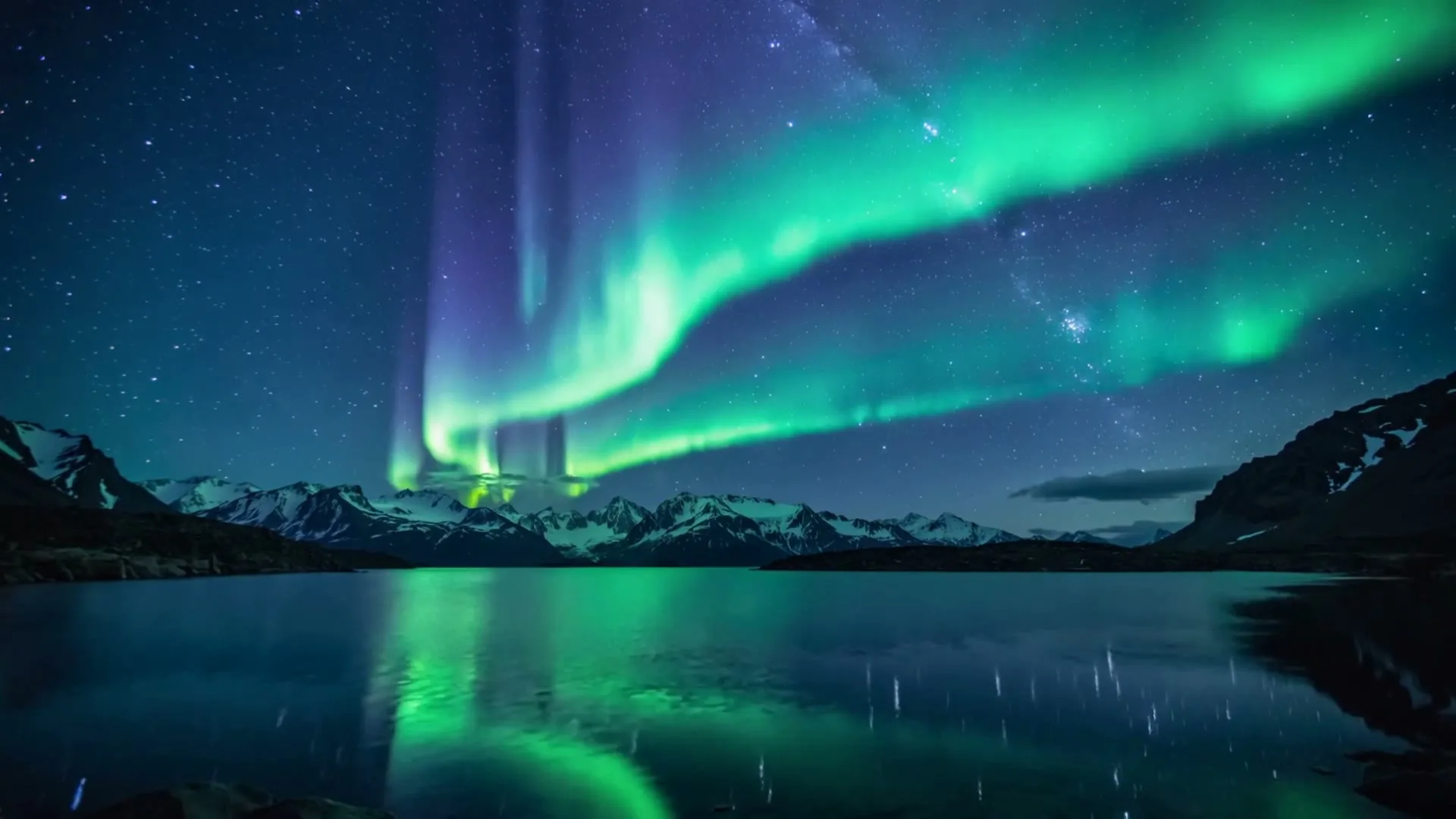
氛围章节转场
16:9 · 5s
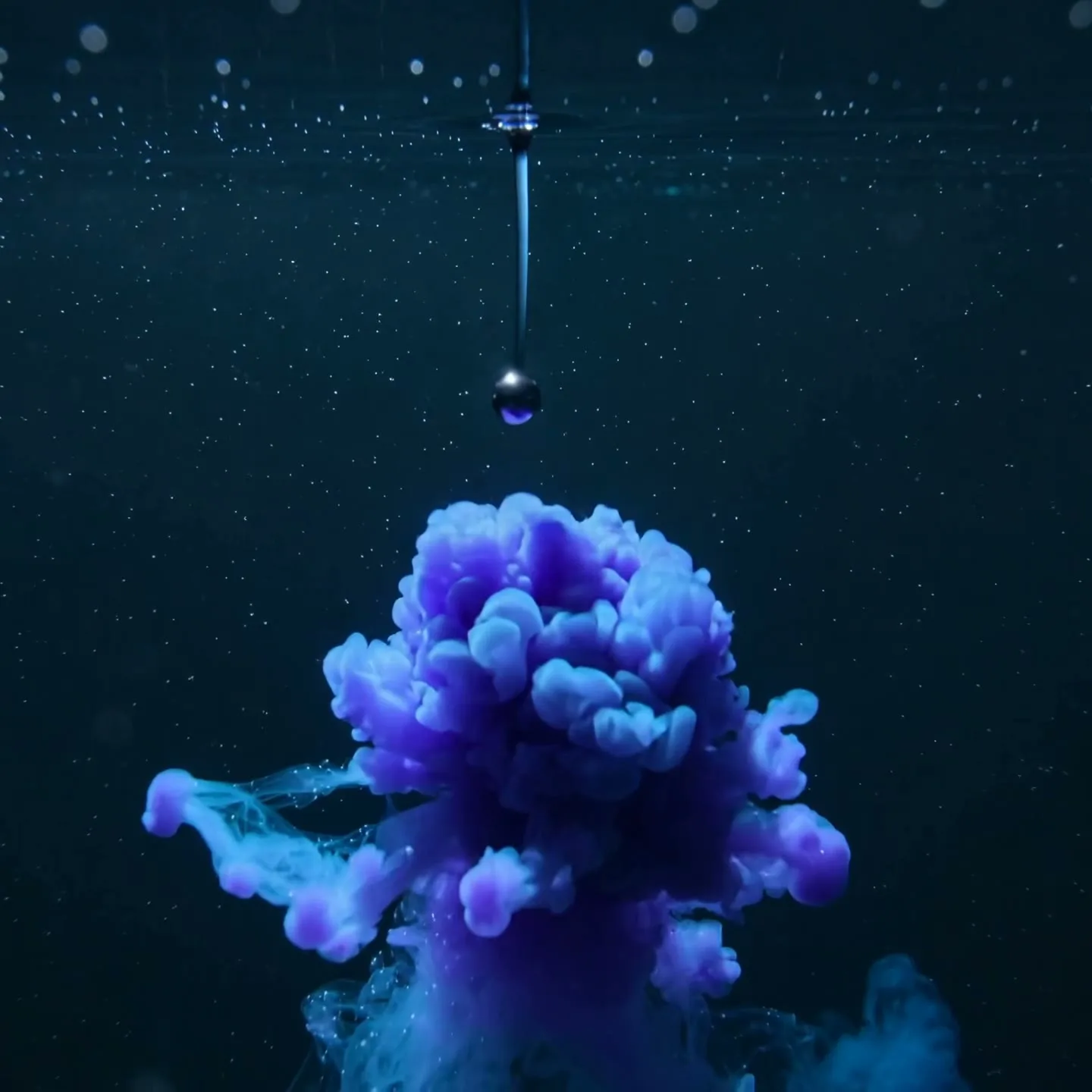
抽象概念可视化
1:1 · 5s
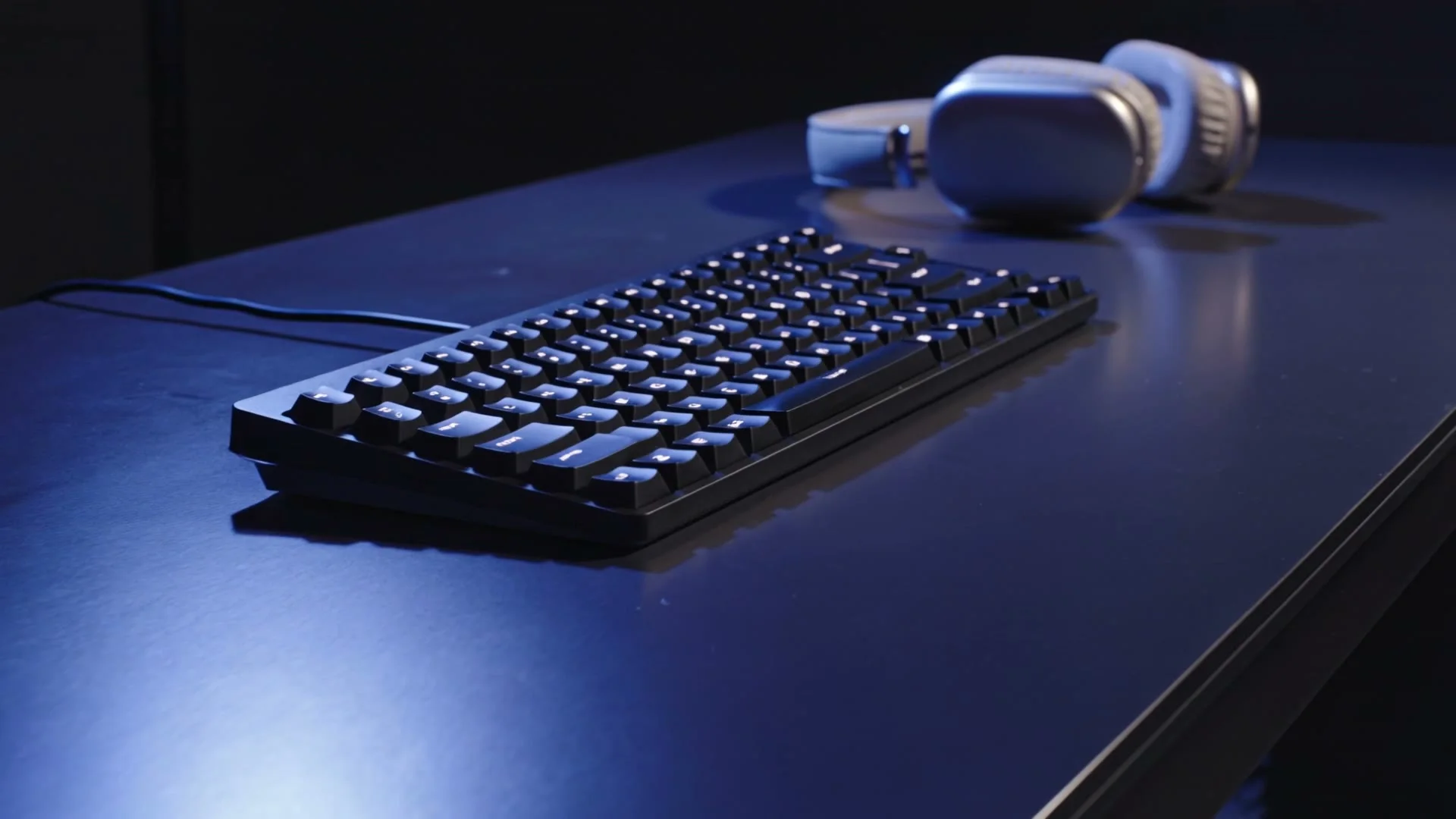
科技频道电影开场
16:9 · 5s
悬停或轻触即可播放案例
One channel, multiple formats
YouTube creators rarely need one kind of video. A long-form essay may need atmospheric B-roll, a tutorial needs visual transitions, a product review benefits from controlled detail shots, and Shorts require a fast vertical hook. AI video works best as a repeatable shot-making layer inside that broader workflow—not as a replacement for research, narration, editing, or accurate demonstrations.
Start from the destination format. For a standard YouTube upload, choose 16:9 and write prompts that leave time and space for narration. For Shorts, choose 9:16, enlarge the main subject, and put the action in the first phrase of the prompt. Generate clean, silent clips, then add licensed audio, voiceover, captions, and factual context in your editor.
Scene 01
Narrative B-roll should support the sentence being spoken without competing with it. Use slow camera movement, one subject, and a stable composition with negative space for titles. A history channel might animate a map-like illustration; a technology channel might create a cinematic server-room transition; a travel essay could extend a destination photo with drifting weather and a measured camera glide. Build a small library of five-second clips and place them only where the narration needs visual relief.
Prompt example
16:9 cinematic B-roll for a documentary; a quiet coastal research station before sunrise, slow lateral dolly, wind moving antenna cables, cool blue atmosphere, realistic scale, stable composition, open space on the left for a title.
Scene 02
A Short must explain itself on a phone immediately. Lead with the motion—zoom, reveal, drop, transformation—then specify the subject. Keep the background simple and center important details inside the safe area so interface buttons do not cover them. One AI clip can become the opening hook; two or three matched clips can form a compact visual sequence under a fifteen-second voiceover.
Prompt example
9:16 YouTube Short; instant macro push into a transparent mechanical watch, gears begin turning in the first 0.5 seconds, rapid orbit, cyan highlights, black background, crisp center framing, high-energy product reveal.
Scene 03
Modern intros should promise the payoff rather than delay the video. Animate the thumbnail concept for two or three seconds: the central object moves, the environment changes, or the camera reveals the question the video will answer. Cut directly into narration while attention is high. Keep logos and text for your editor, where spelling and timing remain under your control.
Prompt example
16:9 cold-open hook; a sealed black box vibrates on a studio table, a narrow blue light escapes, camera rushes forward as the lid opens, dramatic but clean, cut-ready ending, no text or logos.
Scene 04
Write 16:9 prompts like a patient camera direction: establish location, subject, atmosphere, and one deliberate move. Write 9:16 prompts like a feed hook: immediate action, close framing, fast contrast, and a readable ending. Reframe intentionally rather than cropping a finished wide clip, because the model can compose motion for the final canvas from the start.
真实案例
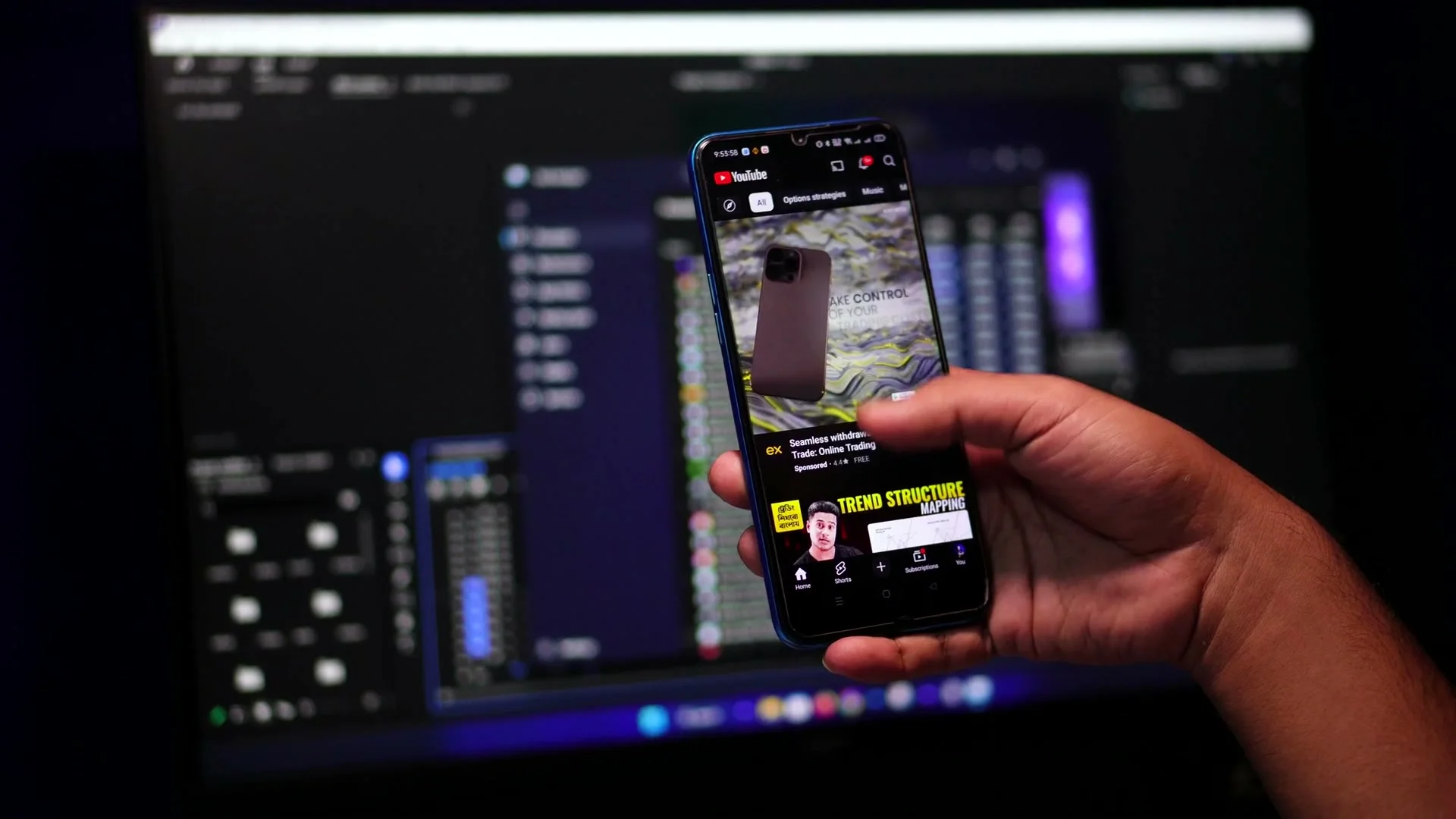
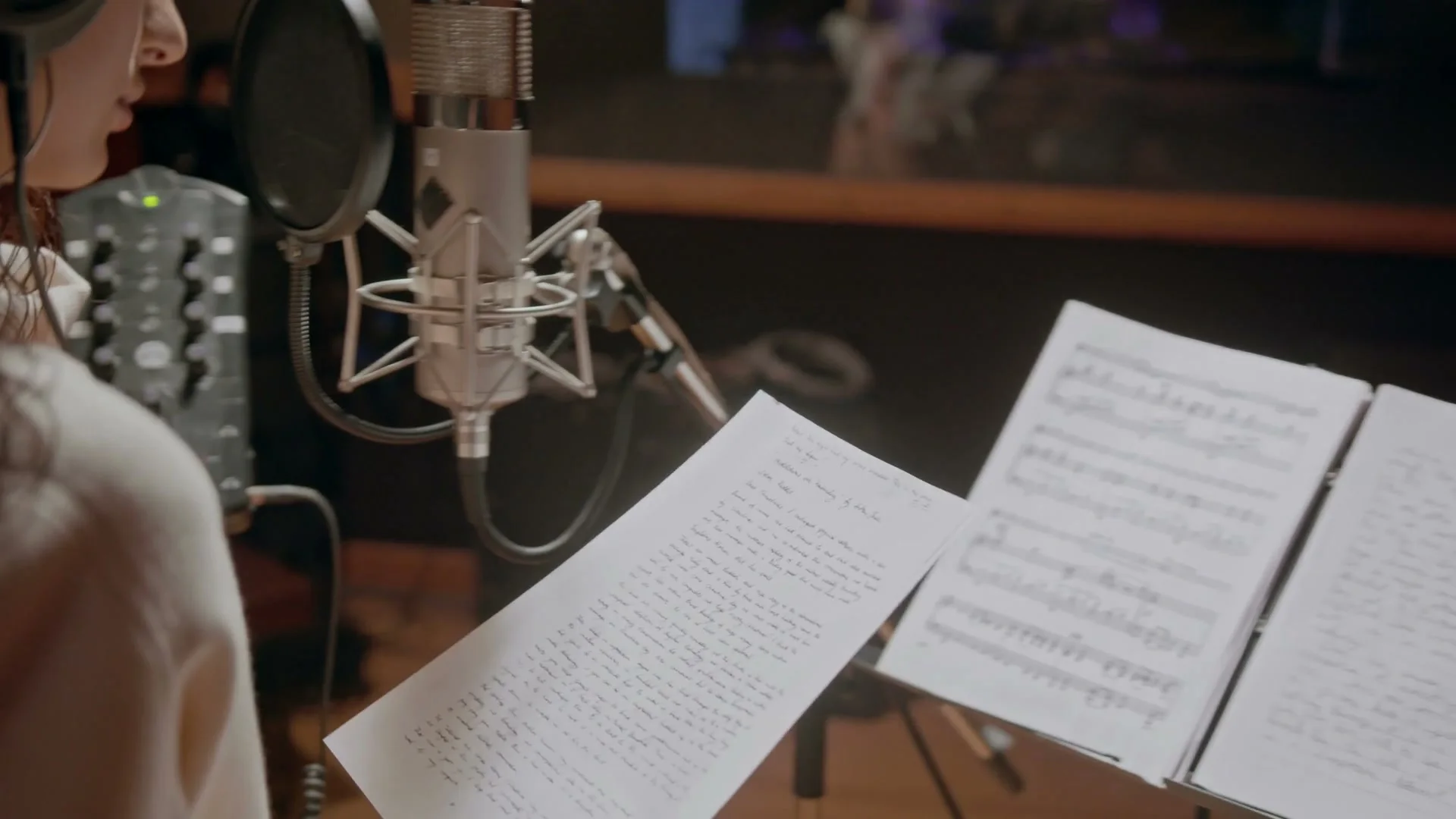
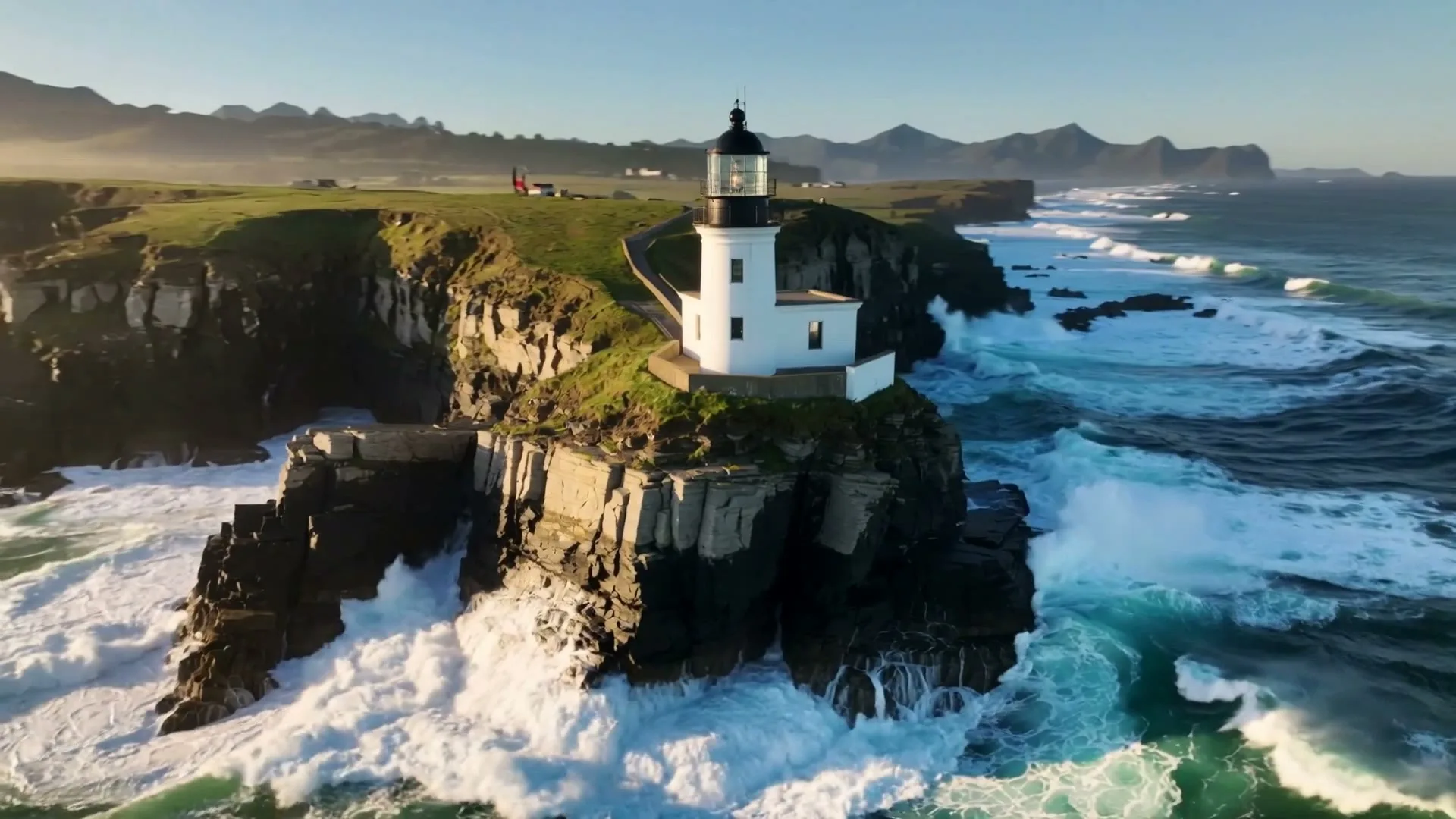
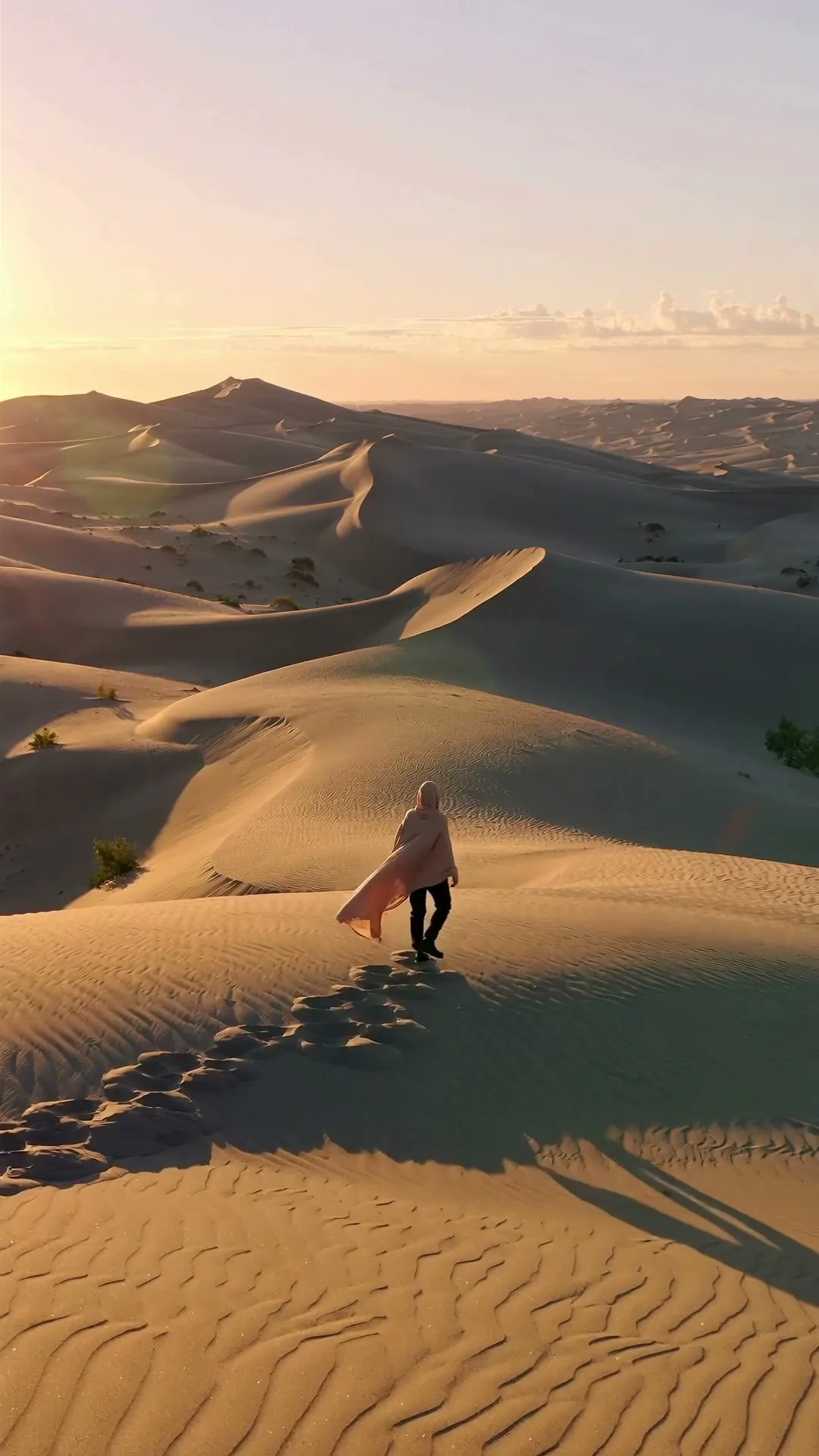
精选 Zvidy AI 输出与可商用授权参考片,覆盖社媒竖屏、商品广告和情绪叙事;先看运动、构图与光线,再把方向带入上方生成器。
功能介绍
从创意输入到可发布成片,每一步都围绕当前创作场景设计。
能力 01
普通上传默认 16:9,制作 Shorts 时可直接切换 9:16,无需换工具。
能力 02
针对片头、切镜、转场或概念画面逐个生成,避免不可控的一键整片。
能力 03
让缩略图概念、商品静物或插画动起来,同时保留其视觉身份。
能力 04
查看片段、重播成功结果,并复用提示词生成下一版镜头。
先判断需要片头、Shorts Hook、B-roll 插入还是转场。
描述一个动作和一次运镜,选择 16:9 或 9:16 及合适时长。
在本页预览,再到剪辑器中添加旁白、字幕和授权音频。
长篇 YouTube 视频由许多目的明确的镜头组装而成。本页负责生成这些镜头,而不是声称一个提示词就能取代脚本、旁白和剪辑。一次只写一个场景,明确运镜;若后期要加标题,请预留负空间。标准视频使用 16:9,Shorts 切换到 9:16。建立镜头、概念可视化和商品切镜都可在同一页生成,再把下载片段放到故事需要的位置。
案例与模板
它生成单个 3–15 秒 AI 镜头。长视频仍需脚本、旁白、字幕、音乐和时间线组装。
支持。选择 9:16 并保持动作聚焦;所选模型支持时,同一页也可使用 16:9。
不会。当前生成片段为静音,请在剪辑时间线添加旁白、授权音频和校对后的字幕。
生成结果可按 Zvidy 条款商用,但你仍需对源图片、音乐、肖像及平台政策相关权利负责。
可先用 Seedance Fast 生成可控 16:9 镜头;当电影感运动比迭代成本更重要时,可选 Kling。