
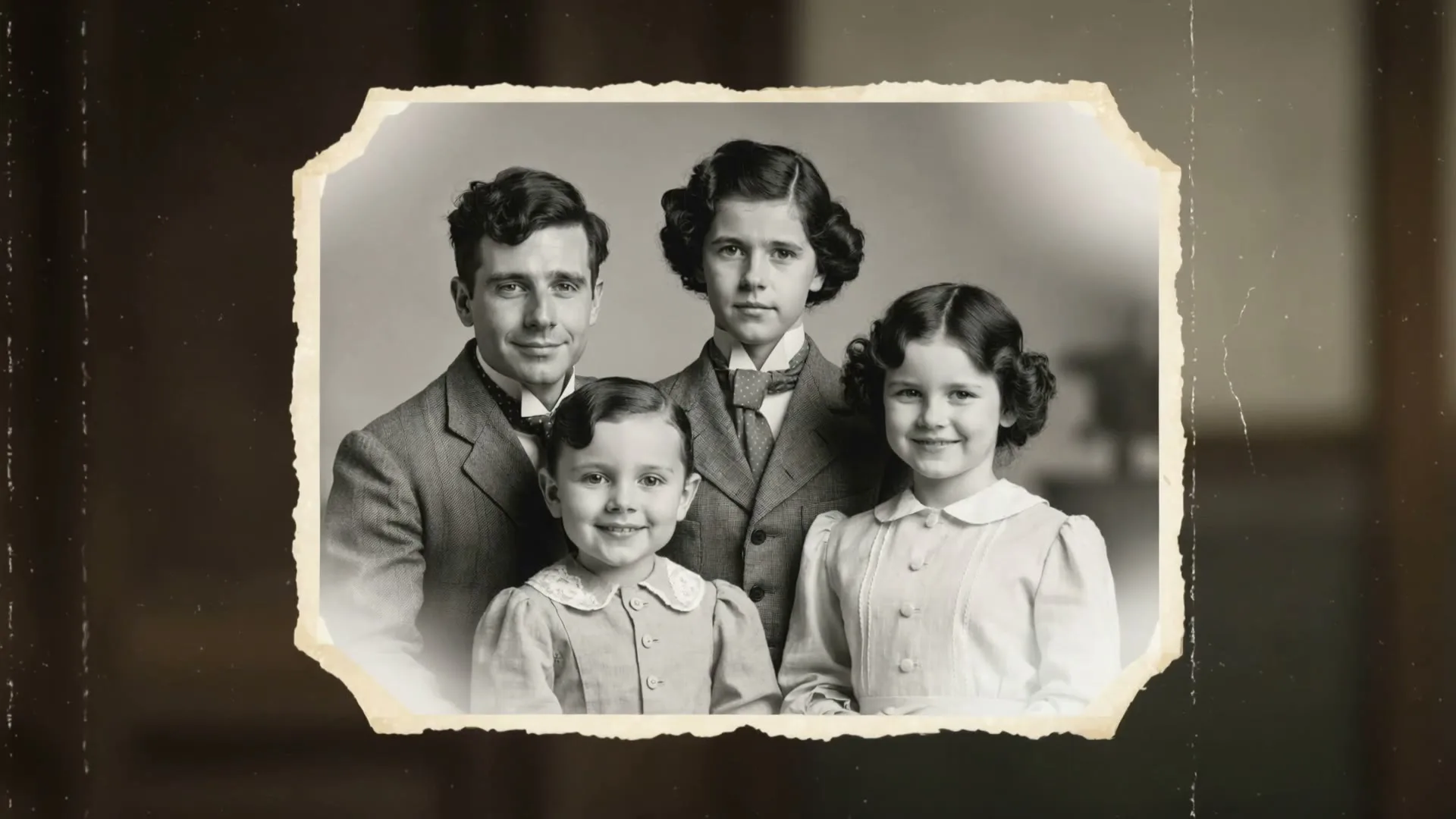
Old portrait → living memory
Subtle blink, smile, breathing, and a slow camera move.
Free photo motion lab
A single photograph already contains a story: the look on a face, the shape of a product, the light in a room, or the scale of a landscape. Photo-to-video AI adds the missing dimension—time. Instead of placing a still image on a slideshow timeline, it predicts believable new frames so hair can move, a camera can orbit, clouds can drift, a smile can form, or a product can catch a moving highlight.
Zvidy lets you test that workflow with free welcome credits after creating an account. You do not need a credit card, successful exports have no Zvidy watermark, and the result is an HD MP4 you can continue editing anywhere. The generator below stays on this page, so you can upload, describe motion, choose a model, watch generation status, preview the result, and download without being sent to another workspace.
Working generator
写清主体、动作、镜头角度和画面风格。描述越清楚,生成效果越稳定。
Create a free account to receive welcome credits. The exact credit cost is shown before generation; failed eligible renders are refunded automatically.
最新生成的视频、播放和下载入口都会显示在这里。
这里还空着——你生成的视频会出现在这里。
点击生成后,实时渲染卡片会自动出现在这里。
See it in action
These visual examples show the kind of controlled motion brief each page is designed around.
Subtle blink, smile, breathing, and a slow camera move.
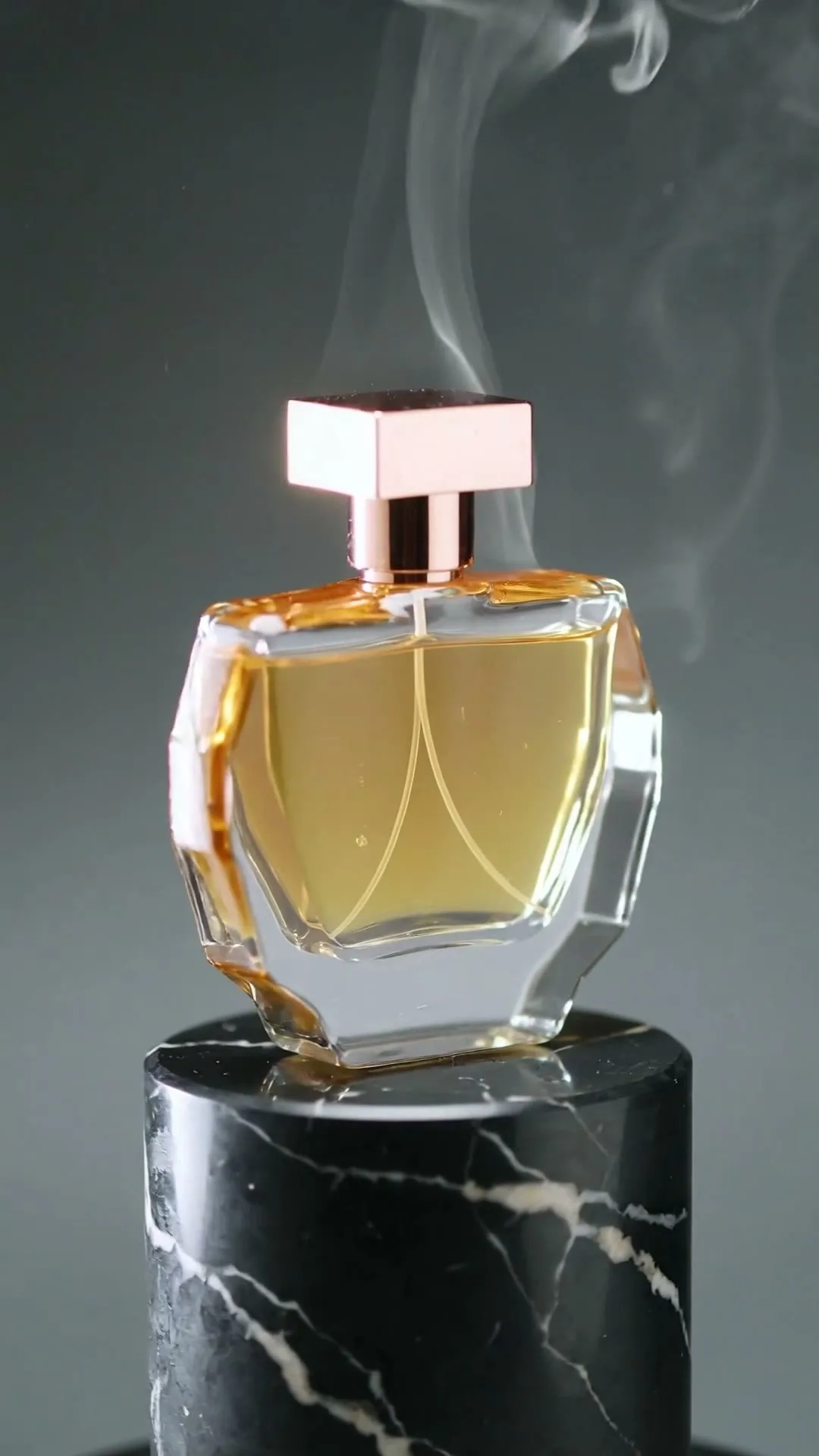
Controlled orbit, stable label, and premium moving light.
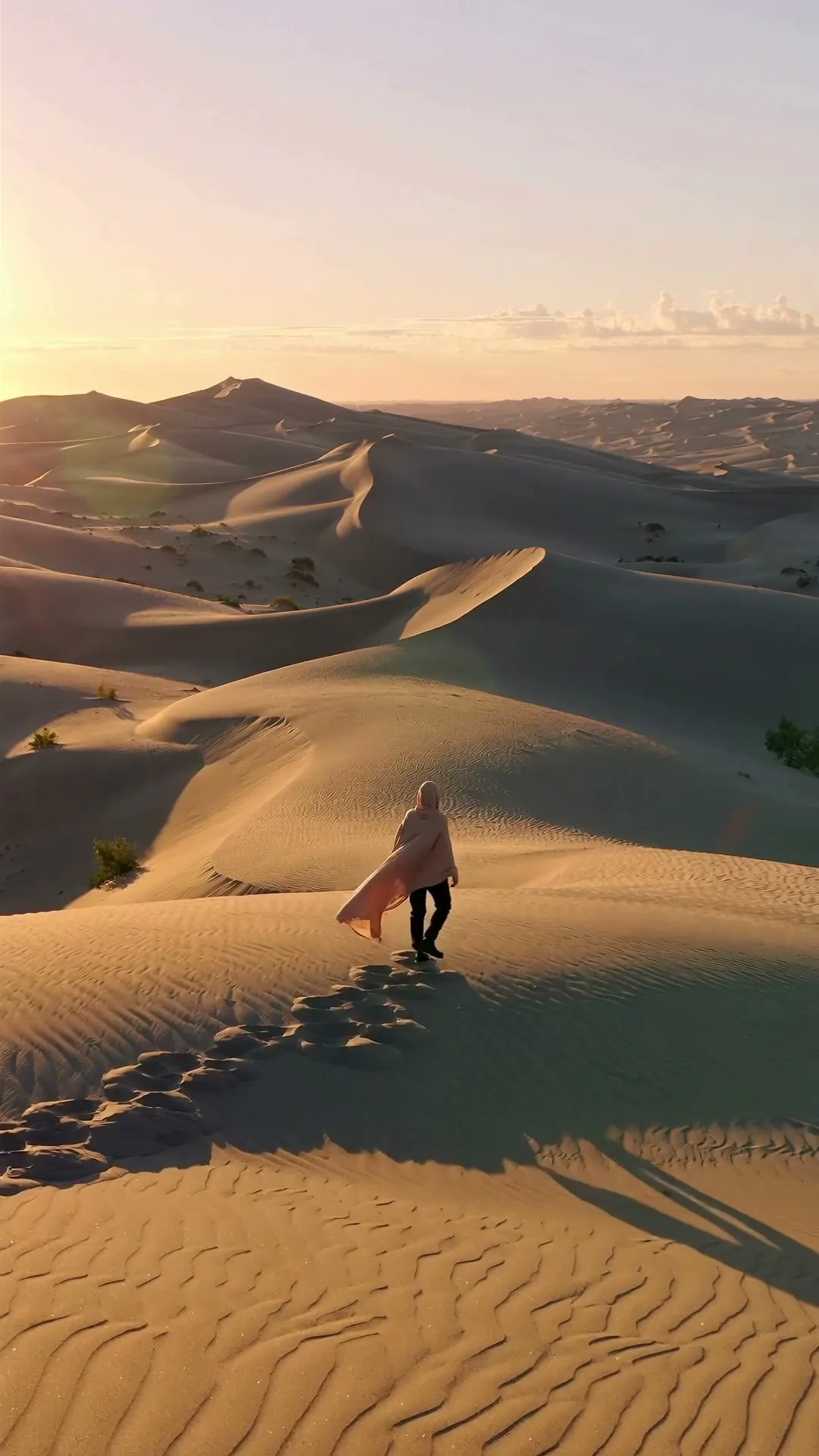
Atmospheric movement creates scale without changing the place.
Plain-English guide
Traditional slideshow makers do not animate the contents of a photograph. They move a flat picture across the screen, add a transition, and perhaps place music underneath. Photo-to-video AI is different. A video model examines the pixels in your upload, identifies subjects, surfaces, depth, lighting, and likely physical relationships, then predicts what the next frame could look like. Your text prompt acts like a short direction to the virtual camera crew.
The source photo remains the visual anchor. A portrait supplies the face, clothing, and background; a product shot supplies the real packaging and colors; a property photo supplies the room layout. The model then invents motion around that anchor. Because it must imagine details that were never photographed, restrained directions usually preserve identity better than dramatic actions. “Camera slowly moves closer while the subject blinks naturally” is safer than “the subject spins, dances, and runs away.”
The process is probabilistic, which means two generations from the same image and prompt can differ. That is useful: you can make several five-second variations and keep the one with the most natural motion. It also means AI video should be reviewed before publication, especially when a clip depicts a real person, a branded product, or factual property details. Think of the model as a fast motion-design assistant, not a camera that recorded an event.
Creative playbook
Start with one visual job per clip. Short, purposeful motion is easier to control and easier to reuse in an edit.
01
Turn a strong still into an opening shot with a slow push-in, foreground depth, and a controlled light change.
02
Add a blink, a small smile, and subtle breathing to a scanned portrait while keeping the original era and facial identity.
03
Animate a pack shot with a camera orbit, rotating highlight, mist, droplets, or a clean pedestal reveal.
04
Create a gentle forward camera move through a room image to help viewers feel space and depth without inventing a full tour.
05
Bring clouds, water, flags, trees, or street light to life while the camera glides across a favorite destination.
06
Convert a headshot into a short profile opener with natural eye movement, a subtle expression, and shallow depth of field.
07
Add restrained movement to a ceremony portrait, fabric, flowers, and ambient light for a shareable memory clip.
08
Preserve the original medium while adding layered parallax, drifting particles, moving brush texture, or environmental motion.
09
Animate atmosphere around a cover illustration—fog, sparks, fabric, water, or a slow camera move—without replacing the artwork.
10
Add steam, condensation, a pouring accent, or a macro camera slide to a menu photograph or package shot.
11
Design an ending that reconnects to the first frame so the short clip can repeat smoothly in a feed.
12
Use small head, ear, eye, or tail movements rather than large tricks that force the model to invent anatomy.
13
Animate fabric, jewelry sparkle, hair, and a gentle camera arc around an editorial still.
14
Create motion versions of two stills, then place them side by side or sequentially in your editor for a transformation story.
15
Give a report cover, concept illustration, or architectural render a short motion beat that holds attention between slides.
Step-by-step
Each stage below maps to a visible control or result state in the working generator.
Step 01
Use JPG, PNG, or WebP with one obvious subject and enough resolution to inspect details. Remove unnecessary borders, crop toward the target platform, and avoid tiny text. For portraits, front or three-quarter angles are easiest. For products, keep the label readable and the background simple. Upload the image in the generator above; the preview confirms which frame the model will use as its visual anchor.
Step 02
The model can see the subject, so use the prompt for direction. Name the first action, camera movement, speed, and mood. A reliable structure is: “subject motion; camera motion; environmental motion; light and style.” For example: “The woman blinks and begins to smile; camera pushes in slowly; curtains move in a soft breeze; warm natural film light.” Keep the first attempt to one main action.
Step 03
A short draft reveals identity drift, warped labels, or unwanted camera motion without spending credits on extra seconds. Start with the default value model, then move to a premium model only when the direction works. The source image controls the frame shape on models that infer ratio automatically; if a platform requires 9:16 or 16:9, crop the photograph before upload or select the ratio when the chosen model exposes that control.
Step 04
After you click Generate, a live task card appears below the console. Keep the page open to see queued, generating, completed, or failed status. Review faces, hands, text, object shape, and the final frame. If the idea is right but motion is too strong, reuse the prompt and replace dramatic verbs with “slightly,” “gently,” or “slowly.” Download the successful HD MP4 and add sound, captions, or multiple clips in your preferred editor.
Prompt library
Use these as a starting point. Replace only the subject-specific details and keep camera, pace, and preservation instructions intact.
Cinematic
The subject breathes naturally and blinks once; camera makes a very slow cinematic push-in; hair moves in a soft breeze; shallow depth of field; identity remains unchanged.
Cinematic
Cloud shadows move gently across the landscape; foreground grass sways; camera glides forward at walking speed; realistic golden-hour light; no new objects.
Cinematic
The people in this old photograph come to life subtly, blinking and beginning to smile; camera moves closer very slowly; preserve the original monochrome texture and faces.
Artistic
Layered parallax reveals depth inside the artwork; brush textures ripple softly; small luminous particles drift upward; preserve the original composition and painting style.
Artistic
A soft glowing portal opens in the background while the main subject remains still; slow camera arc; dreamlike violet and blue light; elegant, not chaotic.
Fun / Social
The pet tilts its head, blinks, and perks up its ears; quick but smooth camera push-in; bright playful daylight; seamless five-second social loop.
Fun / Social
Hold the first pose for half a second, then a fast smooth zoom reveals colorful neon light behind the subject; energetic social-video timing; crisp vertical composition.
Fun / Social
Tiny lights switch on across the scene and miniature vehicles begin moving; gentle tilt-shift camera motion; charming handcrafted scale; seamless loop.
Product / Commercial
Camera orbits the product in a slow precise arc; a narrow highlight travels across the surface; fine mist moves behind it; label and product geometry remain stable; premium studio commercial.
Product / Commercial
Condensation beads slide naturally while a controlled water splash rises behind the product in slow motion; macro lens; clean bright advertising light; packaging stays unchanged.
Comparison
Free plans change often. This snapshot was reviewed against public product or help pages in August 2026; always confirm the export screen before committing to a campaign.
| Tool | Free access | Free watermark | Max clip | Quality | Ease |
|---|---|---|---|---|---|
| Zvidy | Welcome credits after signup | None on successful exports | Up to 15s by model | Up to 1080p by model | One-page generator |
| Runway | 125 one-time credits | Yes on Free plan | 5s or 10s on common video models | Strong cinematic tools | Advanced workspace |
| Pika | Limited credits; plan dependent | Plan/export dependent | Short clips; model dependent | Strong effects and transformations | Beginner friendly |
| Kling AI | Regional daily/bonus credits may apply | Policy can vary by region/plan | Model dependent | Strong motion fidelity | More model controls |
| Luma Dream Machine | Limited trial/draft access | Free-tier restrictions apply | Model dependent | Strong camera motion | Simple prompting |
| FlexClip | Free editor plan | Yes on Free exports | Editor projects, not one fixed AI limit | Template-led editing | Very easy editor |
Zvidy is not unlimited free compute: new accounts receive a finite welcome balance. The difference is that a successful free-credit export is not deliberately watermarked or reduced to a promotional preview.
Keep learning
Follow the next internal link that matches the job you are actually trying to complete.
FAQ
Zvidy gives new accounts welcome credits so you can generate without entering a credit card. The grant is finite because video models use paid GPU capacity; the exact cost of each model and duration is displayed before you submit.
The current upload workflow accepts common web image formats including JPG, PNG, and WebP. Use a clear image under the displayed upload limit and avoid unsupported animated or document formats.
Available durations depend on the selected model. The current catalog includes short social-ready clips and options up to 15 seconds. Start at five seconds for prompt testing, then extend only if the action needs more time.
The generator animates one source image per task so the model has a clear visual anchor. To build a multi-photo video, generate a clip from each image and assemble the downloaded MP4 files in a timeline editor.
AI creates new frames rather than simply preserving every source pixel. A sharp, well-lit upload and restrained motion improve consistency. Review fine text, faces, logos, and hands before publishing.
You retain rights to your own source material and may use generated output subject to Zvidy terms and applicable law. AI output may not be exclusive, and you remain responsible for permissions involving people, trademarks, artwork, or copyrighted inputs.
Yes, Zvidy permits commercial use of generated clips under its terms. Make sure you own or have permission to use the uploaded photograph, music, logos, people, and any other protected material in the final edit.
A slideshow maker moves and transitions flat images. Photo-to-video AI synthesizes new frames so the content of one image appears to move—such as blinking, fabric motion, changing light, or a camera orbit through inferred depth.
Successful Zvidy generations made with welcome credits use the same clean export pipeline and do not add a Zvidy promotional watermark. Third-party content you add later may have its own licensing rules.
Upload a clear photo, describe one believable motion, and start with a short value-model draft. You can refine the same prompt without rebuilding your idea elsewhere.
Convert a photo now